


‹ Website / App Blocker
    Enough App logo

    Enough App

    Managed by developer

    Website / App Blocker

    Take back your attention. Enough is a free-to-download digital detox and Screen Time app that helps you disconnect, unplug, and focus, without relying on willpower.

    BENEFITS

    About Enough App

    Managed by developer

    BENEFITS - A real digital detox: unplug and disconnect from the apps that pull you in - Less time lost to apps you never meant to open, great for ADHD - More focus at work, home, or wherever you need it - Calmer and more present, with less reaching for the phone - Safer driving with no manual toggling - Routines that block apps for you, so you don't have to remember - You stay in control of your screen time

    Key features

    • Location Blocking: Apps you choose go quiet automatically when you arrive somewhere, like home, work, or the gym. Leave, and they come back.

    • Schedules: Set recurring focus windows like Work Focus, Bedtime, or Weekend Detox, and they run every day without you.

    • Group Blocking Together: Start a shared focus session with friends or family. They join with a tap, a QR code, or a link.

    • Driving Distraction Protection: Enough can lock distracting apps when it senses you're driving, and leaves maps and music alone.

    • Strictness Levels: Choose how hard blocks are to bypass, from gentle to hardcore. At the strictest level you can't even delete Enough while it's running.

    Show all 11 features
    • Daily Breaks: Press and hold to earn a short unblock from your daily allowance, so there's room for real life without losing focus.

    • Quick Block: One tap, or "Hey Siri, Enough apps," for instant focus.

    • App Open Limits: Cap how many times you can open an app, like three Instagram checks a day instead of thirty.

    • Daily Time Limits: Set a soft cap, like 30 minutes of TikTok, then it blocks for the rest of the day.

    • Website Blocking: Filter distracting sites across Safari and in-app browsers.

    • Insights: See today's screen time and your most-used apps at a glance

    Enough App pricing, explained

    Free and Paid Plans

    Pricing has not been verified by our editors.

    Check current pricing on Enough App’s website

    All Enough App tags

    Platforms

    iOS

    Best for

    Creative ProjectsAcademic / StudentDaily RoutinesWork / Professional

    Experience

    Low Setup FrictionNeurodivergent-Friendly UXHigh Stimulation / Colorful UI

    Enough App alternatives

    Explore all Enough App alternatives →
    Forest logo

    Gamified focus app that grows trees while you work

    Forest is a focus timer that turns periods of attention into a growing virtual forest. You choose a session length and a tree, then let the tree grow while you work or spend time away from distracting apps. Over time, the collection gives those sessions a visible record rather than leaving them as an abstract total of minutes. A useful starting session might be a short period of reading, a household task or one small part of an assignment. Decide what you want to finish before starting the timer and put the phone somewhere that makes it easier to leave alone. Forest's tree-growth mechanism provides a concrete reason to stay with the session, while its stronger focus options can restrict distracting app use. Exact behavior and available tools depend on your device and settings. The app also offers focus statistics and ways to focus with friends. Its real-tree partnership with Trees for the Future is another part of the offering, with the current program's conditions described by Forest. It is sensible to treat that as an additional feature rather than equating each virtual session with a particular physical tree. Forest may suit people who enjoy a visual cue and a small game-like commitment around starting work. The tree-loss mechanism will not feel encouraging to everyone, especially when a session is interrupted for a legitimate reason. Begin with achievable sessions and necessary breaks instead of using a long timer as a test of willpower. It is primarily a way to frame time and reduce distraction; you will still need to decide what the next action is and whether the work needs to be broken into smaller pieces.

    Helps with

    AppleMobileBrowser
    Free core features / optional Plus subscription; pricing varies by platform
    View
    Brain.fm logo

    Background music for focused work and relaxation

    Brain.fm is a background-audio service organized around activities such as focused work, relaxation, meditation and sleep. Rather than choosing individual songs for a playlist, you select the kind of listening session you want to accompany. Its music is designed to remain in the background while you carry out another activity. For a work session, a practical approach is to choose one familiar task, start a short listening period and notice whether the sound makes the environment more comfortable to work in. You could compare it with silence, an ordinary instrumental playlist or a simple ambient sound. This gives you a useful personal comparison without relying on a promised change in concentration. The service offers different activity modes and customization of its audio, with access across web, desktop and mobile platforms. A subscription provides access to the library, and the current pricing page describes monthly and annual options. Trial offers can differ, so check the terms shown when you sign up rather than assuming the length or price in an older video remains current. Brain.fm may suit people who prefer a consistent sound cue for starting work or winding down. It does not choose your task, organize a project or remove digital distractions by itself. Sound preferences also vary: an audio style that feels helpful to one listener can be distracting to another. Begin with a comfortable volume and a low-stakes task, then decide whether the experience is worth repeating.

    Helps with

    BrowserAppleMobile
    $14.99/month or $99.99/year
    View
    Noisli logo

    16 ambient sounds with custom mixer for focus and relaxation

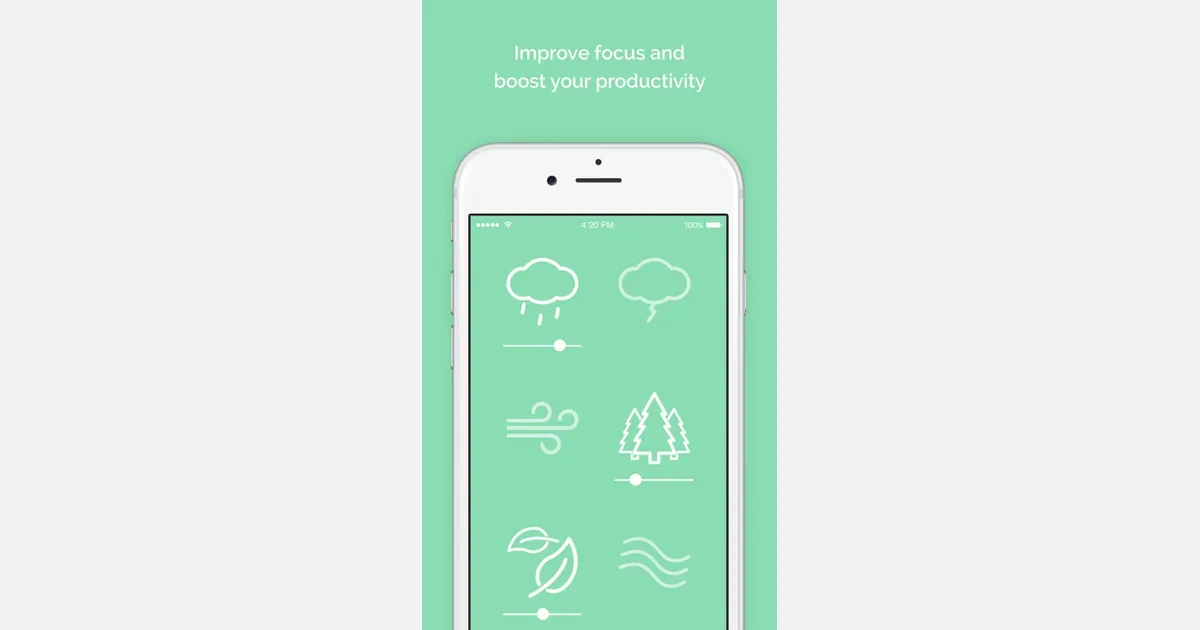
    Noisli is an ambient-sound mixer with a timer and a simple writing space. It lets you combine sounds such as rain, wind and a café atmosphere, then adjust each layer's volume. The result can be a background for reading, writing or a routine task when music or a completely silent room feels distracting. You can begin with a suggested playlist or build a combination yourself. Favorites make it easier to return to a useful mix instead of rebuilding it each time. Paid plans add tools such as shuffle, which moves between combinations, and oscillation, which gradually varies individual sound levels. These changes can provide variety without requiring you to keep choosing another track. The web timer can define a short work period, and the more advanced session controls support work and break cycles. Sounds and timing are connected, so an ending session can also stop the audio. A separate text editor supports Markdown and text export, offering a place to draft without opening a larger document workspace. The free web plan has limits on daily streaming, available sounds and saved favorites. Pro expands those allowances and adds timer and editor features, while Business adds team administration. Noisli also offers a browser extension and separate mobile apps with offline sounds; check the edition you intend to use rather than assuming the web and mobile feature sets are identical. Noisli may suit someone who wants direct control over a small sound mix and a gentle cue to begin. Start with a simple combination and a manageable session. If the sound itself becomes distracting, change it or turn it off; the useful outcome is a more comfortable workspace, not a particular listening streak.

    Helps with

    BrowserAppleMobile
    Free; USD 120/year
    View
    OneTab logo

    Collapse all open tabs into a list to clear your mental bandwidth

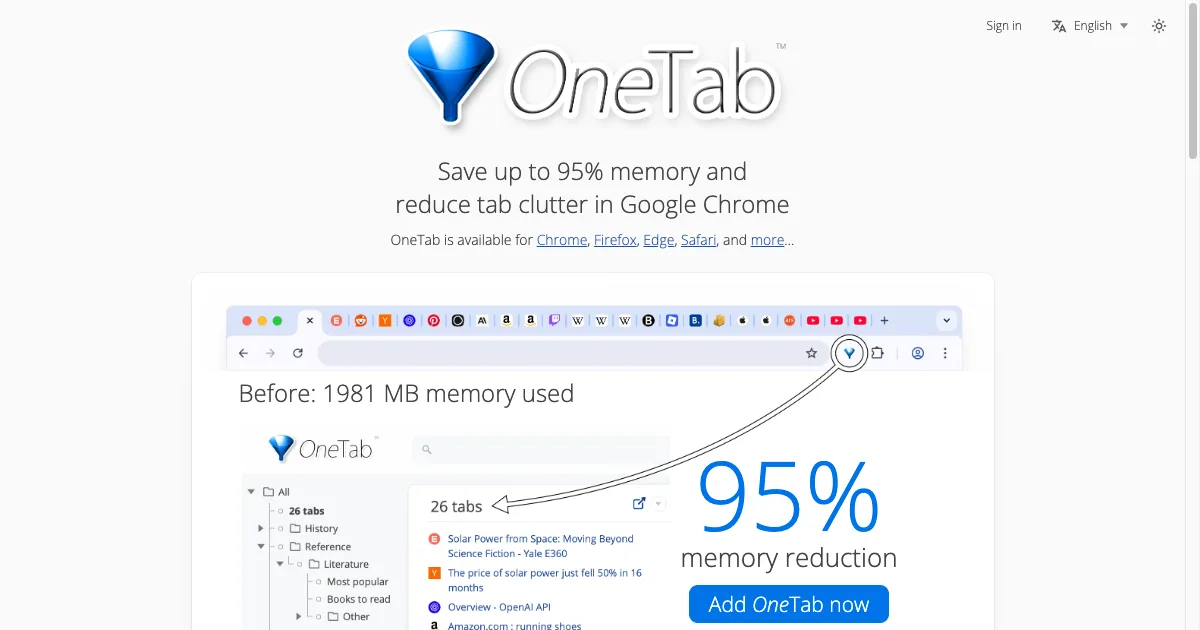
    OneTab is a browser extension that turns a crowded set of open tabs into a saved list. Click its toolbar icon to collect the tabs in a window, then restore one link or a whole group when you need it. It offers a concrete way to clear visual clutter without having to decide immediately whether every page deserves a permanent bookmark. Saved tabs can be organized into groups and folders, moved by dragging, and found with search. The current version also includes a quick list for frequently used items, stars and task markers. These controls can help distinguish a reference you want to keep from a page that represents an unfinished action. You might collect the sources for one assignment, give the group a recognizable name and reopen only the pages needed for your next step. OneTab supports importing and exporting tab lists, and it can publish a group as a shareable web page. That sharing action makes the list available outside your own browser, so review its contents before using it. The newer optional cloud sync and backup feature is described by OneTab as end-to-end encrypted. Check its current terms and setup separately from the basic tab-saving workflow. The official site offers versions for Chrome, Firefox, Edge and Safari, with compatibility for additional browsers through the Chrome extension. Reducing the number of active tabs can reduce browser resource use, although the amount depends on what was open. OneTab may suit someone who mainly needs a quick place to park a browsing session. Keep an exported copy of important lists, and follow the official troubleshooting guidance before uninstalling: removing the extension can delete locally stored tabs. Saving a link also does not preserve unsaved work inside the original page.

    Helps with

    Browser
    Free
    View

    Side by side