


NEDIO
Managed by developerPomodoro Timer, Focus Music and AI Review for Developers, Students and Professionals
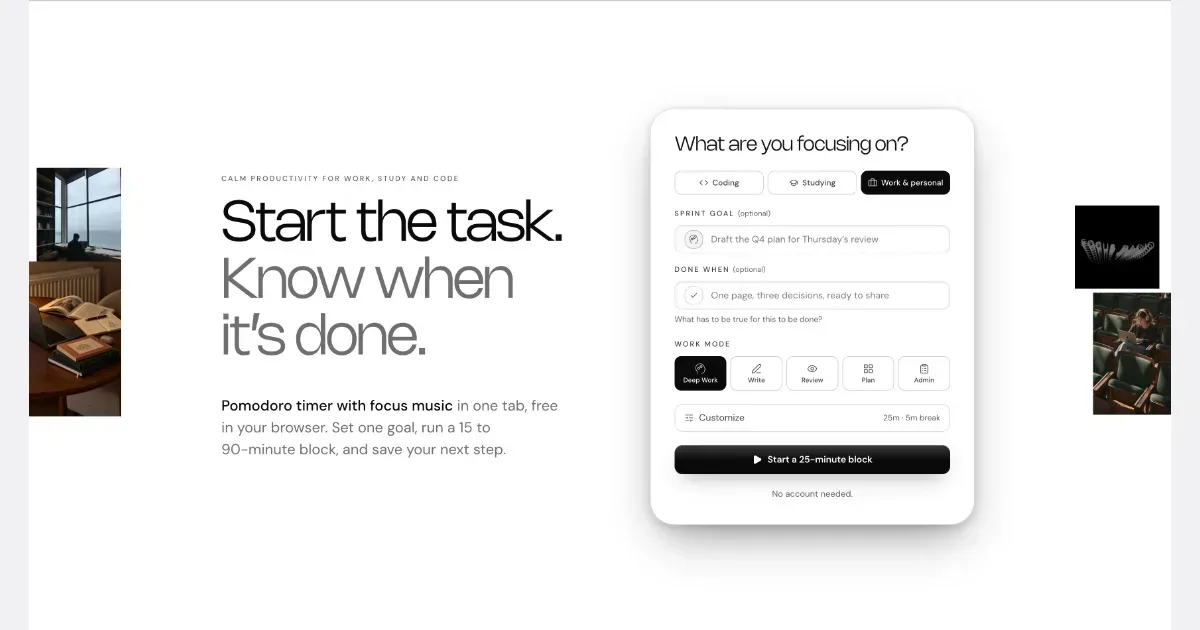
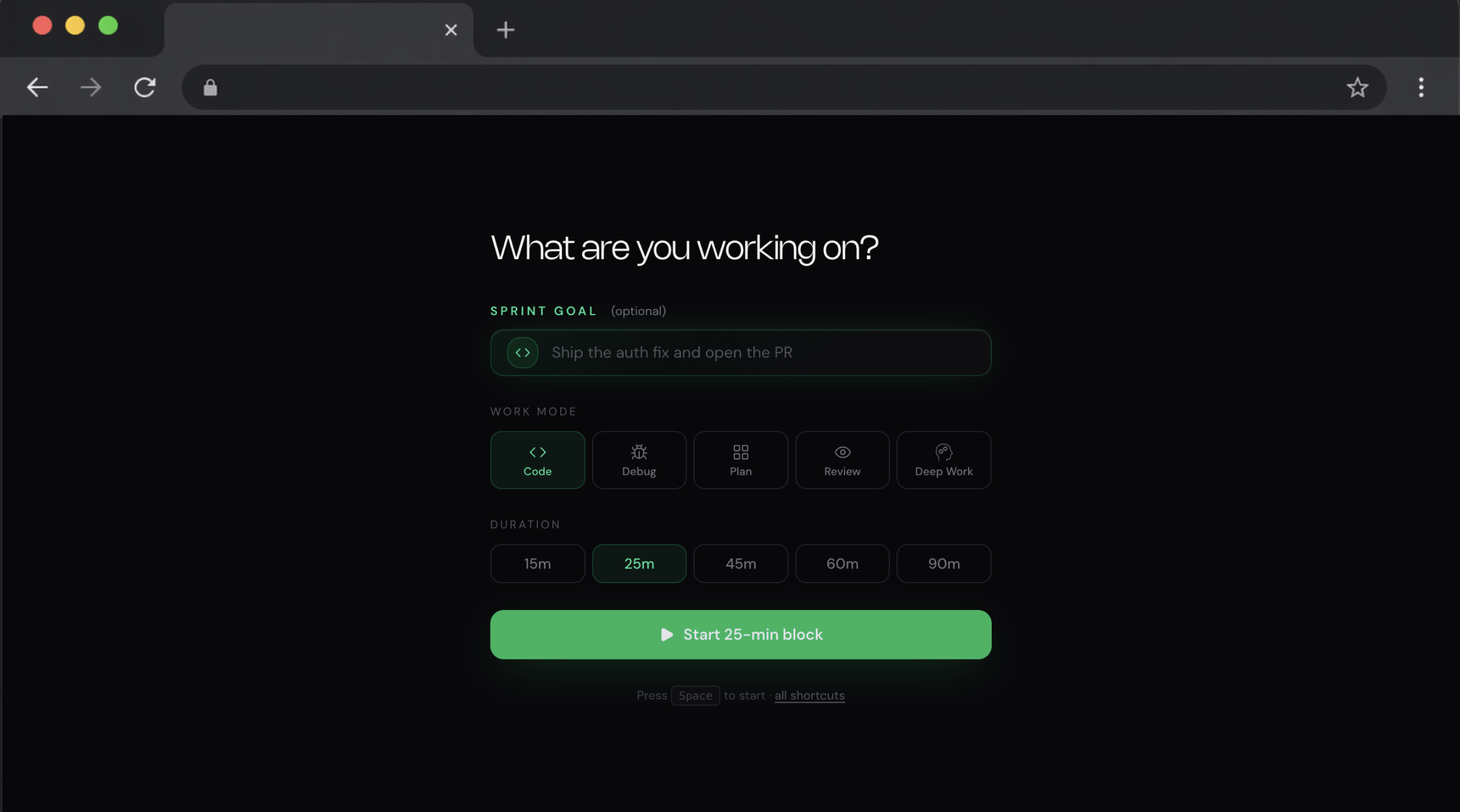
NEDIO is a free focus timer that helps people who work at a computer all day start, stay on track and stop without losing the thread. Before each work block you write one goal and a single “Done when” line. After the block you answer one question: was the goal reached (Yes, Partly or No)? You also leave a “parking line” saying where to pick up next time. It runs in the browser with no account, and inside VS Code and Cursor. NEDIO is built around difficulties many people with ADHD describe: “I can’t get started,” “I sat down to do one thing and ended up somewhere else,” “I can’t stop,” and “by evening I have no idea what I did.” It has no productivity score, no streaks and no reminders to get back to work, so a missed goal is simply a record, not a failure. It does not read your code or files and stores only what you type. It is not a treatment for ADHD or a replacement for a doctor, therapist or coach. It makes starting and stopping a bit cheaper. The timer, close-out and weekly stats are free; Pro ($9.99/month, 15-day trial) adds unlimited audio and AI Review.
Screenshots
Key features
- One goal + “Done when” line
- Cuts the many small decisions between deciding to work and working. The goal stays on screen and in the tab title, so it is harder to drift into useful-looking side tasks.
- Start in one keystroke, no account
- Lowers the barrier to starting, which is often the hardest step. Nothing to install or configure.
- Timer and instrumental audio start together
- After a few days the sound becomes a cue to begin, a form of external structure.
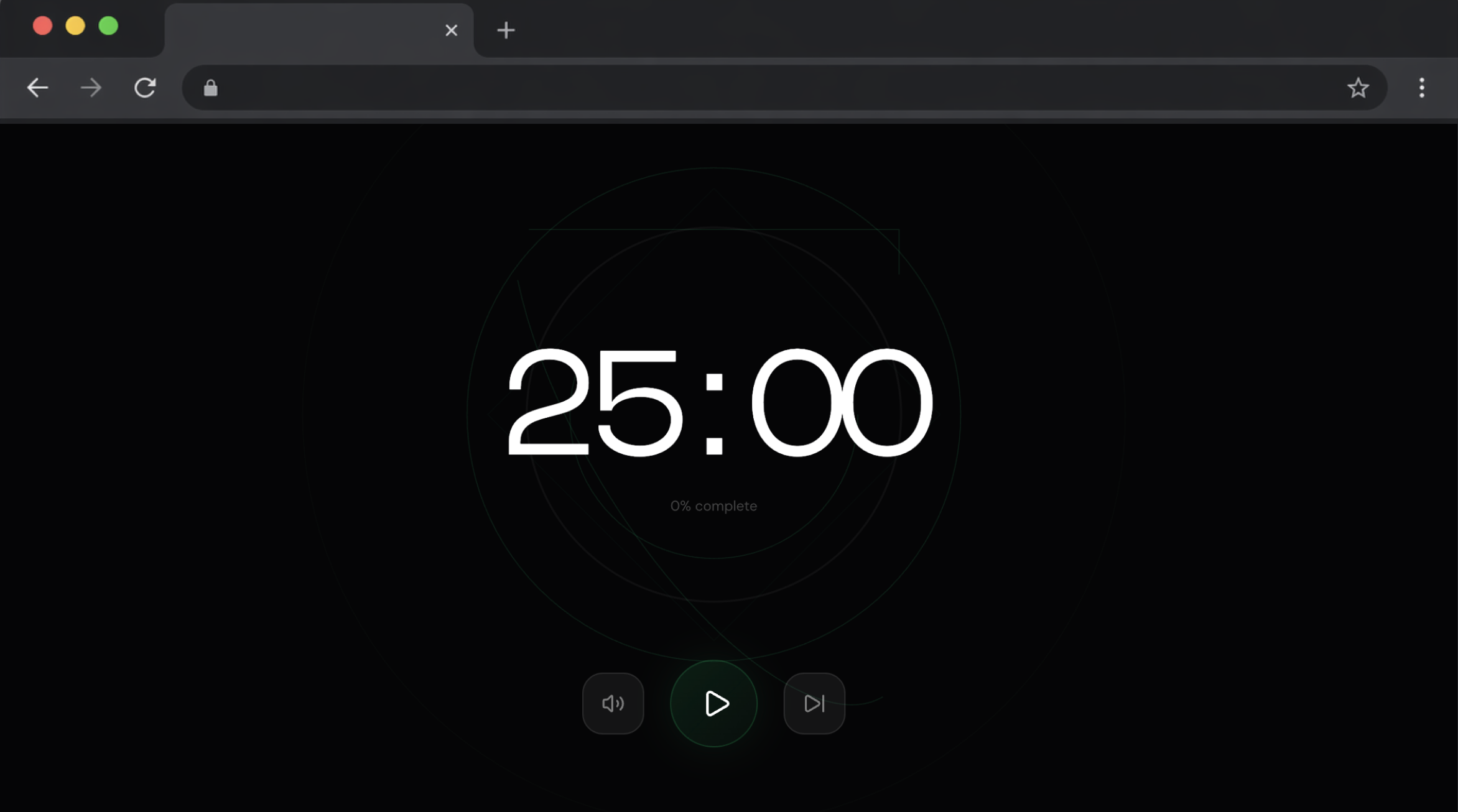
- Visible countdown, block ends at a real clock time
- Supports time blindness: you see time passing, and the block ends by the clock, not by feel.
- Short blocks (from 15 minutes)
- When starting is very hard, a small block is an easier commitment. Other lengths: 25, 45, 60 and 90 minutes.
- “Done when” as a stopping rule
- Decides in advance what “enough” looks like, which helps when hyperfocus makes stopping feel risky.
- Parking line (saved automatically if you leave)
- Works as an external working memory. It saves the thread, so stopping costs less and the next morning isn’t spent reconstructing yesterday.
- Close-out in about 30 seconds (Yes / Partly / No, quality 1–5)
- Shows how often you drift and in which kind of work, without scores or judgment. An honest “No” is data, not punishment.
- Work modes (Code, Debug, Plan, Review, AI Agent)
- Shows which kinds of work are hardest for you, because similar blocks are compared with each other.
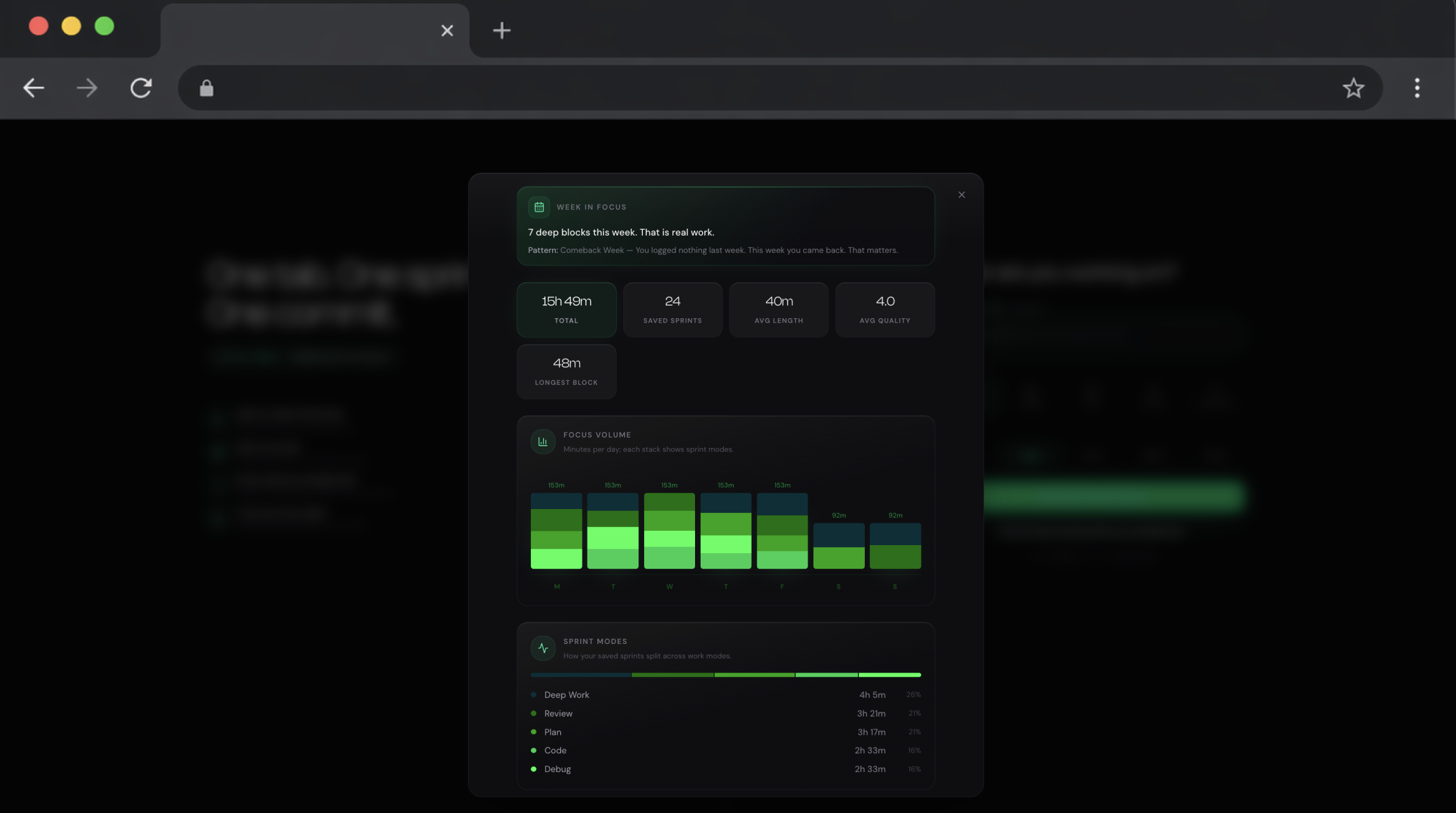
- Weekly view and history
- Counters “nothing to show for the day” by showing the specifics: number of blocks, average quality, deep blocks.
- Breaks and optional Do Not Disturb in the editor
- Builds in rest and cuts notification interruptions.
- Experiments and AI Review (Pro)
- Tests one change at a time (e.g. shorter debug blocks) and gives a cautious verdict: “Looks better,” “No difference” or “Not enough data.” It never claims to know what helped you.
- No score, no streaks, no nagging, no manager reports
- Reduces shame and pressure. The data belongs to the user, and the extension doesn’t read code or file contents.