

‹ Software
    Lithic UK logo

    Lithic UK

    Managed by developer

    Software

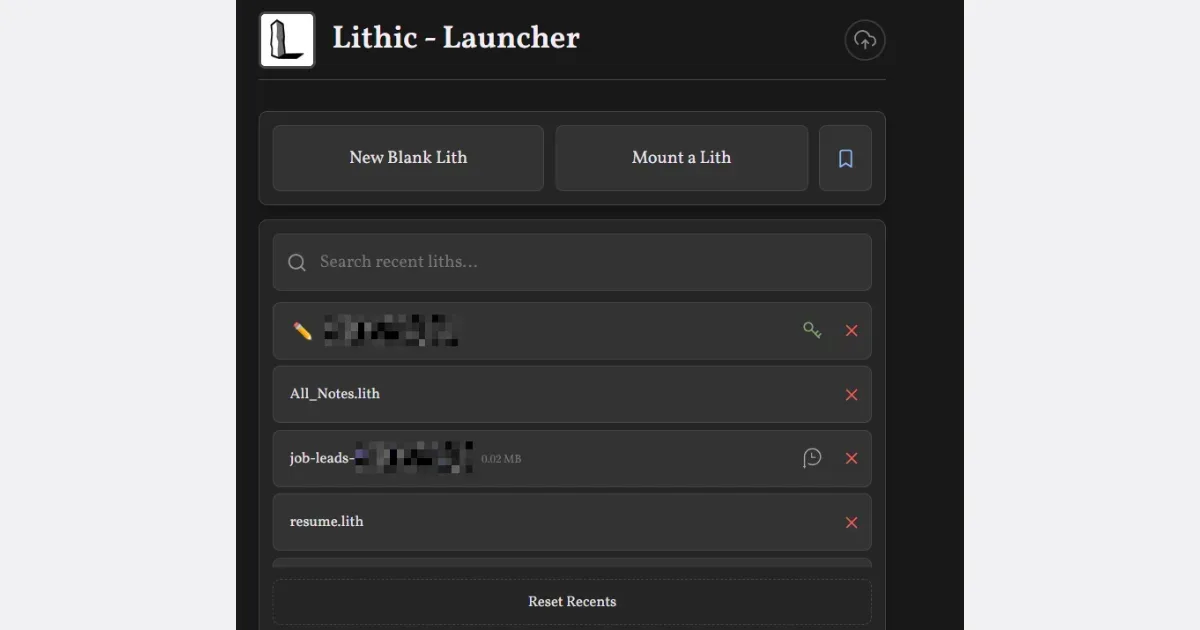
    A zero-friction notes and productivity app

    About Lithic UK

    Managed by developer

    Lithic UK pricing, explained

    Free

    Pricing has not been verified by our editors.

    Check current pricing on Lithic UK’s website

    All Lithic UK tags

    Lithic UK alternatives

    Explore all Lithic UK alternatives →
    NEDIO logo

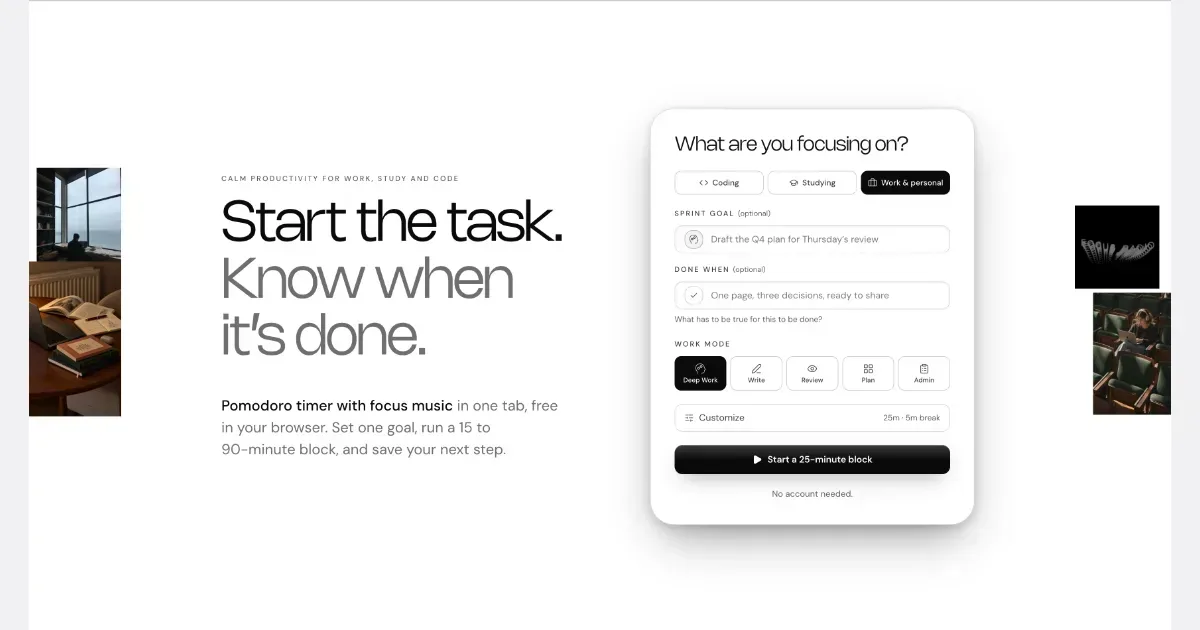
    Pomodoro Timer, Focus Music and AI Review for Developers, Students and Professionals

    NEDIO is a free focus timer that helps people who work at a computer all day start, stay on track and stop without losing the thread. Before each work block you write one goal and a single “Done when” line. After the block you answer one question: was the goal reached (Yes, Partly or No)? You also leave a “parking line” saying where to pick up next time. It runs in the browser with no account, and inside VS Code and Cursor. NEDIO is built around difficulties many people with ADHD describe: “I can’t get started,” “I sat down to do one thing and ended up somewhere else,” “I can’t stop,” and “by evening I have no idea what I did.” It has no productivity score, no streaks and no reminders to get back to work, so a missed goal is simply a record, not a failure. It does not read your code or files and stores only what you type. It is not a treatment for ADHD or a replacement for a doctor, therapist or coach. It makes starting and stopping a bit cheaper. The timer, close-out and weekly stats are free; Pro ($9.99/month, 15-day trial) adds unlimited audio and AI Review.

    Helps with
    Browser
    Free and Paid Plans
    View
    asambl logo

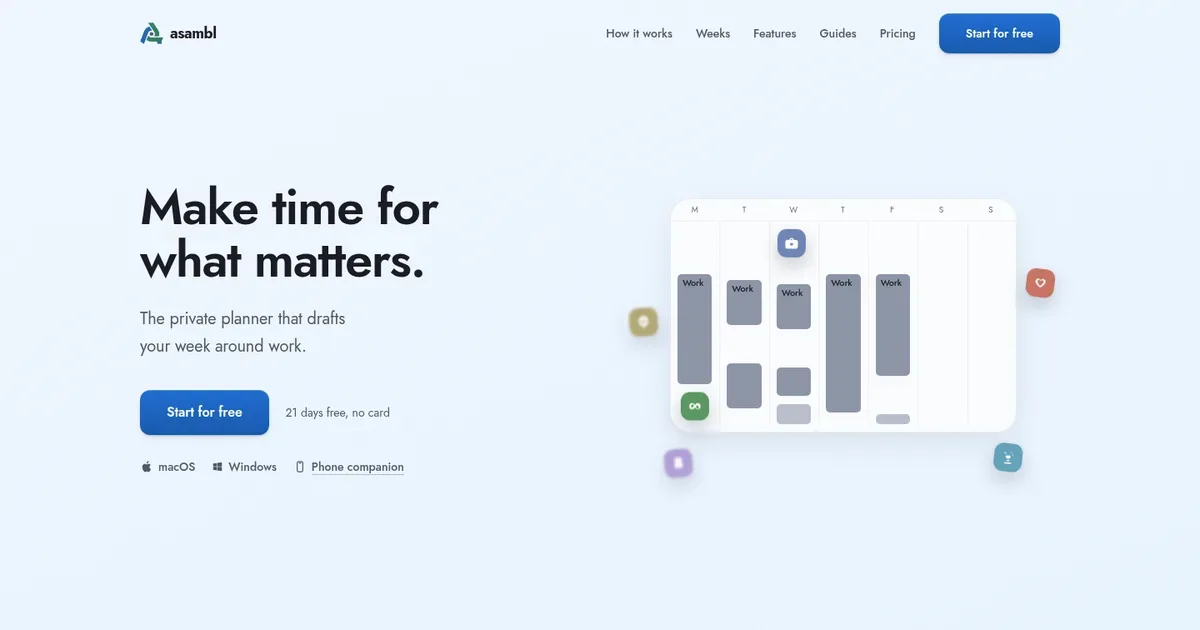
    The private planner that drafts your week around work.

    Make time for what matters. A planner for each part of your week. Each starts from what you've told it and writes the actual plan. You decide what goes in. Desktop app for Mac and Windows, phone companion included. 21 days free, no card.

    Helps with

    AppleWindows
    $15/month or $135/year
    View
    Finch logo

    Adorable self-care pet app combining mood tracking and journaling

    Finch is a self-care app that connects small real-world goals with looking after a virtual bird. Completing goals gives the bird energy for adventures, and returning to the app reveals stories and discoveries. This provides a playful reason to check in with a routine rather than presenting the routine only as a list of unfinished responsibilities. A useful first setup is a small number of achievable goals that genuinely belong in your day. You might choose a brief walk, a moment of reflection or preparing something for tomorrow. The app supplies initial goals to introduce the experience, and you can add your own as you learn what feels useful. A home-screen widget offers another reminder to return without needing to search for the app. Finch includes activities such as reflections, breathing exercises and focus timers. Its character and home can be customized, while social features let friends exchange encouragement. Quests introduce different parts of the app, and an optional Plus subscription adds benefits beyond the basic experience. Check the current feature description if a particular activity or customization is important to you. Finch may suit people who respond to a friendly character and small visible rewards. It is worth considering how you feel about check-in streaks, collecting items and seasonal events: those features can be enjoyable, but they can also become another thing to keep up with. Start with goals that support your day rather than goals chosen only to earn a reward. The bird is most useful as a cue for caring for yourself, while the real routine should remain flexible enough for changing energy, priorities and time.

    Helps with

    AppleMobile
    Free and Paid Plans
    View
    Akiflow logo

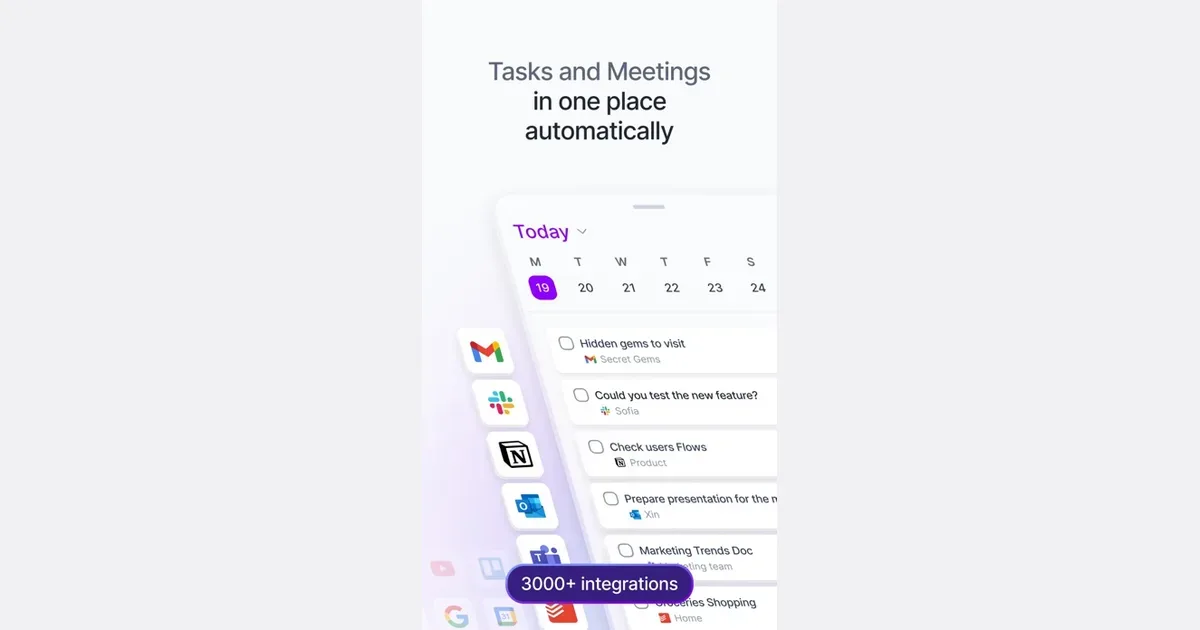
    Calendar-centered task management with keyboard-first workflow

    Akiflow is a task and calendar planner built around bringing responsibilities into one inbox and deciding when to work on them. It combines task capture with time blocking, making it possible to see a piece of work alongside meetings rather than leaving it in a separate list. Integrations can collect actions from other tools so they can be considered in one planning routine. A practical workflow begins by reviewing the inbox and clarifying what each item actually requires. A message that says to prepare a proposal might become several actions, each with a realistic duration. You can then plan those actions in available calendar space or reserve a broader project time slot. Drag-and-drop scheduling and natural-language input provide different ways to make those decisions. Akiflow's wider feature set includes calendar connections, project organization and an AI assistant called Aki. Supported integrations include common calendar, email and communication tools, with the exact arrangement depending on your accounts and setup. Review the permissions and the specific import behavior before connecting every source of work at once. The approach may suit people whose tasks are scattered across several services and who want one deliberate place to plan the day. Its value depends on maintaining that planning habit: importing everything without deciding what belongs on today's schedule can simply create a larger inbox. Begin with one or two integrations, use descriptive action titles and leave space for interruptions. Akiflow can make the relationship between a task and available time clearer, while deciding what to decline, postpone or simplify remains a personal or team responsibility.

    Helps with

    BrowserAppleMobile
    $34/month
    View

    Side by side