
 Take the Quiz
one sec app | Setup Tutorial with the Shortcuts App | New on iOS 17+ — one sec | delay distracting apps
Official demo
Watch on YouTube
Website / App Blocker
Mindful app pauses before you open distracting apps
One Sec is an app and browser tool that adds an intentional interruption before opening a distracting destination.
One Sec is an app and browser tool that adds an intentional interruption before opening a distracting destination. The interruption might be a breathing prompt or another small action that creates a pause between the impulse to open something and actually using it. It also offers blocking and scheduling options, so the setup can range from gentle friction to a firmer boundary.
A practical first experiment is one app or website you often open without a clear reason. Set an interruption and observe what happens during a normal day. The pause gives you a moment to decide whether you came for a particular message or simply followed a familiar habit. If the destination is still useful, the aim can be more deliberate access rather than removing it from your life entirely.
One Sec allows customization of intervention types and timing, including delayed or repeated interruptions. Its browser extension extends the approach to websites, while mobile capabilities differ by platform and continue to develop. Check the current device support and plan for the particular settings you want. The product also describes integrations with other tools, but those are optional additions to the core interruption workflow.
One Sec may fit people who find total blocking too rigid but want more friction than an ordinary reminder. The trade-off is that a repeated pause can become something you automatically dismiss. Begin with one meaningful target and an interruption that makes the decision clearer, then review whether it is actually changing the pattern. Pairing the pause with a realistic next activity can help it serve a purpose beyond simply adding another screen to tap through.
People who want a pause before automatically opening a distracting app or website.
Adds a small intentional interruption before access, with blocking and scheduling options for firmer boundaries.
Screenshot 1 of 3
Free and Paid Plans · Free; EUR 3.99/month or EUR 99.99 once
Pricing has not been verified by our editors.
Check current pricing on One Sec’s websiteUS storefront
4.8out of 5
23,794 ratings
Checked
US storefront
4.7out of 5
46,468 ratings
Checked
Official demo
Watch on YouTubeIndependent review
Watch on YouTubeIndependent review
Watch on YouTube
Gamified focus app that grows trees while you work
Forest is a focus timer that turns periods of attention into a growing virtual forest. You choose a session length and a tree, then let the tree grow while you work or spend time away from distracting apps. Over time, the collection gives those sessions a visible record rather than leaving them as an abstract total of minutes. A useful starting session might be a short period of reading, a household task or one small part of an assignment. Decide what you want to finish before starting the timer and put the phone somewhere that makes it easier to leave alone. Forest's tree-growth mechanism provides a concrete reason to stay with the session, while its stronger focus options can restrict distracting app use. Exact behavior and available tools depend on your device and settings. The app also offers focus statistics and ways to focus with friends. Its real-tree partnership with Trees for the Future is another part of the offering, with the current program's conditions described by Forest. It is sensible to treat that as an additional feature rather than equating each virtual session with a particular physical tree. Forest may suit people who enjoy a visual cue and a small game-like commitment around starting work. The tree-loss mechanism will not feel encouraging to everyone, especially when a session is interrupted for a legitimate reason. Begin with achievable sessions and necessary breaks instead of using a long timer as a test of willpower. It is primarily a way to frame time and reduce distraction; you will still need to decide what the next action is and whether the work needs to be broken into smaller pieces.
Helps with

Remove social media feeds to use platforms with intention
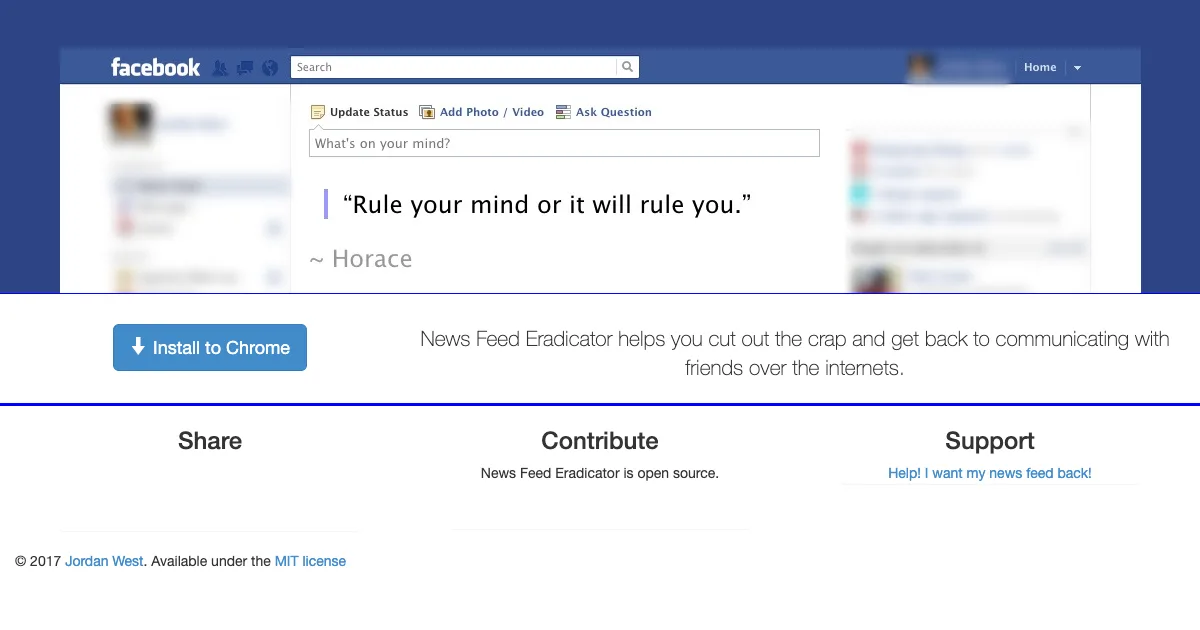
News Feed Eradicator is a browser extension that hides social-media feeds and replaces them with a quote. Its purpose is to let you visit a service for something specific without immediately entering its stream of recommendations and updates. It changes the page you see rather than asking you to delete the account or block the entire website. A practical use is opening Facebook to check an event or a group, or visiting YouTube for a video you already intended to watch. With the relevant feed hidden, you can go directly to that purpose and leave afterward. The extension's options let you choose supported sites and, for some services, which sections to remove. Current releases include controls for recommendation areas and other distracting components, although individual site changes can affect what works. Version 3 added a redesigned options page, per-site visual preferences and an optional hold-to-snooze action that adds a pause before revealing content. You can manage lists of quotes and import or export them. The project provides Chrome and Firefox versions and publishes its source code. Its developer describes the scope as deliberately minimal, with ongoing fixes rather than an ambition to become a complete productivity suite. News Feed Eradicator may fit people who still need social networks for communication or specific resources but find their feeds difficult to leave. It is a gentler, more targeted intervention than a full website lock: other browsing routes remain available, and it does not create a schedule or guarantee a time limit. Test the exact pages you use and revisit the settings when a site redesign changes their behavior. Do not assume a browser extension will also remove feeds inside a phone's native apps.
Helps with

Browser extension that removes YouTube's distracting recommendations
Unhook is a browser extension for hiding selected parts of YouTube’s interface. You can remove recommendation feeds, Shorts, comments, end-screen suggestions and other elements while keeping access to the videos you deliberately choose. It is intended to reshape the page around your purpose rather than block YouTube completely. A useful starting setup is to hide the homepage feed and related-video sidebar, then visit a video through search or a saved link. Add more changes only when a specific element keeps pulling your attention away. Keeping the controls understandable can make it easier to maintain a setup than turning off everything at once and later wondering why a feature disappeared. The extension’s popup provides separate toggles, including options for autoplay and other page elements. Its official Chrome Web Store description links to Firefox and Edge editions and describes support for mobile YouTube through Firefox on Android. Browser and YouTube changes can affect individual controls, so check the current version when a tutorial shows a different interface. Unhook may suit people who use YouTube for learning or a chosen video but find adjacent suggestions hard to leave alone. It does not decide which videos are useful, enforce a work schedule or remove every possible distraction. The extension is offered without a required subscription, with optional donations. Review requested browser permissions and use the official store links, as similarly named extensions may be unrelated.
Helps with

Cross-device distraction blocker with synced schedules
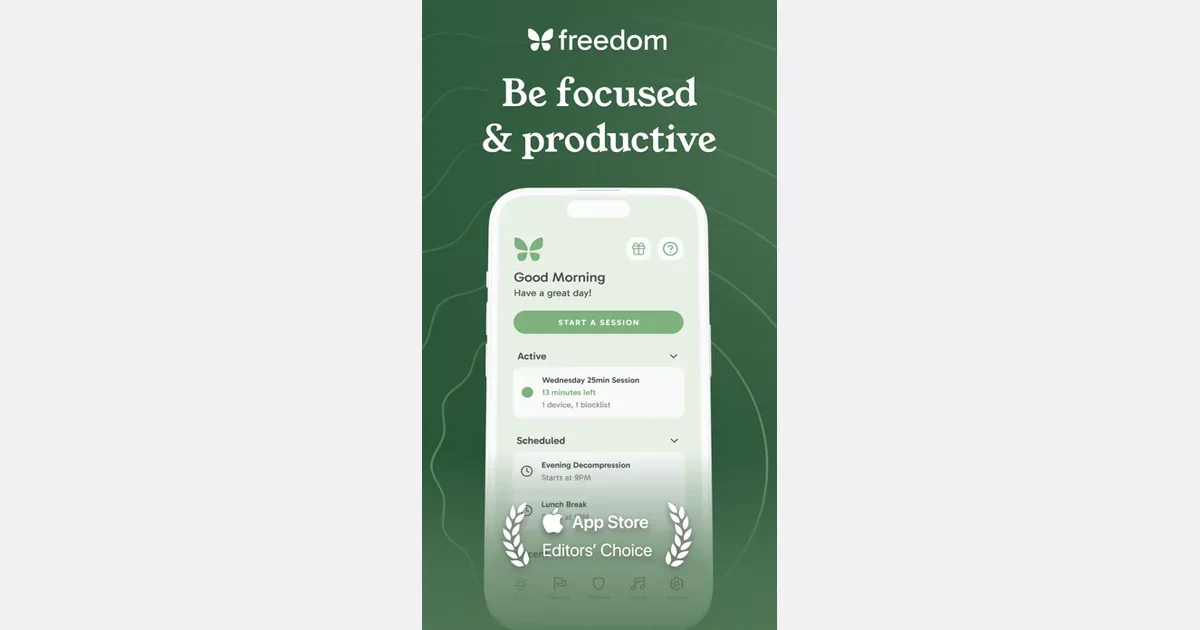
Freedom is a website and app blocker for setting boundaries around distracting digital activities. Instead of asking you to ignore a feed or game each time it becomes tempting, it makes selected destinations unavailable during a focus session. Sessions can include multiple devices, helping close the easy escape route from a blocked laptop to an unblocked phone. The core workflow is to create or choose a blocklist, decide which devices to include and start a session. A writing block might restrict social media and news while leaving research resources available. On Mac and Windows, website exceptions can reverse that arrangement: allow a small set of needed websites and block the rest. Test a short session first so you can catch anything essential that belongs outside the blocklist. Scheduling and recurring sessions let boundaries begin automatically around a regular study period, workday or evening routine. Premium features include advanced scheduling and Locked Mode, which is designed to prevent ending a session early. Freedom also offers background focus sounds, including ambient environments, for people who want an audio cue alongside the digital boundary. Freedom has apps for major desktop and mobile platforms, with browser-extension options for Chromebook and Linux. The exact blocking capabilities differ by platform, so check the instructions for the devices you actually use before relying on a particular feature. This approach may suit someone who already knows what they want to do but keeps opening the same distractions. It does not decide the next task, estimate its effort or solve a confusing workload. Pair a realistic block with one clear activity and necessary breaks. Strong restrictions can also interrupt legitimate access if configured too broadly, making a small trial and a carefully chosen blocklist more useful than immediately locking down everything.
Helps with