Take the Quiz
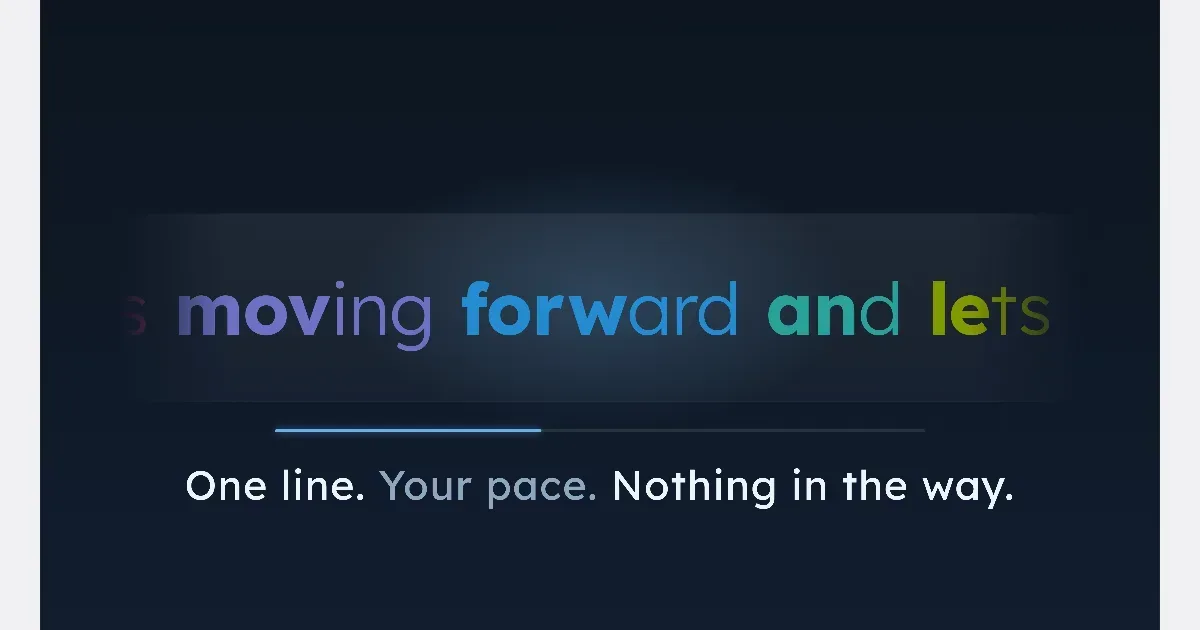

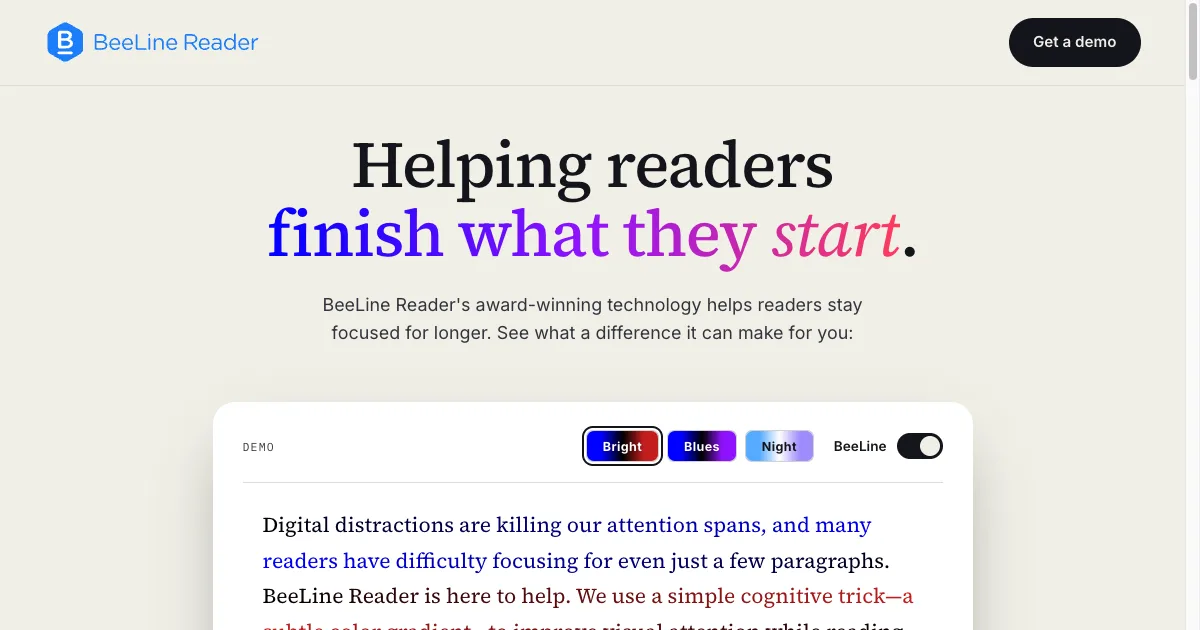

Color gradient reading tool that guides your eyes line by line
BeeLine Reader applies a color gradient to text to make moving between lines easier to follow. It is a reading aid rather than a task manager or a content-summary service. The company offers reader tools and integrations for publishers and learning platforms, so availability depends on where you want to read. Start with a piece of text you already need to finish and compare a short section with and without the coloring. Pay attention to comfort and whether returning to the next line feels easier. The useful result is a reading setup that works for you, not a target speed. A different gradient or an unchanged page may be the better choice for some material. The official site offers browser and mobile options and describes use with websites, ebooks and PDFs through different products or integrations. That does not mean a single extension will work on every document or app. Check the supported format and browser before paying, especially if most of your reading takes place in a particular learning platform or a protected PDF viewer. BeeLine may appeal to people who lose their place in blocks of text and want to test a visual cue. The effect is individual and is best evaluated with your own reading material. Tools are available to try free, with full access to some products paid separately. The official site states that its iOS Safari extension is free for unlimited use; other tools and institutional licenses have different pricing.
Helps with