


Browse apps

    Discover tools built for ADHD, neurodivergence, and focused work.

    Selected filters

    Showing 10 products on this page for your choices.
    Sort
    Show
    Stream Reader logo

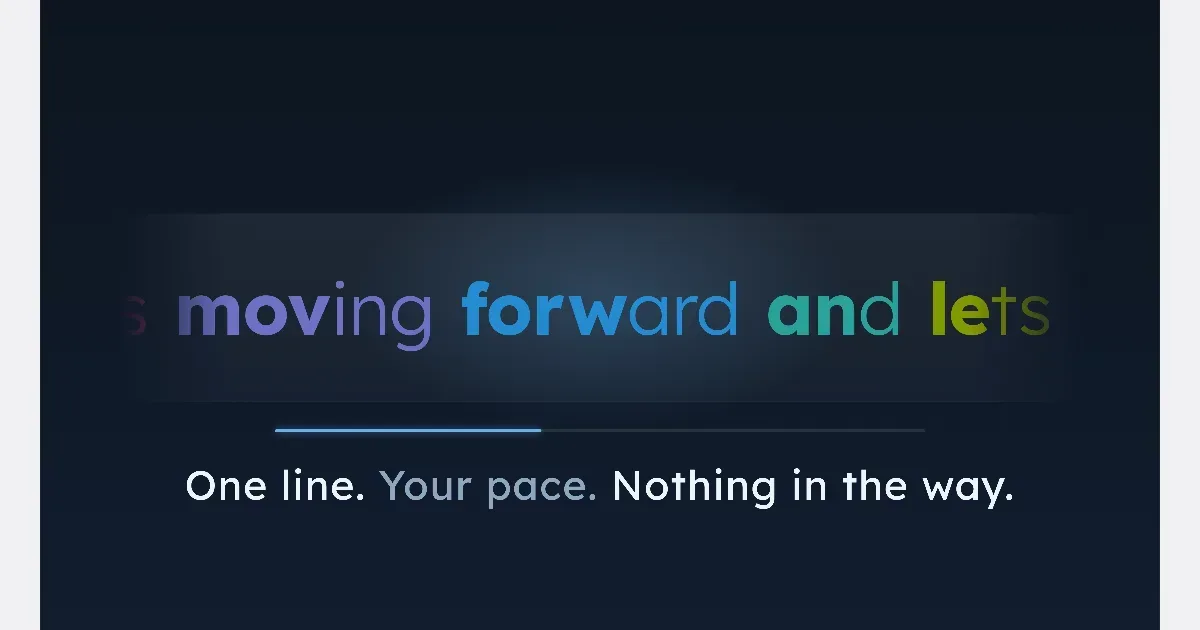
    Simple reading app where text flows at a pace you choose

    WHAT STREAM READER OFFERS • Continuous streaming with easy speed control — Text flows as one seamless line. Adjust the pace instantly to match your comfort level. • Adjustable font, size and theme — Tailor the appearance to match your preferred reading style and reduce eye strain. • Built-in library with generous capacity — Save anything from articles to long-form reads (up to ~12,000 words each), all within the app. • Share Extension — Send web pages or text selections from Safari straight into Stream Reader with one tap. • PDF import — Share text-based PDFs from Files or Safari, up to 10 at a time, and read them as a stream. • Auto-pause (iPhone and iPad) — Turn it on and the stream pauses when you look away, then picks up a few words earlier when you look back. Off by default. • Offline ready — Load text once and read anywhere, no internet required. • One-time purchase — A simple, helpful app with no subscription required.

    Helps with
    AppleBrowserMobile
    USD $3 once
    View
    Anki logo

    Free, open-source flashcard app with powerful spaced repetition

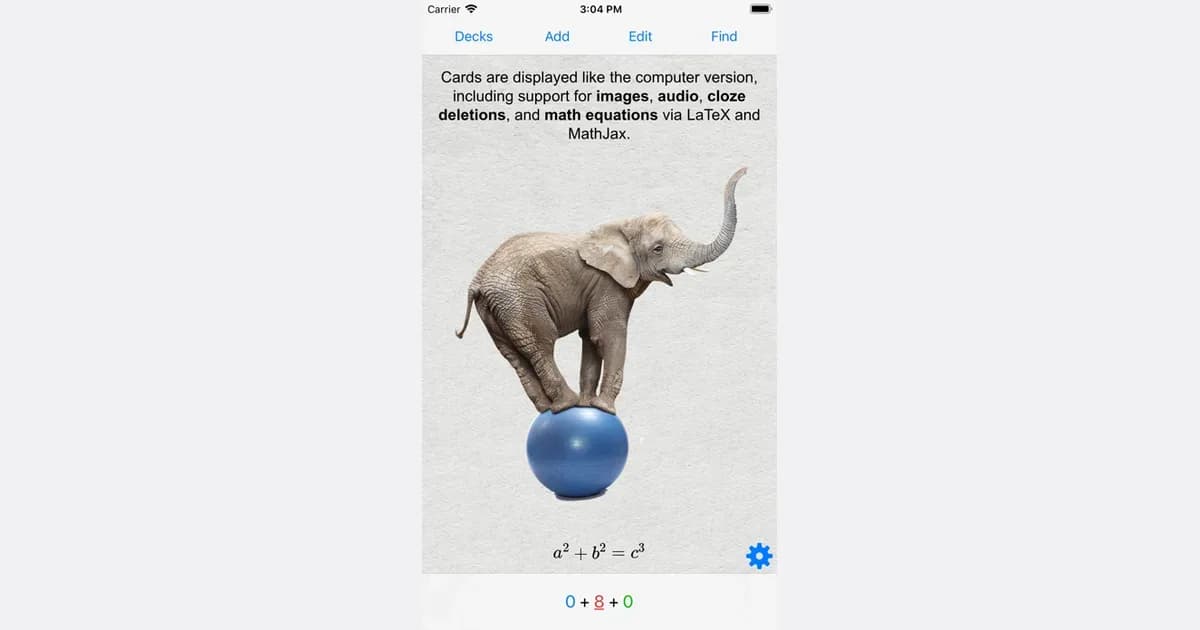
    Anki is a flashcard study system that schedules repeated reviews of material you want to remember. Instead of showing every card equally often, it uses your feedback about recall to decide when a card should appear again. It is particularly useful for information that benefits from repeated retrieval, such as vocabulary, terminology or facts from a course. You create notes containing information, and Anki uses card types to turn those notes into questions and answers. A basic card has a front and back; other formats include reversed cards, missing-text prompts and image occlusion. Audio, pictures and scientific notation can provide context where plain text is not enough. Decks organize collections, while the desktop application offers substantial control over card layout and review settings. A practical workflow is to learn a concept from your class or other material first, then create a few clear prompts for the parts you need to recall later. During review, think of the answer before revealing it and give honest feedback about how well you remembered it. The aim is a sustainable review queue, so introducing a small number of new cards is often a better starting point than importing a huge collection immediately. Shared decks can save preparation time, but their quality and assumed background vary. Anki's manual emphasizes that cards support understanding rather than replace it. You may need to edit someone else's cards or add explanations so they make sense in your own context. The desktop app is free, AnkiWeb provides synchronization, and the official site links to AnkiMobile for iOS and the contributor-developed AnkiDroid for Android. Be careful to choose the intended app. Anki rewards a regular review habit and thoughtful card design; its customization and growing review queue can feel demanding if you want a ready-made course with little setup.

    Helps with

    AppleWindowsMobile
    Free desktop / AnkiMobile US $24.99 one-time on iOS
    View
    Beeline Reader logo

    Color gradient reading tool that guides your eyes line by line

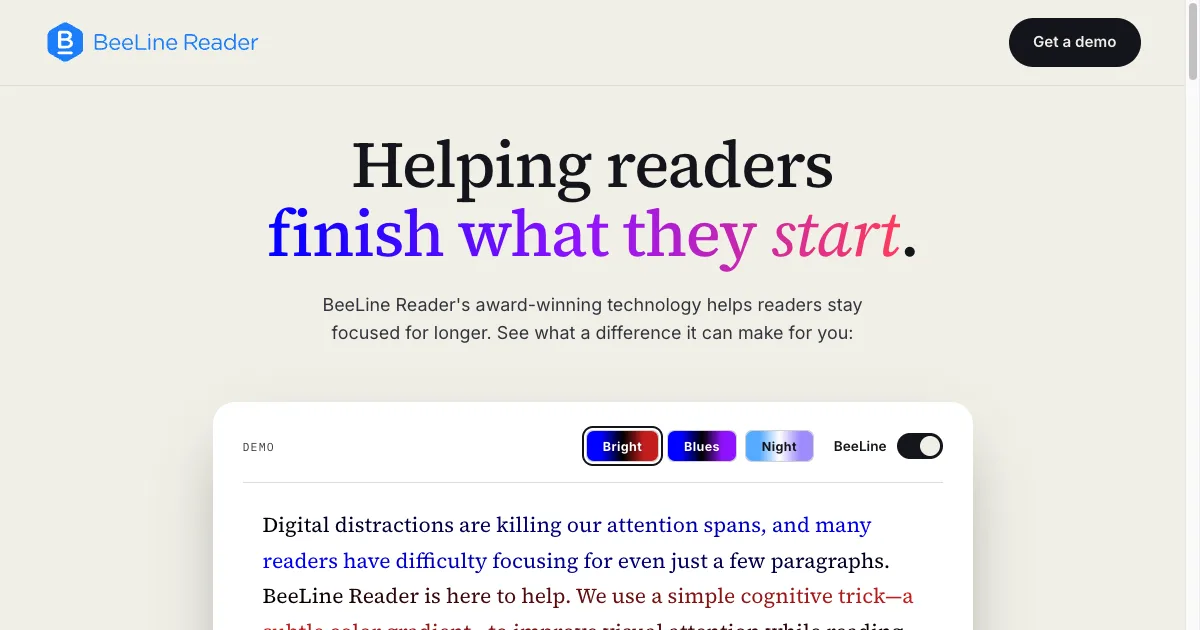
    Browser extension and app that applies a color gradient across lines of text to guide your eyes and reduce losing your place. Shown to improve reading speed and comprehension, especially for ADHD and dyslexia.

    Helps with

    Browser
    Free / $3.99/mo
    View
    Instapaper logo

    Save anything to read later, offline, distraction-free

    Instapaper is a read-later service for keeping articles and other web material in a separate reading collection. Instead of leaving every interesting page open in a browser tab, you can save it and return when you have chosen time to read. The service synchronizes saved material across supported web and mobile experiences. A practical routine is to collect a few worthwhile articles during the day, then choose one or two for a reading session. Folders can separate an active project from general interests. After reading, archive material you want to retain and remove items that no longer matter. That keeps the saved collection useful rather than turning it into another inbox that feels impossible to clear. The Premium offering adds capabilities such as full-text search, a PDF reader, a permanent archive and more extensive note-taking. Mobile text-to-speech and listening playlists provide another way to work through saved material. These are plan-dependent features, so check the current comparison if a particular format, search tool or listening workflow is the reason you are choosing the service. Instapaper may suit people who repeatedly interrupt focused work to read something they have just found. Saving the page creates an intentional stopping point without requiring you to decide that the material is unimportant. The trade-off is that saving can become easier than returning to read. Begin with a small queue and a realistic reading habit, and avoid treating every recommended article as a future obligation. A simple read-later collection is most helpful when it makes both saving and letting go of material easier.

    Helps with

    AppleMobileBrowser
    Free / $2.99/mo
    View
    Matter logo

    Read-later app with social recommendations and podcast support

    Read-later and newsletter app that adds a social layer — see what interesting people are reading and highlighting. Supports articles, newsletters, PDFs, and podcasts in one inbox. TTS included for ADHD users who prefer listening.

    Helps with

    AppleBrowser
    Free / $7.99/mo
    View
    Readwise Reader logo

    Read-later app that highlights, summarizes, and resurfaces your reading

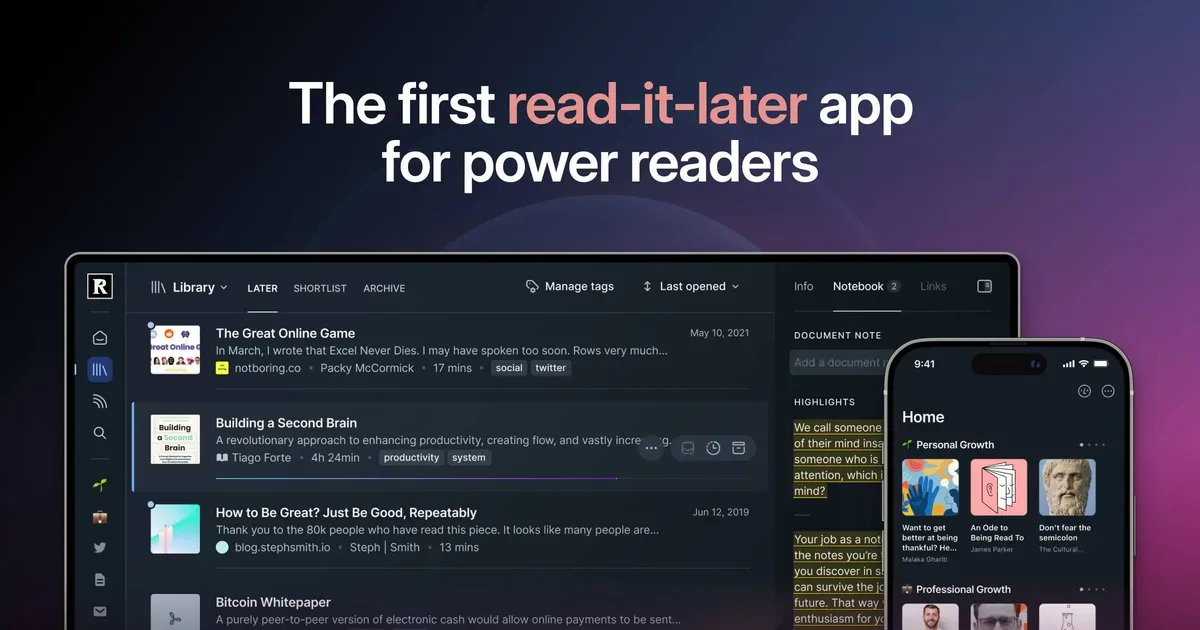
    Readwise Reader is a reading workspace that brings articles, newsletters, PDFs, ebooks and other supported material into one place. It combines saving with highlighting and annotation, helping people keep useful ideas attached to the source they came from. It also connects with the wider Readwise library for reviewing and exporting highlights. A practical workflow begins by saving material you genuinely want to read, then choosing a small reading queue. While reading, highlight only the passages you expect to use and add a short note about why they matter. That explanation can be more valuable later than a large collection of highlights without context. A project-related article can then contribute to the notes or documents where you are doing the actual work. Reader supports several content types and ways of bringing material in, including newsletters, RSS, PDFs and EPUBs. Its browser extension can support annotation on the web, and the Readwise connection provides routes for highlights to reach tools such as Notion, Evernote or Obsidian. Check the current import, export and subscription arrangements for the formats and devices you use. Reader may suit people whose reading is spread across an email inbox, browser tabs and downloaded files. The main trade-off is that easier collection can produce a bigger backlog rather than more reading. Start with one source type or one active project and archive material that no longer serves a purpose. It is most useful when saving, reading and applying an idea form a complete routine, rather than treating the size of the unread library as progress.

    Helps with

    AppleMobileBrowser
    $7.99/mo
    View
    RemNote logo

    Notes with built-in flashcards and spaced repetition for learning

    Note-taking app designed for students that automatically turns notes into spaced repetition flashcards. Bidirectional linking and a PDF reader with annotation make it ideal for academic research and study.

    Helps with

    AppleWindowsMobile
    Free / $8/mo
    View
    Speechify logo

    Listen to any text at 4x speed with AI voice narration

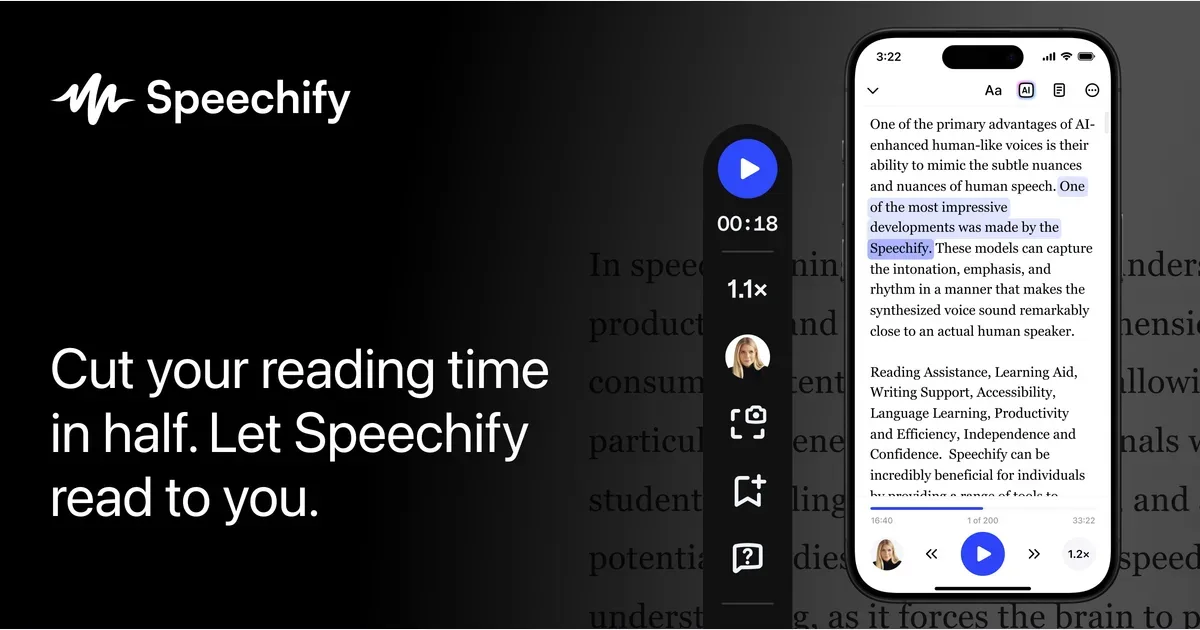
    Speechify is a text-to-speech product for listening to written material. Its current offering includes tools for reading supported documents and browser content aloud, along with voice-based assistance and dictation features. It can provide another route through information when listening is more convenient or comfortable than reading everything visually. A practical starting point is one document or article you already need to understand. Open it in a supported Speechify workflow, choose a voice and begin at a comfortable speed. Following the text while listening may help you judge whether the voice handles names, headings and technical language clearly. The useful comparison is whether you understand and can use the material, not how high you can set the playback speed. The product has web, browser-extension and device-specific options, including supported mobile and desktop experiences. Its broader tools include working with PDFs, answering questions about material and creating other audio formats. Features, voices and limits differ by product and plan, so check the specific reading workflow you need rather than assuming every advertised capability is included everywhere. Speechify may suit people who want to alternate between reading and listening or make dense material easier to approach in smaller sessions. Automated pronunciation and extracted document structure can still need attention, especially with unusual names, tables or specialist content. Review important details in the original source rather than relying only on a summary or narration. Begin with a familiar text and a manageable listening period, then decide whether the experience is useful enough to become part of your regular reading routine.

    Helps with

    AppleMobileBrowser
    Free / $139/yr
    View
    Voice Dream Reader logo

    Powerful accessibility reader for iOS with 200+ voices

    Highly rated accessibility reading app for iOS with support for 200+ voices, custom speed, highlight following, and integration with services like Bookshare, Instapaper, and Dropbox. The go-to app for ADHD and dyslexia.

    Helps with

    Apple
    $19.99 one-time
    View