



‹ Other
    PushBuff logo

    PushBuff

    Managed by developer

    Other

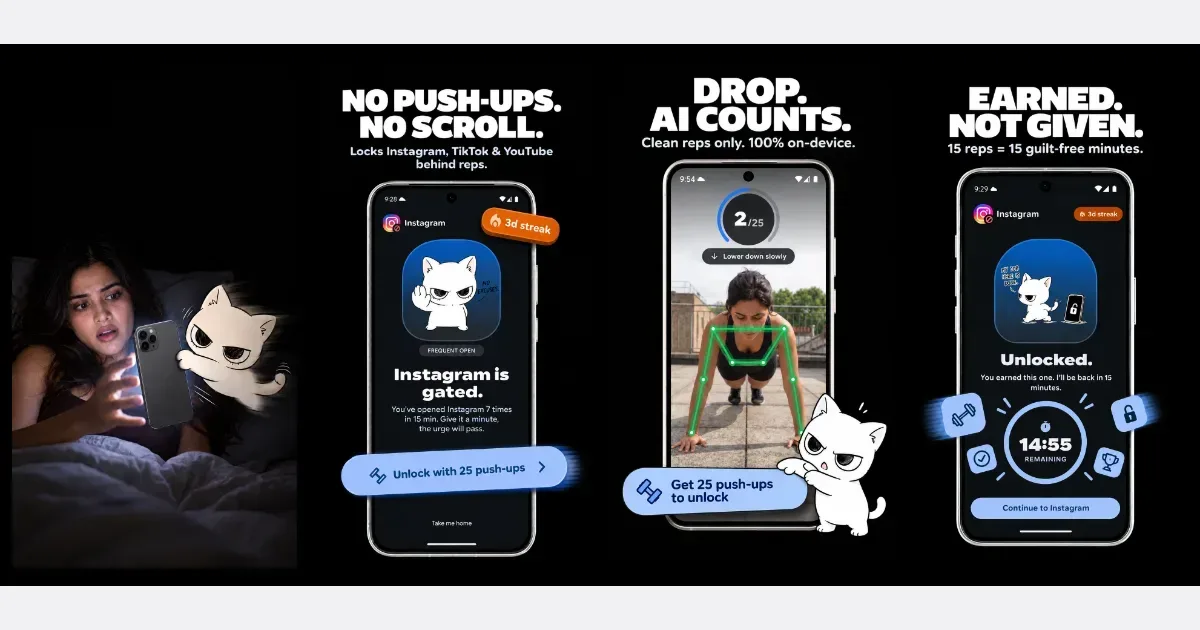
    Anti-doomscrolling app. Pushups/ Squats etc exercise based app blocker.

    About PushBuff

    Managed by developer

    PushBuff pricing, explained

    Free and Paid Plans

    Pricing has not been verified by our editors.

    Check current pricing on PushBuff’s website

    All PushBuff tags

    PushBuff alternatives

    Explore all PushBuff alternatives →
    AppBlock logo

    Android app and website blocker with strict mode

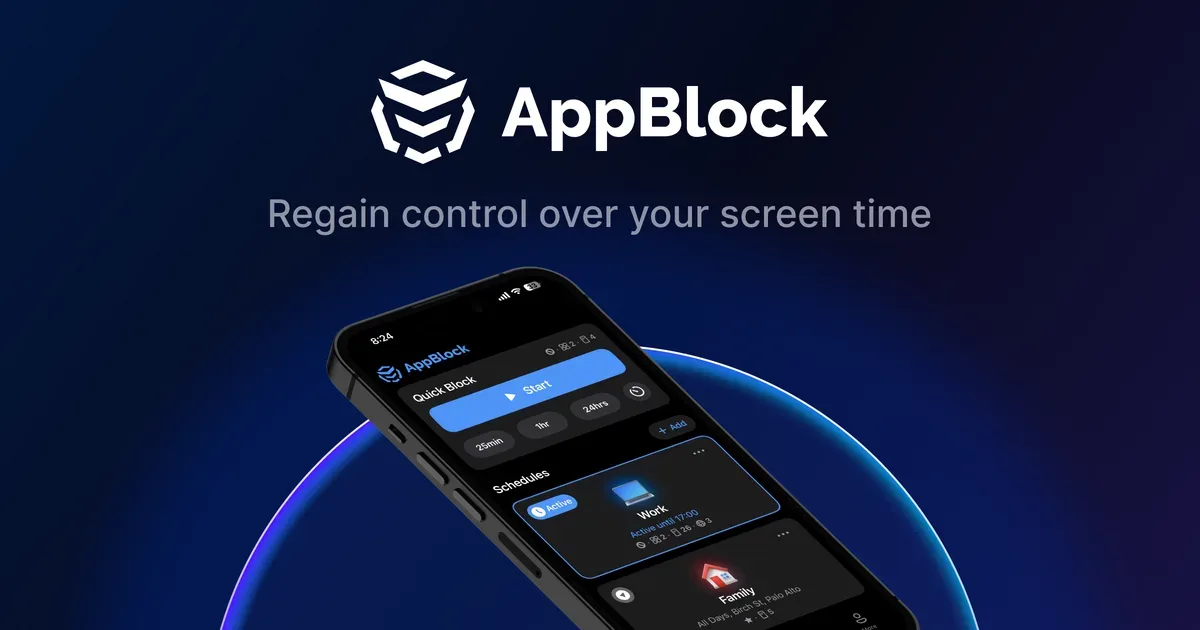
    AppBlock is an app and website blocker for setting boundaries around phone and browser use. It offers immediate blocking for a focused session and schedules that can run automatically around work, study, rest or another routine. Rather than asking you to notice every distraction in the moment, a block interrupts access to the apps or sites you have already chosen to limit. A simple setup might block social apps during a morning work period while leaving messages, maps and essential services available. Quick Block handles an unscheduled session; recurring schedules can use time, usage limits and other supported conditions. Reports help you see where time is going before deciding which rule to change. An allowlist approach can instead keep only selected essentials accessible. Strict Mode adds a stronger commitment layer by restricting changes to blocking rules. Depending on the platform and configuration, unlock methods include a timer, cooldown, PIN, charger condition or approval from someone you trust. Review these settings before activating a long session, and test a short block with the tools you genuinely need. Stronger restrictions are most useful when they match a realistic plan. AppBlock supports Android, iOS and browser extensions, but its capabilities are not identical across them. Android setup can require usage access, overlay and accessibility permissions for particular functions. On iPhone, Apple's Screen Time framework limits which conditions can be combined in one schedule. Advanced tools also depend on the paid plan. AppBlock may suit people who want more deliberate control than a dismissible screen-time reminder. Begin with one clear boundary and check that it works on your device before building several overlapping schedules.

    Helps with

    Mobile
    Free and Paid Plans
    View
    BlockSite logo

    Block distracting sites and apps with one click

    BlockSite is a website and app-blocking tool for creating boundaries around distracting digital destinations. Its feature set includes blocklists, scheduling and focus-oriented controls, with additional options such as category blocking, redirects and password protection. The available behavior depends on the platform and plan being used. A practical first setup is a small list of destinations that commonly pull you away from a chosen activity. For a study period, that might mean blocking a social feed and a video site while leaving course resources accessible. Test the rule for a short session before making it part of a regular schedule, particularly when work and leisure share the same service. Redirects and customized block pages can provide a reminder of what you meant to do instead. Category blocking offers a broader option when maintaining individual entries becomes inconvenient, while password protection adds friction to changing settings. These controls serve different purposes: a reminder may be enough for one situation, while another may call for a more defined time boundary. BlockSite may fit people who want to reduce repeated visits to a known set of distractions. It is worth checking the permissions requested by the extension or app, the limits of the edition you choose and whether the blocking scope covers your actual devices. Start narrowly rather than assuming that a long blocklist will produce a better day. The goal is to make an intended activity easier to continue, with realistic breaks and essential access preserved. The blocker supplies a boundary, while deciding what should happen inside that boundary remains your own planning task.

    Helps with

    BrowserMobileApple
    Free and Paid Plans
    View
    FocusMe logo

    Enterprise-grade website and app blocker for serious focus

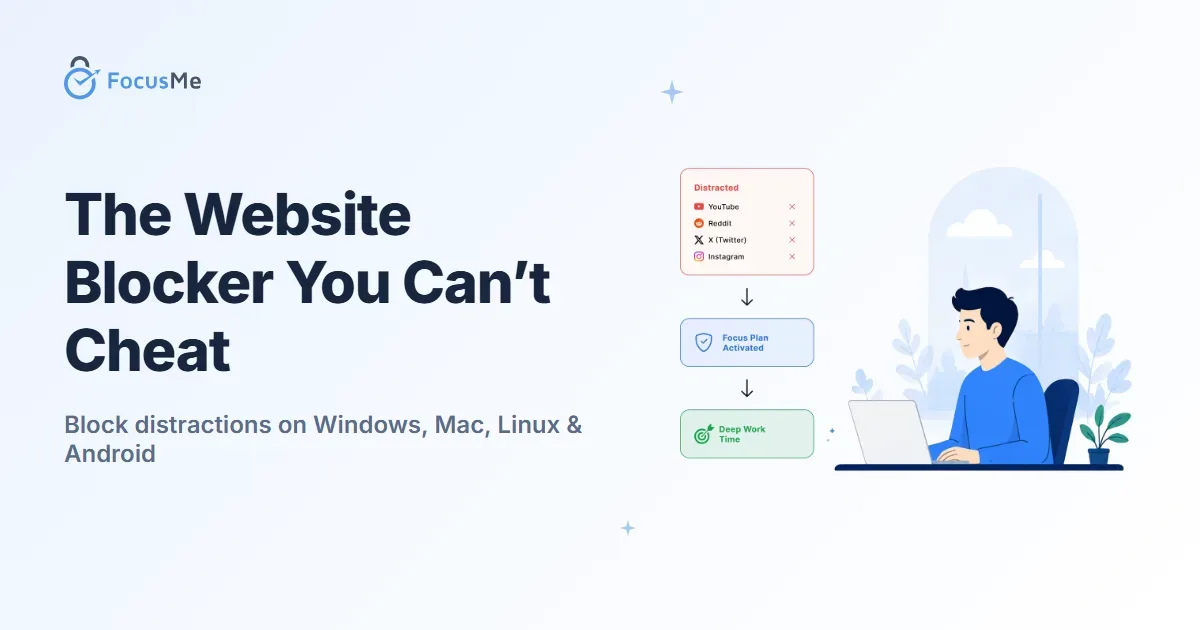
    FocusMe is a distraction blocker for creating rules around websites, applications and screen time. Its focus plans combine what to block, when the rule applies and how difficult it should be to stop. That makes it useful for recurring work sessions as well as a temporary boundary around a particular task. For example, a weekday writing plan could block games and social sites while leaving research resources available. A separate evening plan could limit entertainment time instead of blocking it completely. The setup wizard supports targets such as websites, parts of URLs and installed applications. Plans can use timers, weekly schedules or work-and-break cycles, with options for full blocks, time budgets, session limits and screen breaks. The protection level is an important part of the setup. Gentler choices add a typing challenge or delay before a plan stops; Enforced Mode is intended to keep a plan running until it ends. Review the summary and test a short session before committing to a strict rule, especially if work tools share a domain with something you intend to block. The current product also includes tasks and an optional AI Coach that uses activity and goals to suggest adjustments. FocusMe offers desktop and mobile versions, with platform-specific behavior. Its iPhone app uses Apple's Screen Time framework, while Android requires permissions for detecting and blocking activity. Premium adds plan synchronization, so check current licensing and device support for your setup. FocusMe may fit people who want detailed schedules and stronger interruption of automatic browsing. The flexibility takes some configuration: a small, understandable plan is easier to maintain than a large collection of rules whose interactions are difficult to predict.

    Helps with

    AppleWindowsMobile
    Free Trial
    View
    Forest logo

    Gamified focus app that grows trees while you work

    Forest is a focus timer that turns periods of attention into a growing virtual forest. You choose a session length and a tree, then let the tree grow while you work or spend time away from distracting apps. Over time, the collection gives those sessions a visible record rather than leaving them as an abstract total of minutes. A useful starting session might be a short period of reading, a household task or one small part of an assignment. Decide what you want to finish before starting the timer and put the phone somewhere that makes it easier to leave alone. Forest's tree-growth mechanism provides a concrete reason to stay with the session, while its stronger focus options can restrict distracting app use. Exact behavior and available tools depend on your device and settings. The app also offers focus statistics and ways to focus with friends. Its real-tree partnership with Trees for the Future is another part of the offering, with the current program's conditions described by Forest. It is sensible to treat that as an additional feature rather than equating each virtual session with a particular physical tree. Forest may suit people who enjoy a visual cue and a small game-like commitment around starting work. The tree-loss mechanism will not feel encouraging to everyone, especially when a session is interrupted for a legitimate reason. Begin with achievable sessions and necessary breaks instead of using a long timer as a test of willpower. It is primarily a way to frame time and reduce distraction; you will still need to decide what the next action is and whether the work needs to be broken into smaller pieces.

    Helps with

    AppleMobileBrowser
    Free core features / optional Plus subscription; pricing varies by platform
    View

    Side by side