
A busy room can make it hard to settle into reading, writing, or a routine task. Sound may help some people mask unpredictable noise, while it can distract or irritate someone else. You do not need to force yourself to use audio. Treat it as one setting you can test and change.
Run a short sound check
Choose a small task that takes about ten minutes. First, try it in silence if that is available. Notice whether the main problem is a sudden noise, voices, or the task itself. Then choose one steady sound or a music mode and try the same kind of task. Keep the volume low enough that you can still notice what is happening around you. Stop if the sound adds strain.
Match the sound to the task
Brain.fm offers separate music modes for different activities, including focused work. If you want music that is already grouped by activity, choose one work mode and use it for a single task. Avoid switching modes during the work period; changing tracks can become its own distraction. The music is a preference to test, not a treatment or a promise that focus will improve.

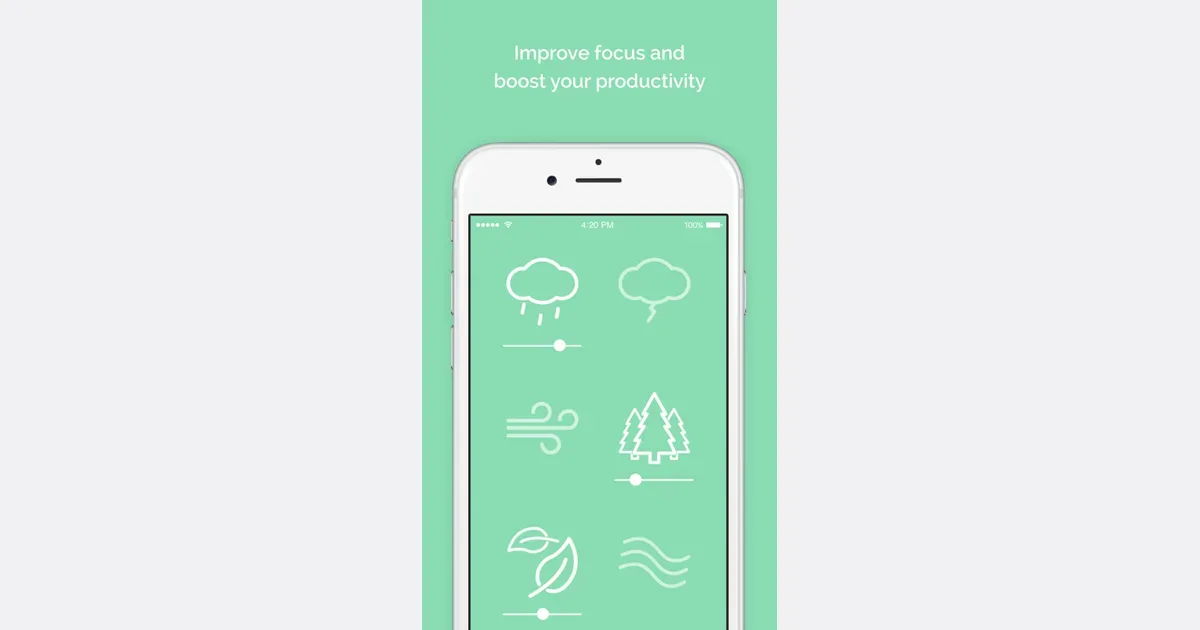
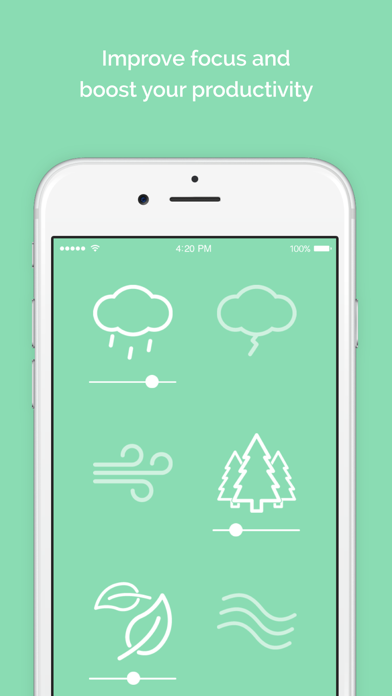
Noisli lets you mix natural and everyday sounds, including white, pink, and brown noise. You can use a simple sound such as rain or a fan-like noise, then adjust the mix until it feels comfortable. A custom mix can take time to set up, so save one mix that works and stop adjusting it while you work.
Keep the setup easy to change
If voices are the problem, a consistent sound may make them less noticeable. If the task needs careful reading or writing, lyrics may compete with the words on the page. If all sound feels tiring, choose quiet or ear protection that is safe for your setting. No app can know which sound will feel right to you.
Compare the options by asking one question after the short task: did the sound make the work easier to stay with, harder, or no different? If it made no difference, remove it. If it helped, keep the setting simple and use it only in the situations where it fits.
Quick guide
- Start with silence when it is comfortable and available.
- Test one steady sound or one music mode on a short task.
- Keep the volume comfortable and easy to stop.
- Do not keep changing the mix while you work.
Pick one task and one sound option today. Try it briefly, then choose the quieter or simpler setup if you are unsure.