A thought can arrive while you are in the middle of something else: a question to ask, an item to buy, or one step in a larger task. If you stop to organize it right away, you may lose the work you were doing. If you trust yourself to remember it later, the thought may disappear. A short capture routine gives you a place to put it without solving it yet.
Keep the capture small
Write only three things: a short title, a few words of context, and the next cue. For example: “Call the dentist — ask about Tuesday — check after lunch.” You do not need to write the full plan. The goal is to make the thought recognizable when you see it again.
Choose one inbox for these notes. If ideas land in texts, paper scraps, email drafts, and several apps, you may need to search each place later. One inbox makes the review step easier.
Choose a tool that fits how you capture
Amplenote may fit if you want to capture from more than one device. Amplenote says you can capture tasks, ideas, or notes from desktop, mobile, a widget, or a watch. Start with one place, such as its mobile widget, and save a few short notes there. If the note needs action, add a verb at the start: “email,” “bring,” or “ask.” If you only need to remember an idea, leave it as a note.

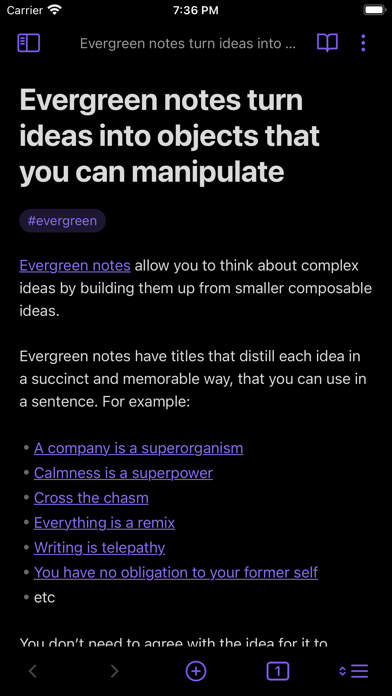
Obsidian may fit if you prefer notes kept in a local vault. Obsidian says its notes are stored on your device and can be accessed offline. Keep a single capture note near the top of your vault, and add each thought as a new line with a context cue. This approach gives you control over your files, but you need to decide where that capture note lives and remember to review it.
Set a review time
Pick a regular moment that already exists in your day, such as after lunch or before you close your laptop. Open the inbox and sort each note into one of three choices: do it now if it takes only a moment, schedule a time if it needs a block, or delete it if it no longer matters. Avoid turning every note into a full project.
If the inbox grows, shorten the time between reviews or reduce what you capture. If you keep forgetting to review it, move the review to a more visible part of your routine. A capture system helps only when the notes return to view.
Quick guide
- Use one inbox for new thoughts.
- Add a few words that explain why the note matters.
- Review at a time you already remember.
- Turn only useful notes into tasks.
Today, choose one capture place and save one thought with its next cue. Check it at the review time you picked, then keep the setup only if it is easy to find and use.