

01 · Definition
What is micro tasking?
Micro-tasking means dividing work into small, concrete actions. A useful step tells you what to do and how to recognize completion. The appropriate size depends on the task and your current capacity; a two-minute rule is a starting suggestion rather than a universal requirement.
Breaking tasks down cannot replace missing knowledge, resources or rest. Stop subdividing when it produces more planning than useful action.
02 · Research and evidence
What does research say about micro tasking?
These sources address different parts of the topic. The study design and population matter when deciding what a finding can tell you about everyday support.
The when and how of planning: implementation intentions in 642 tests
2024 · Meta-analysis · multiple populations and outcomes
Findings: The review examines plans that connect a situation to a response, including if-then plans. It finds benefits across a range of outcomes.
Limitations: The studies cover varied populations and goals. They do not validate a particular consumer app or isolate every method described in this directory.
Read the research source →Adult ADHD: evidence base, uncertainties and controversies
2025 · Clinical evidence review · adults
Findings: This review discusses attention, executive functioning and the varied presentation of adult ADHD. It provides a wider clinical context for difficulties with planning, remembering and directing action.
Limitations: A clinical review does not establish this directory tag as a separate diagnosis or test the practical steps or products on this page.
Read the research source →03 · Example explanation
Video: starting with a tiny action
Forget big change, start with a tiny habit
By TEDx Talks / BJ Fogg
BJ Fogg demonstrates shrinking a behaviour to a very small first action, such as flossing one tooth. This is an illustration of reducing the starting demand; the guide applies it to tasks without promising automatic habit formation.
Watch on YouTubeThe speaker presents his own Tiny Habits approach and associated resources.
04 · Practical guide
How to use micro tasking
1. Name the outcome
Write the larger result so small steps remain connected to a purpose.
Example: The result is submitting the expense claim.
2. Choose one observable action
Make the next step specific enough to do with the materials available.
Example: Find one receipt and photograph it.
3. Do the action and reassess
After the step, decide whether to continue or leave a clear return point.
Example: Save the image, then choose another receipt or stop with the folder ready.
These examples are illustrative. Adjust the steps and timings to your situation.
When to adjust the approach
Breaking tasks down cannot replace missing knowledge, resources or rest. Stop subdividing when it produces more planning than useful action.
Evaluate one situation at a time. If the change adds more effort than it removes, simplify it or ask what is still making the task difficult.
Other support to consider
You can explore related approaches without adopting a whole new system. task initiation friction reduction brain dump each address a different part of the problem. Choose the support that matches the difficulty you noticed.
05 · Choosing a tool
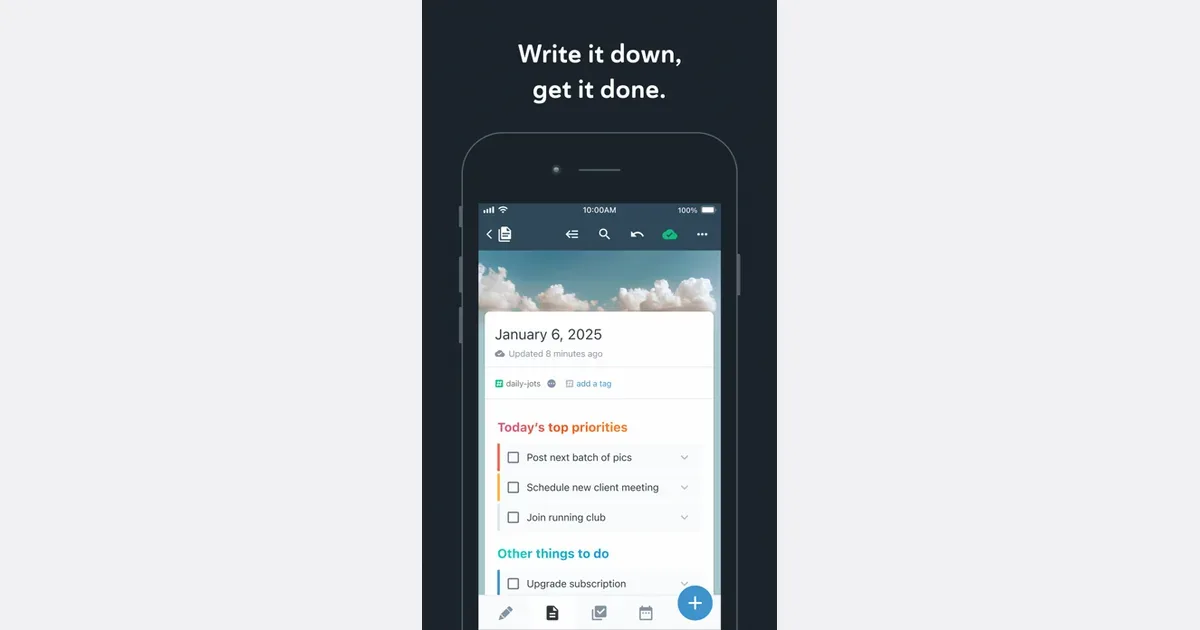
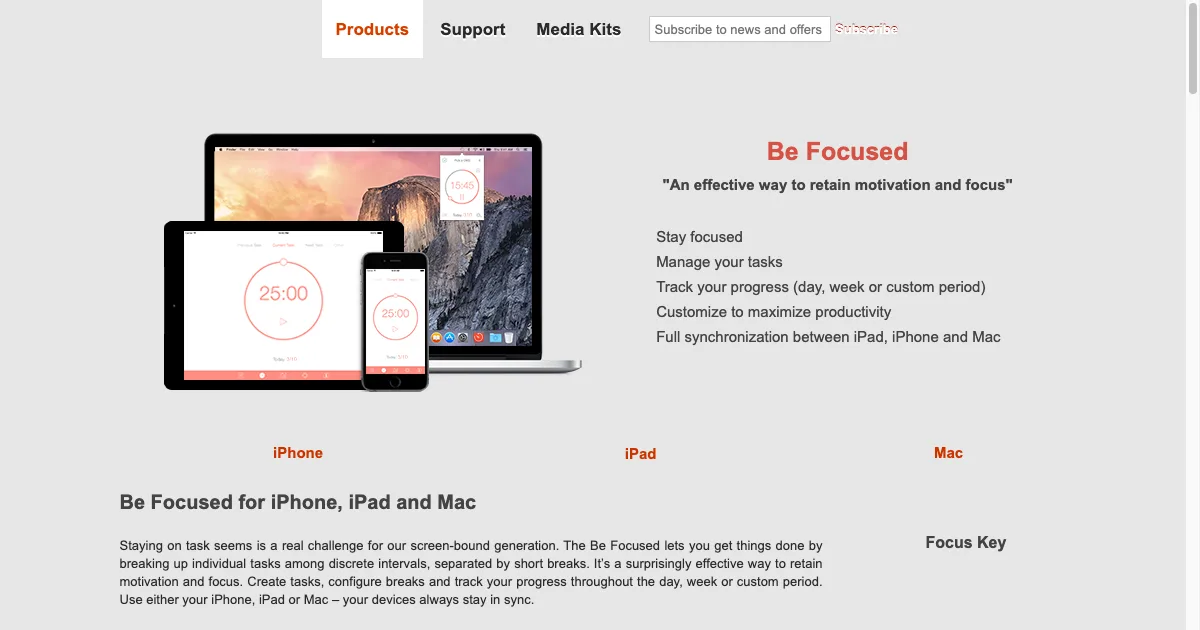
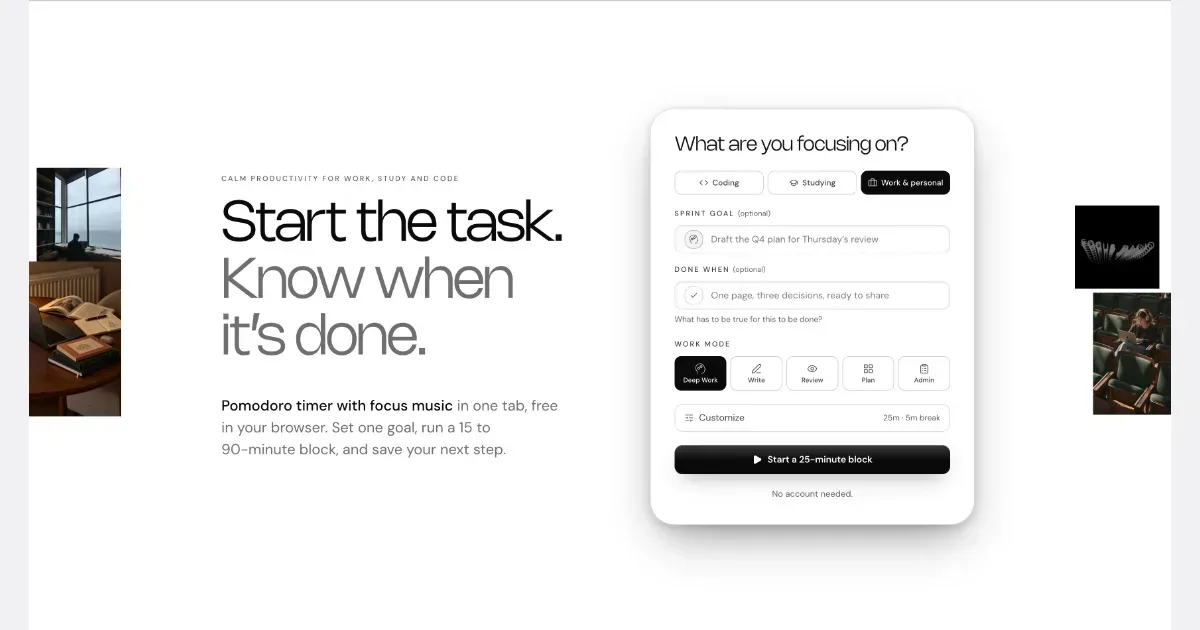
What to look for in a micro tasking tool
- Editable subtasks with a visible parent goal
- Low-effort completion and reordering
- No forced automatic breakdown you cannot correct
Start with what you already have. A tool earns its place when it makes your chosen approach easier to use.