


Visual database that works like a spreadsheet but thinks like a database
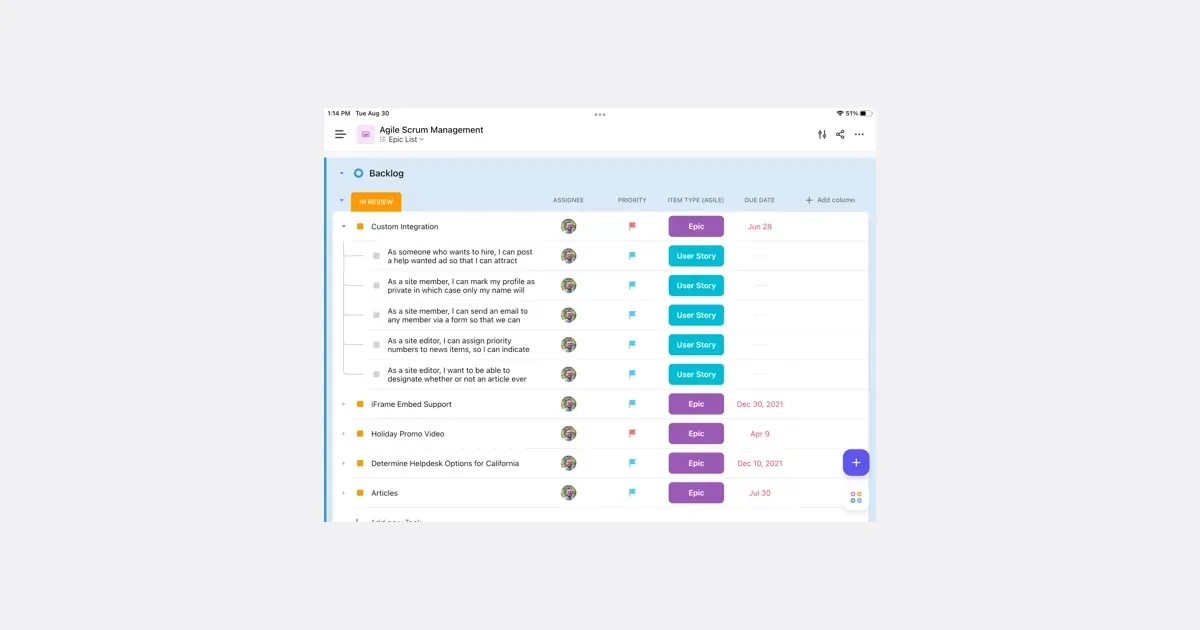
Airtable is a configurable workspace for organizing structured information and turning it into useful workflows. Its tables hold records with different fields, so a project can track a status, date, attachment and related information together. It suits work that needs more context than a checklist but does not justify building a custom system from scratch. For example, a content team could keep each article as a record, connect it to a campaign and track who is responsible for the next step. Different views can make the same underlying information useful for different jobs, rather than requiring a separate spreadsheet for each person. Forms provide a way to collect information consistently, and automations can move routine work along after a defined event. Airtable's current platform also includes AI-assisted app building and agents. These expand what a workspace can do, but the foundation remains deciding what information belongs in the system and how people will use it. Before adding automated steps, establish clear field names and a simple process that can be understood by someone else. The main trade-off is setup and ongoing maintenance. A flexible base can become difficult to follow if every exception creates another field, view or automation. Start with one small workflow and a handful of essential properties, then test it with real examples. Airtable may fit project trackers, inventories and shared operational records particularly well. A simpler task app may be easier when all you need is a short list of next actions. Check current plan limits and collaboration arrangements before making it a team's central workspace.
Helps with