




Browse apps

    Discover tools built for ADHD, neurodivergence, and focused work.

    Selected filters

    Showing 10 products on this page for your choices.
    Sort
    Show
    Nulma logo

    Your daily routines, visible right when you need them

    Your day is full, your head doesn't have to be. Nulma turns the parts of everyday life that keep coming back into simple routines. When it's time, the right steps are ready. See what matters now, what comes next, and move through your day one step at a time. MADE FOR REAL LIFE • Build routines for mornings, getting out the door, work, school, evenings, and more. • Break each routine into easy-to-follow steps, with optional symbols to make them clearer. • Choose the days and times that work for you. With Premium, you can schedule the same routine more than once a day. • See your current and upcoming routines without digging through a long to-do list. • Get notified when a routine begins, so you know when it's time to get started. • Check off steps from Live Activities, Home Screen widgets, or Apple Watch. Keep an eye on what's next with Lock Screen widgets and your Apple Watch face. • Bring scheduled Apple Reminders into your routines and complete them alongside your steps with Premium. • Ask Siri what's next or open a routine with a shortcut. STRUCTURE WITHOUT THE PRESSURE Nulma is for busy parents, students, professionals, people with ADHD, and anyone with a lot on their mind. Some days go according to plan. Others don't. Skip a step when plans change and pick things up again when you're ready. No streaks to protect. No pressure to do everything perfectly. Just a little more structure when you need it. PRIVATE BY DESIGN Your routines are personal. They should stay that way. Nulma stores your routines on your device and can sync them securely through your private iCloud account. Your routine content isn't sent to us, and we can't access it. No account to create. No ads. No tracking across apps. Just your routines, kept where they belong: with you. START SIMPLE Get started for free with up to three active routines. Upgrade to Premium for unlimited routines, more flexible scheduling, and Apple Reminders integration. Less to remember. More room to focus.

    Helps with
    Apple
    Freemium
    View
    Lithic UK logo

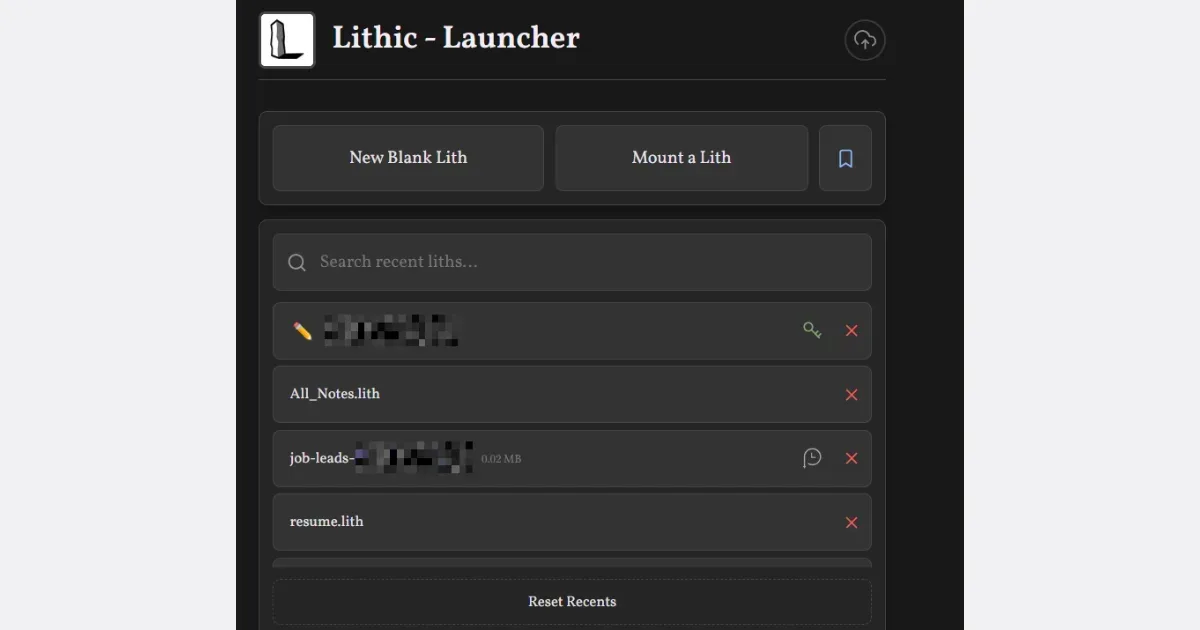
    A zero-friction notes and productivity app

    Helps with

    BrowserMobileWindows
    Free
    View
    Airtable logo

    Visual database that works like a spreadsheet but thinks like a database

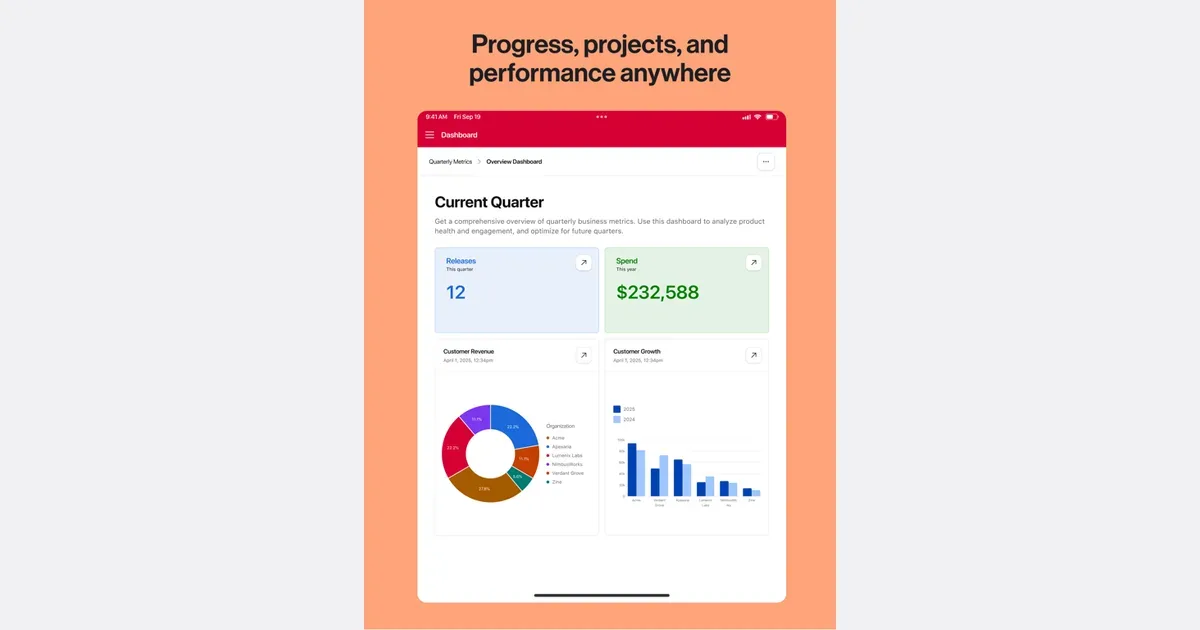
    Airtable is a configurable workspace for organizing structured information and turning it into useful workflows. Its tables hold records with different fields, so a project can track a status, date, attachment and related information together. It suits work that needs more context than a checklist but does not justify building a custom system from scratch. For example, a content team could keep each article as a record, connect it to a campaign and track who is responsible for the next step. Different views can make the same underlying information useful for different jobs, rather than requiring a separate spreadsheet for each person. Forms provide a way to collect information consistently, and automations can move routine work along after a defined event. Airtable's current platform also includes AI-assisted app building and agents. These expand what a workspace can do, but the foundation remains deciding what information belongs in the system and how people will use it. Before adding automated steps, establish clear field names and a simple process that can be understood by someone else. The main trade-off is setup and ongoing maintenance. A flexible base can become difficult to follow if every exception creates another field, view or automation. Start with one small workflow and a handful of essential properties, then test it with real examples. Airtable may fit project trackers, inventories and shared operational records particularly well. A simpler task app may be easier when all you need is a short list of next actions. Check current plan limits and collaboration arrangements before making it a team's central workspace.

    Helps with

    AppleWindowsMobile
    Free / Team US $20 per user/month billed annually ($24 monthly)
    View
    Akiflow logo

    Calendar-centered task management with keyboard-first workflow

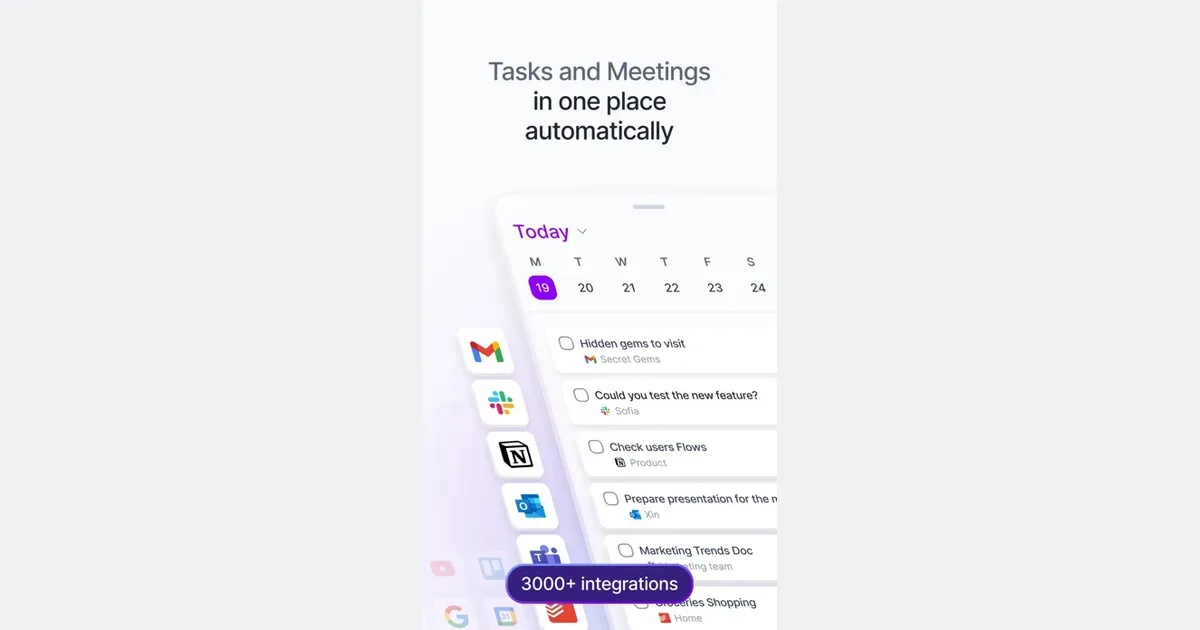
    Akiflow is a task and calendar planner built around bringing responsibilities into one inbox and deciding when to work on them. It combines task capture with time blocking, making it possible to see a piece of work alongside meetings rather than leaving it in a separate list. Integrations can collect actions from other tools so they can be considered in one planning routine. A practical workflow begins by reviewing the inbox and clarifying what each item actually requires. A message that says to prepare a proposal might become several actions, each with a realistic duration. You can then plan those actions in available calendar space or reserve a broader project time slot. Drag-and-drop scheduling and natural-language input provide different ways to make those decisions. Akiflow's wider feature set includes calendar connections, project organization and an AI assistant called Aki. Supported integrations include common calendar, email and communication tools, with the exact arrangement depending on your accounts and setup. Review the permissions and the specific import behavior before connecting every source of work at once. The approach may suit people whose tasks are scattered across several services and who want one deliberate place to plan the day. Its value depends on maintaining that planning habit: importing everything without deciding what belongs on today's schedule can simply create a larger inbox. Begin with one or two integrations, use descriptive action titles and leave space for interruptions. Akiflow can make the relationship between a task and available time clearer, while deciding what to decline, postpone or simplify remains a personal or team responsibility.

    Helps with

    BrowserAppleMobile
    $14.90-34/month
    View
    Amazing Marvin logo

    The most customizable task manager built for ADHD

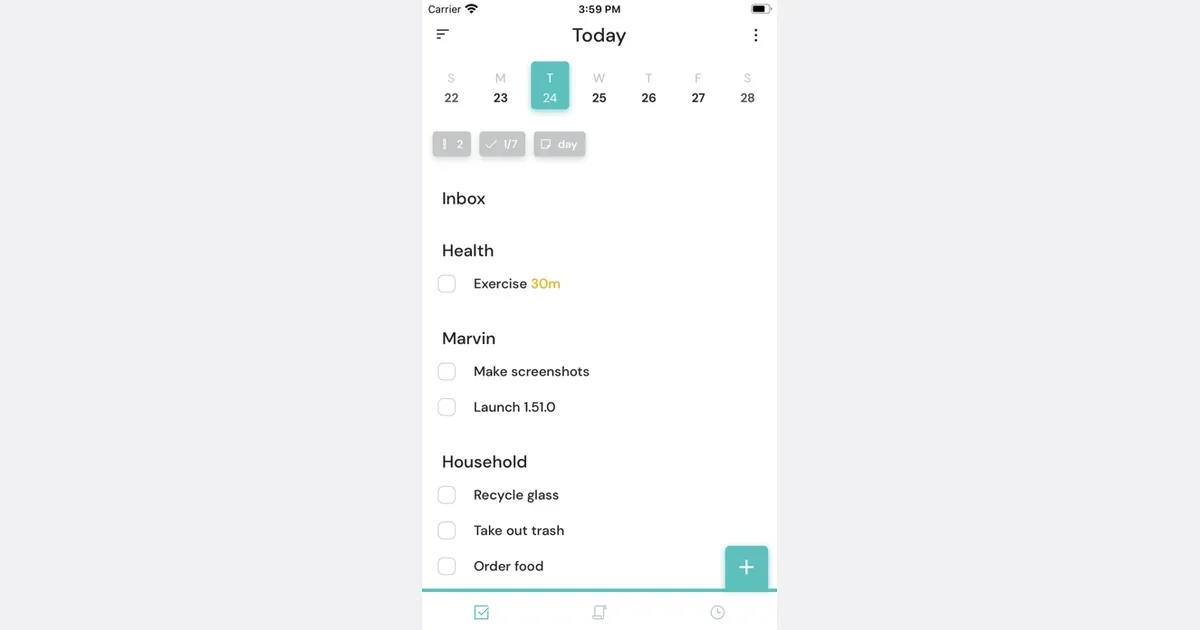
    Highly customizable task manager with 300+ options designed specifically for ADHD brains. Features Procrastination Wizard, Pomodoro timers, daily capacity planning, and strategy library for managing specific challenges like time blindness and initiation problems. Gamification and color coding included.

    Helps with

    BrowserAppleMobile
    $12/month / $96/year / $300 lifetime
    View
    Amplenote logo

    Notes and tasks combined with Eisenhower matrix prioritization

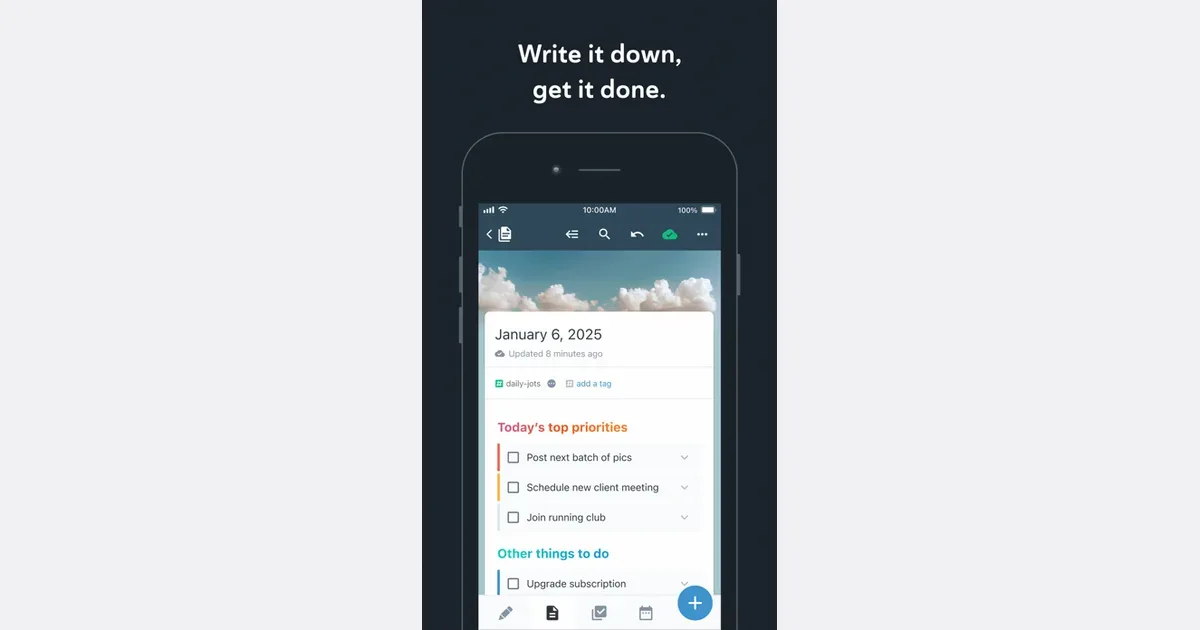
    Note-taking and task manager using Eisenhower Matrix for prioritization. Features note backlinks, rich footnotes with embedded media, Vault Notes for encrypted content, and syncs across unlimited devices. Four editing modes: Jots, Notes, Tasks, and Calendar.

    Helps with

    BrowserAppleMobile
    Free Personal / $5.84/month Pro / $10/month Unlimited
    View
    Any.do logo

    Free task manager combining to-dos, calendar, and reminders

    Any.do is a task-management app with personal lists and collaborative workspaces. It brings tasks, reminders and calendar context together, while shared boards give teams a place to assign responsibility and track progress. The personal and team offerings serve different needs, so begin with the kind of coordination you actually require. For personal use, a useful setup might have one list for household responsibilities and another for work administration. Capture an item when it occurs to you, then make a separate decision about when it needs attention. A clear task such as booking an appointment is easier to act on than a broad heading such as getting organized. Shared lists can make a recurring grocery shop or household handoff visible to the people involved. The team workspace adds boards, owners, due dates and automation around shared work. Any.do's current offering also includes connections with AI agents, allowing supported assistants to create or update work in the same system. Those capabilities are optional parts of the workflow; the useful foundation is still an agreed place for tasks and a clear understanding of what each status means. Any.do may suit someone who wants a familiar task-list approach that can extend into collaboration. The main trade-off is matching the plan and workspace to the job. A small private list does not need the same structure as a team process. Start with a few lists, keep reminders selective and review unfinished work before adding more features. Check current plan and device support for the specific calendar, sharing and automation options you intend to use.

    Helps with

    BrowserAppleMobile
    Free Personal / Premium subscription; prices vary by offer and platform
    View
    Asana logo

    Flexible project management with multiple viewing options

    Asana is a work management platform for organizing projects, tasks and responsibility across a team. It gives work a shared place where people can see what needs to happen, who is handling it and when it is due. Projects can be viewed in several ways, including lists, boards and calendars, with additional planning views and capabilities depending on the plan. A useful starting workflow is to create a project for a specific outcome, divide it into stages and write tasks as concrete next actions. For an event, that could mean booking a venue, reviewing invitations and confirming equipment. Assigning an owner and a date to each action helps distinguish a shared intention from work someone has actually agreed to do. Relevant discussion and updates can stay near the task instead of being scattered through messages. Asana also offers custom fields, forms, rules, reporting and tools for coordinating connected projects. These become more useful when a team has a repeatable process and needs visibility beyond one person's list. Its growing AI features are another part of the offering, so review current availability rather than assuming every capability is included in a basic account. The important consideration is how much coordination your work really needs. Extra fields, notifications and workflows can create administrative effort if nobody agrees how to use them. Begin with a clear project structure and a small set of conventions, then add detail when it answers a real question. Asana may suit collaborative work with handoffs and deadlines; a lightweight personal checklist can be a better fit for a small collection of private errands.

    Helps with

    BrowserAppleMobile
    Free / Starter US $10.99 per user/month billed annually ($13.49 monthly)
    View
    Basecamp logo

    Simple team project management with everything in one place

    Basecamp is a project workspace that brings team tasks, discussions, files and schedules together. Each project has its own page with the tools needed for that piece of work. The aim is to keep context near the project rather than distribute it across an inbox, a chat room and several unrelated documents. A practical setup might use a message board for the project brief, a to-do list for actions and a calendar for important dates. An announcement can remain visible with its replies underneath, making it easier for someone joining later to understand a decision. Tasks can have owners and due dates, while files and reference material stay with the work they support. Basecamp also offers chat, automatic check-ins and Card Tables for work that moves through stages. Automatic check-ins can collect recurring updates without arranging another meeting, while Card Tables provide a board-like view for suitable workflows. The useful choice is which tools a particular project needs; activating everything can create additional places for the same information to accumulate. Basecamp may fit teams or client projects that want a shared home for communication as well as task tracking. Its approach works best when people agree where decisions and requests belong. If important instructions continue to arrive elsewhere without being captured, the project page will not tell the whole story. Begin with a clear brief, a small set of active lists and a convention for recording decisions. It is a coordination tool, while specialist planning or reporting needs may still require checking whether its current capabilities fit the way your team delivers work.

    Helps with

    AppleWindowsMobile
    $15/user/mo or $299/mo flat
    View