
Browse apps

    Discover tools built for ADHD, neurodivergence, and focused work.

    Selected filters

    Showing 10 products on this page for your choices.
    Sort
    Show
    Sunsama logo

    Guided daily planning with realistic workload warnings

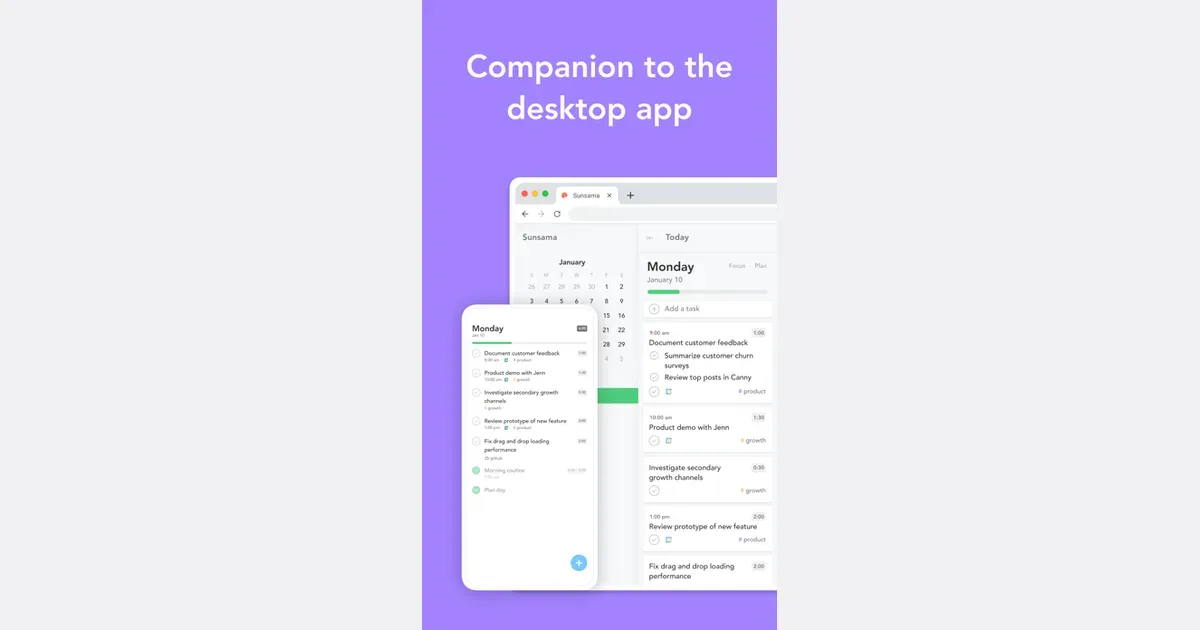
    Sunsama is a daily planning app that connects tasks with the time available in your calendar. It is built around deliberately choosing a realistic day's work rather than treating the entire backlog as today's to-do list. People can bring responsibilities from other work tools into a single planning view while retaining the context of meetings and existing commitments. A practical morning routine is to review the tasks that could matter today, select the ones you can reasonably address and reserve time for them. You might pull an action from a project board, turn an email into a follow-up and place both around scheduled calls. Timeboxing makes the cost of those choices visible: if the calendar is already full, something needs to move rather than simply becoming another overdue item. Sunsama supports connections with project-management tools, calendars and communication services. Its product emphasizes planning, focused work and reviewing progress, with a paid subscription rather than a permanent free plan. Check the current integrations and access requirements, especially before connecting a work account that is subject to your organization's policies. The approach may suit people who already know their responsibilities but struggle to turn them into a manageable day. It asks for an active planning habit, so the planning session itself needs to remain proportionate. Start with a few meaningful tasks and allow some unscheduled space. Sunsama is most useful when it helps you make honest choices about capacity; it cannot make an impossible workload fit simply by arranging it more neatly on a timeline.

    Helps with
    BrowserApple
    $16/month ($20 monthly)
    View
    Tana logo

    All-in-one knowledge graph with AI automation for personal OS

    Combines outliner, knowledge graph, and AI automation into flexible workspace. Scales from simple daily notes to full life operating system without forcing complexity. Bidirectional linking connects notes, tasks, and projects. Free 14-day trial with credit-based pricing.

    Helps with

    BrowserAppleMobile
    Free / Plus ($10+/month) / Pro ($15+/month)
    View
    Taskade logo

    AI-powered project and task manager for teams and individuals

    All-in-one collaborative workspace combining tasks, outlines, mind maps, and an AI assistant. The AI can auto-generate task lists from prompts, helping ADHD users break down overwhelming projects into actionable steps.

    Helps with

    AppleWindowsMobile
    Free / $8/mo
    View
    TeuxDeux logo

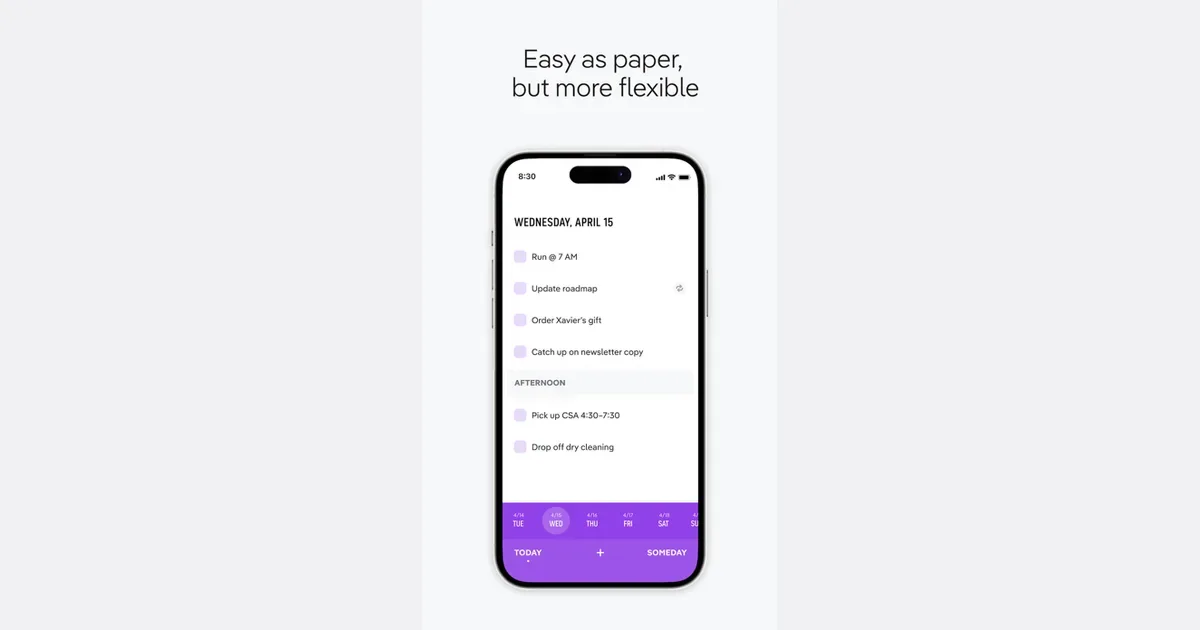
    Beautifully simple to-do list organized by day of the week

    Ultra-minimal to-do app that shows your tasks day-by-day in a calm weekly view. Unfinished tasks automatically roll forward to the next day — perfect for ADHD users who often don't finish their list and need forgiving rollover.

    Helps with

    BrowserApple
    $3/mo
    View
    Things 3 logo

    Elegant GTD task manager for Apple ecosystem

    Things 3 is a personal task manager for Apple's devices that separates everyday planning from the larger collection of commitments you want to keep track of. Tasks can belong to projects and areas, with notes, tags, checklists, scheduling and deadlines available when needed. Its predefined lists provide a ready-made structure instead of asking you to design a workspace from scratch. A practical routine starts by capturing incoming tasks in the Inbox. Later, decide whether each item belongs in a project, should be scheduled for a particular day or can wait in Someday. Today becomes a smaller working selection, while Upcoming shows scheduled tasks and calendar events together. This Evening can separate after-work responsibilities from the rest of today's plan. For a larger goal, project headings and checklists can expose the next steps without turning every minor action into a separate project. A packing task might contain a checklist, while organizing a move might warrant several project headings. Quick Find, natural-language date entry and Apple integrations provide faster ways to capture or locate work once the structure is familiar. Things may fit someone who wants a polished personal system and already uses compatible Apple devices. It is worth checking device availability and purchase arrangements before committing to it across a mixed-device setup. Its organization also works best when you distinguish a day you hope to work on something from a genuine deadline. Keep Today realistic, revisit deferred projects and avoid assigning dates to every passing idea. The app supplies a useful framework, but regular review is what keeps that framework current.

    Helps with

    Apple
    $9.99 iPhone / $19.99 iPad / $49.99 Mac
    View
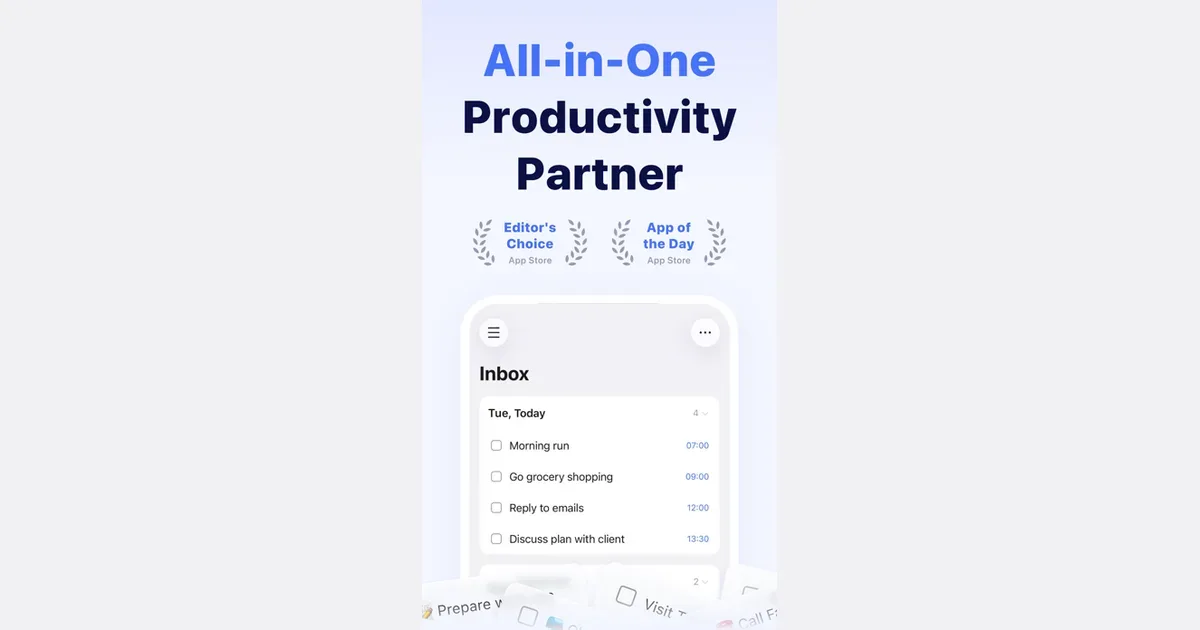
    TickTick logo

    All-in-one task manager with Pomodoro, habit tracking, and calendar

    TickTick is a task and planning app that combines to-do lists with calendars, focus timing and habit tracking. It lets you collect responsibilities in one place and choose different ways to view them, rather than treating every item as part of one long undifferentiated list. Natural-language date entry, recurring tasks and reminders support work that needs to return at a particular time. For example, you could keep study assignments in one list, household responsibilities in another and use a daily view to choose the next few actions. Breaking a large assignment into smaller steps makes the list more actionable. A calendar or timeline can then help you consider when the work might fit, while list and board views offer different ways to organize its status. TickTick also includes a Pomodoro-style focus tool and habit tracking. Those features can connect the intention to do something with a defined period of work or a recurring routine. Shared lists and task assignment support lightweight collaboration. Some planning features and usage limits depend on Premium, so check the current comparison for the particular calendar and reminder options you need. Its breadth may suit people who prefer one app for several personal organization habits. The same breadth can become distracting if you feel obliged to maintain every chart, habit and alert. Begin with task capture and a realistic daily selection, then introduce a timer or habit only if it solves a clear problem. Reminders also need restraint: a notification is more useful when it points to something you can act on. TickTick supplies the structure, while choosing a manageable workload remains an ongoing decision.

    Helps with

    BrowserAppleMobile
    Free / Premium US $49.99 per year
    View
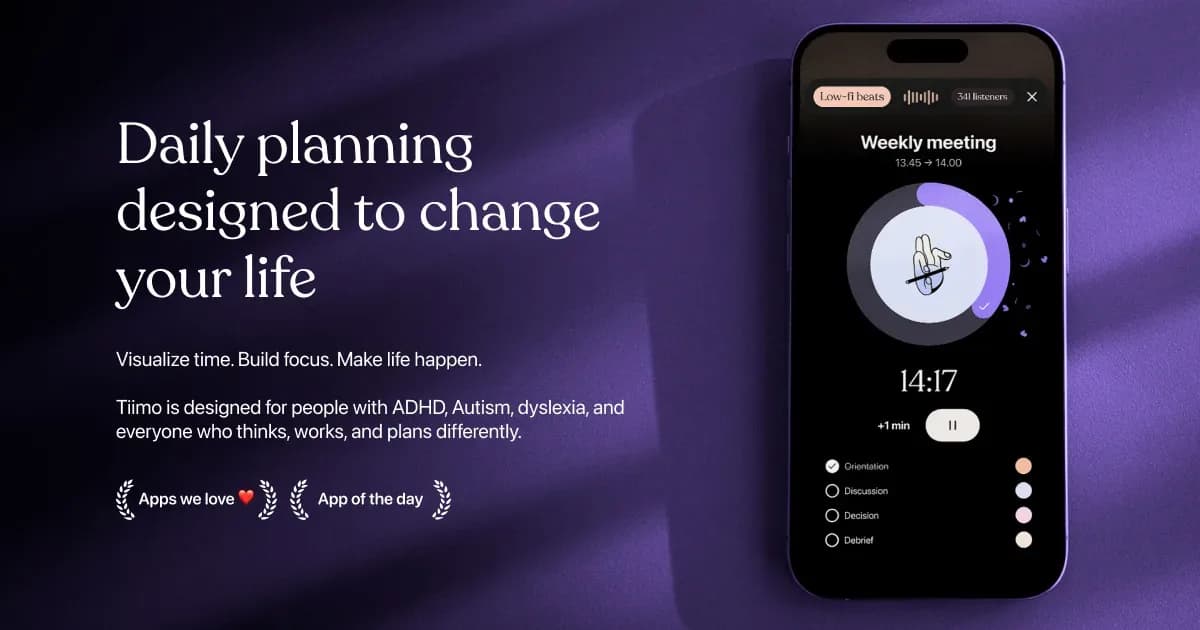
    Tiimo logo

    Visual planner for neurodivergent routines and time management

    A calm, visual routine app specifically designed for ADHD and autism. Won iPhone App of the Year 2025. Features color-coded timelines, AI task breakdown, gentle reminders, and co-planner suggestions. Includes visual timers, focus tools, and custom widgets. iOS exclusive with web planner.

    Helps with

    AppleBrowser
    Free / $12/month ($144/year) or $54/year
    View
    Todoist logo

    Flexible task manager with AI prioritization and quick capture

    Todoist is a task manager for collecting commitments, organizing them into projects and deciding what needs attention next. It can hold personal errands, study work and shared responsibilities in one system, with an Inbox for ideas that do not yet belong to a project. Tasks can have dates, priorities and smaller steps, while projects can be divided into sections and shown as lists or boards. A practical starting point is to create one project for a current responsibility and write down its next actions. For a presentation, that might mean collecting sources, outlining slides and sending a draft for feedback. Subtasks make those actions easier to see without turning the main list into a wall of detail. Natural-language date entry lets you include a schedule in the task name, and recurring dates suit repeat commitments such as preparing a weekly update. Today and Upcoming bring scheduled work together across projects. Labels, filters and priority levels offer additional ways to narrow attention when the collection grows. The calendar layout is available on paid Pro and Business plans, so it is worth checking the current plan comparison if visual scheduling is central to your workflow. Todoist's flexibility is useful when a basic checklist feels limiting, but it still needs regular decisions about what to keep, schedule or remove. A long overdue list can become difficult to scan if every idea receives a date. Start with a few projects, add only the organization you use, and make time to review the Inbox. For people who benefit from seeing an explicit next action, it can provide a practical external record without requiring a fully designed workspace.

    Helps with

    BrowserAppleMobile
    Free / Pro US $5 per month billed annually ($7 monthly)
    View
    Trello logo

    Visual Kanban boards for flexible project and task management

    Trello is a visual work management app built around boards, lists and cards. A board represents a project or area of work, lists organize its stages or categories, and cards hold individual tasks or ideas. Moving a card between lists makes progress visible without requiring a complicated reporting system. A simple board could have To do, In progress and Done lists. For a household project, each card might represent a repair or purchase, with enough detail inside to explain the next action. For a team, the same structure can make handoffs easier to understand because everyone can see where the work sits. The list names are flexible: a board can reflect a process, a set of topics or a collection you want to organize. Cards can hold supporting information rather than just a title, and the board's menu provides access to settings, permissions, activity and additional tools. Trello also offers integrations, automation and newer Inbox and Planner workflows. These are options for extending the basic board, with availability and limits depending on the current plan. It is sensible to get the board working before adding automation. The visual approach may suit people who need an external picture of progress, especially when a plain list makes every task look equally urgent. Its limitations become clearer as a board grows: a large number of cards or columns can be difficult to scan, and moving cards is only useful if the information stays current. Keep the active board focused, review stalled work and use clear card titles. Trello is a practical starting point for visible workflows, while projects needing extensive dependency or capacity planning may require more structure.

    Helps with

    BrowserAppleMobile
    Free / Standard US $5 per user/month billed annually ($6 monthly)
    View