






Browse apps

    Discover tools built for ADHD, neurodivergence, and focused work.

    Selected filters

    Showing 10 products on this page for your choices.

    Featured apps

    A rotating mix of paid Premium placements and random directory discoveries. Featured badges identify paid Premium listings.

    Sort
    Show
    Linear logo

    Fast, opinionated issue tracker for software teams

    Linear is a work-tracking platform designed around building products. It connects individual issues with projects and longer-term plans, giving a team a shared place to describe work, assign responsibility and follow progress. Its focus on product development makes it especially relevant to teams handling bugs, feature requests and releases. A practical workflow begins by turning a request into an issue with enough context to act on it. Describe the problem, define what a useful outcome looks like and connect it to the appropriate project. That keeps a customer observation or team discussion from remaining an isolated message. Status, priority and responsibility then make the next step visible to the people doing the work. Linear's wider offering spans planning, cycles, integrations with development tools and release-related workflows. Its current platform also includes AI and agent capabilities for working with issues and project context. Those features do not remove the need for clear descriptions or sensible priorities. A team should agree how incoming work is triaged before relying on automation to route it. Linear may suit product teams that want a coherent issue workflow rather than a highly general-purpose workspace. The trade-off is that its concepts can be unnecessary for a small private task list or a process unrelated to product delivery. Start with a limited set of statuses and a real project, then decide which additional fields answer useful questions. Review old issues regularly so the backlog remains a collection of decisions you might act on, rather than an archive that makes every new planning session harder.

    Helps with

    AppleWindowsMobile
    Free / $8/user/mo
    View
    Llama Life logo

    Calm, focused productivity with one-task-at-a-time approach

    ADHD-designed daily planner focusing on one task at a time with countdown timers for timeboxing. Created by Marie after her ADHD diagnosis. Features customizable colors/emojis, preset templates, total list time display, and celebration confetti on completion.

    Helps with

    AppleMobile
    $6/month / $39/year
    View
    Microsoft To Do logo

    Free, simple task manager for Microsoft 365 users

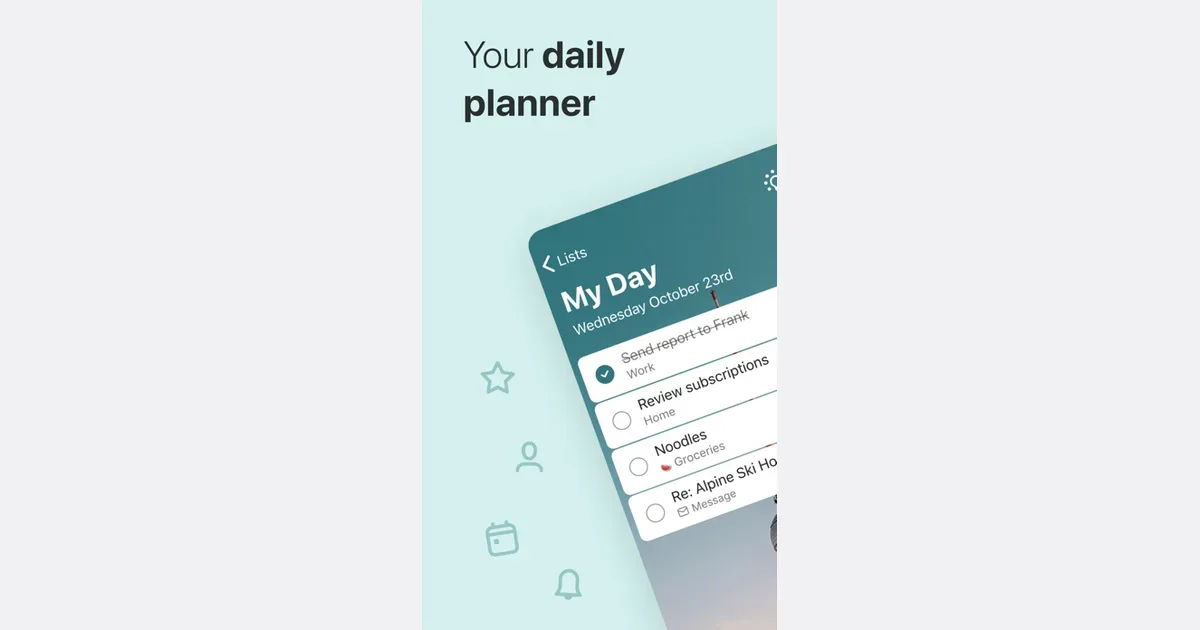
    Microsoft To Do is a task-list app for keeping everyday responsibilities visible across devices. It combines named lists with a daily planning view called My Day, making it possible to separate the full collection of things you need to remember from the smaller set you intend to work on now. The service is available free and connects with Microsoft's task ecosystem. A useful routine is to capture tasks as they occur, then choose a realistic handful for My Day. You might keep separate lists for work administration, household jobs and a personal project without needing to schedule every item immediately. My Day begins afresh each day, while unfinished tasks remain in the wider task collection rather than disappearing. Suggestions can help you find items to bring back into today's view. For people already using Outlook, the connection is particularly relevant. Signing in with the same compatible account can bring tasks into both products, and flagged email can appear as actionable items in To Do. That provides a bridge between receiving a request and deciding when to act on it. Lists can also be shared with other people for straightforward coordination. Microsoft To Do may fit someone who wants a ready-made task system with relatively little setup, especially when their work already lives in Microsoft services. Its daily focus still depends on making deliberate choices: adding too many items to My Day can recreate the same overwhelming list you were trying to narrow. Start with a manageable selection and review the broader lists regularly. It is less suited to complex project reporting or heavily customized workflows than a dedicated work management platform, but that simplicity can be useful for everyday follow-through.

    Helps with

    BrowserAppleMobile
    Free with a personal Microsoft account; work or school licensing may apply
    View
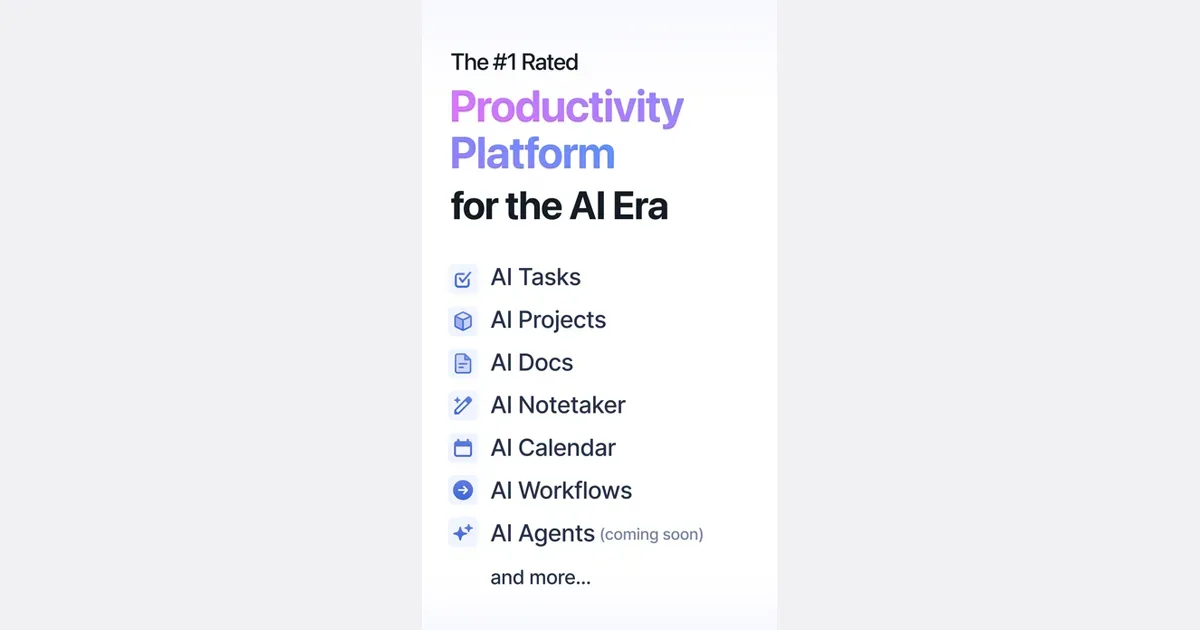
    Motion logo

    AI calendar that automatically schedules tasks and meetings

    Motion is a work-planning platform that uses task information and calendar availability to build and adjust a schedule. Instead of keeping a separate task backlog and manually placing every item into a calendar, you provide details such as deadlines, duration, priority and dependencies. The system uses those inputs to propose when the work should happen. A practical first project could contain a few clearly defined actions for an upcoming deliverable. Estimate how long each will take and enter the real deadline, then inspect the resulting plan. If a new meeting or higher-priority request changes the day, Motion can revise the schedule rather than requiring every block to be moved by hand. The value depends on whether the task information and calendar boundaries reflect your actual working conditions. Motion's broader offering includes projects, meeting-related tools, documents and AI-assisted workflows. Team capabilities extend planning across responsibilities and handoffs. These are useful distinctions when comparing plans: a person looking for help placing individual tasks in a calendar may not need the same product breadth as a team coordinating delivery. The central trade-off is giving an automated planner enough reliable information. Unrealistic duration estimates or an overloaded backlog can produce a schedule that looks precise but is still difficult to follow. Begin with a small set of work, review the proposed arrangement and leave room for interruptions and breaks. Motion may suit people who repeatedly postpone deciding when to do a task. It is less appealing if you prefer a loosely structured day or do not want a system continuously rearranging the plan.

    Helps with

    BrowserAppleMobile
    $19-49/month
    View
    Notion logo

    All-in-one workspace combining notes, tasks, and databases

    Notion is a flexible workspace for combining documents, notes and structured information. A page can contain text, checklists, images and other blocks, while databases organize collections of pages with properties such as dates and status. This makes it possible to keep a project's background, working notes and action tracking together rather than spreading them across unrelated files. For example, a small project workspace could begin with a brief, a meeting-notes page and a task database. Each task can open into its own page for context, links and decisions. The same underlying collection can be presented through different views, so a list for everyday work and a calendar for dates do not need separate copies of the information. Filters and sorting can narrow a view to the items relevant to a particular moment. Notion also supports collaboration through shared pages, comments and mentions. Templates provide starting structures, and documents can include collapsible sections or a table of contents to keep longer material navigable. These capabilities suit people who want to connect reference material with ongoing work, or teams that need a shared place for project knowledge. The trade-off is that someone has to decide how the workspace should function. A sophisticated dashboard can become a project of its own, and an attractive template may still be a poor match for your actual routine. Start with a page you will use today and one small database, then add properties or views only when a real need appears. Notion is most useful when the structure makes information easier to find and act on; it may feel excessive if you only want a fast, ready-made checklist. Check current plan and sharing limits before building a team process around it.

    Helps with

    BrowserAppleMobile
    Free / Plus US $10 per member/month billed annually ($12 monthly)
    View
    OmniFocus logo

    Sophisticated task management with customizable perspectives

    OmniFocus is a task-management app for people who want detailed control over a large collection of commitments. Projects, tags, dates and review tools let you capture everything in one system and then narrow attention to the actions that make sense now. It is particularly relevant to people using Apple's devices, with a web option for access from other environments. A useful workflow begins with the Inbox: record a task without interrupting the work already in progress, then clarify it later. Assign it to a project, add any necessary context and distinguish a real deadline from a date before which the task should stay out of view. Tags can represent a person, location, energy level or another practical constraint rather than just another topic category. Forecast brings time-sensitive actions and, on supported versions, calendar context together. The Review feature provides a regular prompt to examine projects and decide whether their next actions still make sense. Notes and attachments can keep relevant instructions beside an action. More advanced customization and automation depend on the edition and platform, so check the current comparison for the features you expect to use. OmniFocus may suit people with many parallel projects who are willing to maintain a deliberate capture-and-review habit. Its depth can also create setup work: too many tags or elaborate perspectives can make a small task collection harder to manage. Begin with a few active projects and one useful review routine. It offers more structure than a basic checklist, and that structure is most helpful when it reflects real decisions about your responsibilities rather than an attempt to categorize everything perfectly.

    Helps with

    AppleBrowser
    $5+/month
    View
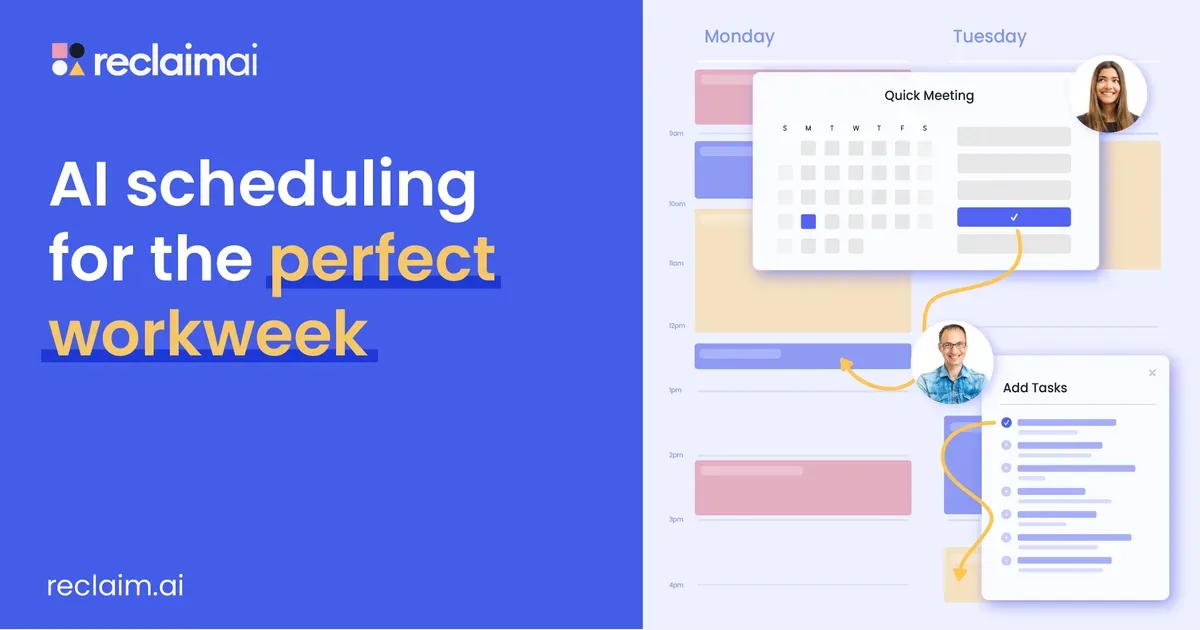
    Reclaim.ai logo

    AI scheduling that protects focus time and syncs with your calendar

    Reclaim.ai is a calendar-planning service that schedules time for work and routines around existing events. It connects with Google Calendar or Outlook Calendar and can place tasks, habits, focus periods and supported meetings into available space. Rather than treating each block as permanently fixed, it can adapt the arrangement as priorities and calendar commitments change. A useful first experiment is one recurring activity that you want to protect without assigning it an inflexible time. For example, you might reserve a reading period or an administrative task within a defined window, then inspect where the service places it. That makes it easier to judge whether the scheduling preferences match your real day before adding an entire task backlog. Reclaim also offers calendar synchronization and team-oriented scheduling tools. Its current product includes features for coordinating meetings, protecting focus time and understanding organizational time patterns. Free and paid plans have different scheduling ranges, allowances and administrative capabilities, so check the limits for your own use case rather than assuming an individual setup and a team rollout are equivalent. Reclaim may fit people who repeatedly lose intended work time to meetings or who want flexibility around recurring routines. It still depends on sensible priorities and a calendar that represents genuine commitments. If every activity is urgent, automation has little room to make a helpful choice. Start with one scheduling problem, review the resulting blocks and keep some room for changes. It is a planning aid rather than a reason to account for every minute or give an automated system authority over every part of the day.

    Helps with

    Browser
    Free Lite / $8/month Starter / Custom pricing
    View
    Routine logo

    All-in-one planner combining tasks, notes, and calendar

    Daily planner built for people who want everything in one place: tasks, calendar events, notes, and contacts. Features time-blocking, daily planning rituals, and a unified inbox. Designed with ADHD productivity patterns in mind.

    Helps with

    AppleWindowsMobile
    Free / $12/mo
    View
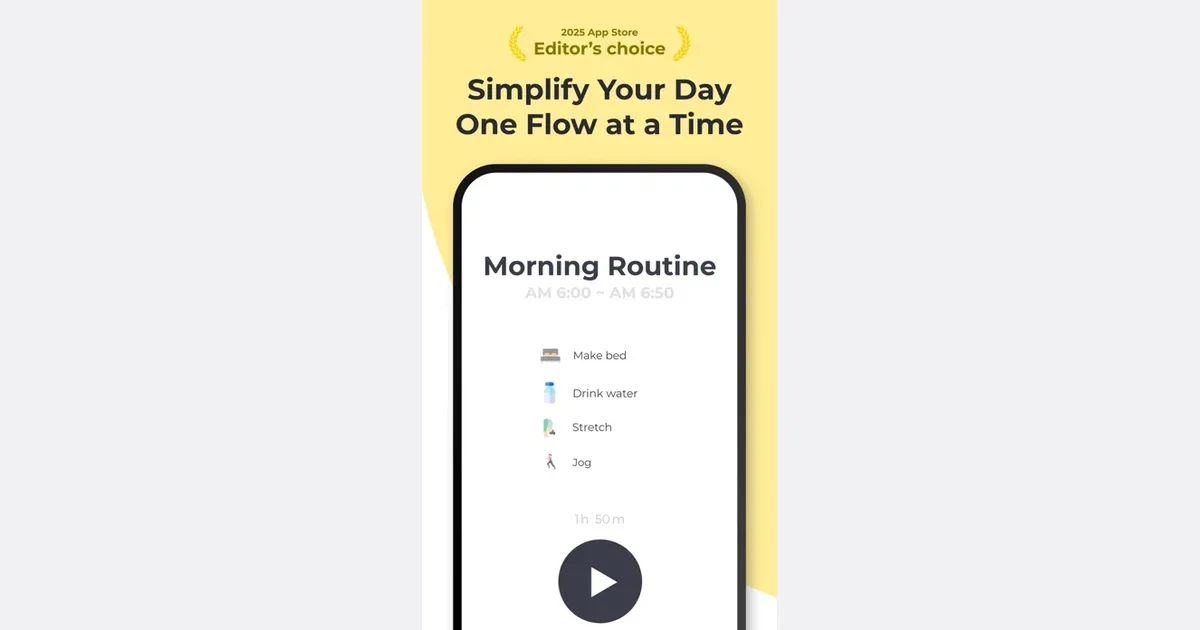
    RoutineFlow logo

    AI-powered routine builder that turns tasks into smooth habits

    ADHD-specific daily planner converting scattered tasks into smooth, manageable routines. Features AI-powered task breakdown, visual schedules, and habit building tools. Helps establish routines that feel natural rather than forced.

    Helps with

    AppleMobile
    Free / Premium subscription
    View