
 Take the Quiz
How to Use Motion App for Project Management (The Most Detailed Tutorial & Review!) — Efficient App (Alex & Andra) (promotional links)
Independent review
Watch on YouTube
Calendar / Scheduling
AI calendar that automatically schedules tasks and meetings
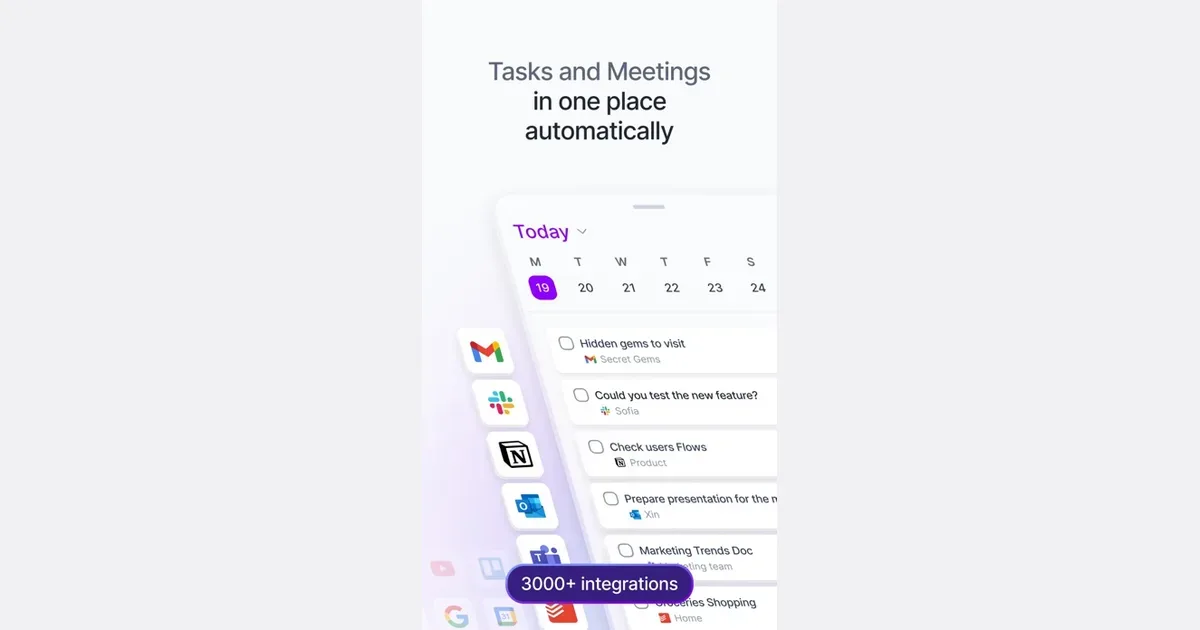
Motion is a work-planning platform that uses task information and calendar availability to build and adjust a schedule.
Motion is a work-planning platform that uses task information and calendar availability to build and adjust a schedule. Instead of keeping a separate task backlog and manually placing every item into a calendar, you provide details such as deadlines, duration, priority and dependencies. The system uses those inputs to propose when the work should happen.
A practical first project could contain a few clearly defined actions for an upcoming deliverable. Estimate how long each will take and enter the real deadline, then inspect the resulting plan. If a new meeting or higher-priority request changes the day, Motion can revise the schedule rather than requiring every block to be moved by hand. The value depends on whether the task information and calendar boundaries reflect your actual working conditions.
Motion's broader offering includes projects, meeting-related tools, documents and AI-assisted workflows. Team capabilities extend planning across responsibilities and handoffs. These are useful distinctions when comparing plans: a person looking for help placing individual tasks in a calendar may not need the same product breadth as a team coordinating delivery.
The central trade-off is giving an automated planner enough reliable information. Unrealistic duration estimates or an overloaded backlog can produce a schedule that looks precise but is still difficult to follow. Begin with a small set of work, review the proposed arrangement and leave room for interruptions and breaks. Motion may suit people who repeatedly postpone deciding when to do a task. It is less appealing if you prefer a loosely structured day or do not want a system continuously rearranging the plan.
People and teams who want tasks scheduled around deadlines and calendar availability.
Uses task details and available time to build and adjust a work schedule.
Screenshot 1 of 3
Free Trial
Pricing has not been verified by our editors.
Check current pricing on Motion’s websiteUS storefront
4.1out of 5
1,856 ratings
Checked
US storefront
3.9out of 5
1,469 ratings
Checked
Independent review
Watch on YouTubeIndependent review
Watch on YouTubeIndependent review
Watch on YouTube
Calendar-centered task management with keyboard-first workflow
Akiflow is a task and calendar planner built around bringing responsibilities into one inbox and deciding when to work on them. It combines task capture with time blocking, making it possible to see a piece of work alongside meetings rather than leaving it in a separate list. Integrations can collect actions from other tools so they can be considered in one planning routine. A practical workflow begins by reviewing the inbox and clarifying what each item actually requires. A message that says to prepare a proposal might become several actions, each with a realistic duration. You can then plan those actions in available calendar space or reserve a broader project time slot. Drag-and-drop scheduling and natural-language input provide different ways to make those decisions. Akiflow's wider feature set includes calendar connections, project organization and an AI assistant called Aki. Supported integrations include common calendar, email and communication tools, with the exact arrangement depending on your accounts and setup. Review the permissions and the specific import behavior before connecting every source of work at once. The approach may suit people whose tasks are scattered across several services and who want one deliberate place to plan the day. Its value depends on maintaining that planning habit: importing everything without deciding what belongs on today's schedule can simply create a larger inbox. Begin with one or two integrations, use descriptive action titles and leave space for interruptions. Akiflow can make the relationship between a task and available time clearer, while deciding what to decline, postpone or simplify remains a personal or team responsibility.
Helps with
AI assistant that schedules tasks realistically on your calendar
Trevor AI is a web planner that places tasks alongside your calendar. It supports manual time blocking as well as AI suggestions, helping turn a list of intentions into a visible plan for the day. The service works in a browser on desktop or mobile and offers a free personal tier with paid Pro options. To try it, gather a few tasks, check the appointments already occupying your calendar and give one task a realistic block of time. You can drag tasks into the schedule or review a suggested time. Starting with a single afternoon is a useful way to learn how the planner behaves without handing it an entire week of commitments. Trevor brings connected task lists and calendars into one view, with scheduling support for Google and Microsoft calendars. Its AI can suggest task durations and help plan a day or week. Focus Mode offers a timer, notes and a generated task breakdown so the scheduled task has a clearer next step. As with any generated schedule, you should review the result against deadlines, energy and obligations the app may not understand. This approach may suit people whose to-do lists rarely become protected time. It also introduces setup and maintenance: calendar connections need appropriate permissions, task estimates need correcting and plans need room for interruptions. A packed calendar is not automatically a workable day. Keep some unscheduled space while testing it, and check current plan limits before paying for features beyond the free tier.
Helps with

Guided daily planning with realistic workload warnings
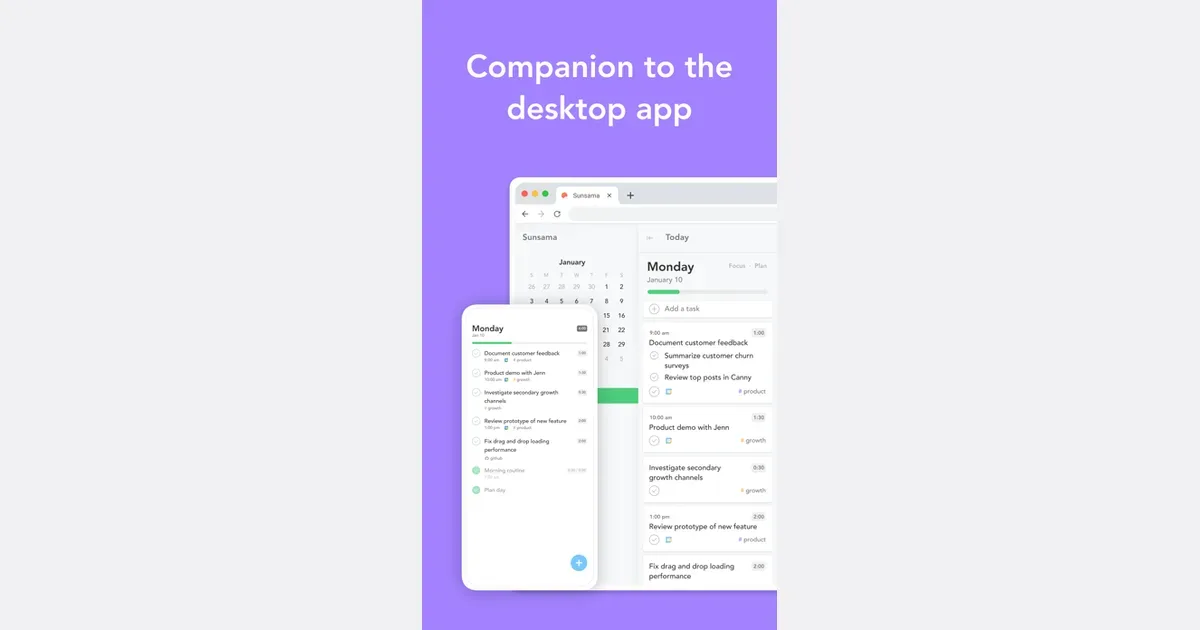
Sunsama is a daily planning app that connects tasks with the time available in your calendar. It is built around deliberately choosing a realistic day's work rather than treating the entire backlog as today's to-do list. People can bring responsibilities from other work tools into a single planning view while retaining the context of meetings and existing commitments. A practical morning routine is to review the tasks that could matter today, select the ones you can reasonably address and reserve time for them. You might pull an action from a project board, turn an email into a follow-up and place both around scheduled calls. Timeboxing makes the cost of those choices visible: if the calendar is already full, something needs to move rather than simply becoming another overdue item. Sunsama supports connections with project-management tools, calendars and communication services. Its product emphasizes planning, focused work and reviewing progress, with a paid subscription rather than a permanent free plan. Check the current integrations and access requirements, especially before connecting a work account that is subject to your organization's policies. The approach may suit people who already know their responsibilities but struggle to turn them into a manageable day. It asks for an active planning habit, so the planning session itself needs to remain proportionate. Start with a few meaningful tasks and allow some unscheduled space. Sunsama is most useful when it helps you make honest choices about capacity; it cannot make an impossible workload fit simply by arranging it more neatly on a timeline.
Helps with

AI scheduling that protects focus time and syncs with your calendar
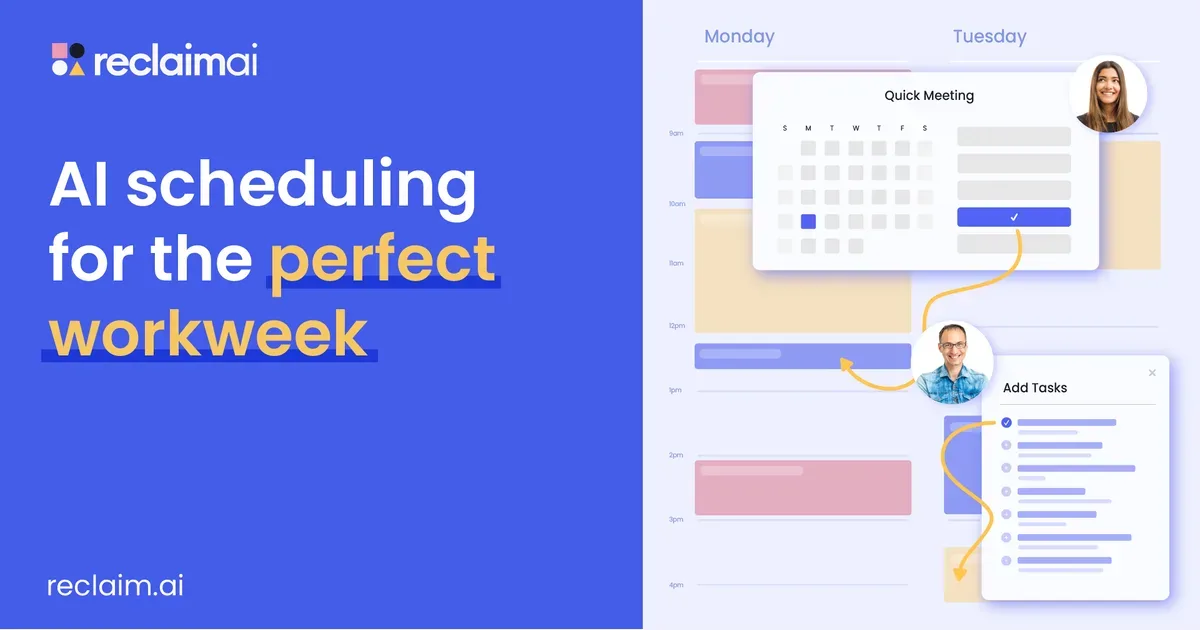
Reclaim.ai is a calendar-planning service that schedules time for work and routines around existing events. It connects with Google Calendar or Outlook Calendar and can place tasks, habits, focus periods and supported meetings into available space. Rather than treating each block as permanently fixed, it can adapt the arrangement as priorities and calendar commitments change. A useful first experiment is one recurring activity that you want to protect without assigning it an inflexible time. For example, you might reserve a reading period or an administrative task within a defined window, then inspect where the service places it. That makes it easier to judge whether the scheduling preferences match your real day before adding an entire task backlog. Reclaim also offers calendar synchronization and team-oriented scheduling tools. Its current product includes features for coordinating meetings, protecting focus time and understanding organizational time patterns. Free and paid plans have different scheduling ranges, allowances and administrative capabilities, so check the limits for your own use case rather than assuming an individual setup and a team rollout are equivalent. Reclaim may fit people who repeatedly lose intended work time to meetings or who want flexibility around recurring routines. It still depends on sensible priorities and a calendar that represents genuine commitments. If every activity is urgent, automation has little room to make a helpful choice. Start with one scheduling problem, review the resulting blocks and keep some room for changes. It is a planning aid rather than a reason to account for every minute or give an automated system authority over every part of the day.
Helps with