







Browse apps

    Discover tools built for ADHD, neurodivergence, and focused work.

    Selected filters

    Showing 3 products on this page for your choices.
    Sort
    Show
    Tiimo logo

    Visual planner for neurodivergent routines and time management

    Tiimo is a visual daily planner designed around neurodivergent routines, task transitions and making time easier to see. It combines a to-do list, a visual schedule, a focus timer and optional AI planning. Colors, icons and other display choices help distinguish activities, while widgets keep the next part of the day accessible without repeatedly opening the full planner. You can begin with a brain dump of things you need to do, then give important activities a place in the day. Add a short checklist to an activity such as getting ready or doing laundry, estimate its duration, and use the visual timer while working through it. Calendar import brings existing commitments into the planning process, helping you avoid treating every hour as available task time. The AI co-planner accepts typed or spoken input and can suggest smaller steps, time estimates and a schedule. Treat those suggestions as a draft: adjust them to your energy, travel time and actual commitments. Tiimo’s current documentation lists Apple devices, Android and a web planner. Feature access varies by platform and subscription; the free mobile offering is more limited, while web access requires an active trial or subscription. Tiimo may be especially useful if a conventional list leaves you unsure what to do now, how long to stay with it, or what comes next. A visible sequence can make a routine easier to revisit without holding every step in memory. It still takes time to find the right amount of structure. Start with a familiar morning or evening routine, test notification and widget behavior on your own device, and leave room for interruptions. A schedule works best as something you can revise, rather than a measure of whether you have had a successful day.

    Helps with
    AppleBrowser
    Free / $12/month ($144/year) or $54/year
    View
    Trevor AI logo

    AI assistant that schedules tasks realistically on your calendar

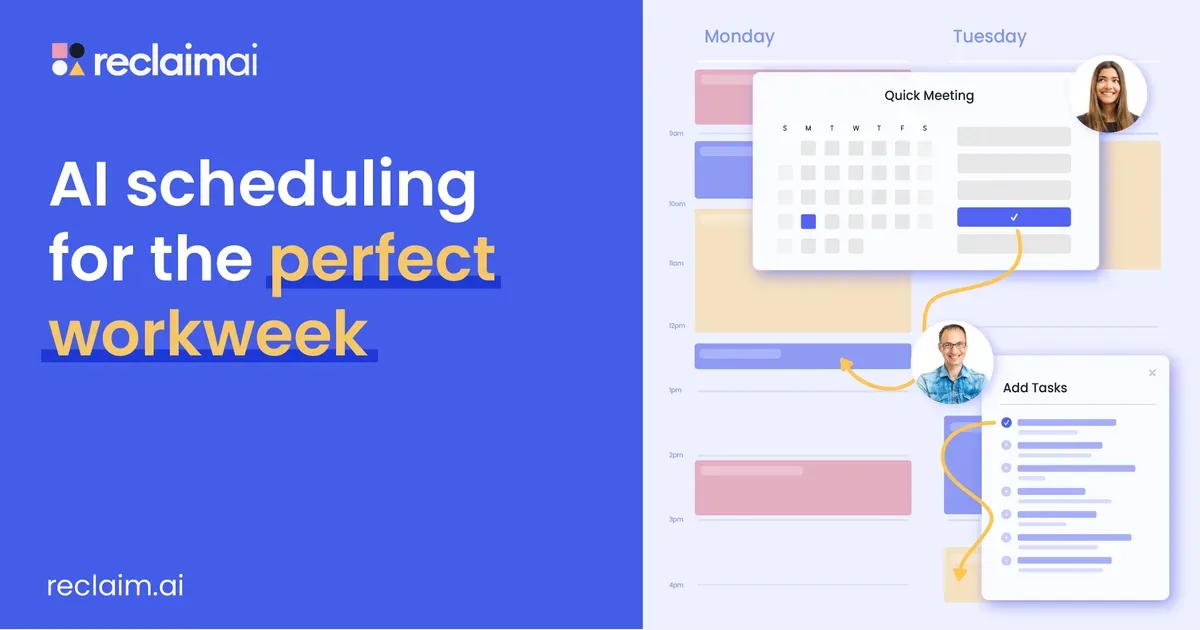
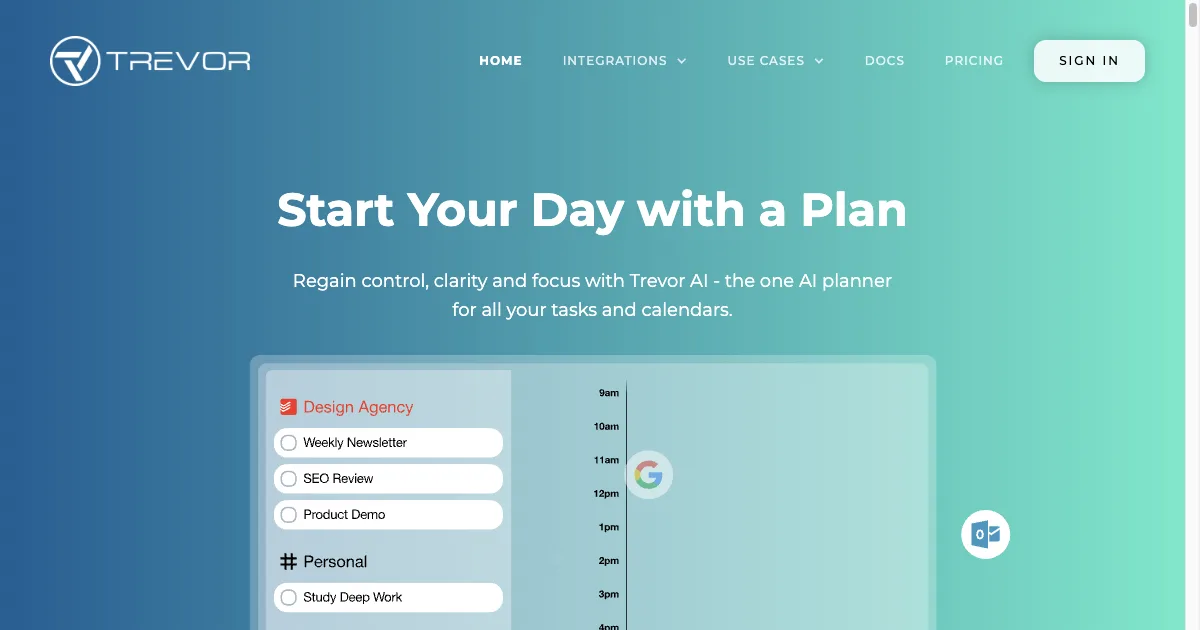
    AI task planner connecting with Google and Microsoft calendars for intelligent scheduling. Analyzes work patterns to set realistic task durations. Features Task Hub with categorization, color coding, and Focus Mode with timer and actionable steps.

    Helps with

    BrowserAppleMobile
    Free / $5-6/month Pro
    View
    Vimcal logo

    The fastest calendar for professionals, keyboard-first and minimal

    Vimcal is a calendar and scheduling app for people who manage a busy meeting schedule. It works on top of Google Calendar and Microsoft Outlook, bringing multiple work and personal calendars into one view. Its emphasis is on making frequent scheduling actions quicker through shortcuts, availability sharing and time-zone tools. The Slots feature lets you select possible times on the calendar and turn them into availability text to share. This can be useful when you want to offer specific choices in an email rather than send a general booking page. Time Travel shows how a proposed time falls across different time zones, reducing the need to calculate differences manually before suggesting a meeting. Vimcal also offers AI-assisted event creation, event tagging and metrics, and a Focus Mode with a timer and ambient sounds. Its mobile app provides scheduling and availability controls away from the desktop. Feature details can differ between editions, so check the platform you intend to use and try a typical scheduling task during the trial. There is a separate Vimcal EA product for executive assistants. Its specialized tools include temporary calendar holds, shared scheduling spreadsheets, a scheduling assistant for finding mutual openings and calendar-audit exports. Those EA features should not be assumed to be part of the personal calendar plan. Managing an executive's calendar also depends on the appropriate delegated access from the underlying calendar provider. Vimcal may suit someone who repeatedly shares availability, coordinates across time zones or moves between several calendars. A useful evaluation is to recreate an ordinary week: schedule a meeting, change it, check another time zone and confirm which account receives the event. The subscription should earn its place through those repeated tasks. A calendar interface can make scheduling easier, while deciding which meetings deserve time remains a separate judgment.

    Helps with

    Apple
    $15/mo
    View