

01 · A starting point
Find a starting point
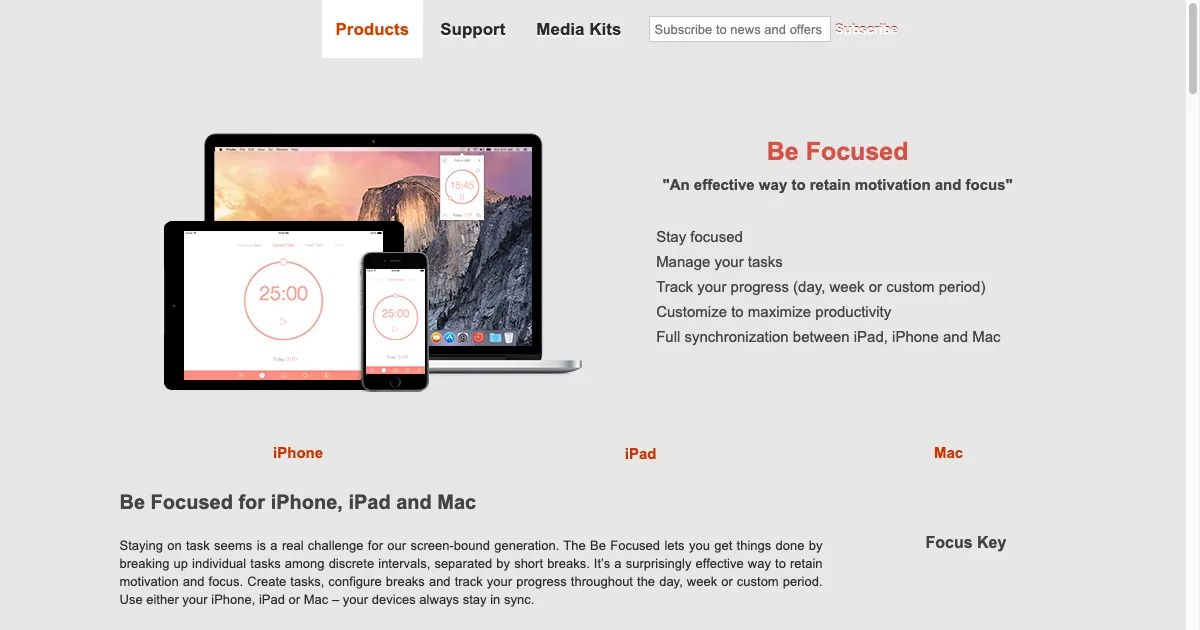
A timer can give a task a visible beginning and an approachable stopping point. You might use a short session to get started, or a gentle reminder to notice how long you have been absorbed. The useful interval is one you can adjust to the task and your energy.
A countdown can feel pressuring, and a fixed interval may interrupt useful concentration. If that happens, try a count-up view, a quieter alert or a more flexible session.
02 · Choosing a tool
What to look for
- Time you can see
- Compare countdowns, elapsed-time views and visual progress. Choose a display you can understand at a glance without checking repeatedly.
- Flexible sessions
- Check whether you can shorten, extend, pause or restart a session. You do not need to follow a 25-minute interval for a timer to be useful.
- Breaks that fit
- Look for break reminders you can notice and customize. Consider whether you want a suggested break or an interruption that requires a response.
- Comfortable notifications
- Try the sound, vibration and desktop behavior before relying on the timer. Confirm it still alerts you when the app is in the background.