

Category guide

    Habit tracking apps for ADHD

    Compare habit trackers with flexible goals, gentle reminders and forgiving restarts. Explore ways to support routines without making missed days feel like failure.

    Explore the tools ↓
    Yellow and lilac stepping stones with check marks and a small sprout, with a curved bridge across a missed step.
    On this page

    01 · A starting point

    Find a starting point

    A habit tracker can act as a small prompt and a record of what you have tried. You may want a simple check-in, a visual cue or a reminder attached to something you already do. Choose a tool that makes returning feel possible when a routine slips.

    A streak shows recorded consistency, not your effort or worth. Tracking can become another demand, so keep only the habits and measures that are useful to you.

    02 · Choosing a tool

    What to look for

    Flexible goals
    Look for schedules that fit the habit, such as a few times a week or a small minimum. Daily completion is not the right target for every routine.
    A forgiving restart
    Check what happens after a missed day. Pauses, skips or a view of longer-term progress may feel more supportive than a broken streak.
    Reminders with a useful cue
    Consider whether a reminder can arrive when the habit is possible, or connect to an activity you already do.
    A quick check-in
    Try recording a habit on a busy day. Extra notes and charts should be optional if all you need is a simple prompt and check mark.

    03 · Directory listings

    Explore the tools

    A selection of current matching listings, shown A–Z. A category match is a starting point: check each listing for features, pricing and fit. Featured is paid promotion; Our Pick is an editorial selection.

    AppStop: Screen Time & Focus logo

    AppStop adds a short pause before distracting apps and sites. Complete a brief challenge, take a timed break, then the app locks again when the break ends.

    AppStop uses Apple’s Screen Time tools to protect apps and websites you choose, then asks you to complete a short challenge before granting temporary access. The break ends automatically after the duration you set, so the pause is built in rather than left to willpower alone. That extra step can help when hyperfocus or a procrastination loop pulls you into the same apps on autopilot. The free tools include an Intention Prompt, where you explain why you need the app, and a Calm Countdown for a brief breathing pause. Lifetime Pro adds motion challenges (tilt-and-balance or five squats), per-app challenge rules, unlimited protected items and full activity history. You can follow activity, streaks and Focus Points, and spend points on extra emergency passes. The free version covers up to three items and includes one daily emergency pass. AppStop does not use an app account, ads or a developer analytics service; history and settings stay on your device.

    Helps with

    Apple
    Free; USD 14.99 once
    View
    asambl logo

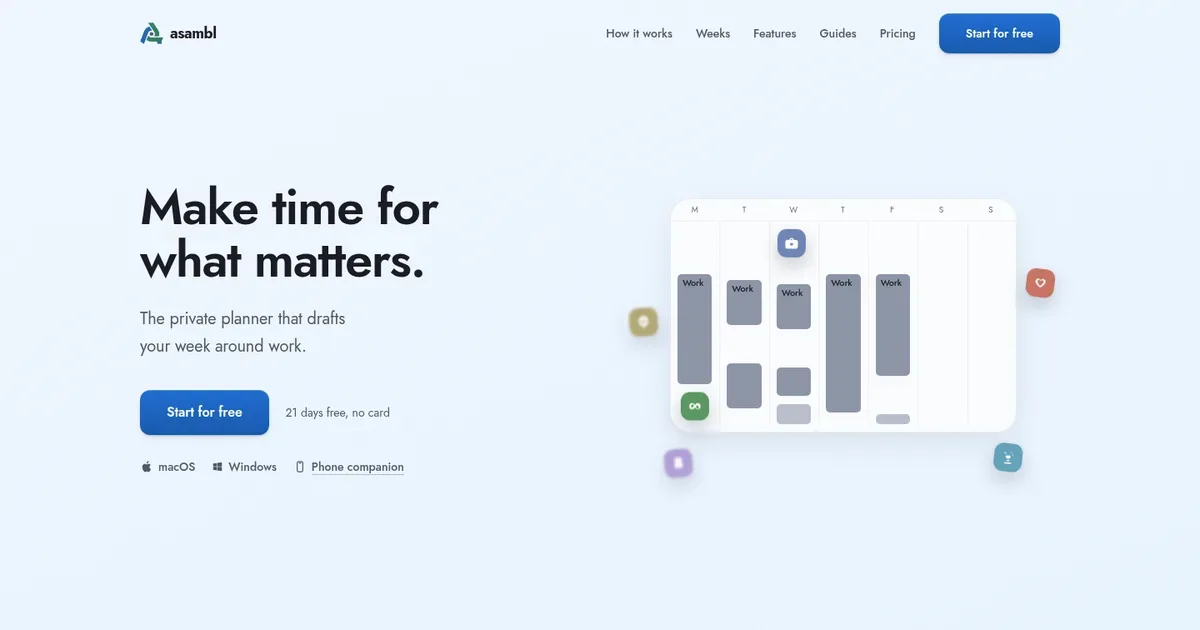
    The private planner that drafts your week around work.

    Make time for what matters. A planner for each part of your week. Each starts from what you've told it and writes the actual plan. You decide what goes in. Desktop app for Mac and Windows, phone companion included. 21 days free, no card.

    Helps with

    AppleWindows
    $15/month or $135/year
    View
    Bearable logo

    ADHD and chronic illness tracker for mood, energy, symptoms, and meds

    Bearable is a customizable health diary that brings mood, symptoms, energy, sleep, medication and everyday factors into one record. Instead of keeping separate notes for each concern, you can decide which sections matter, log a few observations and review how those observations change over time. The home screen can be simplified by hiding and rearranging tracking sections. Symptoms, feelings and factors can be tailored to your own terms, so a useful setup might begin with two symptoms, sleep and one activity you want to understand. There is no need to fill every available field. This flexibility is particularly relevant when a detailed tracking system would otherwise become another demanding daily task. Entries feed into timelines, calendars and trend charts. These views can help you recall when something happened, compare periods and prepare a clearer account for an appointment. Exporting data to a CSV file provides another way to review the record outside the app. Supported health connections can import selected measurements, but Bearable does not write its symptom logs and mood ratings back to those platforms. The free version supports a broad range of logging, reminders and recent trend views. Premium adds tools such as longer reporting periods, additional custom measurements and more detailed correlation reports. Trying the basic logging routine first can help you decide whether those extra reports would be useful before paying for them. Bearable may suit someone who wants a structured record that reflects their own priorities. The tradeoff is setup and ongoing entry effort: a larger list of factors can create more work without necessarily creating better insight. Correlations show that recorded things occurred together; they do not prove that one caused another. Use the record as a conversation aid and source of questions, rather than as instructions to diagnose yourself or change treatment.

    Helps with

    AppleMobile
    Free and Paid Plans
    View
    Finch logo

    Adorable self-care pet app combining mood tracking and journaling

    Finch is a self-care app that connects small real-world goals with looking after a virtual bird. Completing goals gives the bird energy for adventures, and returning to the app reveals stories and discoveries. This provides a playful reason to check in with a routine rather than presenting the routine only as a list of unfinished responsibilities. A useful first setup is a small number of achievable goals that genuinely belong in your day. You might choose a brief walk, a moment of reflection or preparing something for tomorrow. The app supplies initial goals to introduce the experience, and you can add your own as you learn what feels useful. A home-screen widget offers another reminder to return without needing to search for the app. Finch includes activities such as reflections, breathing exercises and focus timers. Its character and home can be customized, while social features let friends exchange encouragement. Quests introduce different parts of the app, and an optional Plus subscription adds benefits beyond the basic experience. Check the current feature description if a particular activity or customization is important to you. Finch may suit people who respond to a friendly character and small visible rewards. It is worth considering how you feel about check-in streaks, collecting items and seasonal events: those features can be enjoyable, but they can also become another thing to keep up with. Start with goals that support your day rather than goals chosen only to earn a reward. The bird is most useful as a cue for caring for yourself, while the real routine should remain flexible enough for changing energy, priorities and time.

    Helps with

    AppleMobile
    Free and Paid Plans
    View
    Goally logo

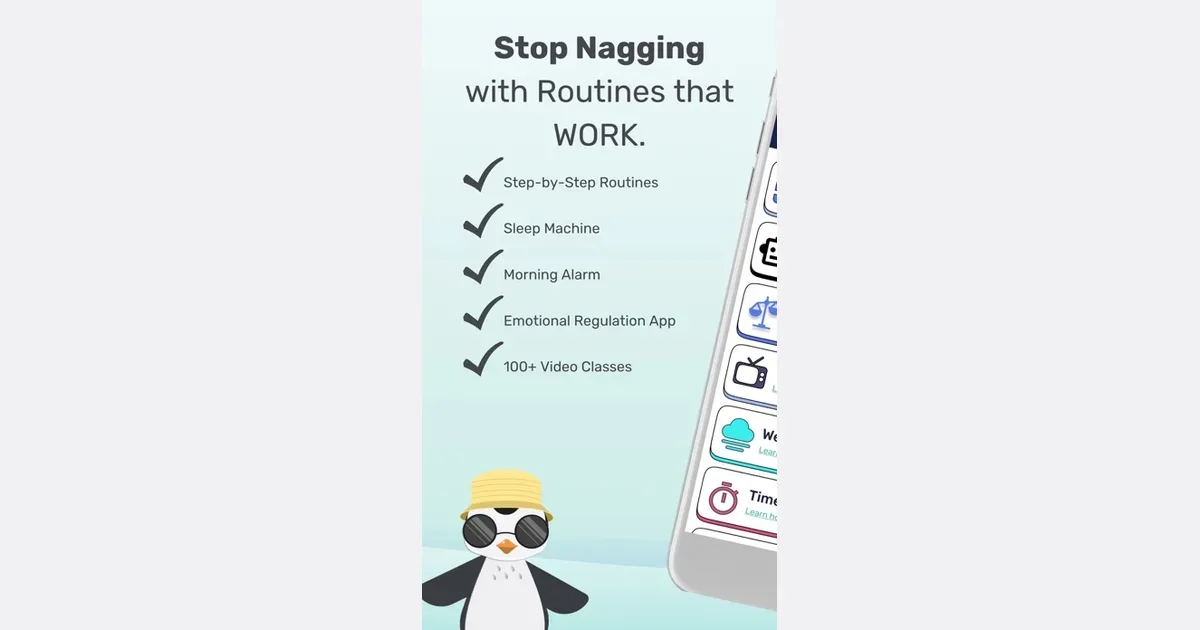
    Visual schedule and routine app for kids with special needs

    Goally is a dedicated children’s tablet and companion system for visual routines, learning activities and daily skills. The current Daily Skills System is marketed for ages two to eight. It combines a controlled device with parent-managed schedules, offering a different experience from installing another app on a general-purpose tablet. A caregiver can create a short visual routine from a phone, attach pictures or audio cues and send it to the child’s tablet. For a first experiment, choose one repeated part of the day and use familiar images for each step. Watch where the child needs help and adjust the routine together, instead of assuming that completing a checklist independently should happen immediately. The system includes routine templates, progress reporting, learning apps and access to Goally’s skills content. Parent controls determine which apps are available and when they can be used. The tablet does not include an ordinary app store, web browser, ads or YouTube, which may suit families seeking a more contained device. Check the current app selection against your child’s actual communication and learning needs. Cost includes hardware and potentially ongoing content access. The official pricing page lists a $295 Compact tablet and a $395 Big Screen option, with Goally apps and TV included for six months and advertised at $6 monthly afterward. Other included educational apps have separate access terms. Confirm shipping, regional availability and the selected package before ordering. Goally requires caregiver setup and ongoing judgment; a dedicated device is most useful when its routines fit the family.

    Helps with

    Apple
    $295–395; then $6/month after 6 months
    View
    Habitica logo

    Gamified habit tracker turning life into an RPG adventure

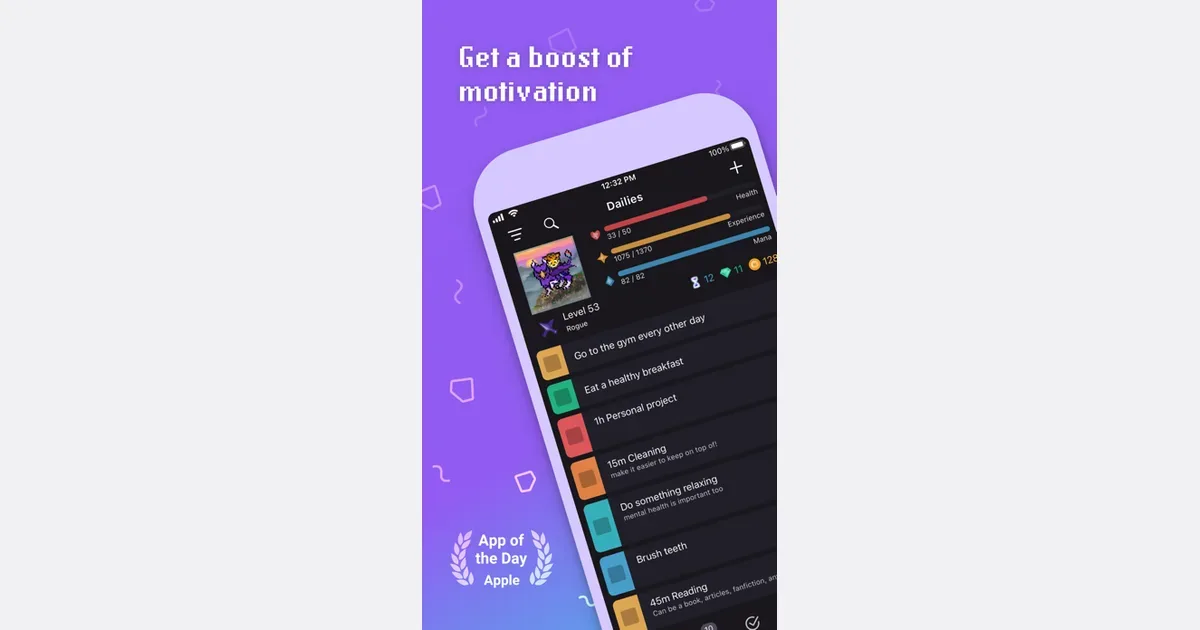
    Habitica is a task and habit tracker that turns everyday actions into a role-playing game. You create an avatar, add responsibilities and receive in-game rewards when you mark real-world work complete. The appeal is making progress visible through character development, equipment and other game elements rather than presenting another plain checklist. The app separates repeatable habits, scheduled Dailies and one-off To-dos. That distinction can help you represent different kinds of commitments honestly: a habit you want to practice more often is not the same as a task with a specific finish point. For example, you could track short reading sessions as a habit, a regular household routine as a Daily and a particular form submission as a To-do. Completing activities earns experience, gold and items. Parties and challenges add a social element, allowing people to share accountability or work through a common set of tasks. The developer also describes reminders, widgets, avatar customization and synchronization across devices. These features can make a routine feel more engaging, especially if you already enjoy games and collecting rewards. The game also includes consequences, such as losing character health when scheduled work is missed. That makes it worth considering how you respond to penalties, streaks and unfinished tasks. They may feel motivating to some people and discouraging to others. Start with a small set of achievable responsibilities and make room for rest rather than translating every part of life into a score. Habitica may suit someone who wants playful structure around routines; a forgiving checklist may be easier if maintaining the game becomes another obligation or if the consequences create pressure.

    Helps with

    BrowserAppleMobile
    Free; $4.99/month (iOS)
    View
    Habitify logo

    Clean, data-driven habit tracker with trend analysis

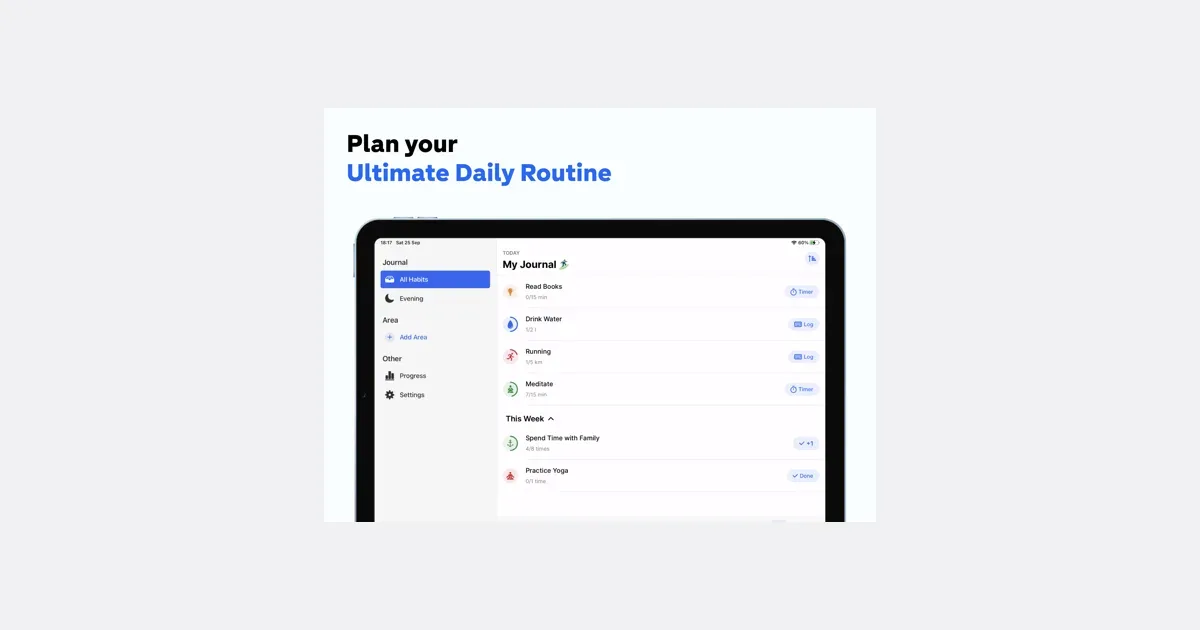
    Habitify is a habit tracker for turning repeated intentions into a visible routine. You create a habit, choose when it should appear and record progress against a goal. Its daily journal brings those items together, while charts and history help you review what has been happening over a longer period. A habit can represent a simple completion or a measurable amount, such as minutes spent reading. The setup includes a repeat schedule, a target, a logging method and reminders. Time-of-day organization can keep the list focused on what is relevant now rather than showing every intention at once. Start with one or two habits whose completion is easy to recognize, then adjust the schedule after you have used it through an ordinary week. Built-in timers can support duration-based habits, and notes add context when a check mark would leave out something useful. Progress views and streaks make consistency visible. They can be motivating, but the more useful question is often whether the routine still fits your day. A missed entry may mean you forgot to log, rather than that you failed to do the activity. Habitify offers connected tracking and automation alongside manual entries. Supported options include health data and calendar connections, with more advanced automation on paid plans. These can reduce repeated entry for a suitable activity, but availability varies by platform and integration. Check what will be read or changed before connecting another service, and confirm that automatic progress is recording the habit you intended. The free tier supports a limited number of habits, while paid plans expand tracking and tools such as advanced reminders and flexible routines. Review the current plan in your app rather than relying on older video prices. Habitify may suit someone who prefers a structured checklist with measurable progress across devices. Its value depends on choosing a manageable routine and reminders you will notice without finding them overwhelming.

    Helps with

    AppleMobileBrowser
    Free; $2.49/month (billed annually) or $59.99 once
    View
    Inflow logo

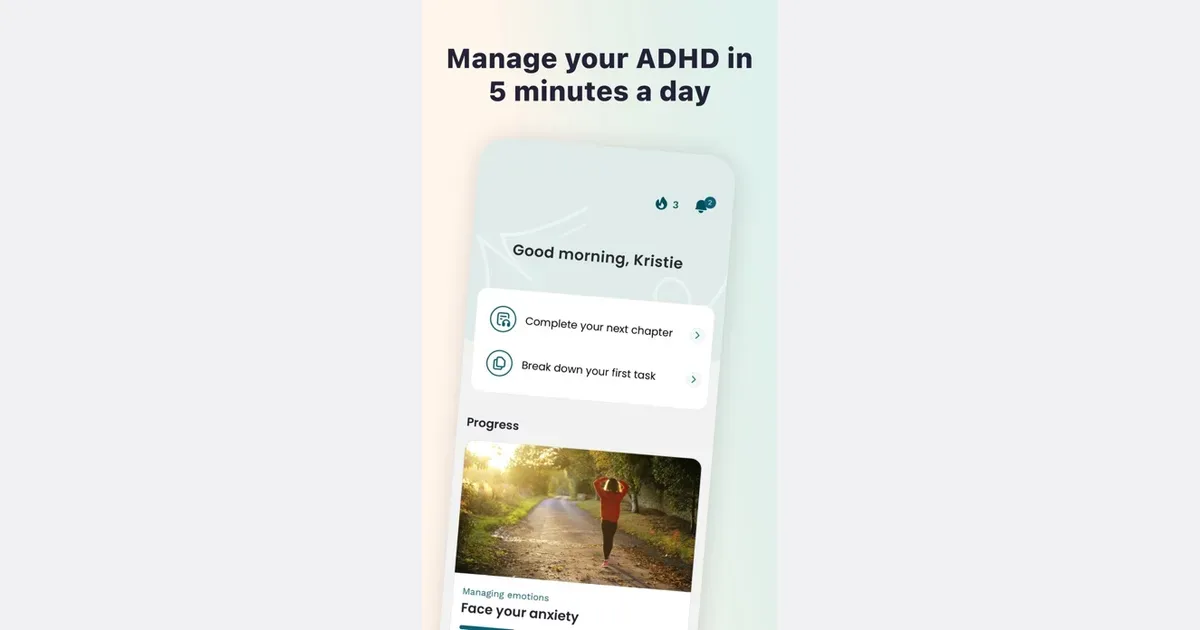
    CBT-based ADHD program with coaching and community support

    Inflow is a self-directed ADHD education and support app built around cognitive behavioral therapy principles. It offers short learning activities and practical strategies for everyday difficulties such as organization, time management and getting started. It is available for Apple and Android devices and is intended to support daily life alongside whatever professional care is appropriate for you. The official FAQ suggests beginning with a few minutes each day. A practical way to approach it is to choose one topic that matches a current difficulty, complete the exercise and test one small change in a real situation. Interactive journaling can help you notice what happened, rather than trying to absorb the entire program at once. Alongside educational material, Inflow describes community support and focus-room coworking. The current App Store description also includes an AI companion called Quinn for talking through tasks and generating possible smaller steps. Treat those suggestions as material to review and adapt, especially if a conversation touches on health or emotionally difficult experiences. An app cannot assess your situation as a clinician can. Inflow may appeal to people who want to understand patterns behind repeated planning problems, rather than simply add another timer. Its usefulness still depends on whether the exercises and community fit your needs and attention. Access is subscription-based, with different offers and coaching options across purchase routes. Check the actual trial length, renewal price, included support and cancellation route before subscribing. Inflow explicitly says it does not replace medication or face-to-face therapy.

    Helps with

    AppleMobile
    $47.99/month or $199/year
    View
    Joon logo

    Virtual pet game motivating kids to complete chores and build habits

    Joon links everyday tasks to a virtual-pet game for children, with parents or caregivers managing the task list. The product is designed for ages six to twelve, including children with ADHD or other support needs. Adults assign activities as Quests, and the child earns in-game progress by completing them. A family can start with a few specific, achievable actions, such as putting a school bag by the door or following a short bedtime sequence. The child chooses a pet called a Doter, while the adult reviews completed Quests before rewards are awarded. Keeping expectations clear and manageable can help make the tool a shared routine rather than another source of disagreement. The app provides recommended activities, custom Quests, reminders and progress tracking. The official site lists support for iOS, Android, Amazon Fire tablets and Chromebooks. A family can share a device or use separate devices, although access and reminders need to fit the household’s existing screen-time arrangements. Joon may appeal to children who enjoy a game-based prompt and adults who want a visible place for routine tasks. It still requires adult participation to choose appropriate tasks, check completions and adjust expectations. A game will not suit every child, and its effect on family routines is worth reviewing together. There is a limited free version, with a seven-day Premium trial and paid monthly or annual options. Check the selected purchase screen for the exact offer and renewal terms.

    Helps with

    AppleMobile
    Free; USD 12.99/month or from USD 89.99/year
    View
    Lithic UK logo

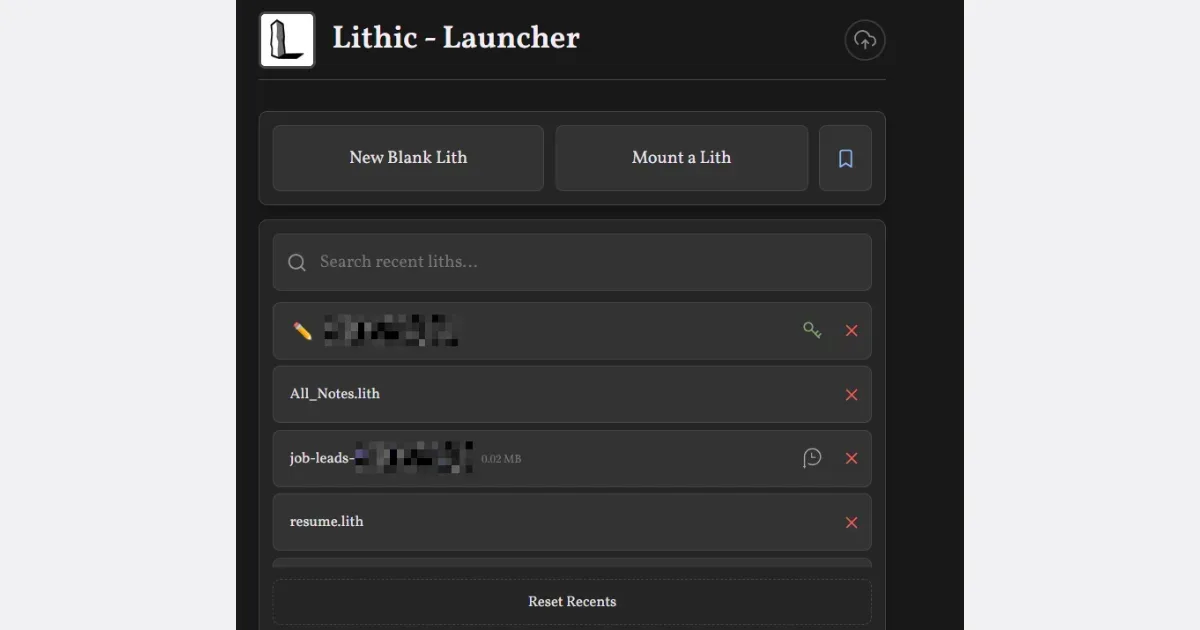
    A zero-friction notes and productivity app

    Helps with

    BrowserMobileWindows
    Free
    View
    Loop Habit Tracker logo

    Free, open-source Android habit tracker with detailed graphs

    Loop Habit Tracker is a free, open-source Android app for keeping track of repeated actions. It focuses on habits, reminders and charts, offering a lightweight way to see what you have been doing over time. Official downloads are linked through Google Play and F-Droid. A practical setup begins with one habit whose meaning is easy to recognize. Choose a frequency that fits your life and use a reminder only if it helps you notice an appropriate moment. Record what happened without trying to turn every day into a perfect row of completions. The purpose of a history is to make patterns easier to understand, including periods when a routine stops fitting your circumstances. Loop’s charts and statistics provide a longer perspective than a single daily checkbox. That can help when your memory emphasizes either the most recent success or the most recent missed day. Looking back periodically may show that a routine is becoming easier, or that its timing and expectations need changing. The app may suit Android users who want a dedicated habit tracker with a straightforward purpose and no paid subscription. It is not a shared project manager or a replacement for a calendar, so use another tool when a task needs a specific appointment or collaboration. The developer publishes the source code under GPLv3 and provides a FAQ for common questions. Check the official download links to avoid confusing it with other apps that use similar names.

    Helps with

    Mobile
    Free
    View
    NEDIO logo

    Pomodoro Timer, Focus Music and AI Review for Developers, Students and Professionals

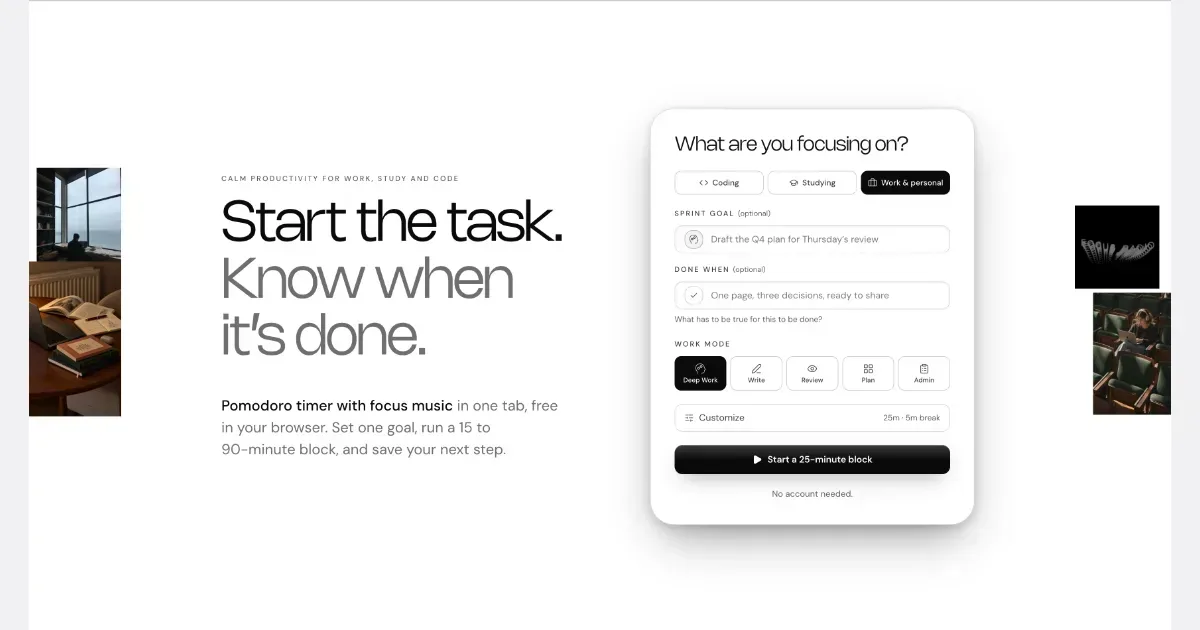
    NEDIO is a free focus timer that helps people who work at a computer all day start, stay on track and stop without losing the thread. Before each work block you write one goal and a single “Done when” line. After the block you answer one question: was the goal reached (Yes, Partly or No)? You also leave a “parking line” saying where to pick up next time. It runs in the browser with no account, and inside VS Code and Cursor. NEDIO is built around difficulties many people with ADHD describe: “I can’t get started,” “I sat down to do one thing and ended up somewhere else,” “I can’t stop,” and “by evening I have no idea what I did.” It has no productivity score, no streaks and no reminders to get back to work, so a missed goal is simply a record, not a failure. It does not read your code or files and stores only what you type. It is not a treatment for ADHD or a replacement for a doctor, therapist or coach. It makes starting and stopping a bit cheaper. The timer, close-out and weekly stats are free; Pro ($9.99/month, 15-day trial) adds unlimited audio and AI Review.

    Helps with

    Browser
    Free and Paid Plans
    View
    See all matching tools and filters →

    04 · Practical approaches

    Try an approach

    A tool can support an approach. These guides offer practical ways to try one in your everyday life.