

01 · A starting point
Find a starting point
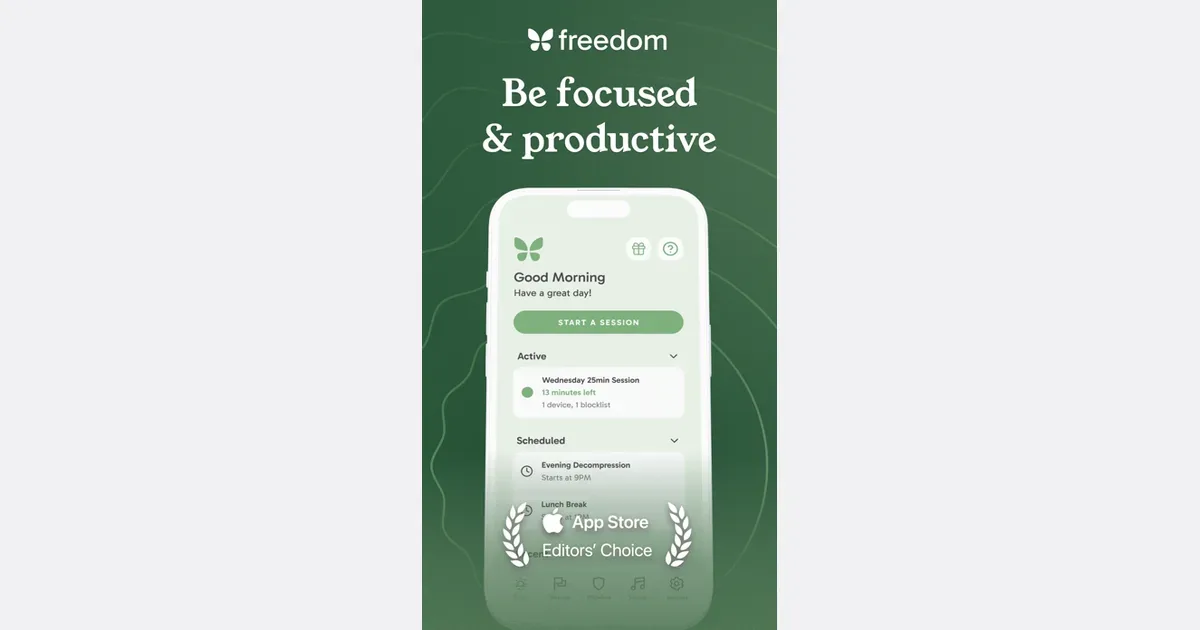
When opening a distracting app feels automatic, a little space before it opens can help you make a choice. Some blockers add a pause; others keep selected sites or apps out of reach for a session. Start with the smallest boundary that supports what you want to do.
A blocker cannot decide what deserves your attention. Strict settings can also get in the way of useful sites, so check your exceptions before committing to a long session.
02 · Choosing a tool
What to look for
- A pause or a firm boundary
- Decide whether you want a moment to reconsider or a block that is difficult to bypass. More restriction is not automatically a better fit.
- Coverage where you get distracted
- Check the exact browsers, phones and computers supported. A browser extension may leave other browsers and native apps available.
- Schedules and exceptions
- Look for session controls that fit your day and a way to keep essential work, communication and accessibility tools available.
- An understandable exit
- Read how overrides and locked sessions work before turning them on. Choose a level of commitment you feel comfortable using.