




Browse apps

    Discover tools built for ADHD, neurodivergence, and focused work.

    Selected filters

    Showing 10 products on this page for your choices.
    Sort
    Show
    NEDIO logo

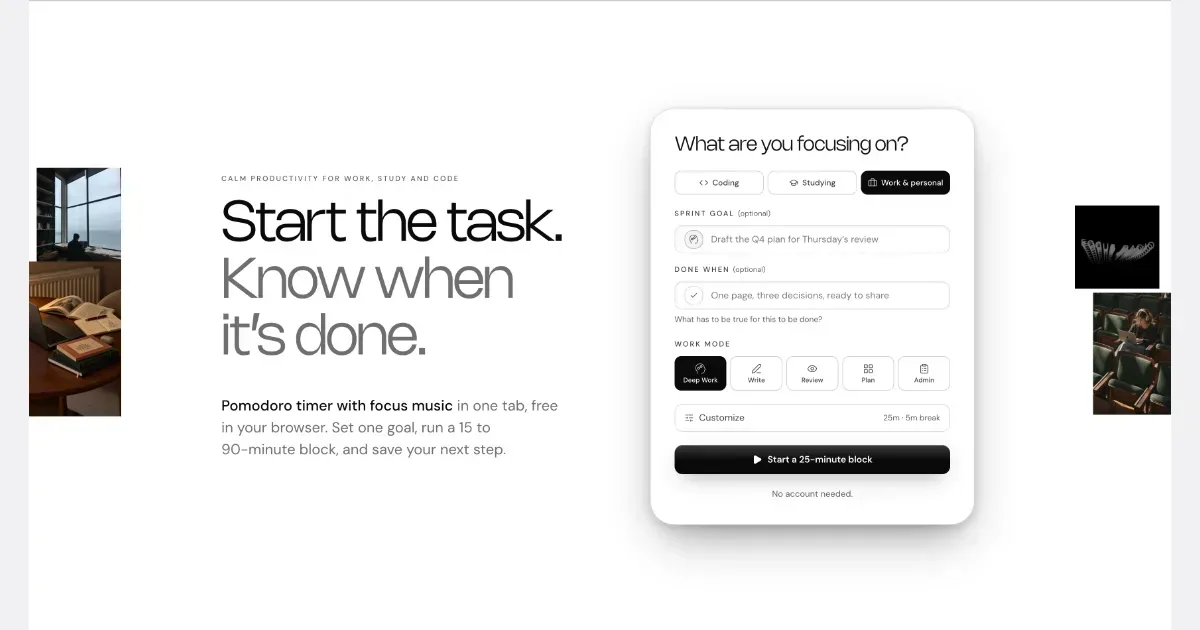
    Pomodoro Timer, Focus Music and AI Review for Developers, Students and Professionals

    NEDIO is a free focus timer that helps people who work at a computer all day start, stay on track and stop without losing the thread. Before each work block you write one goal and a single “Done when” line. After the block you answer one question: was the goal reached (Yes, Partly or No)? You also leave a “parking line” saying where to pick up next time. It runs in the browser with no account, and inside VS Code and Cursor. NEDIO is built around difficulties many people with ADHD describe: “I can’t get started,” “I sat down to do one thing and ended up somewhere else,” “I can’t stop,” and “by evening I have no idea what I did.” It has no productivity score, no streaks and no reminders to get back to work, so a missed goal is simply a record, not a failure. It does not read your code or files and stores only what you type. It is not a treatment for ADHD or a replacement for a doctor, therapist or coach. It makes starting and stopping a bit cheaper. The timer, close-out and weekly stats are free; Pro ($9.99/month, 15-day trial) adds unlimited audio and AI Review.

    Helps with
    Browser
    USD 9.99 per month
    View
    Enough App logo

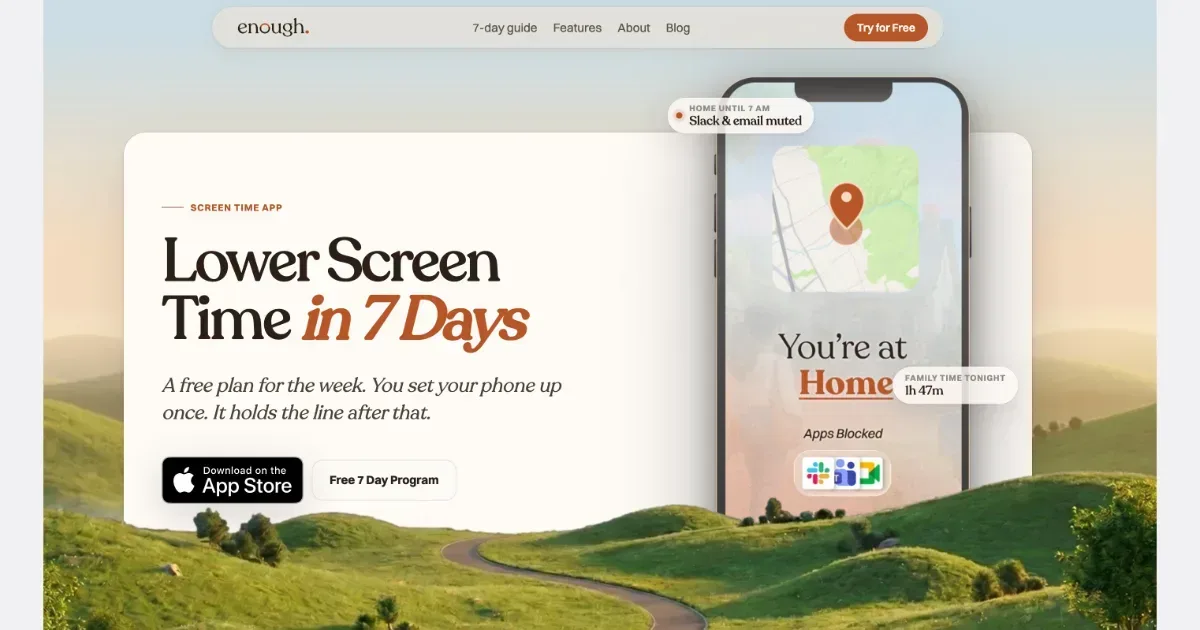
    Take back your attention. Enough is a free-to-download digital detox and Screen Time app that helps you disconnect, unplug, and focus, without relying on willpower.

    BENEFITS - A real digital detox: unplug and disconnect from the apps that pull you in - Less time lost to apps you never meant to open, great for ADHD - More focus at work, home, or wherever you need it - Calmer and more present, with less reaching for the phone - Safer driving with no manual toggling - Routines that block apps for you, so you don't have to remember - You stay in control of your screen time

    Helps with

    Apple
    Freemium
    View
    Brain.fm logo

    Background music for focused work and relaxation

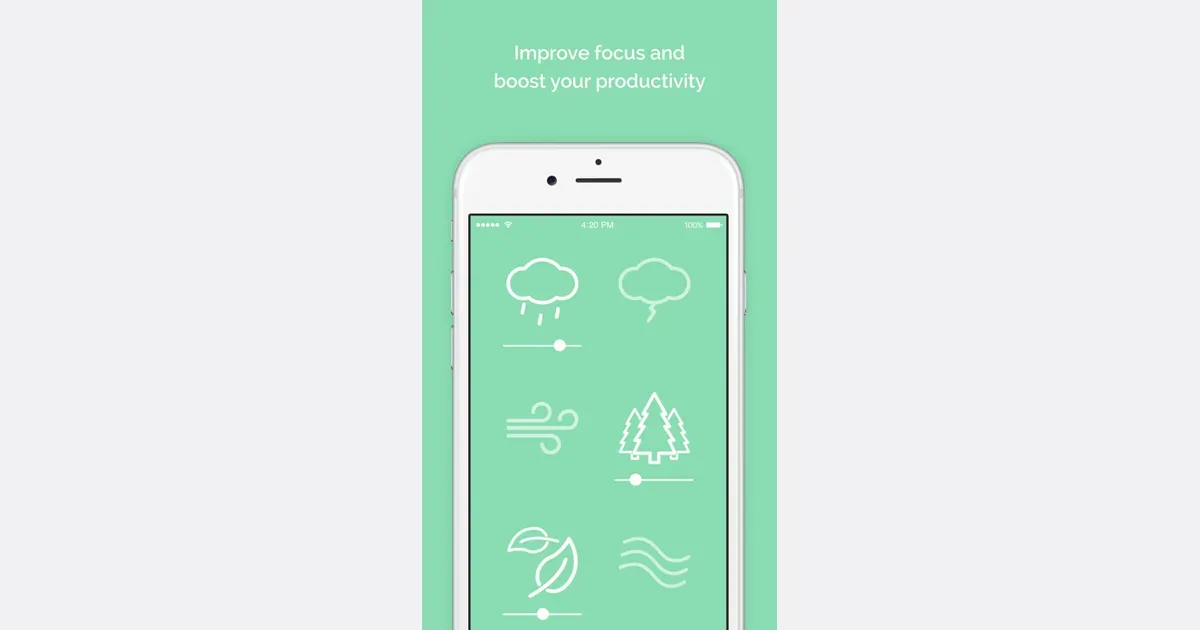
    Brain.fm is a background-audio service organized around activities such as focused work, relaxation, meditation and sleep. Rather than choosing individual songs for a playlist, you select the kind of listening session you want to accompany. Its music is designed to remain in the background while you carry out another activity. For a work session, a practical approach is to choose one familiar task, start a short listening period and notice whether the sound makes the environment more comfortable to work in. You could compare it with silence, an ordinary instrumental playlist or a simple ambient sound. This gives you a useful personal comparison without relying on a promised change in concentration. The service offers different activity modes and customization of its audio, with access across web, desktop and mobile platforms. A subscription provides access to the library, and the current pricing page describes monthly and annual options. Trial offers can differ, so check the terms shown when you sign up rather than assuming the length or price in an older video remains current. Brain.fm may suit people who prefer a consistent sound cue for starting work or winding down. It does not choose your task, organize a project or remove digital distractions by itself. Sound preferences also vary: an audio style that feels helpful to one listener can be distracting to another. Begin with a comfortable volume and a low-stakes task, then decide whether the experience is worth repeating.

    Helps with

    BrowserAppleMobile
    Website: $14.99/month billed monthly or $99.99/year billed annually; regional/store prices vary
    View
    Caveday logo

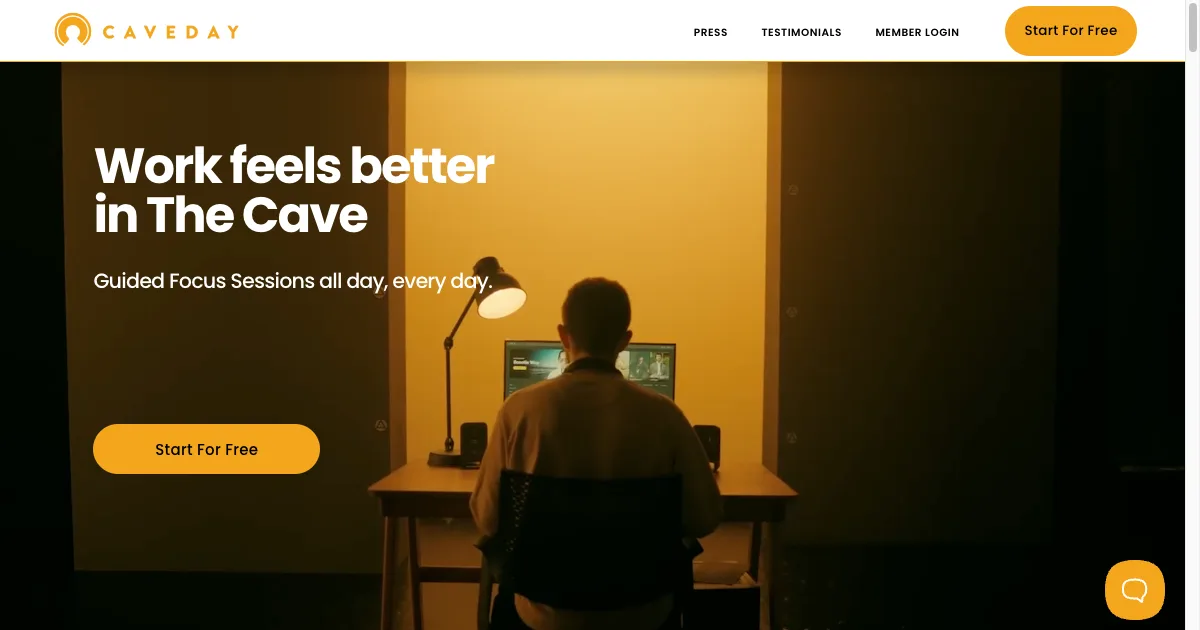
    Science-backed focus sessions with live hosts and expert guidance

    Live focus sessions ranging from 42-50 minutes with trained hosts who guide participants through check-ins and goal-setting. Features time tracking, breaks for energy management, and community engagement. Offers 20+ hours of sessions daily plus on-demand content.

    Helps with

    Browser
    $35/month ($40 first 3 months) / $300/year
    View
    Clockify logo

    Free time tracker and timesheet for teams and solo workers

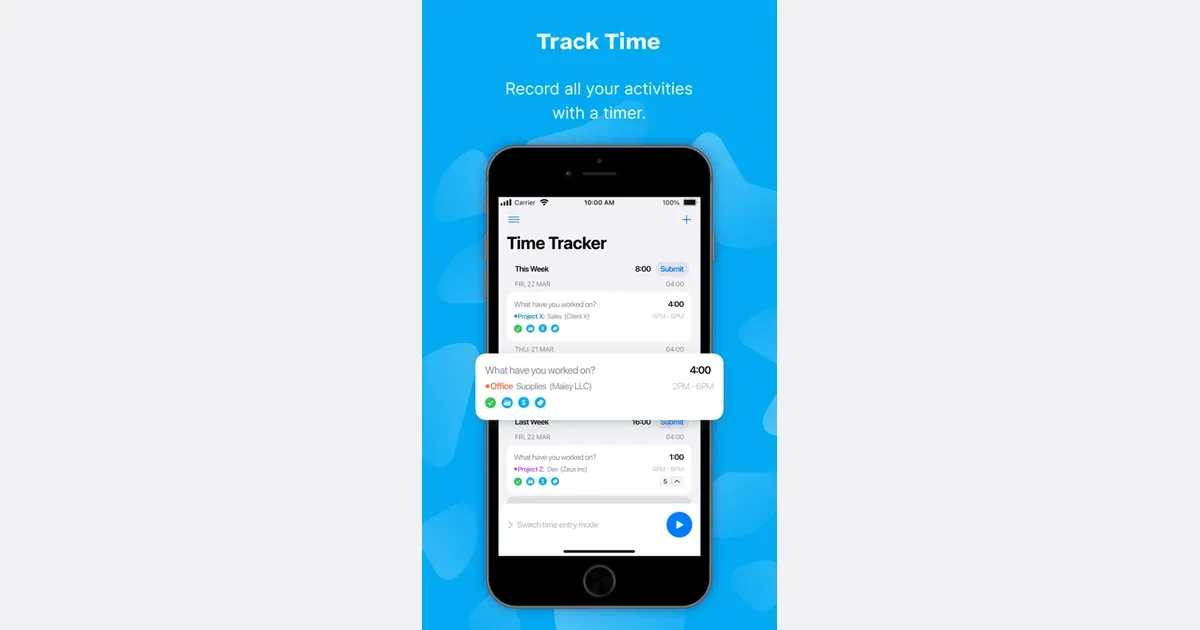
    Clockify is a time-tracking and timesheet app for recording work across projects. You can use it to understand how long activities take, keep a record of client work or review how a team's time is distributed. Its wider feature set extends into reporting, rates, planning and administration, with availability depending on the plan. A practical first setup uses a small number of recognizable projects and clear time-entry descriptions. Start a timer when beginning an activity, or add the time afterward when that is more appropriate. A description such as revising the proposal is more useful in a later review than a generic label such as work. Consistent categories make it easier to compare similar tasks over time. Reports can summarize the recorded entries, while billable-rate and project-budget tools support work that needs a financial record. Team-oriented capabilities include reviewing time and understanding capacity. Clockify also describes optional activity and location features, so distinguish a simple personal timer from a more extensive organizational tracking setup. Review what is enabled and visible before using it with colleagues. Clockify may suit people who forget how long a project actually took or need a more reliable record than memory at the end of the week. Tracking still requires interpretation and maintenance. A timer left running through a break can distort the result, and detailed categories are only worthwhile if someone uses the information. Begin with one question you want to answer, such as whether a recurring task needs more time, and choose the smallest amount of tracking that gives you a useful answer.

    Helps with

    AppleWindowsMobile
    Free / $3.99/user/mo
    View
    Due logo

    Reminders that nag you until you actually do the thing

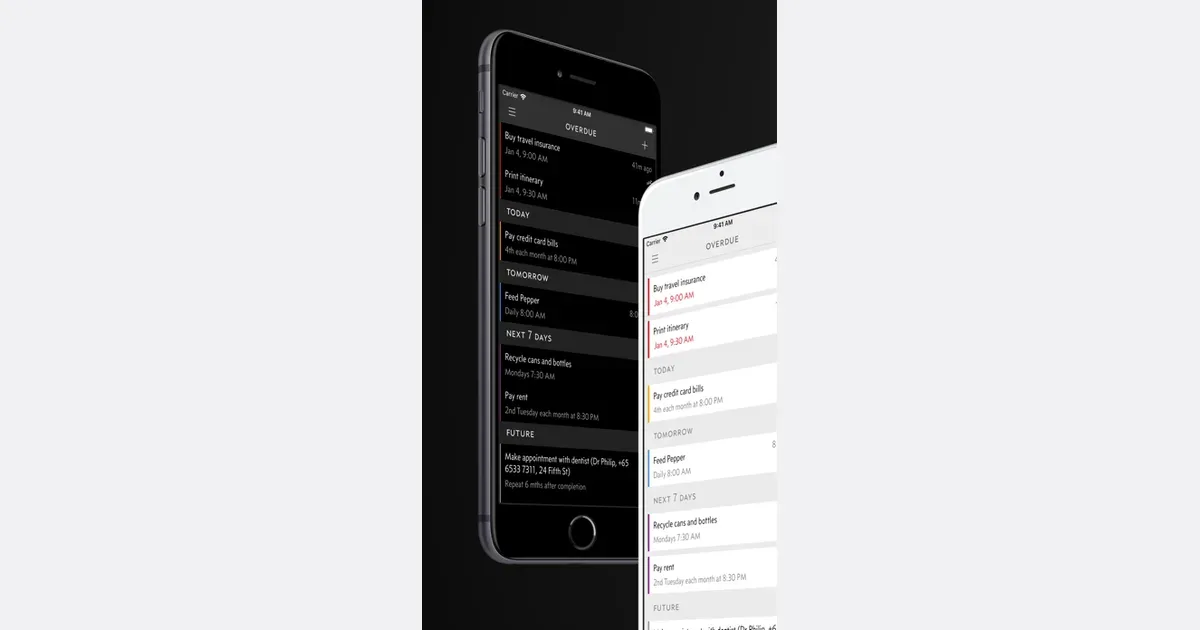
    Due is a reminder and reusable timer app for Apple devices, built around making an important prompt hard to lose among other notifications. Its distinguishing feature is Auto Snooze: an overdue reminder can notify you repeatedly until you complete it, reschedule it or turn off that behavior. That makes it useful when a single notification is easy to dismiss and forget. Creating a reminder is designed to be quick. Customizable quick-access times let you choose familiar times of day or shift a reminder forward without repeatedly scrolling through a picker. When the alert arrives, notification actions let you mark it complete or postpone it without opening the full app. You can use this for a small set of concrete follow-ups, such as returning a call or checking an item before leaving home. Recurring reminders include selected weekdays, intervals of days or months, and repetition based on completion. Due also provides countdown timers that can run together and be reused, such as a saved timer for tea or a regular household task. Reminders and timers can sync through iCloud or Dropbox between supported Apple devices. The iOS and Mac apps are separate purchases, and optional Upgrade Pass arrangements apply to additional feature upgrades; check the current store offering for your devices. Due is especially relevant when remembering to revisit a task matters more than categorizing a large project. Its documentation requires reminders to have a due date, so it is less suited to an undated backlog. Repeated alerts can become noise if every item is treated as urgent. Reserve persistent reminders for a few actions you intend to respond to, and set a realistic next time when you cannot act. The app can keep bringing a prompt back; it cannot decide which commitments deserve your attention.

    Helps with

    Apple
    $6.99 one-time
    View
    Focuskeeper logo

    Classic Pomodoro timer with a satisfying old-school feel

    Simple, reliable Pomodoro timer app for iOS and macOS with session tracking and a clean interface. Supports customizable intervals, detailed session history, and Apple Watch integration.

    Helps with

    Apple
    Free / $2.99/mo
    View