Browse apps

    Discover tools built for ADHD, neurodivergence, and focused work.

    Selected filters

    Showing 6 products on this page for your choices.

    Featured apps

    A rotating mix of paid Premium placements and random directory discoveries. Featured badges identify paid Premium listings.

    Sort
    Show
    RoutineFlow logo

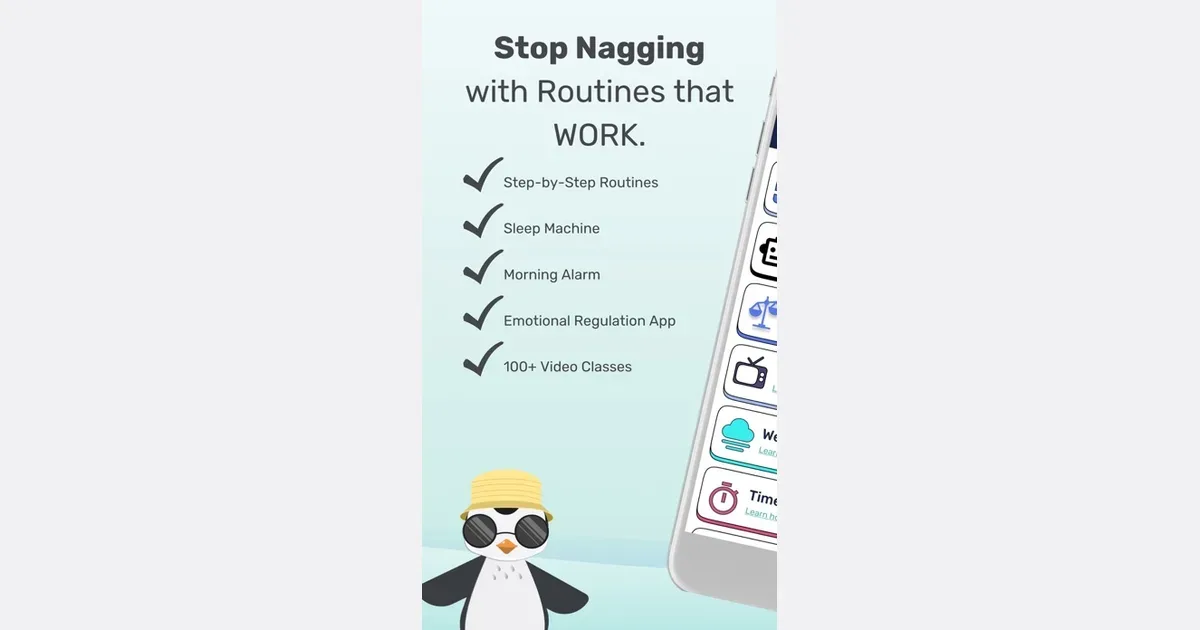
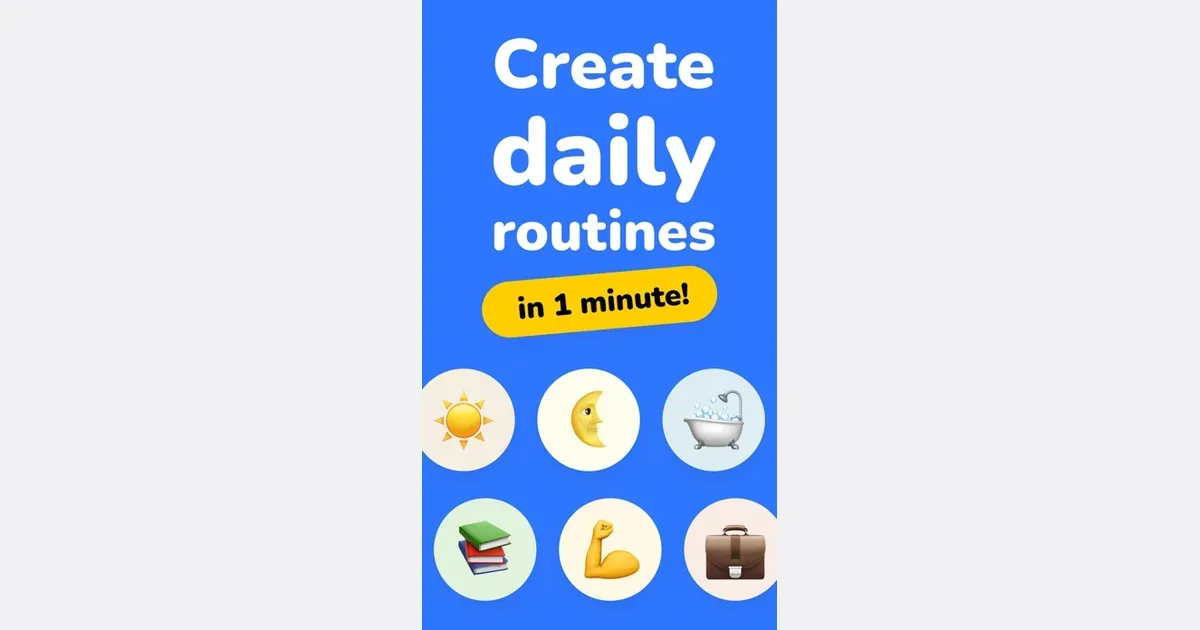
    AI-powered routine builder that turns tasks into smooth habits

    ADHD-specific daily planner converting scattered tasks into smooth, manageable routines. Features AI-powered task breakdown, visual schedules, and habit building tools. Helps establish routines that feel natural rather than forced.

    Helps with

    AppleMobile
    Free / Premium subscription
    View
    Streaks logo

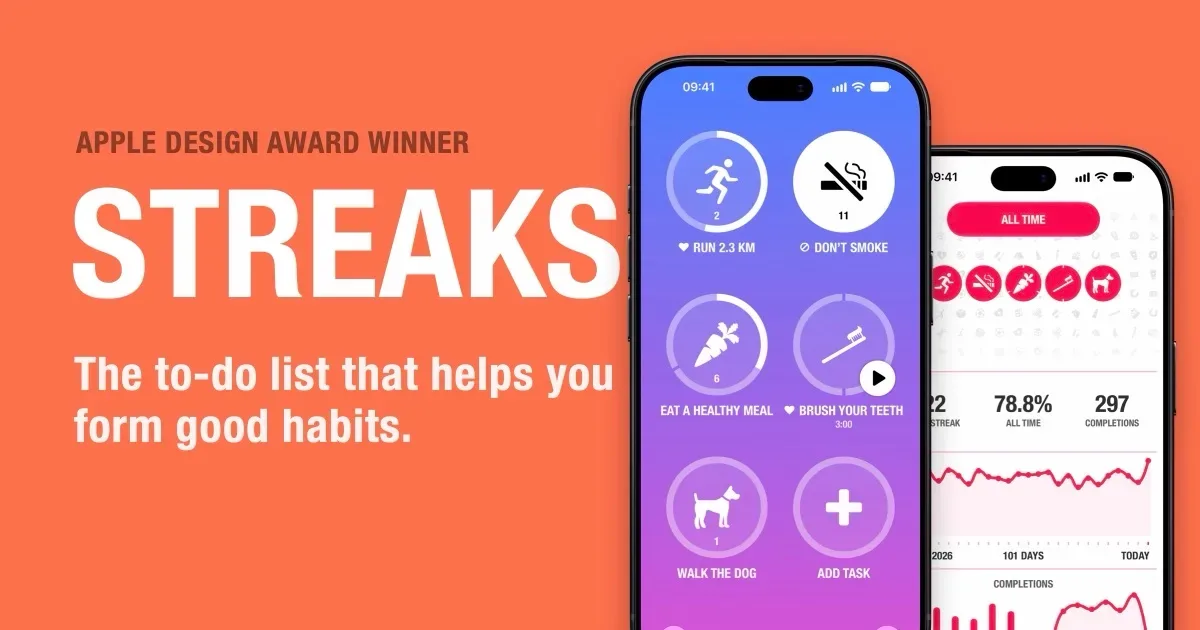
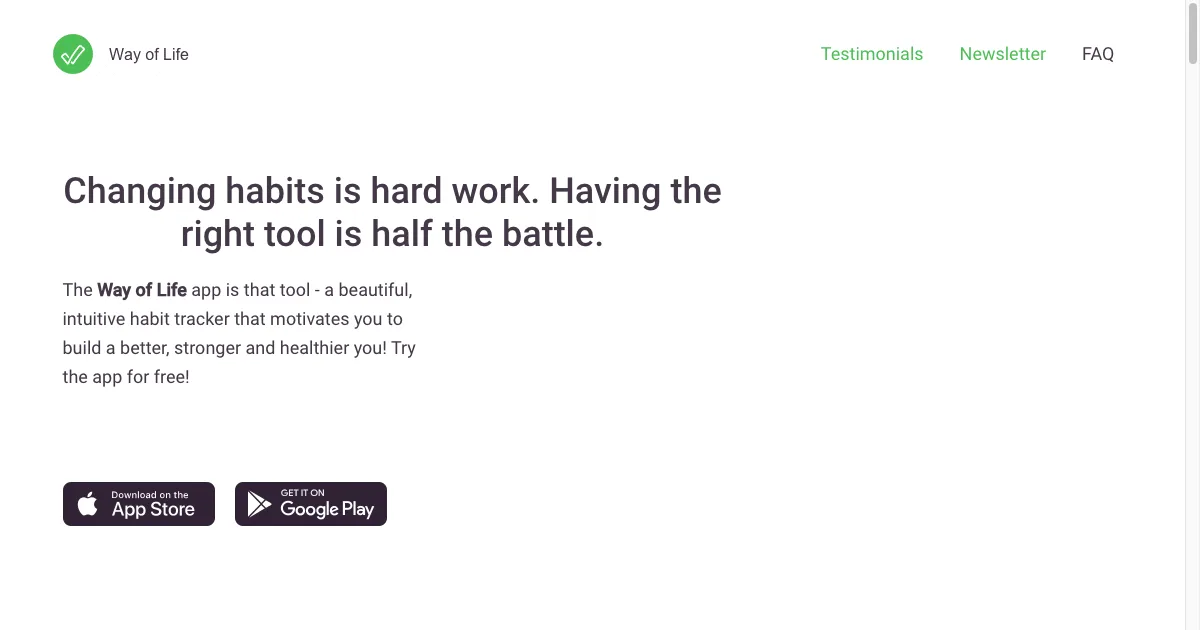
    Minimalist iOS habit tracker limiting to 12 habits

    Streaks is a habit tracker for Apple devices that gives recurring actions a visible record of completion. Choose a small set of things you want to do, or behaviors you want to reduce, and mark each one when it is due. The app tracks current and best streaks, completion rates and other statistics, turning an abstract intention into something you can check at a glance. A habit does not have to mean doing something every day. You can choose specific weekdays, a frequency within a week or longer period, or another supported schedule. Timed tasks provide a countdown for activities such as reading or practicing an instrument. Reminders, widgets and Apple Watch access make it possible to see what remains and log progress without always opening the main phone interface. Apple Health integration can complete supported tasks automatically when the relevant data is recorded. Tasks can also be shared with other Streaks users for mutual visibility and encouragement, with shared information passing through iCloud. The app supports up to 24 tasks and is offered as a one-time purchase rather than a subscription. Confirm compatibility and current purchase details in your own storefront. The streak format can be motivating if visible continuity helps you return to a routine. It can also feel discouraging when a missed day dominates the progress you have already made. Streaks includes scheduled days off, pausing, skipped days and a documented two-day rule for suitable schedules, giving you ways to build flexibility into the system. Choose a meaningful minimum, plan rest days honestly and use completion history to learn about your routine. A reset is information about the schedule, not a judgment about you.

    Helps with
    Apple
    $4.99 one-time
    View
    TickTick logo

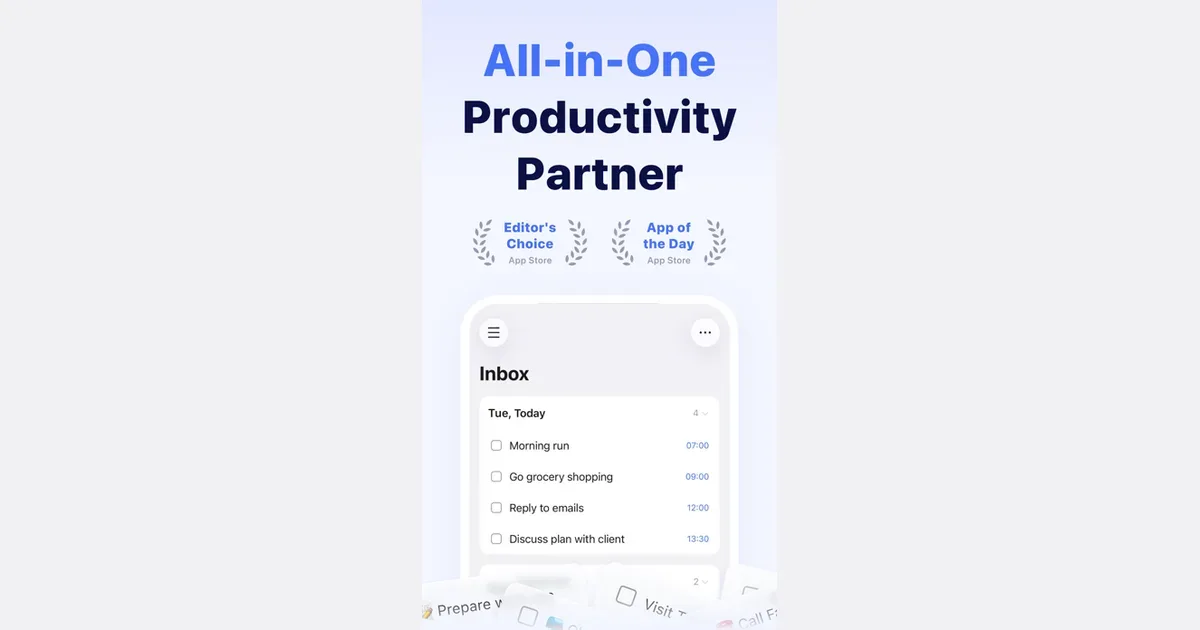
    All-in-one task manager with Pomodoro, habit tracking, and calendar

    TickTick is a task and planning app that combines to-do lists with calendars, focus timing and habit tracking. It lets you collect responsibilities in one place and choose different ways to view them, rather than treating every item as part of one long undifferentiated list. Natural-language date entry, recurring tasks and reminders support work that needs to return at a particular time. For example, you could keep study assignments in one list, household responsibilities in another and use a daily view to choose the next few actions. Breaking a large assignment into smaller steps makes the list more actionable. A calendar or timeline can then help you consider when the work might fit, while list and board views offer different ways to organize its status. TickTick also includes a Pomodoro-style focus tool and habit tracking. Those features can connect the intention to do something with a defined period of work or a recurring routine. Shared lists and task assignment support lightweight collaboration. Some planning features and usage limits depend on Premium, so check the current comparison for the particular calendar and reminder options you need. Its breadth may suit people who prefer one app for several personal organization habits. The same breadth can become distracting if you feel obliged to maintain every chart, habit and alert. Begin with task capture and a realistic daily selection, then introduce a timer or habit only if it solves a clear problem. Reminders also need restraint: a notification is more useful when it points to something you can act on. TickTick supplies the structure, while choosing a manageable workload remains an ongoing decision.

    Helps with

    BrowserAppleMobile
    Free / Premium US $49.99 per year
    View
    ScreenZen logo

    Mindful phone usage

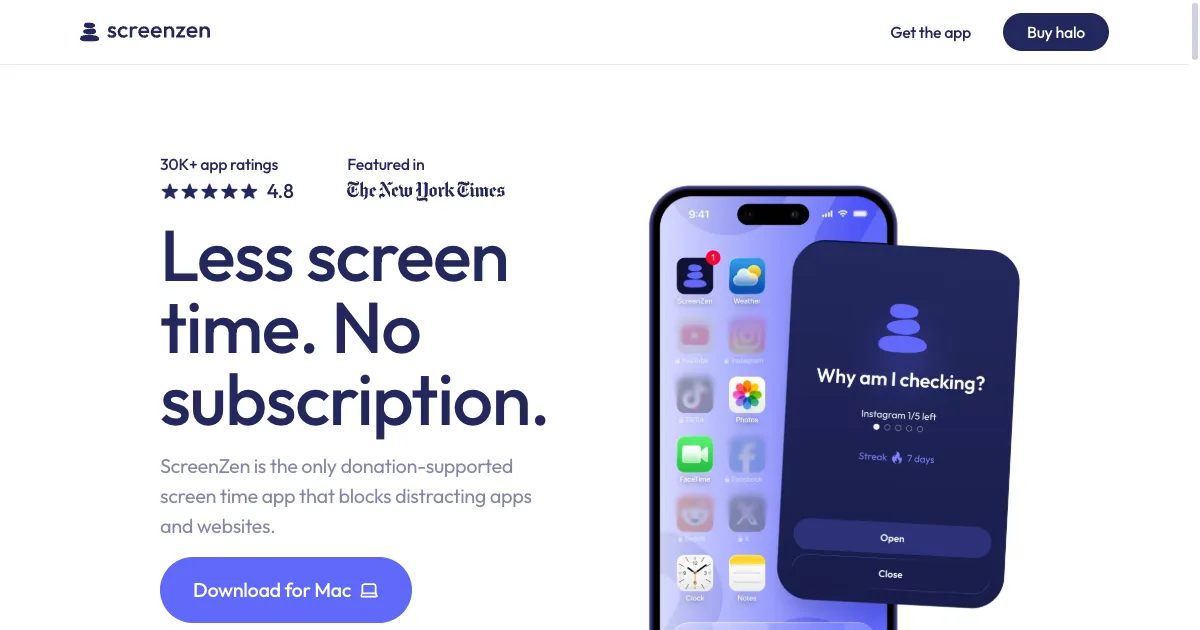
    ScreenZen is a screen-time app for putting deliberate boundaries around distracting apps and websites. Its approach includes scheduled blocks, limits and pauses before access, giving you a chance to notice an automatic opening and decide whether you still want to continue. The official service is donation-supported, so it is worth checking its current offering rather than assuming the subscription model used by many competing blockers. A practical first setup is to choose one app you repeatedly open without intending to and add a short interruption. You might use a prompt that reminds you what you came to do, or limit how often you unlock the app during a particular period. This creates a different experience from banning everything for an entire day: the boundary can be designed around a specific habit or context. Scheduled blocks can support a regular study period or an evening boundary. Progress information provides another way to reflect on the pattern, but the most useful result is whether the settings make your intended routine easier to follow. Exact capabilities vary with platform and configuration, so test the particular apps and websites you need to control. ScreenZen may fit people who want friction around reflexive browsing while retaining a route to intentional use. A pause can become just another button to dismiss if the reason for opening the app stays unclear, and an overly broad rule can obstruct legitimate access. Start with a small target, choose realistic limits and review the effect after a few ordinary days. Pairing the boundary with an alternative activity can be more useful than treating a screen-time number as the only measure of a good day.

    Helps with

    AppleMobile
    Free / $4.99/mo
    View