
 Take the Quiz

Way of Life App - the best habit tracker out there!
Independent review
Watch on YouTube
Habit Tracker
Habit tracker with powerful analytics and color-coded chains
Way of Life is a habit tracker that uses a color-coded daily record.
Way of Life is a habit tracker that uses a color-coded daily record. You choose the routines you want to observe and make a quick entry about what happened. The app combines that simple log with reminders, short diary notes and charts that show a longer view.
A useful starting point is one behavior with a clear meaning, such as whether you took a short walk or prepared something for the following morning. Decide what counts before you begin so recording the day does not become another difficult judgment. Keep the wording neutral and use the record as information about your circumstances, rather than a verdict on whether the day was successful.
The diary function lets you add context when a pattern needs explaining. For example, a change in schedule may matter more than motivation. Charts can make repeated patterns easier to notice across weeks or months, while reminders provide a cue to return to the log. It is worth adjusting the reminder time to a point when you can actually respond.
Way of Life may suit someone who wants a brief check-in rather than a detailed task manager. It does not do the activity for you, and tracking too many routines can make the log harder to maintain. Try a small setup before expanding it. The official website invites users to try the app free; check the current app-store offer for limits, upgrade pricing and billing terms.
People who want a quick habit log with room for context and a longer view of patterns.
A color-coded record keeps daily input short while notes and charts support later reflection.
Free and Paid Plans
Pricing has not been verified by our editors.
Check current pricing on Way of Life’s websiteUS storefront
4.8out of 5
5,339 ratings
Checked
Independent review
Watch on YouTubeIndependent review
Watch on YouTubeIndependent review
Watch on YouTube
Gamified habit tracker turning life into an RPG adventure
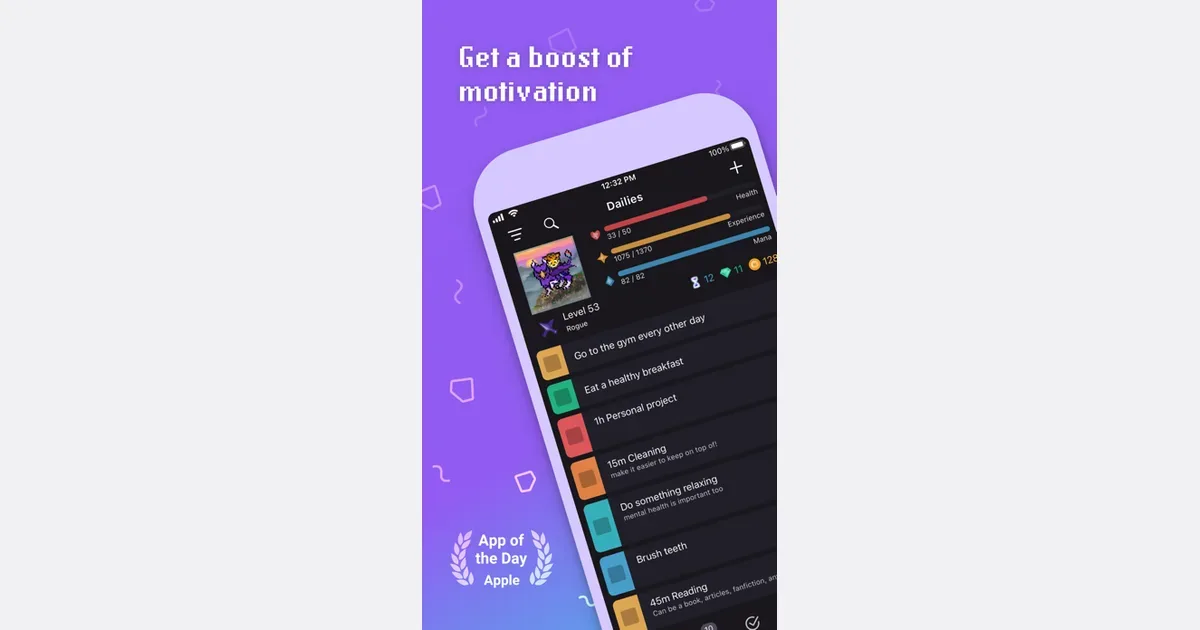
Habitica is a task and habit tracker that turns everyday actions into a role-playing game. You create an avatar, add responsibilities and receive in-game rewards when you mark real-world work complete. The appeal is making progress visible through character development, equipment and other game elements rather than presenting another plain checklist. The app separates repeatable habits, scheduled Dailies and one-off To-dos. That distinction can help you represent different kinds of commitments honestly: a habit you want to practice more often is not the same as a task with a specific finish point. For example, you could track short reading sessions as a habit, a regular household routine as a Daily and a particular form submission as a To-do. Completing activities earns experience, gold and items. Parties and challenges add a social element, allowing people to share accountability or work through a common set of tasks. The developer also describes reminders, widgets, avatar customization and synchronization across devices. These features can make a routine feel more engaging, especially if you already enjoy games and collecting rewards. The game also includes consequences, such as losing character health when scheduled work is missed. That makes it worth considering how you respond to penalties, streaks and unfinished tasks. They may feel motivating to some people and discouraging to others. Start with a small set of achievable responsibilities and make room for rest rather than translating every part of life into a score. Habitica may suit someone who wants playful structure around routines; a forgiving checklist may be easier if maintaining the game becomes another obligation or if the consequences create pressure.
Helps with

Clean, data-driven habit tracker with trend analysis
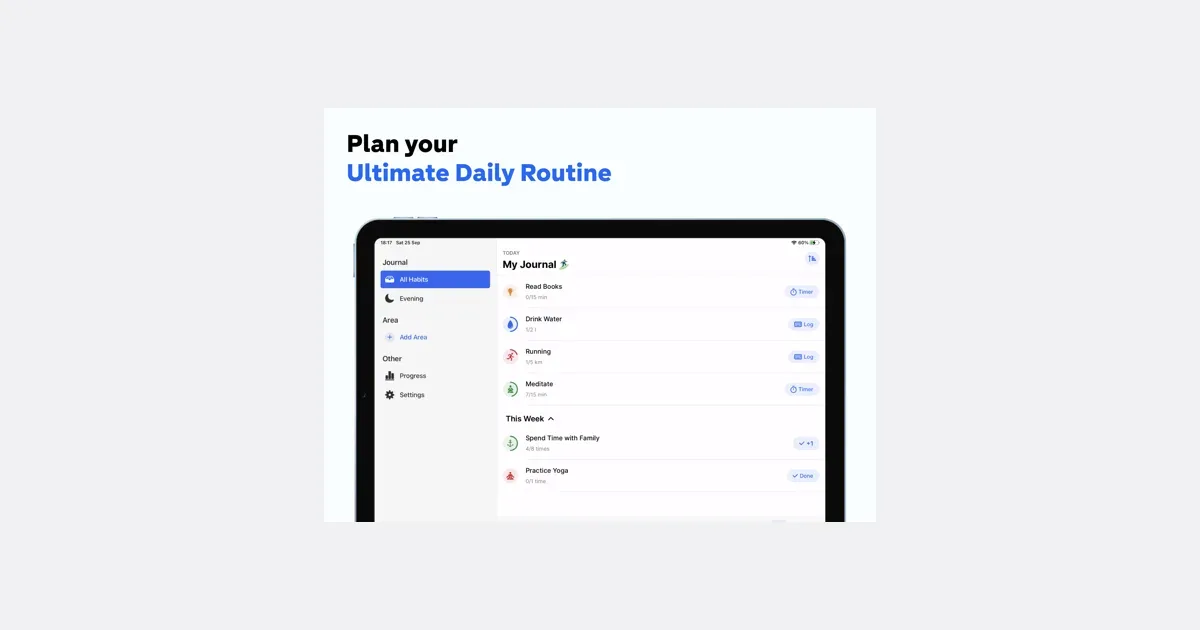
Habitify is a habit tracker for turning repeated intentions into a visible routine. You create a habit, choose when it should appear and record progress against a goal. Its daily journal brings those items together, while charts and history help you review what has been happening over a longer period. A habit can represent a simple completion or a measurable amount, such as minutes spent reading. The setup includes a repeat schedule, a target, a logging method and reminders. Time-of-day organization can keep the list focused on what is relevant now rather than showing every intention at once. Start with one or two habits whose completion is easy to recognize, then adjust the schedule after you have used it through an ordinary week. Built-in timers can support duration-based habits, and notes add context when a check mark would leave out something useful. Progress views and streaks make consistency visible. They can be motivating, but the more useful question is often whether the routine still fits your day. A missed entry may mean you forgot to log, rather than that you failed to do the activity. Habitify offers connected tracking and automation alongside manual entries. Supported options include health data and calendar connections, with more advanced automation on paid plans. These can reduce repeated entry for a suitable activity, but availability varies by platform and integration. Check what will be read or changed before connecting another service, and confirm that automatic progress is recording the habit you intended. The free tier supports a limited number of habits, while paid plans expand tracking and tools such as advanced reminders and flexible routines. Review the current plan in your app rather than relying on older video prices. Habitify may suit someone who prefers a structured checklist with measurable progress across devices. Its value depends on choosing a manageable routine and reminders you will notice without finding them overwhelming.
Helps with

CBT-based ADHD program with coaching and community support
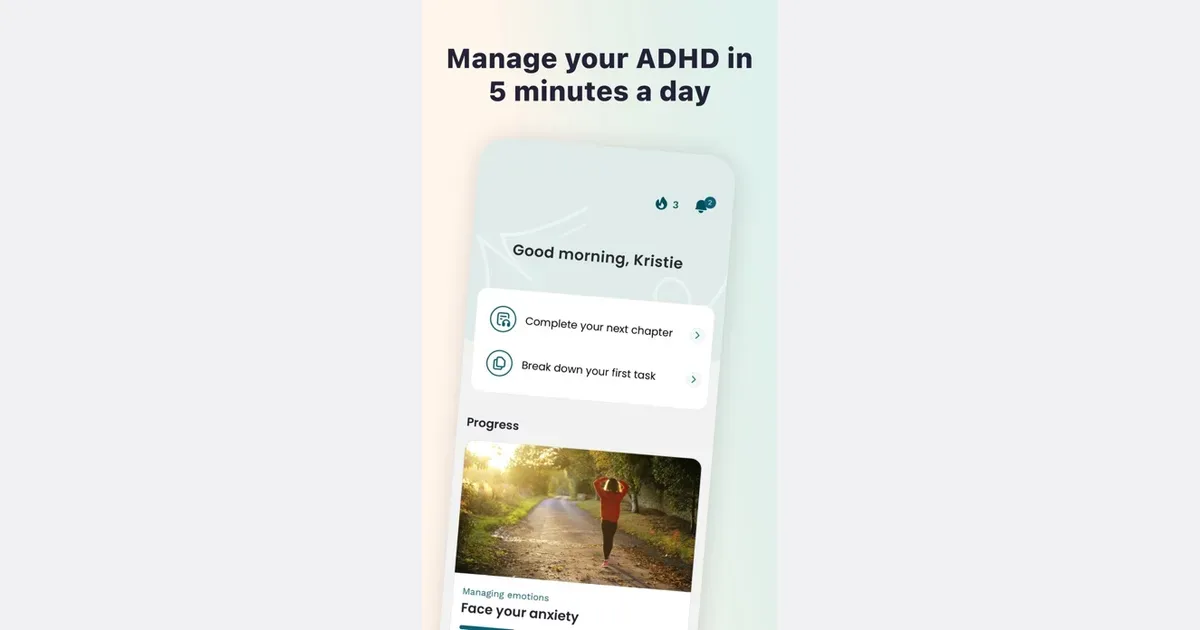
Inflow is a self-directed ADHD education and support app built around cognitive behavioral therapy principles. It offers short learning activities and practical strategies for everyday difficulties such as organization, time management and getting started. It is available for Apple and Android devices and is intended to support daily life alongside whatever professional care is appropriate for you. The official FAQ suggests beginning with a few minutes each day. A practical way to approach it is to choose one topic that matches a current difficulty, complete the exercise and test one small change in a real situation. Interactive journaling can help you notice what happened, rather than trying to absorb the entire program at once. Alongside educational material, Inflow describes community support and focus-room coworking. The current App Store description also includes an AI companion called Quinn for talking through tasks and generating possible smaller steps. Treat those suggestions as material to review and adapt, especially if a conversation touches on health or emotionally difficult experiences. An app cannot assess your situation as a clinician can. Inflow may appeal to people who want to understand patterns behind repeated planning problems, rather than simply add another timer. Its usefulness still depends on whether the exercises and community fit your needs and attention. Access is subscription-based, with different offers and coaching options across purchase routes. Check the actual trial length, renewal price, included support and cancellation route before subscribing. Inflow explicitly says it does not replace medication or face-to-face therapy.
Helps with

Virtual pet game motivating kids to complete chores and build habits
Joon links everyday tasks to a virtual-pet game for children, with parents or caregivers managing the task list. The product is designed for ages six to twelve, including children with ADHD or other support needs. Adults assign activities as Quests, and the child earns in-game progress by completing them. A family can start with a few specific, achievable actions, such as putting a school bag by the door or following a short bedtime sequence. The child chooses a pet called a Doter, while the adult reviews completed Quests before rewards are awarded. Keeping expectations clear and manageable can help make the tool a shared routine rather than another source of disagreement. The app provides recommended activities, custom Quests, reminders and progress tracking. The official site lists support for iOS, Android, Amazon Fire tablets and Chromebooks. A family can share a device or use separate devices, although access and reminders need to fit the household’s existing screen-time arrangements. Joon may appeal to children who enjoy a game-based prompt and adults who want a visible place for routine tasks. It still requires adult participation to choose appropriate tasks, check completions and adjust expectations. A game will not suit every child, and its effect on family routines is worth reviewing together. There is a limited free version, with a seven-day Premium trial and paid monthly or annual options. Check the selected purchase screen for the exact offer and renewal terms.
Helps with