
‹ Task Manager
    Hobba logo

    Hobba

    Managed by developer

    Task Manager

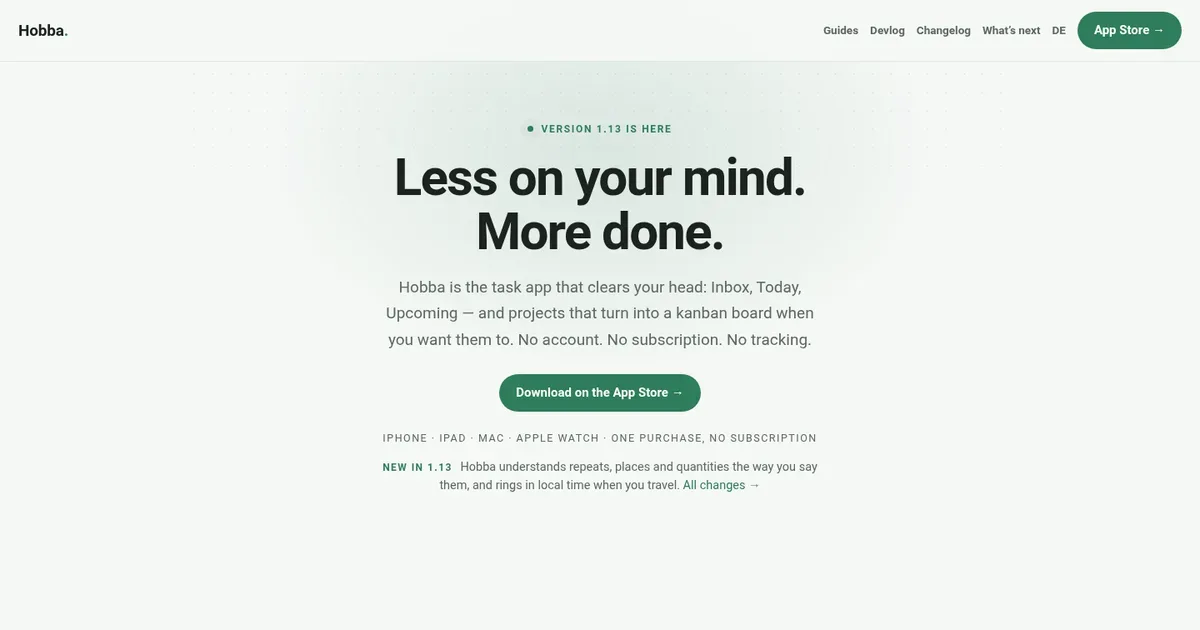
    A calm to-do and project app for iPhone, iPad, Mac and Apple Watch that asks instead of nags: pick your top three, break big tasks into steps. One purchase, no subscription.

    Hobba is a to-do and project app for iPhone, iPad, Mac and Apple Watch, built by one developer in Germany.

    About Hobba

    Managed by developer

    Hobba is a to-do and project app for iPhone, iPad, Mac and Apple Watch, built by one developer in Germany. It is not therapy and doesn't diagnose anything. It's a to-do app that knows where to-do lists tend to fail, and that would rather ask than nag.

    When the list is too full: each morning, Today asks for your top 3. If more lands in Today than you set for yourself, it quietly asks once a day: "Too much for today?" Pick three, the rest moves to tomorrow. Nothing in red, no counter.

    When a task is too big: push the same task off Today for the fourth time and its card shows one line: "Postponed 4 times already. Break it up, or set it aside?" No sound, no notification. Break It Into Steps lets Apple Intelligence suggest steps on your device, starting with the smallest possible first step. Only what you tap is kept.

    When the start won't come: One Thing at a Time shows exactly one task, large, with a 5-, 15- or 25-minute timer that also shows on the Lock Screen. Quick wins collect everything tagged #quick in a list and a widget of their own.

    When your head overflows: writing something down needs no decision. "Call the dentist tomorrow at 9" becomes a task with a day and a reminder. Dictate a sentence, turn anything from another app into a task via the share sheet, or tell Siri and let Hobba pick it up from Apple Reminders.

    Without the guilt: in the evening, "Wrap up the day?" asks what should happen to the rest. Nothing is moved overnight on its own. Your Week shows what you finished, with no points, no leaderboard and no comparing. Hobba only speaks up when you asked it to, and a Focus filter can hide whole projects, like Work on weekends.

    Also inside: projects as a list, a kanban board or a grid of tiles; tags and smart lists; reminders by time or place; shared projects through iCloud; widgets and Apple Watch complications. Available in English, German, French, Spanish, Italian and Japanese.

    Free to download and to use with up to three projects. Hobba Pro is a one-time purchase that unlocks everything on all your devices, with Family Sharing. No subscription, no account, no ads, no tracking.

    Who it’s for

    People with ADHD or a busy mind whose to-do lists get too full, whose big tasks never get started, and who feel bad about what's left. For personal life, household and shopping lists, and work projects, alone or shared.

    What makes it special

    It asks instead of nags: "Too much for today?", "Postponed 4 times already" and the evening wrap-up are quiet questions inside the list, not notifications. No red, no points, no guilt. And it's one purchase for iPhone, iPad, Mac and Apple Watch, with no subscription.

    Approach to privacy

    No account and no developer server. Your tasks stay on your device or, if you turn on sync (off by default), in your own private iCloud. No ads, no tracking, no analytics; the App Store label says Data Not Collected. Text and photo recognition run on your device.

    Hobba screenshots

    Screenshot 1 of 4

    Key features

    • Too much for today?

      When Today holds more than you set for yourself, the list quietly asks once a day. Pick three; the rest moves to tomorrow. Nothing in red, no counter.

    • Break It Into Steps

      A task you keep postponing gets one quiet line in its card. Apple Intelligence can suggest steps on your device, starting with the smallest possible start (Hobba Pro).

    • One Thing at a Time

      Shows exactly one task from Today, large, with a 5-, 15- or 25-minute timer on the Lock Screen. Done, Later or Tomorrow. Less list, more starting.

    • Capture without deciding

      Type or say "call the dentist tomorrow at 9" and it becomes a task with a day and a reminder. Sort it later, or not at all.

    • Evening wrap-up

      "Wrap up the day?" asks what should happen to the rest: tomorrow, someday, or it stays. Nothing moves overnight on its own.

    Show all 6 features
    • List, board or tiles

      Each project can be a plain list, a kanban board or a grid of tiles, so you can see your work the way your head sorts it. Board and tiles are part of Hobba Pro.

    Hobba pricing, explained

    Flat Price · Free with up to 3 projects. Hobba Pro: one-time in-app purchase, EUR 14.99 in Germany (varies by country). No subscription.

    Pricing has not been verified by our editors.

    Check current pricing on Hobba’s website

    App store ratings

    Hobba FAQ

    Is Hobba a subscription?

    No. Hobba is free to download and to use with up to three projects. Hobba Pro is a one-time in-app purchase (EUR 14.99 in Germany; prices vary by country) that unlocks everything for good on all your devices, with Family Sharing.

    Do I need an account?

    No. There is no account and no developer server. Everything stays on your device; if you turn on sync, it runs through your own private iCloud.

    Which devices does Hobba run on?

    iPhone, iPad, Mac and Apple Watch, with widgets and watch complications. It requires iOS 17 or later; the Apple Intelligence features need a device that supports Apple Intelligence.

    What is free and what needs Hobba Pro?

    Top 3, "Too much for today?", One Thing at a Time and the evening wrap-up are free. Pro adds more than three projects, board and tiles, Apple Intelligence suggestions, the Focus filter, Apple Watch, all widgets and attachments.

    Is Hobba a treatment for ADHD?

    No. Hobba is a to-do app, not therapy, and it doesn't diagnose or treat anything. It is designed around the moments where to-do lists tend to fail: too full, too big, no start, and guilt about what's left.

    All Hobba tags

    Platforms

    iOSmacOSwatchOS

    Best for

    Work / ProfessionalHousehold / Chores

    Experience

    No Guilt MechanicsForgiving (No Punishment)

    Hobba alternatives

    Explore all Hobba alternatives →
    Things 3 logo

    Elegant GTD task manager for Apple ecosystem

    Things 3 is a personal task manager for Apple's devices that separates everyday planning from the larger collection of commitments you want to keep track of. Tasks can belong to projects and areas, with notes, tags, checklists, scheduling and deadlines available when needed. Its predefined lists provide a ready-made structure instead of asking you to design a workspace from scratch. A practical routine starts by capturing incoming tasks in the Inbox. Later, decide whether each item belongs in a project, should be scheduled for a particular day or can wait in Someday. Today becomes a smaller working selection, while Upcoming shows scheduled tasks and calendar events together. This Evening can separate after-work responsibilities from the rest of today's plan. For a larger goal, project headings and checklists can expose the next steps without turning every minor action into a separate project. A packing task might contain a checklist, while organizing a move might warrant several project headings. Quick Find, natural-language date entry and Apple integrations provide faster ways to capture or locate work once the structure is familiar. Things may fit someone who wants a polished personal system and already uses compatible Apple devices. It is worth checking device availability and purchase arrangements before committing to it across a mixed-device setup. Its organization also works best when you distinguish a day you hope to work on something from a genuine deadline. Keep Today realistic, revisit deferred projects and avoid assigning dates to every passing idea. The app supplies a useful framework, but regular review is what keeps that framework current.

    Helps with
    Apple
    USD 9.99–49.99 once per platform
    View

    Suggested by Hobba’s team · not an editorial recommendation

    Todoist logo

    Flexible task manager with AI prioritization and quick capture

    Todoist is a task manager for collecting commitments, organizing them into projects and deciding what needs attention next. It can hold personal errands, study work and shared responsibilities in one system, with an Inbox for ideas that do not yet belong to a project. Tasks can have dates, priorities and smaller steps, while projects can be divided into sections and shown as lists or boards. A practical starting point is to create one project for a current responsibility and write down its next actions. For a presentation, that might mean collecting sources, outlining slides and sending a draft for feedback. Subtasks make those actions easier to see without turning the main list into a wall of detail. Natural-language date entry lets you include a schedule in the task name, and recurring dates suit repeat commitments such as preparing a weekly update. Today and Upcoming bring scheduled work together across projects. Labels, filters and priority levels offer additional ways to narrow attention when the collection grows. The calendar layout is available on paid Pro and Business plans, so it is worth checking the current plan comparison if visual scheduling is central to your workflow. Todoist's flexibility is useful when a basic checklist feels limiting, but it still needs regular decisions about what to keep, schedule or remove. A long overdue list can become difficult to scan if every idea receives a date. Start with a few projects, add only the organization you use, and make time to review the Inbox. For people who benefit from seeing an explicit next action, it can provide a practical external record without requiring a fully designed workspace.

    Helps with

    BrowserAppleMobile
    Free; USD 7/month
    View

    Suggested by Hobba’s team · not an editorial recommendation

    TickTick logo

    All-in-one task manager with Pomodoro, habit tracking, and calendar

    TickTick is a task and planning app that combines to-do lists with calendars, focus timing and habit tracking. It lets you collect responsibilities in one place and choose different ways to view them, rather than treating every item as part of one long undifferentiated list. Natural-language date entry, recurring tasks and reminders support work that needs to return at a particular time. For example, you could keep study assignments in one list, household responsibilities in another and use a daily view to choose the next few actions. Breaking a large assignment into smaller steps makes the list more actionable. A calendar or timeline can then help you consider when the work might fit, while list and board views offer different ways to organize its status. TickTick also includes a Pomodoro-style focus tool and habit tracking. Those features can connect the intention to do something with a defined period of work or a recurring routine. Shared lists and task assignment support lightweight collaboration. Some planning features and usage limits depend on Premium, so check the current comparison for the particular calendar and reminder options you need. Its breadth may suit people who prefer one app for several personal organization habits. The same breadth can become distracting if you feel obliged to maintain every chart, habit and alert. Begin with task capture and a realistic daily selection, then introduce a timer or habit only if it solves a clear problem. Reminders also need restraint: a notification is more useful when it points to something you can act on. TickTick supplies the structure, while choosing a manageable workload remains an ongoing decision.

    Helps with

    BrowserAppleMobile
    Free; USD 49.99/year
    View

    Suggested by Hobba’s team · not an editorial recommendation

    Microsoft To Do logo

    Free, simple task manager for Microsoft 365 users

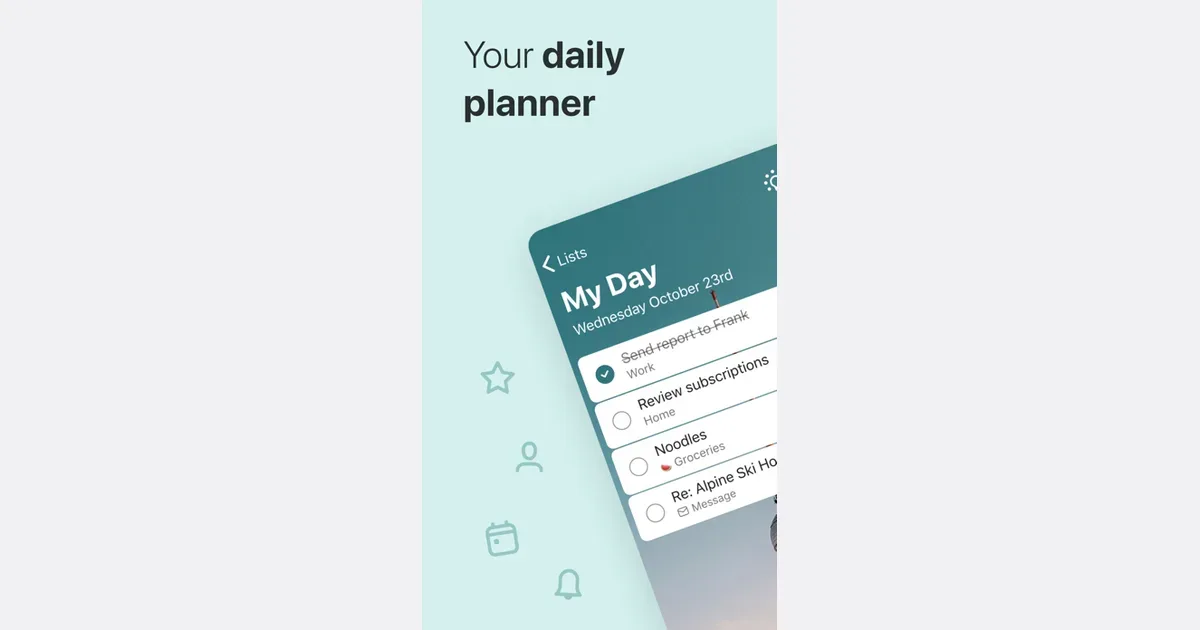
    Microsoft To Do is a task-list app for keeping everyday responsibilities visible across devices. It combines named lists with a daily planning view called My Day, making it possible to separate the full collection of things you need to remember from the smaller set you intend to work on now. The service is available free and connects with Microsoft's task ecosystem. A useful routine is to capture tasks as they occur, then choose a realistic handful for My Day. You might keep separate lists for work administration, household jobs and a personal project without needing to schedule every item immediately. My Day begins afresh each day, while unfinished tasks remain in the wider task collection rather than disappearing. Suggestions can help you find items to bring back into today's view. For people already using Outlook, the connection is particularly relevant. Signing in with the same compatible account can bring tasks into both products, and flagged email can appear as actionable items in To Do. That provides a bridge between receiving a request and deciding when to act on it. Lists can also be shared with other people for straightforward coordination. Microsoft To Do may fit someone who wants a ready-made task system with relatively little setup, especially when their work already lives in Microsoft services. Its daily focus still depends on making deliberate choices: adding too many items to My Day can recreate the same overwhelming list you were trying to narrow. Start with a manageable selection and review the broader lists regularly. It is less suited to complex project reporting or heavily customized workflows than a dedicated work management platform, but that simplicity can be useful for everyday follow-through.

    Helps with

    BrowserAppleMobile
    Free
    View

    Suggested by Hobba’s team · not an editorial recommendation

    Side by side