
‹ Task Manager
    Flowo logo

    Flowo

    Managed by developer

    Task Manager

    The planner for days that don't go to plan. Flowo builds your day around sleep and the things you can't move, then rebuilds it in one tap when something slips.

    Flowo plans your day for you.

    About Flowo

    Managed by developer

    Flowo plans your day for you. Tell it what needs doing and what can't move, and it lays out a day you can actually get through.

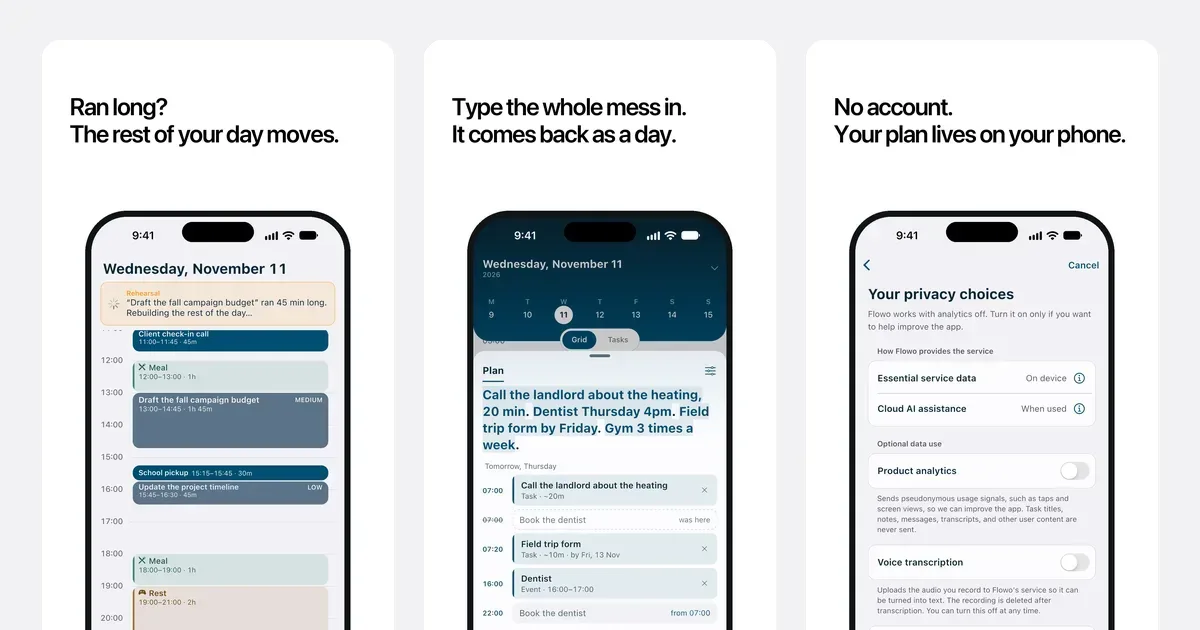
    Then real life happens. A meeting runs long and the morning goes sideways. Most planners leave you staring at a list of overdue tasks. Flowo has Recovery: one tap rebuilds the rest of your day and shows you exactly what moved, so you always know what to do next.

    A brain dump catches loose thoughts before they pile up in your head and turns them into tasks. Sleep comes first in every plan, because a day built on too little sleep falls apart by noon.

    Flowo runs on iPhone and Android, and you can start without creating an account.

    Who it’s for

    Adults with ADHD and anyone whose plans fall apart before lunch. If you've dropped planners after one bad day left you with a wall of overdue tasks, start here.

    What makes it special

    Recovery. When the day breaks, one tap rebuilds what's left of it and shows you every change. A missed task never turns into a pile of overdue items, and the plan adapts to how your week actually goes.

    Approach to privacy

    You can use Flowo without creating an account. The free trial and subscriptions run through the App Store or Google Play.

    Flowo screenshots

    Screenshot 1 of 6

    Key features

    • Recovery

      When your day breaks, one tap rebuilds the rest of it and shows you what moved, so you know your next step right away.

    • Brain dump

      Get loose thoughts out of your head in seconds. Flowo sorts them into tasks so nothing gets lost.

    • Sleep-first planning

      Your sleep goes into the plan first, so the day you get is one you can finish without borrowing from tomorrow.

    • Android home screen widget

      Catch a thought or add a task straight from your home screen, before the idea slips away.

    Flowo pricing, explained

    Subscription · App Store (US): 14-day free trial, then US$4.99/month or US$29/year, or US$44.99 once for lifetime

    Pricing has not been verified by our editors.

    Check current pricing on Flowo’s website

    App store ratings

    Flowo FAQ

    What happens when my day falls apart?

    Tap Recovery. Flowo rebuilds the rest of your day around the time you have left and shows you exactly what moved.

    Do I need an account?

    No. You can start planning right away without signing up, and your plan lives on your phone.

    How much does Flowo cost?

    You get 14 days free. After that it's US$4.99 a month or US$29 a year on the App Store, or US$44.99 once for lifetime access.

    Which phones does it run on?

    iPhone and Android. Get it from the App Store or Google Play.

    All Flowo tags

    Flowo alternatives

    Explore all Flowo alternatives →
    Tiimo logo

    Visual planner for neurodivergent routines and time management

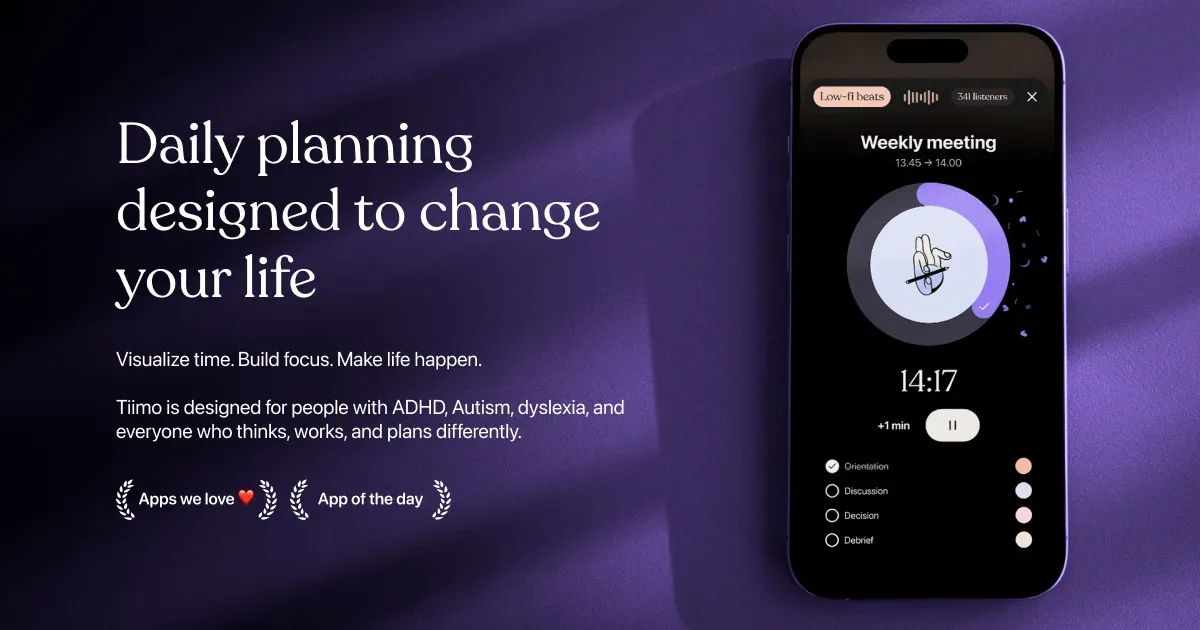
    Tiimo is a visual daily planner designed around neurodivergent routines, task transitions and making time easier to see. It combines a to-do list, a visual schedule, a focus timer and optional AI planning. Colors, icons and other display choices help distinguish activities, while widgets keep the next part of the day accessible without repeatedly opening the full planner. You can begin with a brain dump of things you need to do, then give important activities a place in the day. Add a short checklist to an activity such as getting ready or doing laundry, estimate its duration, and use the visual timer while working through it. Calendar import brings existing commitments into the planning process, helping you avoid treating every hour as available task time. The AI co-planner accepts typed or spoken input and can suggest smaller steps, time estimates and a schedule. Treat those suggestions as a draft: adjust them to your energy, travel time and actual commitments. Tiimo’s current documentation lists Apple devices, Android and a web planner. Feature access varies by platform and subscription; the free mobile offering is more limited, while web access requires an active trial or subscription. Tiimo may be especially useful if a conventional list leaves you unsure what to do now, how long to stay with it, or what comes next. A visible sequence can make a routine easier to revisit without holding every step in memory. It still takes time to find the right amount of structure. Start with a familiar morning or evening routine, test notification and widget behavior on your own device, and leave room for interruptions. A schedule works best as something you can revise, rather than a measure of whether you have had a successful day.

    Helps with
    AppleBrowser
    Free and Paid Plans
    View

    Suggested by Flowo’s team · not an editorial recommendation

    Structured logo

    Visual timeline planner that shows your day as a clear schedule

    Structured is a daily planner that displays tasks on a visual timeline. It brings to-dos and scheduled commitments into one picture, helping you see how a day might unfold instead of keeping a separate calendar and an unbounded task list. The timeline is the central organizing idea, with supported options for viewing the wider week or month. A practical first plan might include existing meetings, a few work periods and ordinary transitions such as lunch or travel. Giving a task a duration makes its cost visible: preparing a presentation takes a piece of the day even if it is not an appointment with someone else. This can make it easier to notice when the proposed plan is fuller than the hours available. Structured offers task creation, calendar-related integration, notifications and widgets, with device and plan differences described in its help center. Its visual approach may be useful for people who prefer seeing the order of activities rather than choosing from a list throughout the day. Begin with the platform and features you actually use, especially if synchronizing information across several devices is important. The trade-off is maintaining a plan when real life moves differently. A neat timeline can imply more certainty than a task estimate deserves, so leave space between demanding activities and revise the plan when needed. Start with a manageable part of the day rather than scheduling every minute. Structured can help make time and sequence concrete, while deciding what to postpone or leave out remains an important part of the planning process. A simple checklist may be easier when your day has very little fixed timing.

    Helps with

    Apple
    Free; USD 6.99/month or USD 99.99 once
    View

    Suggested by Flowo’s team · not an editorial recommendation

    Akiflow logo

    Calendar-centered task management with keyboard-first workflow

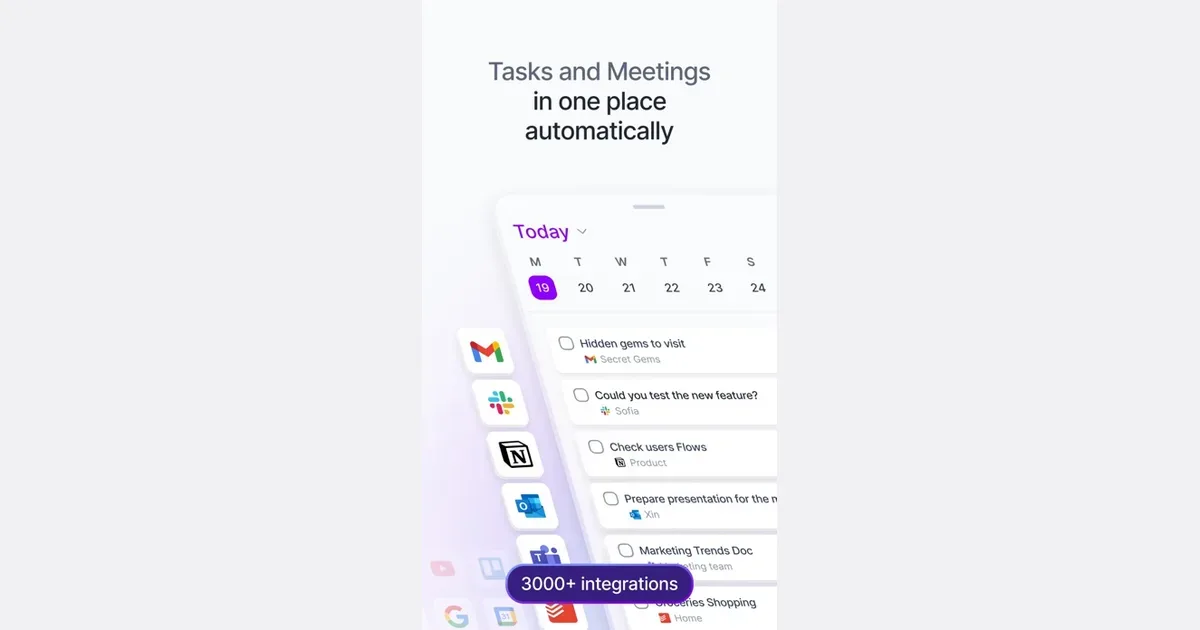
    Akiflow is a task and calendar planner built around bringing responsibilities into one inbox and deciding when to work on them. It combines task capture with time blocking, making it possible to see a piece of work alongside meetings rather than leaving it in a separate list. Integrations can collect actions from other tools so they can be considered in one planning routine. A practical workflow begins by reviewing the inbox and clarifying what each item actually requires. A message that says to prepare a proposal might become several actions, each with a realistic duration. You can then plan those actions in available calendar space or reserve a broader project time slot. Drag-and-drop scheduling and natural-language input provide different ways to make those decisions. Akiflow's wider feature set includes calendar connections, project organization and an AI assistant called Aki. Supported integrations include common calendar, email and communication tools, with the exact arrangement depending on your accounts and setup. Review the permissions and the specific import behavior before connecting every source of work at once. The approach may suit people whose tasks are scattered across several services and who want one deliberate place to plan the day. Its value depends on maintaining that planning habit: importing everything without deciding what belongs on today's schedule can simply create a larger inbox. Begin with one or two integrations, use descriptive action titles and leave space for interruptions. Akiflow can make the relationship between a task and available time clearer, while deciding what to decline, postpone or simplify remains a personal or team responsibility.

    Helps with

    BrowserAppleMobile
    $34/month
    View
    Sunsama logo

    Guided daily planning with realistic workload warnings

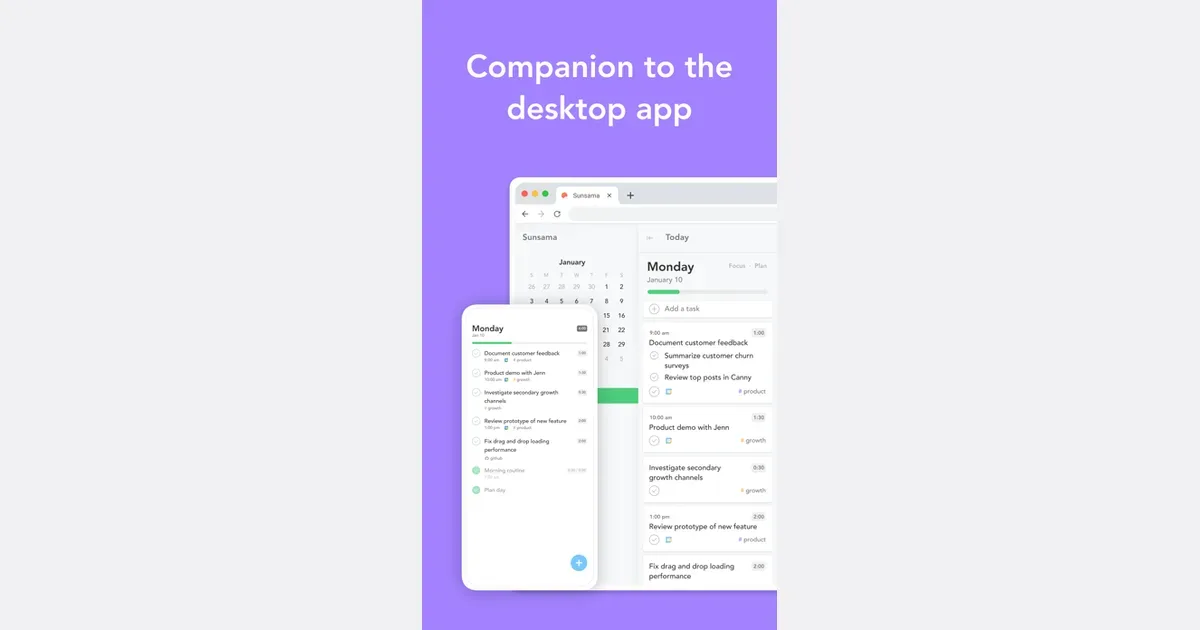
    Sunsama is a daily planning app that connects tasks with the time available in your calendar. It is built around deliberately choosing a realistic day's work rather than treating the entire backlog as today's to-do list. People can bring responsibilities from other work tools into a single planning view while retaining the context of meetings and existing commitments. A practical morning routine is to review the tasks that could matter today, select the ones you can reasonably address and reserve time for them. You might pull an action from a project board, turn an email into a follow-up and place both around scheduled calls. Timeboxing makes the cost of those choices visible: if the calendar is already full, something needs to move rather than simply becoming another overdue item. Sunsama supports connections with project-management tools, calendars and communication services. Its product emphasizes planning, focused work and reviewing progress, with a paid subscription rather than a permanent free plan. Check the current integrations and access requirements, especially before connecting a work account that is subject to your organization's policies. The approach may suit people who already know their responsibilities but struggle to turn them into a manageable day. It asks for an active planning habit, so the planning session itself needs to remain proportionate. Start with a few meaningful tasks and allow some unscheduled space. Sunsama is most useful when it helps you make honest choices about capacity; it cannot make an impossible workload fit simply by arranging it more neatly on a timeline.

    Helps with

    BrowserApple
    USD 22/month or USD 204/year
    View

    Side by side