




Browse apps

    Discover tools built for ADHD, neurodivergence, and focused work.

    Selected filters

    Showing 6 products on this page for your choices.
    Sort
    Show
    TickTick logo

    All-in-one task manager with Pomodoro, habit tracking, and calendar

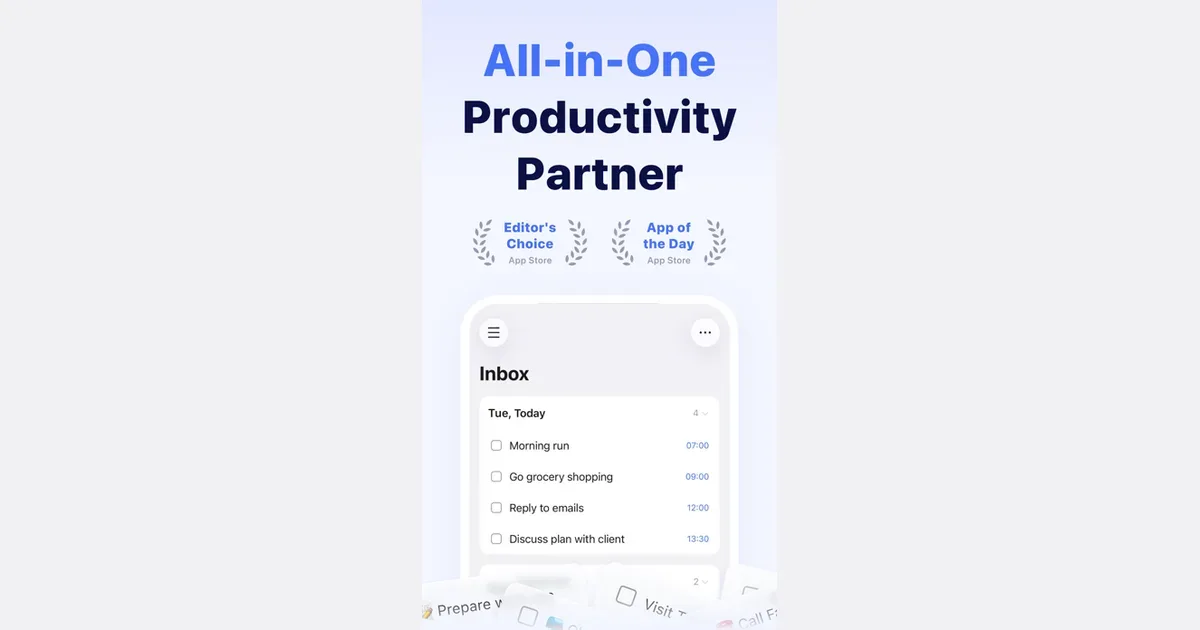
    TickTick is a task and planning app that combines to-do lists with calendars, focus timing and habit tracking. It lets you collect responsibilities in one place and choose different ways to view them, rather than treating every item as part of one long undifferentiated list. Natural-language date entry, recurring tasks and reminders support work that needs to return at a particular time. For example, you could keep study assignments in one list, household responsibilities in another and use a daily view to choose the next few actions. Breaking a large assignment into smaller steps makes the list more actionable. A calendar or timeline can then help you consider when the work might fit, while list and board views offer different ways to organize its status. TickTick also includes a Pomodoro-style focus tool and habit tracking. Those features can connect the intention to do something with a defined period of work or a recurring routine. Shared lists and task assignment support lightweight collaboration. Some planning features and usage limits depend on Premium, so check the current comparison for the particular calendar and reminder options you need. Its breadth may suit people who prefer one app for several personal organization habits. The same breadth can become distracting if you feel obliged to maintain every chart, habit and alert. Begin with task capture and a realistic daily selection, then introduce a timer or habit only if it solves a clear problem. Reminders also need restraint: a notification is more useful when it points to something you can act on. TickTick supplies the structure, while choosing a manageable workload remains an ongoing decision.

    Helps with
    BrowserAppleMobile
    Free / Premium US $49.99 per year
    View
    Tiimo logo

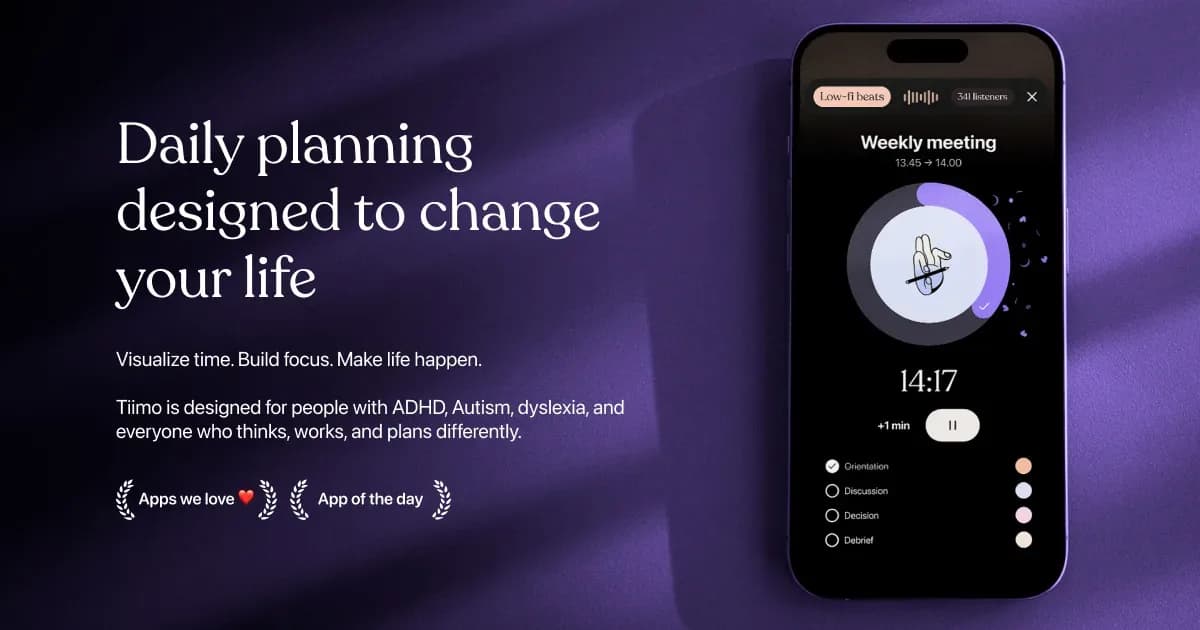
    Visual planner for neurodivergent routines and time management

    Tiimo is a visual daily planner designed around neurodivergent routines, task transitions and making time easier to see. It combines a to-do list, a visual schedule, a focus timer and optional AI planning. Colors, icons and other display choices help distinguish activities, while widgets keep the next part of the day accessible without repeatedly opening the full planner. You can begin with a brain dump of things you need to do, then give important activities a place in the day. Add a short checklist to an activity such as getting ready or doing laundry, estimate its duration, and use the visual timer while working through it. Calendar import brings existing commitments into the planning process, helping you avoid treating every hour as available task time. The AI co-planner accepts typed or spoken input and can suggest smaller steps, time estimates and a schedule. Treat those suggestions as a draft: adjust them to your energy, travel time and actual commitments. Tiimo’s current documentation lists Apple devices, Android and a web planner. Feature access varies by platform and subscription; the free mobile offering is more limited, while web access requires an active trial or subscription. Tiimo may be especially useful if a conventional list leaves you unsure what to do now, how long to stay with it, or what comes next. A visible sequence can make a routine easier to revisit without holding every step in memory. It still takes time to find the right amount of structure. Start with a familiar morning or evening routine, test notification and widget behavior on your own device, and leave room for interruptions. A schedule works best as something you can revise, rather than a measure of whether you have had a successful day.

    Helps with

    AppleBrowser
    Free / $12/month ($144/year) or $54/year
    View
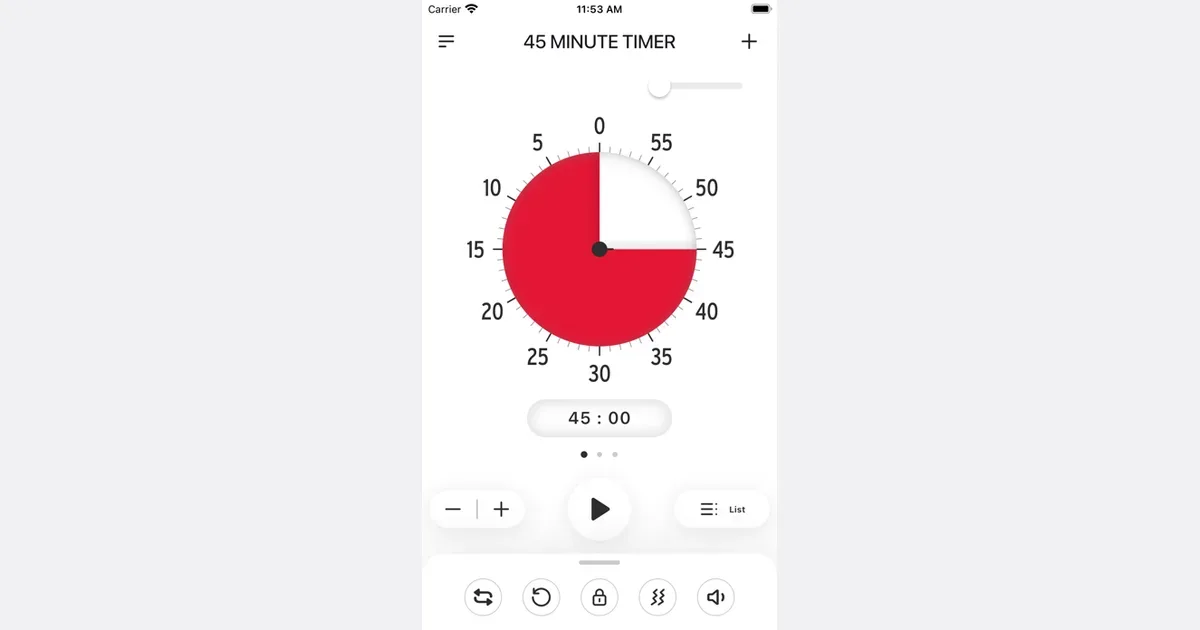
    Time Timer logo

    Visual countdown timer that makes time visible and tangible

    App version of the iconic Time Timer clock, which uses a shrinking red disc to show how much time remains. Designed for people with time blindness, it makes abstract minutes feel real and concrete.

    Helps with

    AppleMobile
    Free / $2.99 (app)
    View
    Toggl Track logo

    Simple time tracker with one-click start for every task

    Toggl Track is a time-tracking tool for turning work sessions into a record you can review. Its current platform connects time entries with project planning, capacity and financial reporting, while the core timer remains useful for individual work. You can start a timer, enter time afterward or organize entries through a timesheet-style workflow. For a freelancer or personal project, a practical starting point is a few project categories and descriptive entries. Track a drafting session, a call and the follow-up separately if those distinctions will help you estimate similar work later. The purpose is to learn from the record, not to create a separate administrative task for every tiny interruption. The product includes reports, integrations and options for relating calendar events to time entries. Supported desktop activity tracking can provide a private timeline from which you decide what becomes a logged entry. Team and paid features extend into rates, budgets, approvals and capacity planning, so check the current plan and device support for the workflow you need. Automatic data collection and an approved billable record are different things. Toggl may fit people who want to compare estimated effort with actual time or make client reporting less dependent on memory. Its usefulness depends on accurate entries and a sensible review habit. Check timers that run unexpectedly long, use consistent project names and avoid interpreting every minute away from a task as wasted. Start with a small tracking routine that you can maintain, then add reporting detail when it helps make a concrete planning decision.

    Helps with

    AppleWindowsMobile
    Free / $9/user/mo
    View
    Trevor AI logo

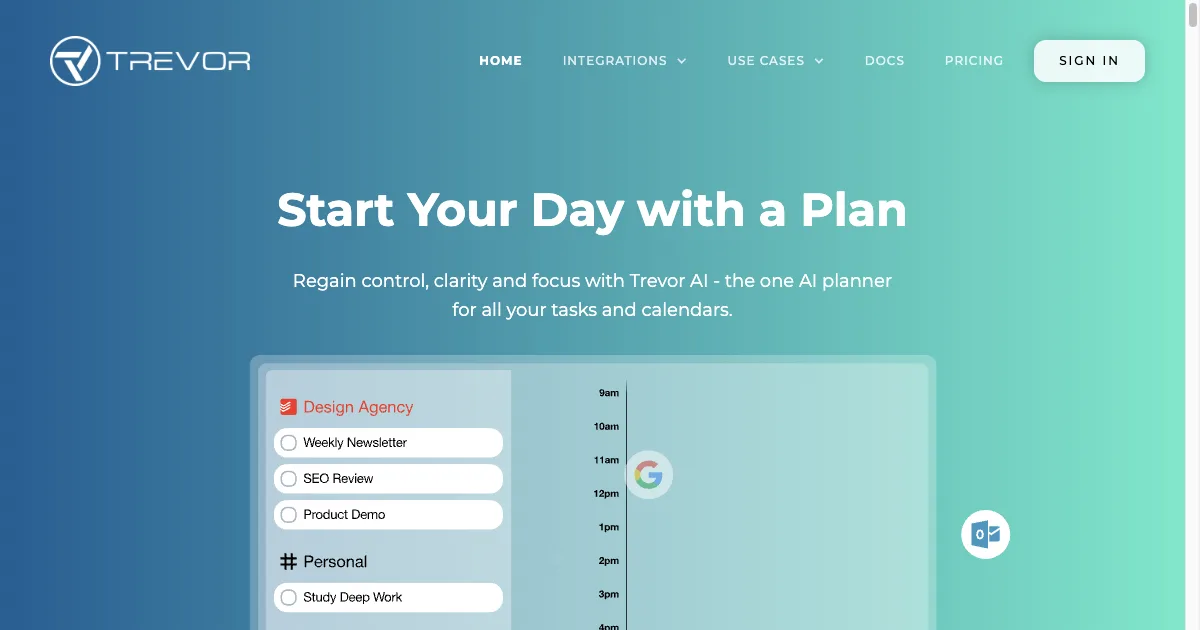
    AI assistant that schedules tasks realistically on your calendar

    AI task planner connecting with Google and Microsoft calendars for intelligent scheduling. Analyzes work patterns to set realistic task durations. Features Task Hub with categorization, color coding, and Focus Mode with timer and actionable steps.

    Helps with

    BrowserAppleMobile
    Free / $5-6/month Pro
    View
    Vitamin-R logo

    macOS productivity tool with time slices and work fragmentation help

    macOS app for people who struggle with getting started and staying on track. Uses 'time slices' — short, clearly defined work blocks — with reminders and status tracking. Particularly helpful for task initiation and hyperfocus management.

    Helps with

    Apple
    $19.99 one-time
    View