
Browse apps

    Discover tools built for ADHD, neurodivergence, and focused work.

    Not sure where to start? Find tools with a short quiz.

    Selected filters

    Showing 3 results on this page for your choices.
    Sort
    Results per page
    Tana Outliner logo

    All-in-one knowledge graph with AI automation for personal OS

    Tana Outliner is a connected note-taking and task-organizing workspace built around nested bullets, called nodes. It is the original Tana notes product, now named Tana Outliner; the separate meeting platform at Tana's main website is a different product. The outliner lets you capture an idea quickly and add structure as its purpose becomes clearer. You might start a daily note with meeting notes, a question and several actions. Applying a supertag such as task, project or meeting gives a node a consistent type and relevant fields. A task can have a status and a project connection, while a meeting can carry its date and participants. Search nodes gather matching items from across the workspace, so an action can remain beside the conversation that produced it and still appear in a task view. Supertags do more than label notes: their fields and templates provide a reusable structure. Links connect related material, and different views help you examine collections without rewriting the underlying notes. Mobile capture includes voice memos and quick notes, with transcription and structured capture workflows that can bring spoken information into the same workspace. AI features can help summarize or extract information, but generated details still need checking against your source. Tana Outliner may appeal to people who like outlining and want to build a personalized system for research, projects or recurring reviews. That flexibility has a learning cost: fields, searches and supertags require more setup than a basic notes app. Begin with a daily capture page and one practical tag, then add complexity only when a recurring need appears. Check the current plan and device capabilities before relying on a particular AI or mobile workflow.

    Helps with
    BrowserAppleMobile
    Free and Paid Plans
    View
    Ulysses logo

    All-in-one writing app for long-form content on Apple devices

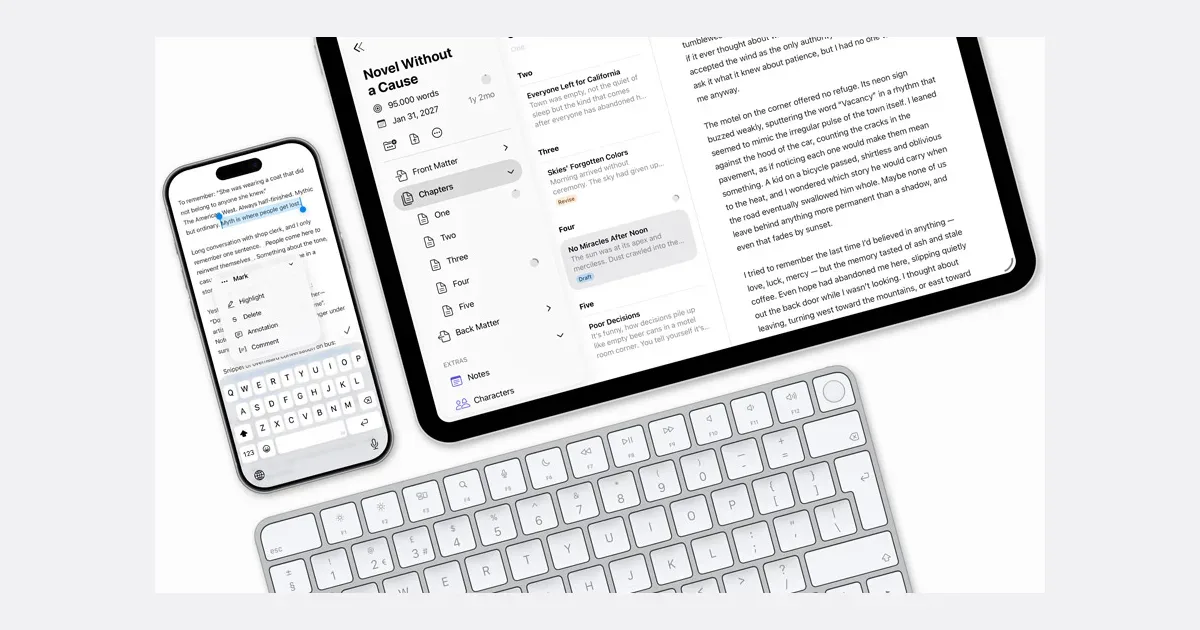
    Ulysses is a writing app for Mac, iPad and iPhone that combines a restrained text editor with a library for larger writing projects. It is designed for sustained work such as articles, essays, books and recurring blog posts. You write with lightweight markup, then choose the presentation when exporting or publishing. A book project can be divided into sheets for scenes or chapters and arranged in groups. Research and background notes can live in Extras, separate from the material intended for the final manuscript. Opening a project hides the rest of the library, which can make it easier to stay with one body of work. Templates provide repeatable starting points, and project-specific keywords help organize related pieces without imposing one system on everything you write. Goals and deadlines let you track writing progress, while statistics give a view of the text you have produced. The grammar and style checker offers suggestions during revision. When a draft is ready, Ulysses can export formats including PDF, Word and ebooks, or publish to supported blog platforms. With iCloud enabled, projects sync across supported Apple devices; local storage is also possible. External folders offer another way to work with files outside the main library, with their own capabilities to check. Ulysses may appeal to writers who want to move between a small screen for capture and a larger screen for drafting while keeping their work organized. It uses a subscription and is centered on Apple's platforms, so test the full writing-to-export routine during the trial. For important work, understand the backup and sync behavior, and keep exports you can open elsewhere. Start with one project and a few sheets rather than reorganizing your entire writing archive before you begin.

    Helps with

    Apple
    USD 5.99/month or USD 39.99/year
    View
    Workflowy logo

    Infinite outliner for capturing and organizing any thought

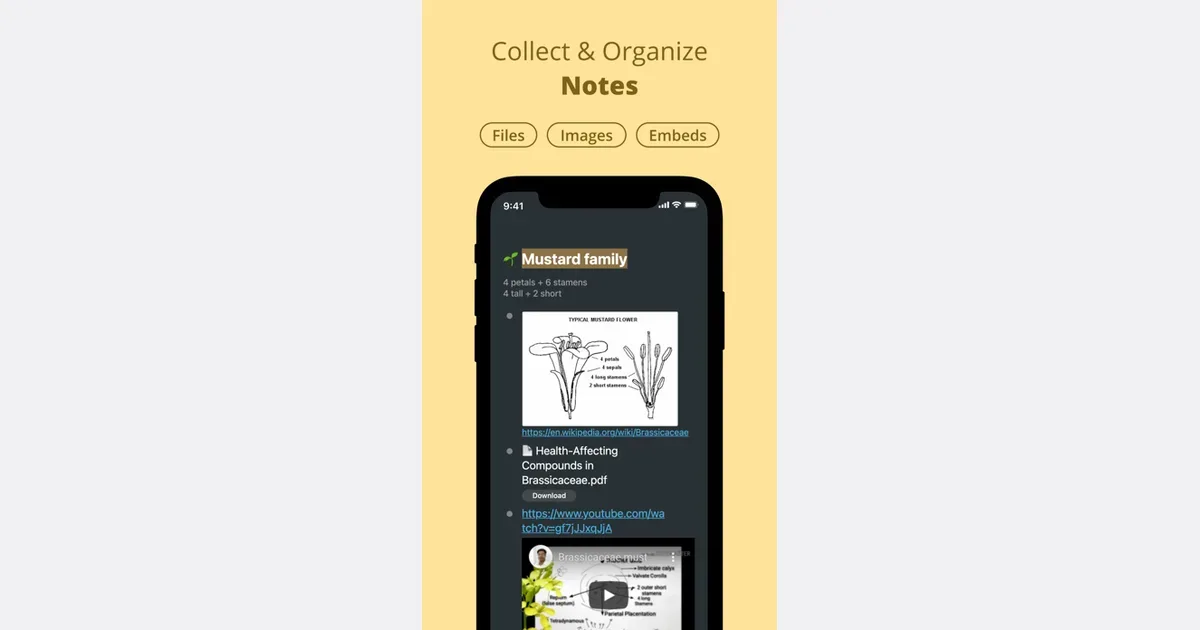
    Workflowy is an outlining tool built around a single expanding list. Each bullet can contain more bullets, allowing a rough thought to become a note, a plan or a project without moving into a different document format. You can zoom into a branch to concentrate on it, then return to the larger outline when you need context. A practical starting point is one section for active work and another for material you may need later. For a writing project, a bullet can become the article outline, with nested ideas and sources underneath. Clicking into that branch removes the surrounding collection from view, giving you a focused space without requiring a separate file. The same structure can hold a checklist or a meeting agenda. Search filters the document as you type, and tags provide another route back to related items. Saved searches and automatic synchronization support repeated access to the parts of the outline you use most. These capabilities keep the basic model small: write, indent, zoom and retrieve. You can learn the core interaction before deciding whether more advanced features are necessary. Workflowy may suit people who think in outlines or want to capture ideas before deciding on their final organization. Its simplicity does not automatically prevent clutter. Deep nesting can hide unfinished work, while a long top-level list can become difficult to scan. Give important branches clear names and revisit them regularly. It is less ready-made than a conventional daily planner, but that flexibility can be valuable when you want the structure to emerge from the material instead of fitting every thought into a predefined form.

    Helps with

    AppleWindowsMobile
    Free; $8.99/month
    View