

‹ Software
    Plexii logo

    Plexii

    Managed by developer

    Software

    A desktop workspace that keeps your documents, tasks, notes, research and AI side by side, so everything for a project lives in one place.

    Create documents, spreadsheets and presentations.

    About Plexii

    Managed by developer

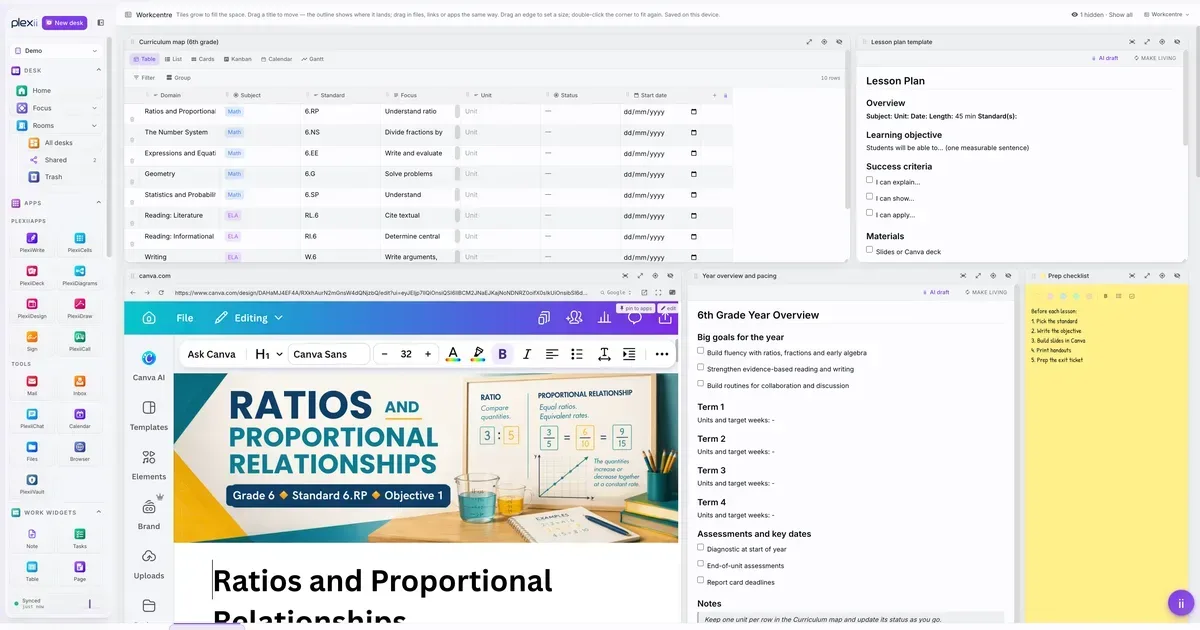
    Create documents, spreadsheets and presentations. Bring in the apps you already use. Arrange tasks, notes, research and AI beside the work they relate to. Work independently or collaborate with your team, with local-first storage and AI that understands your project's context. Download Plexii for Windows and Mac at plexiidesk.com.

    Who it’s for

    People who juggle documents, tasks and research across lots of apps and want everything for a project in one desktop workspace.

    What makes it special

    Your docs, sheets, slides, tasks, notes and AI sit together on one screen beside the work they relate to, instead of scattered across tabs and apps.

    Approach to privacy

    Local-first storage, so your work is kept on your own computer.

    Plexii screenshots

    Screenshot 1 of 4

    Plexii pricing, explained

    Free and Paid Plans

    Pricing has not been verified by our editors.

    Check current pricing on Plexii’s website

    All Plexii tags

    Platforms

    macOSWindows

    Best for

    Work / ProfessionalAcademic / StudentCreative Projects

    Plexii alternatives

    Explore all Plexii alternatives →
    Amplenote logo

    Notes and tasks combined with Eisenhower matrix prioritization

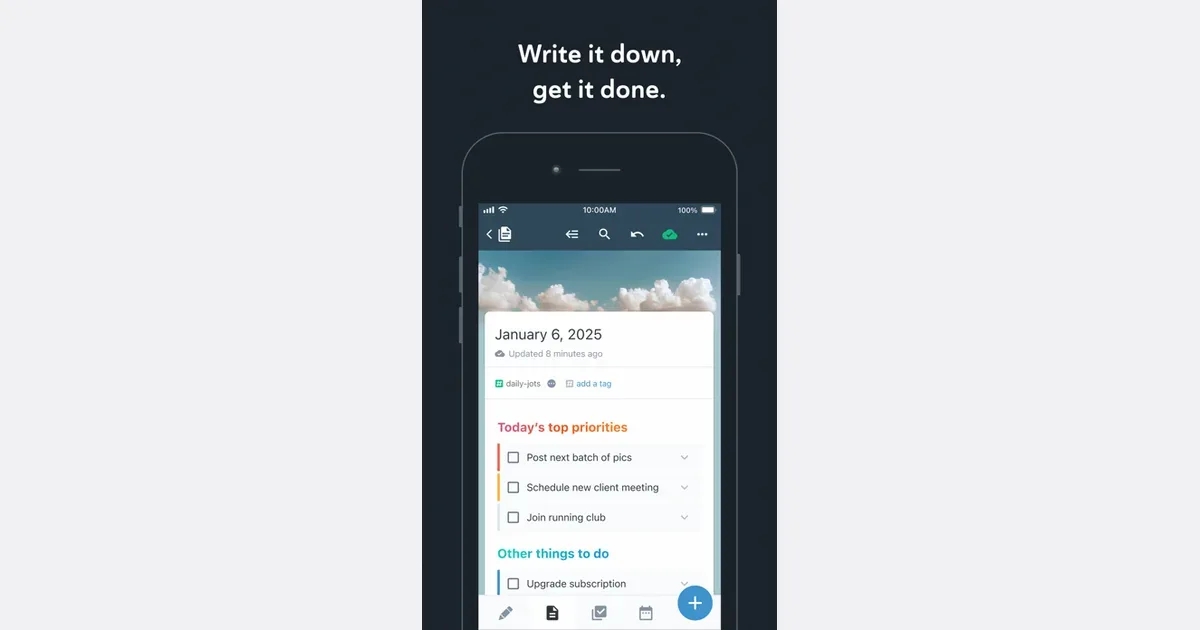
    Amplenote brings notes, tasks and calendar planning into one workspace. It is intended for people whose actions emerge from meeting notes, research, daily thoughts or project ideas, and who would prefer to keep the supporting context beside the work. Its capture, review and planning tools offer a path from a quick thought to a scheduled next step. You can begin by collecting short entries in Jots, then move useful material into longer notes. Tasks can live inside those notes rather than being copied into a separate task manager. Tags, links and search help you find related information again, while the Tasks and Calendar areas provide a more focused view of what needs doing. For example, a meeting note can hold the discussion and its follow-up actions, with selected actions brought into your plan for the week. The current product also includes dashboards for goals and completed work, optional mood tracking, and AI assistance through Ample Agent Pro. These additions extend the core notes-to-action workflow with help organizing material, refining text and identifying possible next actions. Availability depends on the chosen plan and feature, so check the current offering before building a workflow around an advanced capability. Web, desktop and mobile access support capturing and reviewing in different settings. Amplenote may fit someone who loses track of tasks when they become separated from the notes that explain them. The tradeoff is learning how notes, tags, tasks and calendar planning relate to one another. A small project is a better first experiment than importing every archive and designing a complete life system at once. Keep the capture route simple, reserve a regular review time, and assess whether the combined workspace reduces the number of places you need to check.

    Helps with
    BrowserAppleMobile
    Free; $5.84–20/month (billed annually)
    View
    Capacities logo

    Object-based notes that organize naturally for ADHD brains

    Capacities is a personal knowledge app that organizes notes around the things you think about: people, books, projects, meetings and ideas. Each item is an object with its own content and properties, connected to other objects through links. A daily note gives you somewhere to capture thoughts before deciding how much structure they need. For example, you could write meeting notes in your daily workspace, link the people involved, and connect the meeting to a project. The person's page then becomes a way back to related conversations, while the project brings together its supporting material. Backlinks and network views help you follow those relationships without maintaining a separate folder path for every note. Tags can cut across object types when several topics belong together. Custom object types let you decide which details matter. A book might have an author and reading status; a project might have dates, links and a completion status. Templates provide a repeatable starting point, and table, list, gallery and card views offer different ways to browse the same material. Capacities Pro also includes contextual task management, with tasks linked to objects and collected into an inbox, Today and scheduled views. Capacities may suit researchers, students and independent professionals who want connected reference material with a visual structure. Desktop, web and mobile apps support access across devices, although it is worth trying your actual capture and editing routine on each device. Start with a few useful object types and one real project: designing an elaborate taxonomy can create more decisions than it removes. If your main need is a short reminder list, test whether the knowledge-management layer adds enough value for you.

    Helps with

    BrowserAppleWindows
    Free and Paid Plans
    View
    Dynalist logo

    Power outliner with dates, tags, and Markdown support

    Dynalist is an outlining app for organizing ideas and tasks as nested lists. A document can begin as a loose collection of thoughts and gradually become a project plan, meeting agenda, checklist or reference outline. Collapsing branches and zooming into an item let you concentrate on one part while keeping the larger structure nearby. For a practical starting point, create a capture list and add thoughts as short bullets. During a regular review, move related items under a project, break a larger action into smaller steps, and add notes beneath items that need context. Tags, search and bookmarks help you return to important material without expanding every branch. Cross-links connect related items when a strict hierarchy is not enough. Dynalist supports checklists, date-based organization and Markdown formatting, along with keyboard shortcuts for moving around and restructuring an outline. Some additional features, including recurring dates, calendar integration and automatic backups, depend on the paid plan. Lists can be shared, and export options such as OPML and plain text provide a way to keep a separate copy or move an outline elsewhere. Desktop and mobile downloads are available alongside the web app. Dynalist may appeal to people who find lists easier to maintain than a collection of separate documents and databases. Its established feature set is the main attraction; do not choose it on the expectation of rapid new development. Before adopting it, check current device compatibility, especially on newer Macs, and try exporting a sample outline with notes and links. If you need time-sensitive notifications, test that requirement directly rather than assuming that a date written in an outline behaves like a reminder in a dedicated task app.

    Helps with

    AppleWindowsMobile
    Free; $9.99/month or $95.88/year
    View
    Workflowy logo

    Infinite outliner for capturing and organizing any thought

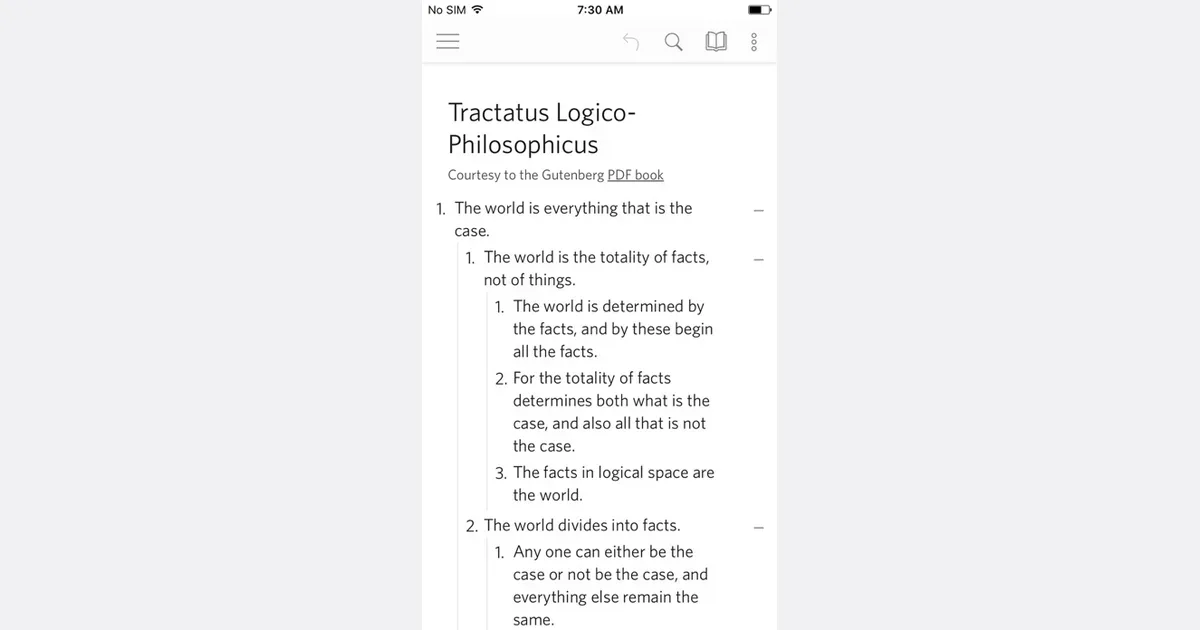
    Workflowy is an outlining tool built around a single expanding list. Each bullet can contain more bullets, allowing a rough thought to become a note, a plan or a project without moving into a different document format. You can zoom into a branch to concentrate on it, then return to the larger outline when you need context. A practical starting point is one section for active work and another for material you may need later. For a writing project, a bullet can become the article outline, with nested ideas and sources underneath. Clicking into that branch removes the surrounding collection from view, giving you a focused space without requiring a separate file. The same structure can hold a checklist or a meeting agenda. Search filters the document as you type, and tags provide another route back to related items. Saved searches and automatic synchronization support repeated access to the parts of the outline you use most. These capabilities keep the basic model small: write, indent, zoom and retrieve. You can learn the core interaction before deciding whether more advanced features are necessary. Workflowy may suit people who think in outlines or want to capture ideas before deciding on their final organization. Its simplicity does not automatically prevent clutter. Deep nesting can hide unfinished work, while a long top-level list can become difficult to scan. Give important branches clear names and revisit them regularly. It is less ready-made than a conventional daily planner, but that flexibility can be valuable when you want the structure to emerge from the material instead of fitting every thought into a predefined form.

    Helps with

    AppleWindowsMobile
    Free; $8.99/month
    View

    Side by side