
‹ Habit Tracker
    WeekOS logo

    WeekOS

    Managed by developer

    Habit Tracker

    A calm weekly planner that puts to-dos, habits and your calendar in one view. Plan your week, and let unfinished tasks expire instead of piling up into guilt.

    WeekOS is a to-do and habit app built around one idea: your week is the right size to plan.

    About WeekOS

    Managed by developer

    WeekOS is a to-do and habit app built around one idea: your week is the right size to plan.

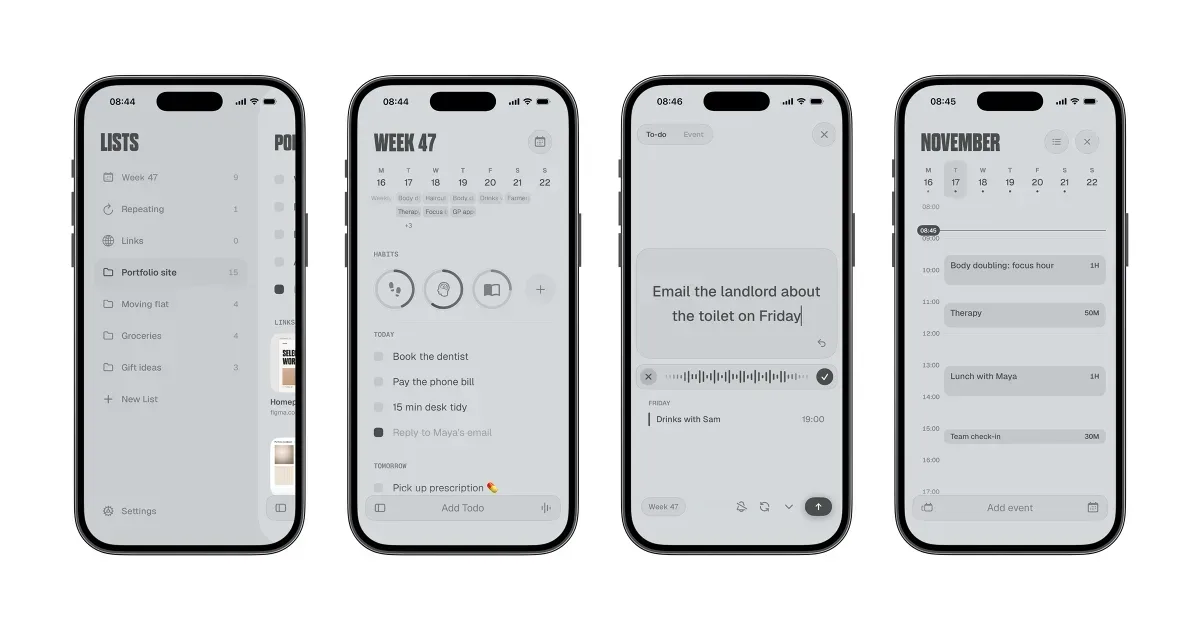
    Most to-do apps ask you to schedule every task to a date and hour. Miss one and it turns into an overdue list that only gets longer. WeekOS gives you three places for a task: Today, Tomorrow and This Week. Drop a task into the week and get to it when you have the energy. Drag it to Today when you’re ready.

    Nothing piles up. On Monday, last week’s unfinished to-dos get a quick review. For each one you decide to keep it, do it today, move it to a list, or let it go. Whatever you don’t decide on goes to the archive and expires two weeks later. You start every week with a list you can actually finish, not a backlog you avoid opening.

    Habits that count themselves. Steps, runs, workouts, swims and rides come straight from Apple Health, so you don’t have to remember to log them. For everything else there are timed habits (meditation, focus sessions) and tap-to-count habits (reading, practising piano). Each habit has a ring on the main screen that fills as you go.

    Your calendar, in context. This week’s events sit above your to-dos, so you see what’s coming without switching apps. Optional alerts warn you a few minutes before each event.

    Capture fast. Type “dentist friday 3pm” and WeekOS picks out the date and time. Brain-dump everything that’s on your mind, save links and screenshots from any app with the share sheet, and sort it all into lists later.

    Also: repeating to-dos, subtasks, reminders, Home and Lock Screen widgets, several themes including a flat paper look, and iCloud sync between iPhone, iPad and Mac.

    WeekOS is free to use. Pro unlocks unlimited habits and lists, plus extra themes and features.

    Who it’s for

    People who freeze when they see a long to-do list, forget things they never wrote down, or have given up on planners that need daily upkeep. If you’ve ever abandoned a to-do app because the overdue pile got too embarrassing to look at, WeekOS is built for you. It asks for a rough plan for the week i

    What makes it special

    Nothing piles up. Unfinished to-dos get a quick weekly review (keep, do today, or let go), then quietly archive and expire. No ever-growing backlog to feel bad about. Habits track themselves from Apple Health, and your week’s events sit right above your to-dos.

    Approach to privacy

    Your to-dos live on your device and in your own iCloud. We don’t run servers that hold your data, there’s no account to create, and there are no ads. Health data is read on your device and never sent to us. Analytics are anonymous, never include what you write, and can be turned off.

    WeekOS screenshots

    Screenshot 1 of 4

    WeekOS pricing, explained

    Free and Paid Plans

    Pricing has not been verified by our editors.

    Check current pricing on WeekOS’s website

    App store ratings

    All WeekOS tags

    Platforms

    iOS

    Best for

    Household / ChoresDaily RoutinesWork / Professional

    Experience

    ADHD-DesignedMinimal / Low Stimulation UIForgiving (No Punishment)

    WeekOS alternatives

    Explore all WeekOS alternatives →
    TickTick logo

    All-in-one task manager with Pomodoro, habit tracking, and calendar

    TickTick is a task and planning app that combines to-do lists with calendars, focus timing and habit tracking. It lets you collect responsibilities in one place and choose different ways to view them, rather than treating every item as part of one long undifferentiated list. Natural-language date entry, recurring tasks and reminders support work that needs to return at a particular time. For example, you could keep study assignments in one list, household responsibilities in another and use a daily view to choose the next few actions. Breaking a large assignment into smaller steps makes the list more actionable. A calendar or timeline can then help you consider when the work might fit, while list and board views offer different ways to organize its status. TickTick also includes a Pomodoro-style focus tool and habit tracking. Those features can connect the intention to do something with a defined period of work or a recurring routine. Shared lists and task assignment support lightweight collaboration. Some planning features and usage limits depend on Premium, so check the current comparison for the particular calendar and reminder options you need. Its breadth may suit people who prefer one app for several personal organization habits. The same breadth can become distracting if you feel obliged to maintain every chart, habit and alert. Begin with task capture and a realistic daily selection, then introduce a timer or habit only if it solves a clear problem. Reminders also need restraint: a notification is more useful when it points to something you can act on. TickTick supplies the structure, while choosing a manageable workload remains an ongoing decision.

    Helps with
    BrowserAppleMobile
    Free; USD 49.99/year
    View

    Suggested by WeekOS’s team · not an editorial recommendation

    Structured logo

    Visual timeline planner that shows your day as a clear schedule

    Structured is a daily planner that displays tasks on a visual timeline. It brings to-dos and scheduled commitments into one picture, helping you see how a day might unfold instead of keeping a separate calendar and an unbounded task list. The timeline is the central organizing idea, with supported options for viewing the wider week or month. A practical first plan might include existing meetings, a few work periods and ordinary transitions such as lunch or travel. Giving a task a duration makes its cost visible: preparing a presentation takes a piece of the day even if it is not an appointment with someone else. This can make it easier to notice when the proposed plan is fuller than the hours available. Structured offers task creation, calendar-related integration, notifications and widgets, with device and plan differences described in its help center. Its visual approach may be useful for people who prefer seeing the order of activities rather than choosing from a list throughout the day. Begin with the platform and features you actually use, especially if synchronizing information across several devices is important. The trade-off is maintaining a plan when real life moves differently. A neat timeline can imply more certainty than a task estimate deserves, so leave space between demanding activities and revise the plan when needed. Start with a manageable part of the day rather than scheduling every minute. Structured can help make time and sequence concrete, while deciding what to postpone or leave out remains an important part of the planning process. A simple checklist may be easier when your day has very little fixed timing.

    Helps with

    Apple
    Free; USD 6.99/month or USD 99.99 once
    View

    Suggested by WeekOS’s team · not an editorial recommendation

    Tiimo logo

    Visual planner for neurodivergent routines and time management

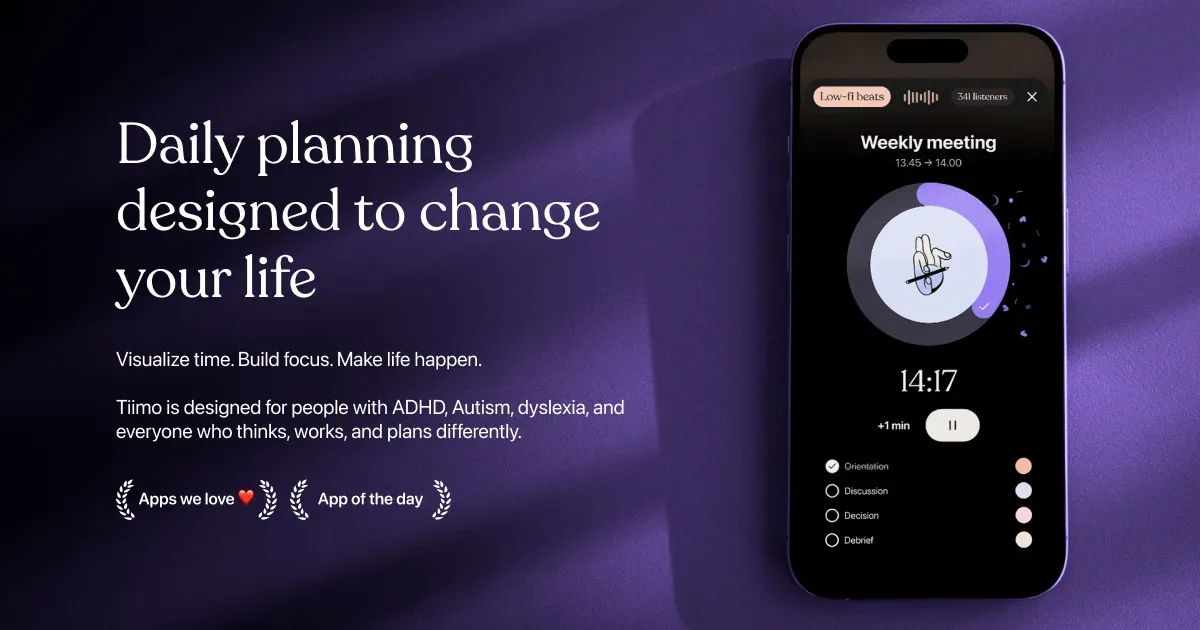
    Tiimo is a visual daily planner designed around neurodivergent routines, task transitions and making time easier to see. It combines a to-do list, a visual schedule, a focus timer and optional AI planning. Colors, icons and other display choices help distinguish activities, while widgets keep the next part of the day accessible without repeatedly opening the full planner. You can begin with a brain dump of things you need to do, then give important activities a place in the day. Add a short checklist to an activity such as getting ready or doing laundry, estimate its duration, and use the visual timer while working through it. Calendar import brings existing commitments into the planning process, helping you avoid treating every hour as available task time. The AI co-planner accepts typed or spoken input and can suggest smaller steps, time estimates and a schedule. Treat those suggestions as a draft: adjust them to your energy, travel time and actual commitments. Tiimo’s current documentation lists Apple devices, Android and a web planner. Feature access varies by platform and subscription; the free mobile offering is more limited, while web access requires an active trial or subscription. Tiimo may be especially useful if a conventional list leaves you unsure what to do now, how long to stay with it, or what comes next. A visible sequence can make a routine easier to revisit without holding every step in memory. It still takes time to find the right amount of structure. Start with a familiar morning or evening routine, test notification and widget behavior on your own device, and leave room for interruptions. A schedule works best as something you can revise, rather than a measure of whether you have had a successful day.

    Helps with

    AppleBrowser
    Free and Paid Plans
    View

    Suggested by WeekOS’s team · not an editorial recommendation

    Lithic UK logo

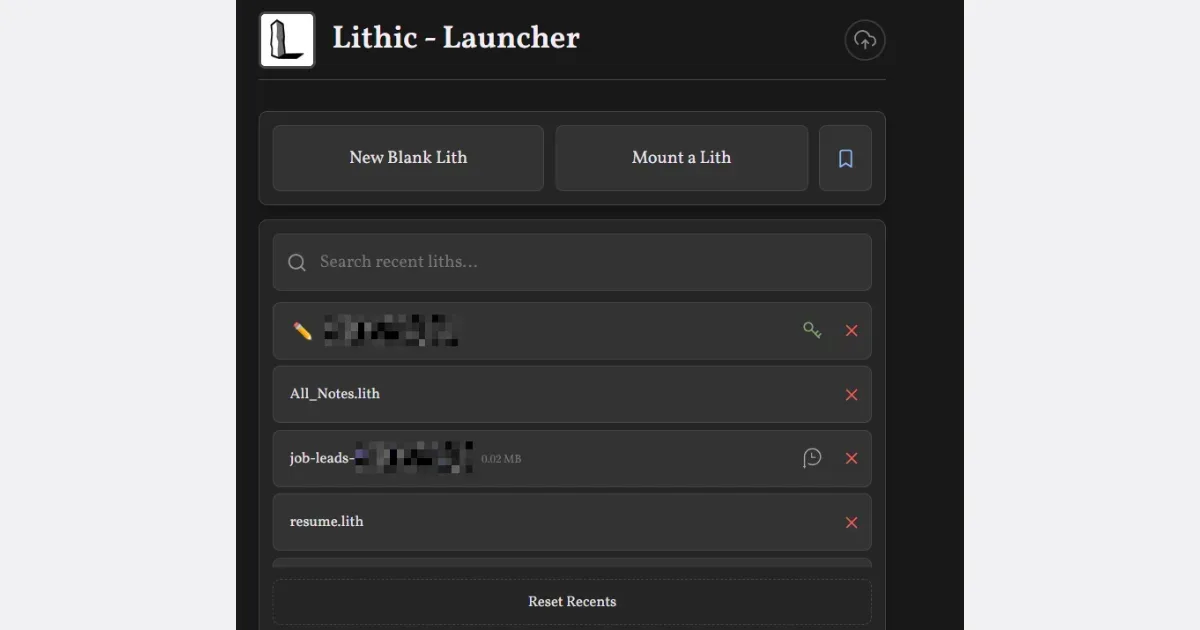
    A zero-friction notes and productivity app

    Helps with

    BrowserMobileWindows
    Free
    View

    Side by side