AI-powered email that prioritizes what needs your attention
Shortwave is an email workspace built around Gmail and Google Workspace accounts. It combines inbox organization, email-linked tasks and AI assistance, giving people who spend much of the day in email a place to sort messages and identify what needs action. It is available through web, desktop and mobile experiences.
Related messages can be bundled into a compact inbox item so that you can act on several threads together. Inbox Splits create focused views based on importance, labels, senders or search criteria. Delivery schedules can defer less urgent categories until a chosen time, helping separate an email-review period from the rest of the day. These controls are configurable, so the same setup does not have to apply to every sender or type of message.
Stars and todos keep actionable email visible. A todo can bring together related threads with a description, while drag-and-drop helps order the remaining work. A practical first setup is to separate one noisy category, keep essential contacts easy to find and use a small set of todos for messages that need more than a quick reply.
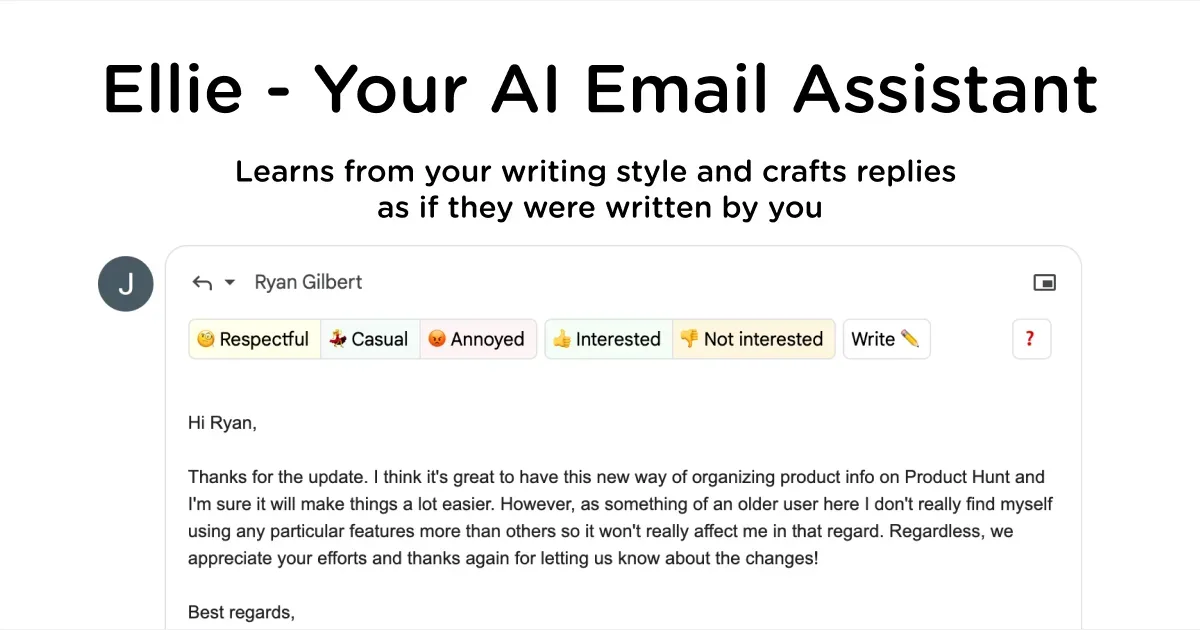
The AI Assistant can summarize threads, locate information, help draft replies and assist with calendar-related work. Review generated text, extracted details and proposed actions before relying on them. AI features and usage allowances vary by plan, and connecting an inbox is a meaningful data-access choice, especially for work email.
Shortwave requires a Gmail or Google Workspace account for sign-in. Some other providers can be used through forwarding and additional sending setup; Microsoft 365 and Exchange accounts are not directly supported in the current guidance. Check that distinction before switching. Shortwave may suit someone who wants email and its next actions in one workspace, while a simpler inbox or existing client may be sufficient for lighter use.
Helps with


 Take the Quiz