
Browse apps

    Discover tools built for ADHD, neurodivergence, and focused work.

    Not sure where to start? Find tools with a short quiz.

    Selected filters

    Showing 5 results on this page for your choices.
    Sort
    Results per page
    Mubert logo

    AI-generated focus music for work, sleep, and exercise

    Mubert is a family of AI music products, currently centered on creating soundtracks for videos, podcasts, apps and other content. Mubert Render generates music from choices such as mood, style and duration. This is different from a simple ambient-noise mixer: part of the workflow is choosing or creating audio and understanding the license for how you intend to use it. A practical first experiment is a short, noncommercial piece of content or a private listening test. Choose a mood and length, generate a track and listen for whether it fits the purpose. If selecting or editing music is becoming a detour from the work itself, a ready-made audio source may be a more direct option. The current product family also includes music-related tools for creators and an API for software integrations. Those are separate use cases, so a subscription for one product should not be assumed to cover every service or every kind of distribution. In particular, background use in a monetized project and redistribution of music as a standalone track are different licensing questions. The free Render Ambassador plan is limited and noncommercial, with the official pricing page listing 25 generated tracks and five downloads monthly. Paid plans increase capacity and change the license scope. Check the selected plan’s current billing period, attribution requirements and permitted use before publishing anything containing the music. Mubert’s audio tools may be useful to creators, but this listing makes no claim that generated music treats ADHD or guarantees concentration.

    Helps with
    BrowserAppleMobile
    Free and Paid Plans
    View
    myNoise logo

    Hundreds of free customizable soundscapes for focus and sleep

    myNoise is a collection of adjustable sound generators built from nature recordings, ambient music and noise textures. Its defining feature is the ability to shape a soundscape rather than simply play a fixed recording. Sliders let you change the balance of individual elements or frequency ranges, making a rain scene softer, a background hum deeper or a busy atmosphere less prominent. The library covers familiar settings such as a coast, café or forest alongside musical environments and more imaginative scenes. Presets offer a starting point, while animation can gradually move the sound levels to create variation. A useful first experiment is to choose one generator, lower the elements you notice too much and let the remaining mix sit quietly behind your activity. The project is run by sound designer and signal-processing engineer Stéphane Pigeon. Its audio comes from field recordings and human musicians, rather than AI-generated audio. The website is supported through donations, with patron access adding privileges. Mobile apps for iOS and Android provide a selection of sounds to try and an optional purchase to unlock more, including offline listening. Website donations and mobile purchases support separate platforms, so access does not automatically transfer between them. That distinction matters if you expect to use both a desktop browser and a phone. The official FAQ also explains that browser power-saving behavior and small speakers can affect playback or make some slider ranges difficult to hear. myNoise may suit people who want fine control over their background sound and are comfortable experimenting with a few controls. It is intended for personal listening; using its recordings in a public or commercial project requires separate licensing. Choose a comfortable level and assess whether the mix makes your own environment easier to work or rest in.

    Helps with

    BrowserAppleMobile
    Free and Paid Plans
    View
    Noisli logo

    16 ambient sounds with custom mixer for focus and relaxation

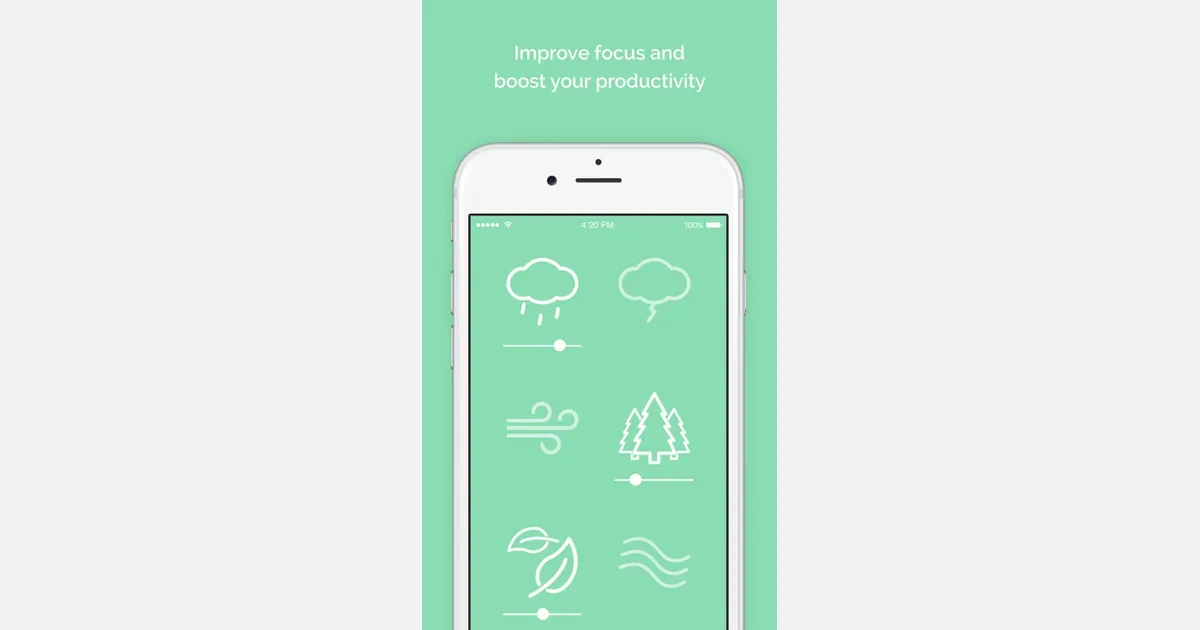
    Noisli is an ambient-sound mixer with a timer and a simple writing space. It lets you combine sounds such as rain, wind and a café atmosphere, then adjust each layer's volume. The result can be a background for reading, writing or a routine task when music or a completely silent room feels distracting. You can begin with a suggested playlist or build a combination yourself. Favorites make it easier to return to a useful mix instead of rebuilding it each time. Paid plans add tools such as shuffle, which moves between combinations, and oscillation, which gradually varies individual sound levels. These changes can provide variety without requiring you to keep choosing another track. The web timer can define a short work period, and the more advanced session controls support work and break cycles. Sounds and timing are connected, so an ending session can also stop the audio. A separate text editor supports Markdown and text export, offering a place to draft without opening a larger document workspace. The free web plan has limits on daily streaming, available sounds and saved favorites. Pro expands those allowances and adds timer and editor features, while Business adds team administration. Noisli also offers a browser extension and separate mobile apps with offline sounds; check the edition you intend to use rather than assuming the web and mobile feature sets are identical. Noisli may suit someone who wants direct control over a small sound mix and a gentle cue to begin. Start with a simple combination and a manageable session. If the sound itself becomes distracting, change it or turn it off; the useful outcome is a more comfortable workspace, not a particular listening streak.

    Helps with

    BrowserAppleMobile
    Free; USD 120/year
    View
    Pzizz logo

    Sleep and nap soundscapes that shift your mental state fast

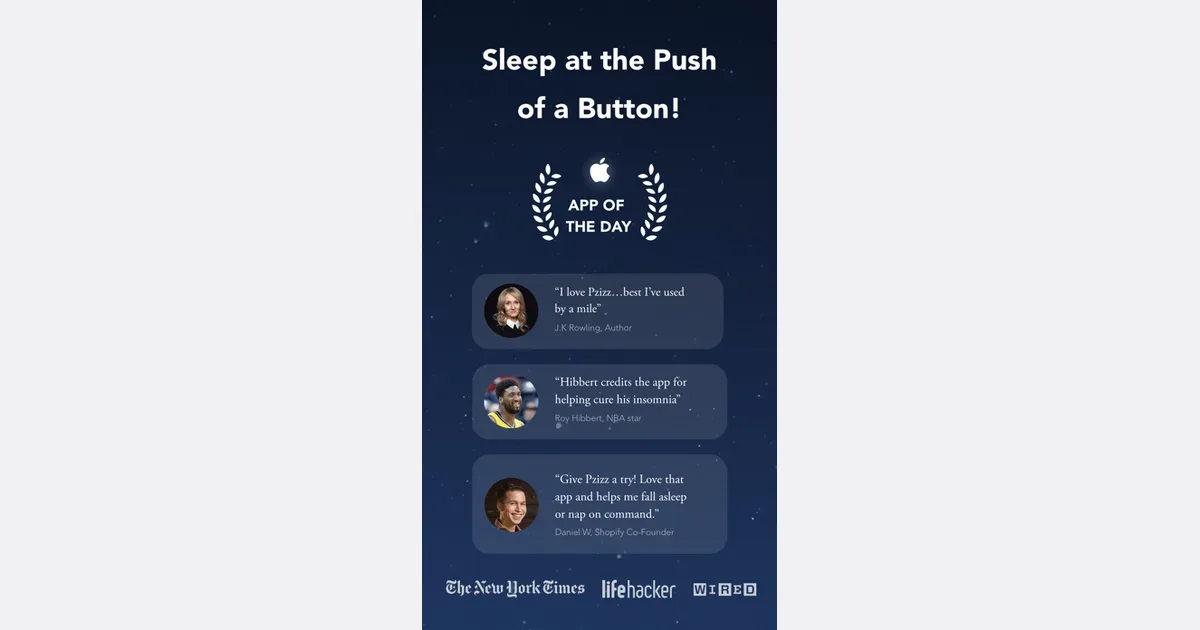
    Pzizz is an audio app organized around Sleep, Nap and Focus sessions. Its sound experiences combine music, atmospheric effects and optional spoken narration. It may appeal to someone who wants a guided listening routine with controls for the balance between voice and background sound, rather than a large library of conventional songs. The sleep and nap experiences use what Pzizz calls dreamscapes. The audio sequence varies between sessions, while familiar narration can provide something steady to listen to. You can adjust the voice and music levels, choose a session duration or wake-up time as appropriate, and use fade-out settings if you prefer the sound to stop after a while. Headphones can make spatial effects more noticeable, although the company also supports listening through a device speaker. Focus is a separate mode with its own sound choices. That makes the app usable at different points in a day: a defined work period, a short rest or a bedtime wind-down. A practical approach is to try one mode first and adjust only the controls that affect comfort, such as narration volume and playback length, before exploring more content. Pzizz offers free Classic content, with Pro unlocking a wider collection of dreamscapes, focuscapes, narrations and features. Pro access is tied to a Pzizz account and can be used across iOS and Android when signed in with that account. Check the current subscription terms and cancellation route for the place where you subscribe. The company describes its audio as informed by sleep research, but that does not promise the same result for every listener. Consider whether the voice and sound style feel restful to you, and whether the free content is sufficient before choosing a paid plan.

    Helps with

    AppleMobile
    Free; $7.99/month or $49.99/year
    View
    White Noise Lite logo

    Classic white noise and nature sounds for sleep and focus

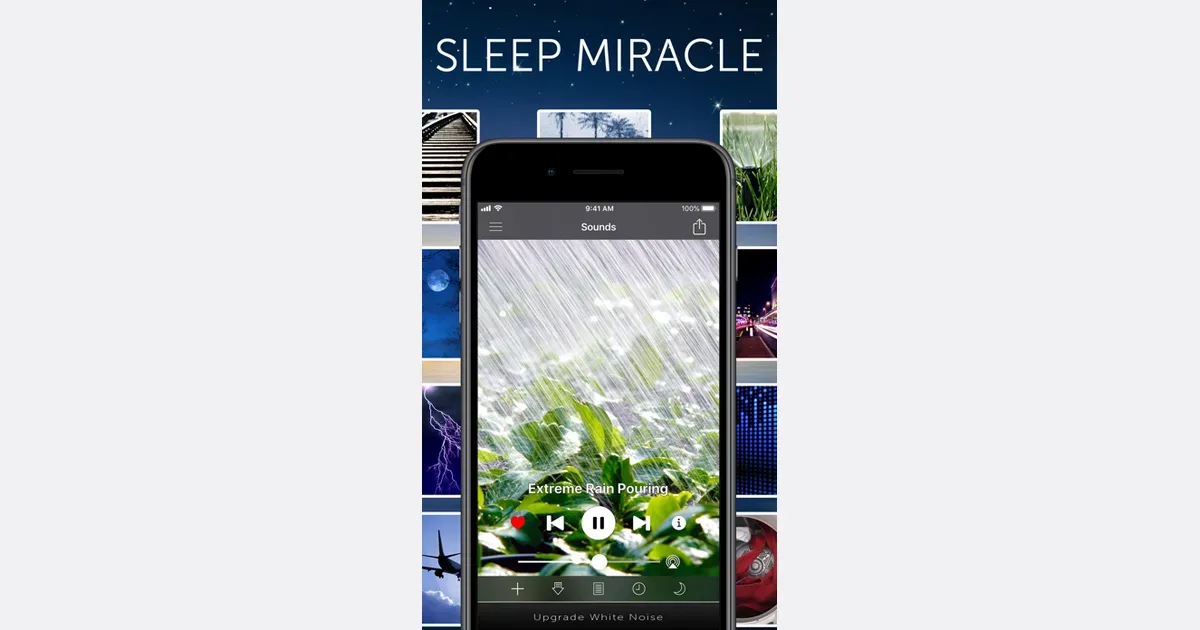
    White Noise Lite is the free edition of TMSOFT’s ambient-sound app. It provides a collection of recorded sounds, a mixer and background playback so you can create a consistent sound environment for work, rest or another routine. The developer offers versions for mobile and desktop devices, with paid editions adding capabilities. To try it for focus, start with one sound at a comfortable volume while doing a familiar task. If it helps reduce the prominence of surrounding noise, experiment with a second layer rather than immediately building a complicated mix. Sound preferences are individual; a texture that feels calming to one person may be distracting to another. The app includes nature and noise sounds, custom recording and looping, saved favorites, alarms and timers. Downloaded sounds play locally, which can be useful when you want an audio routine without relying on a continuous network connection. The separate White Noise Market offers additional community sounds, so check what you are downloading and which app is handling it. Lite includes advertising, while the Full and Pro editions offer different feature sets and remove ads. The official site lists Lite as free, Full at $0.99 and Pro at $2.99, with no required subscription; confirm regional store prices and edition details before buying. This listing concerns the Lite app, so do not assume every feature shown in a Pro tutorial is available in the free edition.

    Helps with

    AppleMobile
    Free; $0.99–2.99 once
    View