
Browse apps

    Discover tools built for ADHD, neurodivergence, and focused work.

    Not sure where to start? Find tools with a short quiz.

    Selected filters

    Showing 10 results on this page for your choices.
    Sort
    Results per page
    Featured — paid Premium listing
    Ambient New Tab logo

    Live wallpaper for your Chrome new tab. Calm, living scenes and a focus timer give your brain a 40-second break between tasks.

    A calm, living scene every time you open a new tab. I built it for my own ADHD brain, but it's for anyone who wants a nicer place to land between tasks. Every new tab opens on a living scene instead of a blank page: koi that follow your mouse and that you can feed, eagle rays gliding over the flats, fireflies in a night forest. It's a short mental break right where you already are, then you get back to work. - Built-in focus timer: pick 25 or 50 minutes, work, then take a short break - Scenes react to your mouse, and with Pro, to music playing in another tab - Soft scene sounds you can turn down or off - Search bar and clock built in, so the page still does its job - Nothing is a looping video: every scene is drawn live - Never tracks your browsing Five scenes are free forever. Pro unlocks 50+ scenes.

    Helps with

    WindowsBrowserApple
    Free and Paid Plans
    View
    Softomato logo

    Softomato is a gentle iPhone pomodoro timer with cute theme companions, calm focus sounds, Lock Screen Live Activity and a simple focus–break rhythm.

    Softomato is a pomodoro timer for iPhone with a simple rhythm: focus, short break, repeat. The full timer is free, including long breaks, Lock Screen Live Activity, gentle phase-end alerts and weekly focus stats. A visible timer and planned breaks can help with time blindness, and with hyperfocus that runs past a stopping point. Three free focus sounds (rain, waves, cafe) and three soft themes with cute companions are there to make starting a session a little easier, not to grade or punish you. Softomato Forever is an optional one-time unlock for every theme and every focus sound. There is no subscription and no ads. Focus sounds can keep playing when the screen is locked or you leave the app.

    Helps with

    Apple
    Free; USD 2.99 once
    View
    NEDIO logo

    Pomodoro Timer, Focus Music and AI Review for Developers, Students and Professionals

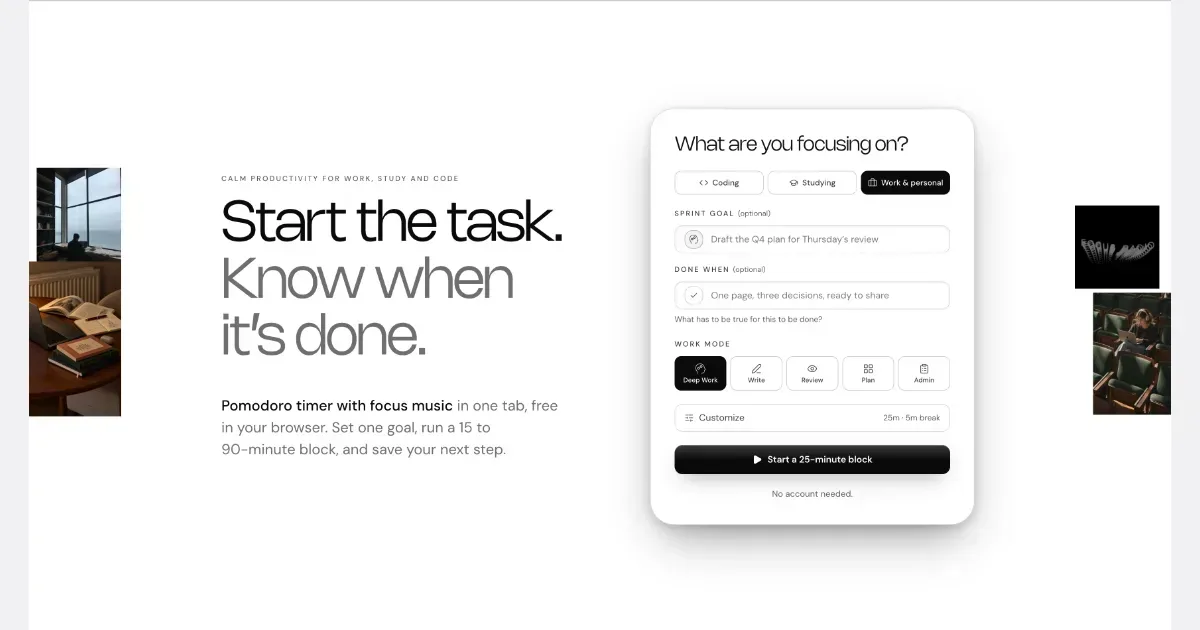
    NEDIO is a free focus timer that helps people who work at a computer all day start, stay on track and stop without losing the thread. Before each work block you write one goal and a single “Done when” line. After the block you answer one question: was the goal reached (Yes, Partly or No)? You also leave a “parking line” saying where to pick up next time. It runs in the browser with no account, and inside VS Code and Cursor. NEDIO is built around difficulties many people with ADHD describe: “I can’t get started,” “I sat down to do one thing and ended up somewhere else,” “I can’t stop,” and “by evening I have no idea what I did.” It has no productivity score, no streaks and no reminders to get back to work, so a missed goal is simply a record, not a failure. It does not read your code or files and stores only what you type. It is not a treatment for ADHD or a replacement for a doctor, therapist or coach. It makes starting and stopping a bit cheaper. The timer, close-out and weekly stats are free; Pro ($9.99/month, 15-day trial) adds unlimited audio and AI Review.

    Helps with

    Browser
    Free and Paid Plans
    View
    A Soft Murmur logo

    Free ambient sound mixer with rain, coffee shops, and white noise

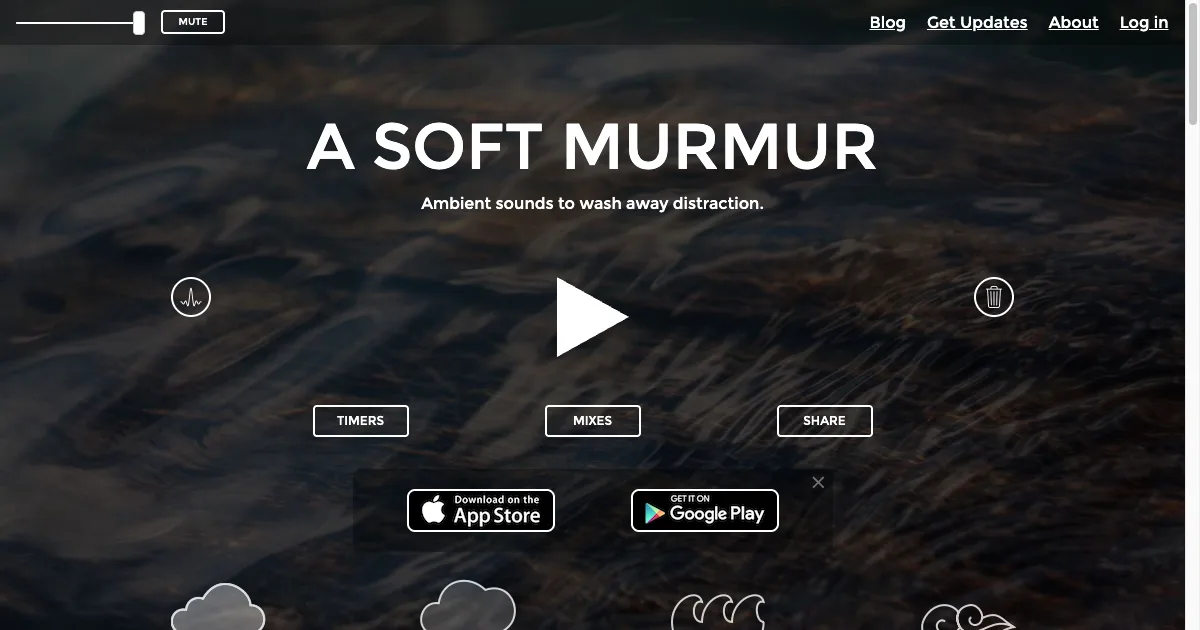
    A Soft Murmur is a browser-based ambient-sound mixer. It lets you combine sounds such as rain, thunder, waves, wind or a coffee-shop murmur and adjust each layer’s volume. The result is a background soundscape you can shape around your preferences rather than a playlist that keeps asking for attention. Start with one or two sounds at a comfortable level while doing a familiar task. If the mix feels useful, save it so returning to the same setup takes less effort. There is no need to use every available sound: a simple, predictable background may be more comfortable than a busy combination. Sound preferences can change with the task or the environment. The site provides timers, saved mixes and a sharing control. Its Meander setting gently changes the volume of active sounds over time, adding variation without requiring manual adjustment. Timers can stop the audio after a period or fade it out, which may help you connect the soundscape with a particular work or rest routine. Official mobile-app links are also provided, with product details that should be checked separately. A Soft Murmur may suit someone who wants nonverbal background audio without choosing individual songs. It does not remove outside noise physically, and a sound that masks one distraction may introduce another. The core web mixer is accessible publicly; additional sounds or mobile features may have separate purchase conditions. Check the current offer before assuming a mobile purchase or account includes every sound on every platform.

    Helps with

    Browser
    Free and Paid Plans
    View
    Brain.fm logo

    Background music for focused work and relaxation

    Brain.fm is a background-audio service organized around activities such as focused work, relaxation, meditation and sleep. Rather than choosing individual songs for a playlist, you select the kind of listening session you want to accompany. Its music is designed to remain in the background while you carry out another activity. For a work session, a practical approach is to choose one familiar task, start a short listening period and notice whether the sound makes the environment more comfortable to work in. You could compare it with silence, an ordinary instrumental playlist or a simple ambient sound. This gives you a useful personal comparison without relying on a promised change in concentration. The service offers different activity modes and customization of its audio, with access across web, desktop and mobile platforms. A subscription provides access to the library, and the current pricing page describes monthly and annual options. Trial offers can differ, so check the terms shown when you sign up rather than assuming the length or price in an older video remains current. Brain.fm may suit people who prefer a consistent sound cue for starting work or winding down. It does not choose your task, organize a project or remove digital distractions by itself. Sound preferences also vary: an audio style that feels helpful to one listener can be distracting to another. Begin with a comfortable volume and a low-stakes task, then decide whether the experience is worth repeating.

    Helps with

    BrowserAppleMobile
    $14.99/month or $99.99/year
    View
    Calm logo

    Meditation, sleep stories, and breathwork for anxious minds

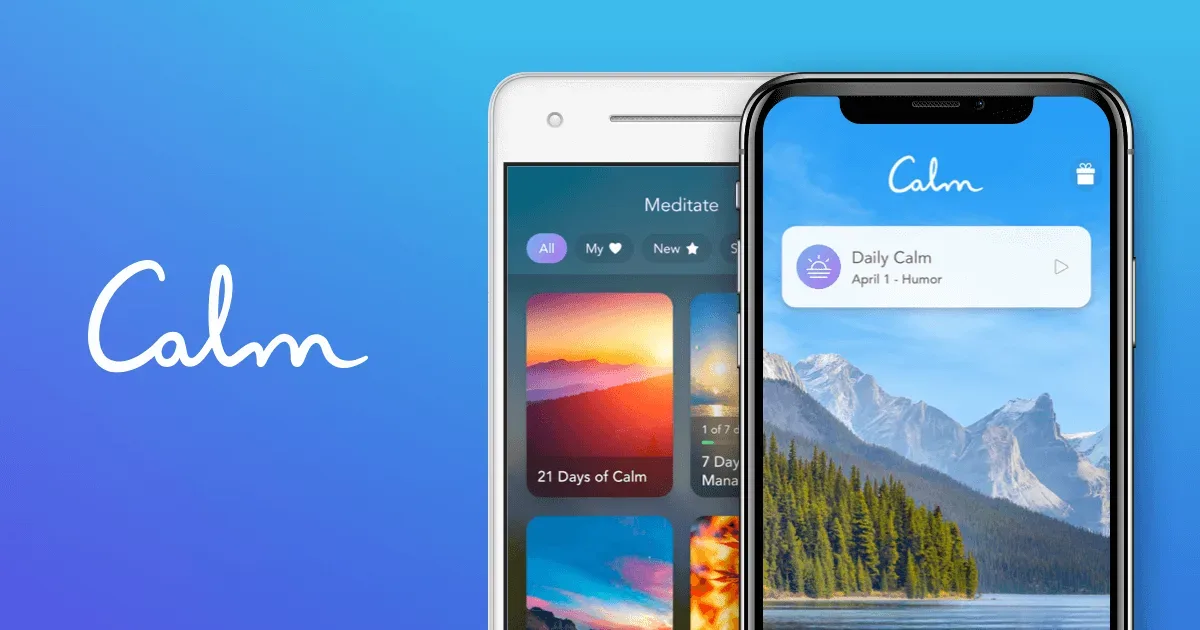
    Calm is a meditation and listening app with guided practices, sleep audio, music and simple mindfulness tools. It can provide a repeatable listening routine without requiring you to assemble a new playlist or choose a different teacher every day. The catalog includes introductory programs as well as content organized around particular interests and moments in the day. For someone learning meditation, a useful starting point is one short course rather than the entire library. Calm's beginner guidance points to programs such as 7 Days of Calm and other structured introductions. Daily sessions offer another route for people who prefer a fresh prompt. You can keep the routine modest: choose a time that already has a natural pause, listen to one session and decide whether the teaching style is comfortable for you. Sleep Stories, sleep music and soundscapes provide different kinds of bedtime listening. Breathing tools and background scenes offer shorter ways to use the app without following a full course. Some content is available free, while Premium opens a larger library. The current help center explains how to identify locked content, making it possible to explore the available material before deciding whether a subscription is useful. Calm may fit people who appreciate guided audio, familiar narration and a broad choice of listening options. Its variety can also make choosing the next session a task of its own. Begin with one purpose, such as an introductory course or a wind-down recording, and build a small collection you will actually return to. Personal responses to voices, music and meditation differ, so evaluate the experience rather than treating the app's marketing as a promised outcome. It is a tool for a routine, not a requirement to maintain a perfect daily practice.

    Helps with

    AppleMobileBrowser
    Free content / Premium $79.99 per year after web trial
    View
    Endel logo

    AI-generated soundscapes adapted to your environment

    Endel creates evolving soundscapes for activities such as working, resting, sleeping and moving. Instead of choosing a conventional playlist of songs, you select an experience and let the sound continue. It may appeal to people who find lyrics distracting or want a consistent audio cue for beginning a particular part of the day. The app distinguishes between ongoing Soundscapes and timed Scenarios. Soundscapes are generated on the device and can respond to inputs such as time of day, weather, movement and heart rate when the relevant device and permissions are available. Scenarios follow a structured sequence for a chosen duration, making them useful for a defined reading period, a quick task or a longer work session. Endel also offers a Focus Timer with adjustable work and rest intervals and a task headline to keep the intended activity visible. Its library includes colored noise, study-oriented sounds and collaborations with musicians. The company offers apps across several devices, including phones, Mac and Apple Watch, although individual features and integrations can differ by platform. Offline playback is another option in the apps. A practical way to assess Endel is to choose one ordinary task and compare a few sessions with your usual background audio. Keep the volume comfortable and notice whether the sound becomes unobtrusive or draws more attention than you want. Endel markets its approach around neuroscience and personalization, but listening preferences and results vary. Treat it as a tool for shaping your environment, with the subscription and available trial checked before committing, rather than as a guaranteed improvement in concentration or sleep.

    Helps with

    BrowserAppleMobile
    Free and Paid Plans
    View
    Headspace logo

    Guided meditation and mindfulness for everyday stress and focus

    Headspace is a meditation and mindfulness app with guided sessions, learning courses and audio for winding down or working with background sound. It offers a structured alternative to searching for a new meditation every day: beginners can follow introductory material, while other collections organize sessions around different interests and situations. A manageable way to begin is to choose one short course and decide when you will return to it. For example, you might use a brief guided session after making morning coffee, or choose a wind-down recording before bed. Headspace's Basics material introduces meditation techniques, and the broader library includes guided and unguided practices, breathing-related exercises and content for different experience levels. The useful starting point is a duration and teacher you feel comfortable returning to, rather than trying every category. Sleep resources include sleepcasts, soundscapes and other bedtime audio. Focus content includes music and listening options that can sit alongside a work session. These are different uses of the same library: an audio track for a desk task does not require the same routine as learning a meditation practice. Headspace's broader offering also includes AI guidance and separately described care services, so check the specific product and plan rather than assuming every advertised service is included in a standard app subscription. The breadth of the catalog can be an advantage, but choosing among many sessions may create extra friction for someone who wants a simple daily practice. It helps to identify a small repeatable routine before browsing more widely. Headspace may fit people who appreciate spoken guidance and a course structure; others may prefer silence, a basic timer or a different teaching style. Treat it as a tool for a personal routine and assess whether the content and subscription make sense for how you actually use it.

    Helps with

    AppleMobileBrowser
    CAD 17.99/month or CAD 89.99/year
    View
    Insight Timer logo

    World's largest free meditation library with 250,000+ sessions

    Insight Timer is a meditation and listening app with a large catalog of guided practices, music, talks and courses from different teachers. Its emphasis on choice makes it possible to explore several approaches rather than follow a single teaching voice throughout. The catalog includes both short sessions and more structured learning material. A practical way to begin is to choose a clear purpose and a manageable duration. You might look for a short guided practice, a familiar teacher or a quiet listening option for the end of the day. Once you find something that suits you, returning to it can be more useful than starting a fresh search every time. A broad library is easier to use when it supports a small repeatable routine. The service includes free listening material and a separate course offering, with paid features and access conditions described in its current plans. Topics and teaching styles vary, so review a session's description before assuming that every recording takes the same approach. Some material is explicitly spiritual, while other sessions use a different frame. Choose content that matches what you want from the practice. Insight Timer may suit people who appreciate variety or want to explore before committing to one method. Its size is also the main trade-off: browsing can take more effort than the short practice you intended to do. Start with one or two reliable sessions and expand gradually. The helpful question is whether a recording fits your preferences and routine, rather than whether you have tried the largest number of teachers or completed every course available.

    Helps with

    BrowserAppleMobile
    Free; USD 9.99/month or USD 59.99/year
    View
    Lofi.cafe logo

    Free lo-fi music streams with cozy animated scenes

    Lofi.cafe is a browser-based listening space built around lo-fi music streams and an atmospheric visual background. It provides a way to begin background listening without selecting individual tracks. The site uses embedded video streams, so music availability depends on the source stream as well as the page itself. A useful way to test it is to open the site before a small piece of work, start the music and then return to the document or activity you intended to do. Keep the volume low enough that it supports the task. If watching the visual scene becomes more interesting than the work, move the page to another window or use a less visual audio source. The main value is the combination of a ready-made music source and a consistent atmosphere. It may help create a recognizable starting ritual, particularly when choosing a playlist becomes a detour. It is not necessary to keep changing streams to find a perfect sound; try one long enough to judge whether it helps you settle into the activity. Lofi.cafe may suit people who enjoy instrumental background music and want a quick browser-based setup. It requires a working internet connection, and embedded content can change or become unavailable. It does not prevent you from opening distracting sites or choose what you should work on. Public listening is available without a purchase flow on the inspected page; check any external stream or future offer on its own terms. On 6 November 2026, the site opened but music playback could not be confirmed during our check. Test a station before relying on it for a work session.

    Helps with

    Browser
    Free
    View