Browse apps

    Discover tools built for ADHD, neurodivergence, and focused work.

    Not sure where to start? Find tools with a short quiz.

    Selected filters

    Showing 4 results on this page for your choices.
    Sort
    Results per page
    asambl logo

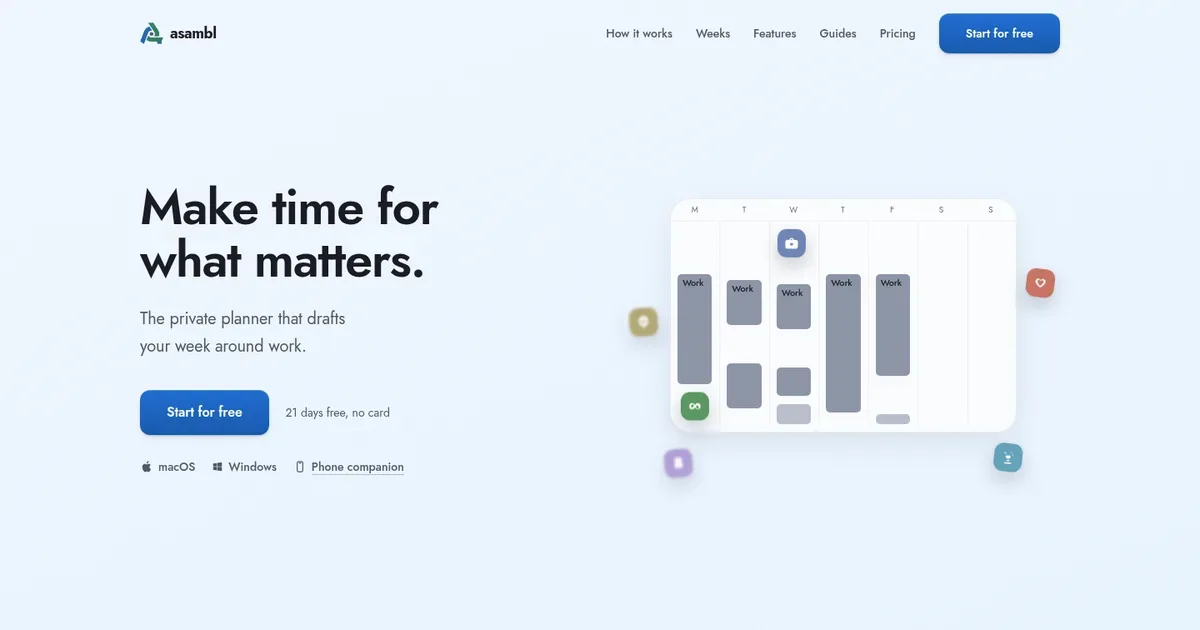
    The private planner that drafts your week around work.

    Make time for what matters. A planner for each part of your week. Each starts from what you've told it and writes the actual plan. You decide what goes in. Desktop app for Mac and Windows, phone companion included. 21 days free, no card.

    Helps with

    AppleWindows
    $15/month or $135/year
    View
    Copilot Money logo

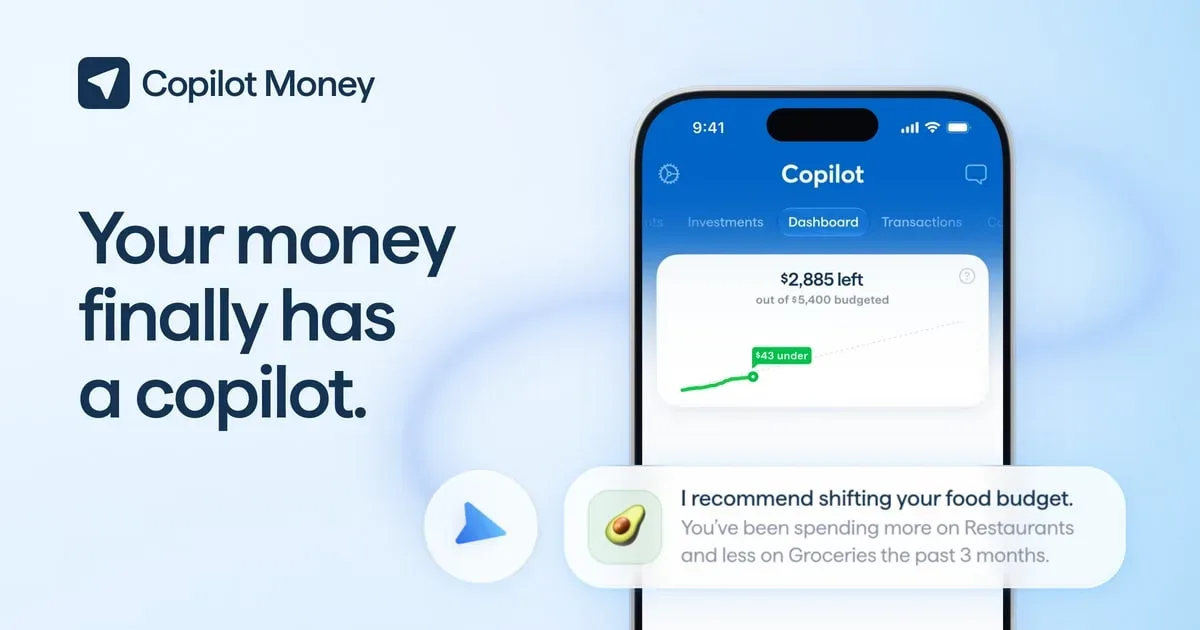
    Smart budgeting app that learns your spending patterns

    Copilot Money is a personal finance app for tracking spending, budgets, recurring payments, investments and net worth. It brings connected account activity into a reviewable list, then uses that history to suggest categories and an initial budget. The current service supports US financial institutions and is available on iPhone, iPad, Mac and the web. Getting started involves connecting supported accounts through a data provider and checking the imported transactions. Categories can be renamed and grouped around the way you think about spending. Rather than accepting every automatic decision, review a small set of familiar purchases and adjust the categories that matter most. That gives the budget a more reliable starting point. The budgeting tools include editable monthly amounts and optional rollovers. With rollovers, unused budget or overspending carries into later months, which can help represent uneven expenses. You can also exclude categories from the budget or turn budgeting off if you mainly want a spending record. These are different views of the same underlying activity, so it is worth understanding how each setting changes the totals you see. Copilot's web app is designed primarily for desktop browsers and is included in the subscription. It supports transaction filters, bulk review and downloads, but does not yet match every feature of the native apps. The current web FAQ lists gaps including Goals and Cash Flow tabs, some rule creation and certain integrations. Someone who mainly uses a browser should check those differences before choosing a workflow. Copilot Money may fit someone who wants a clear daily transaction review with room for more detailed planning. It is a subscription service, and account availability, imported history and refresh timing depend on the institution and connection. Try your actual accounts and a normal month of activity during the trial. The app can organize information, but reviewing exceptions and deciding what a budget should mean remain your choices.

    Helps with

    AppleMobileBrowser
    $119/year
    View
    Monarch Money logo

    Intuitive budgeting and financial tracking for ADHD brains

    Monarch Money is a personal finance app for bringing account balances, transactions and planning into one view. Its central workflow is connecting supported accounts, reviewing imported activity and using that record to understand spending and progress. Web, iOS and Android access make it possible to do a longer review on a computer and a shorter check-in on a phone. Transactions are automatically categorized, but you can change categories, create rules and mark items as reviewed. This can reduce repeated sorting once the setup matches your needs. A useful first session is to check a small group of recent transactions and transfers, rather than immediately building a detailed plan around unreviewed data. Monarch offers both category budgeting and a Flex approach. Category budgets give individual spending areas their own targets, while Flex provides another way to organize fixed, flexible and non-monthly spending. Custom groups and rollover options help adapt the structure to expenses that do not arrive evenly every month. The choice is about which view you can understand and maintain consistently. Beyond the budget, the product includes net-worth tracking, reports, recurring-payment visibility and goals. Household collaboration lets partners work from a shared picture. If a connected institution provides only limited history, CSV imports can fill in older transactions or balances. Those imports still need attention to dates, account mapping and duplicate checks. Monarch may suit someone who wants fewer separate places to review household finances. It is a paid service, so check the current plan's included features and whether your specific institutions connect before committing to a large setup. Automatic categorization and bank connections can need corrections or reconnection, and a dashboard is only as useful as the data it receives. A regular, manageable review is likely to be more useful than a complicated budget you avoid opening.

    Helps with

    AppleMobileBrowser
    $14.99/month or $99.99/year
    View
    YNAB logo

    Zero-based budgeting that stops ADHD impulse spending

    YNAB is a spending-plan app built around deciding what the money you already have is for. Its method emphasizes giving available money a purpose before spending it, including ordinary bills, irregular expenses and longer-term priorities. The app and its learning material are intended to support an ongoing planning habit rather than only show a record of past transactions. A practical starting point is to identify the responsibilities the next available money needs to cover. That might include recurring bills alongside a category for an expense that happens less often. Looking at both kinds of commitments can make a large occasional payment less surprising in the plan. The method also allows priorities to change, rather than treating every adjustment as evidence that the original plan failed. YNAB's educational approach is an important part of the product. It asks users to make active decisions about the role of their money and revisit those decisions as circumstances change. This distinguishes it from a purely passive spending dashboard. Before committing, check the current account, device and subscription arrangements, including any financial-account connections you intend to use. YNAB may suit people who want a clear external picture of competing spending priorities and are willing to maintain it. The trade-off is the learning and review effort: a detailed plan can become confusing if the categories do not reflect real life or the information is not kept current. Begin with understandable categories and a regular short review. The useful outcome is a plan you can consult when making everyday decisions, rather than a complicated system that requires constant attention. Its software does not remove uncertainty or replace decisions about what is realistic for your circumstances.

    Helps with

    AppleWindowsMobile
    USD 14.99/month or USD 109/year
    View