Take the Quiz
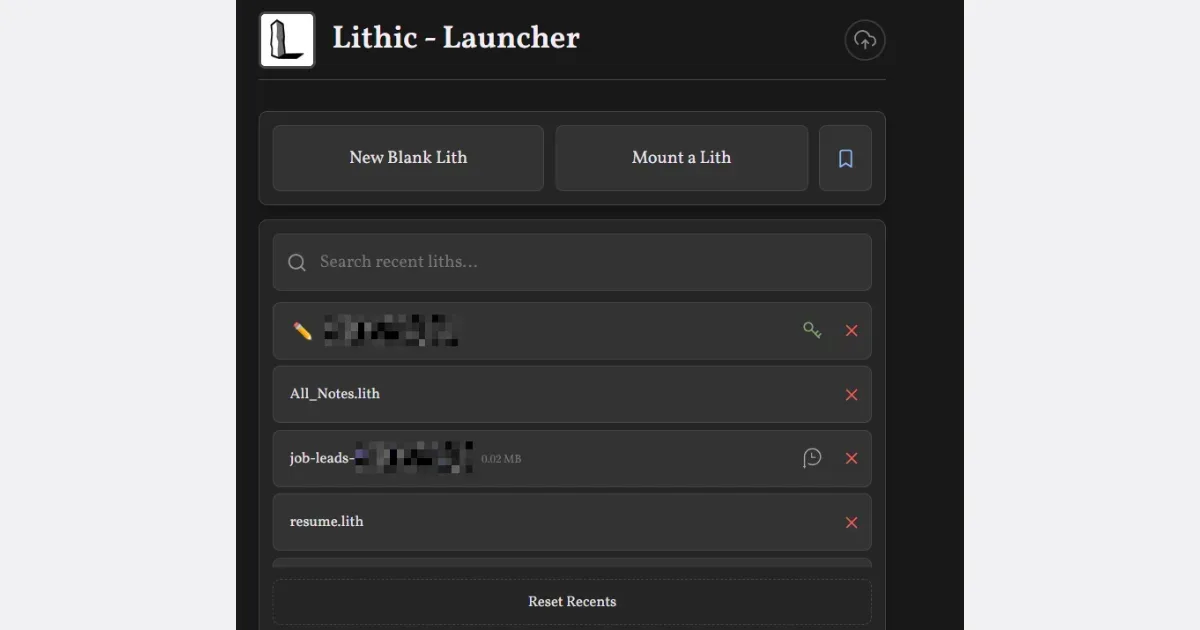

A zero-friction notes and productivity app
Helps with
BrowserMobileWindows
Free
Calendar / Scheduling
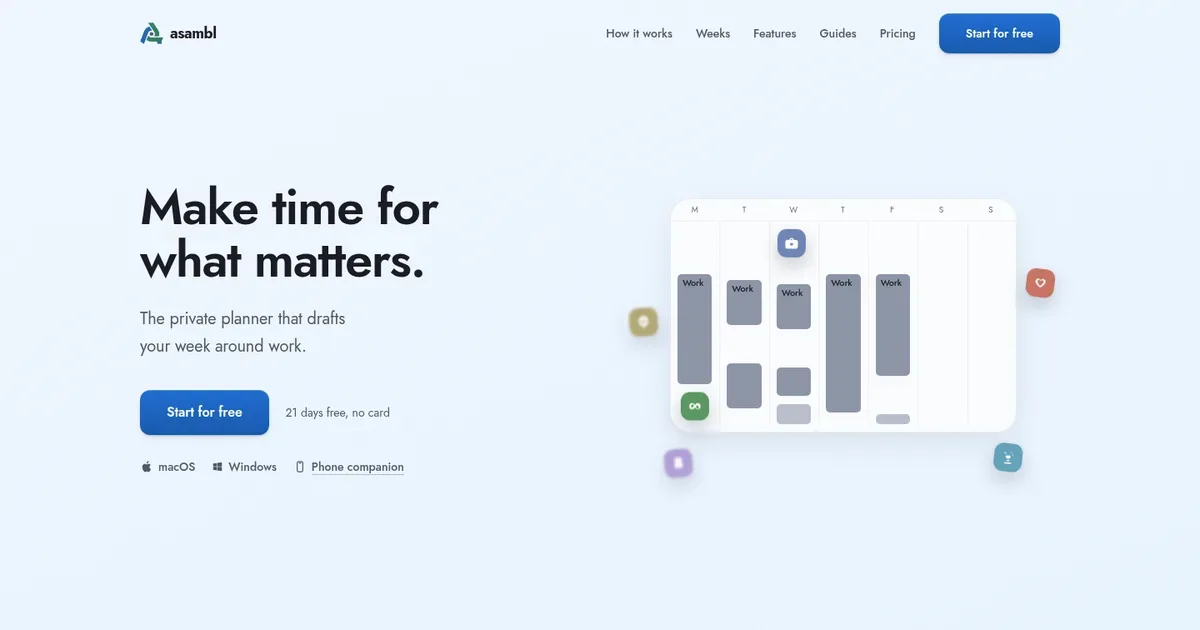
The private planner that drafts your week around work.
Make time for what matters.
Managed by developer
Make time for what matters. A planner for each part of your week. Each starts from what you've told it and writes the actual plan. You decide what goes in. Desktop app for Mac and Windows, phone companion included. 21 days free, no card.
People whose job already plans their working week, while the rest of life runs on whatever time is left. That includes people with ADHD whose planners get set up with enthusiasm, work for a few days, then quietly collapse after one missed day.
asambl drafts a small, recoverable week around your priorities and energy. When a day goes sideways, the missed work carries forward with context. After a longer gap, it meets you with a welcome-back view instead of an empty page, and you approve what to pick back up.
Your plans, notes and files live on your computer. When you use an AI feature, only the information needed for that specific request is sent to asambl's managed AI and is not retained long-term. AI, web search and usage signals can each be switched off entirely. No account needed.
Screenshot 1 of 5
Notes from your desktop or phone land in one inbox. The weekly draft draws on them and on your calendar.
Health, money, relationships, joy, growth and career, drafted around the job instead of inside it.
Keep an area, skip it, or tell its planner what is not quite right and get a revised draft.
The draft’s hours are set against the time you actually have, and any clash with what is already booked is flagged.
It reads across your week and says the birthday is three weeks out, or that health has gone quiet.
Accepted blocks sync to the calendar you already use, with .ics export for any other.
What you capture on the go is forwarded into the week you plan on desktop, which your phone shows as a glance.
Stack steps into a routine that recurs as one calendar block, with a checklist for each run. Habits get a daily check-in and a week's view.
Free Trial · $15/month or $135/year
Pricing has not been verified by our editors.
Check current pricing on asambl’s websiteNo. It is a planning tool, not medical advice. If attention is making life heavy, that conversation belongs with a clinician.
No. The job stays the wall, and the draft covers the rest of the week. If you want software to rearrange your work calendar for you, a work scheduler will suit you better.
The phone companion pairs with the desktop app and works in any modern mobile browser, for capture and a day and week glance. It is not a standalone app.
Yes. You can switch AI off. Automatic drafting stops, while capture, notes, calendar, habits and reminders keep working.

Pomodoro Timer, Focus Music and AI Review for Developers, Students and Professionals
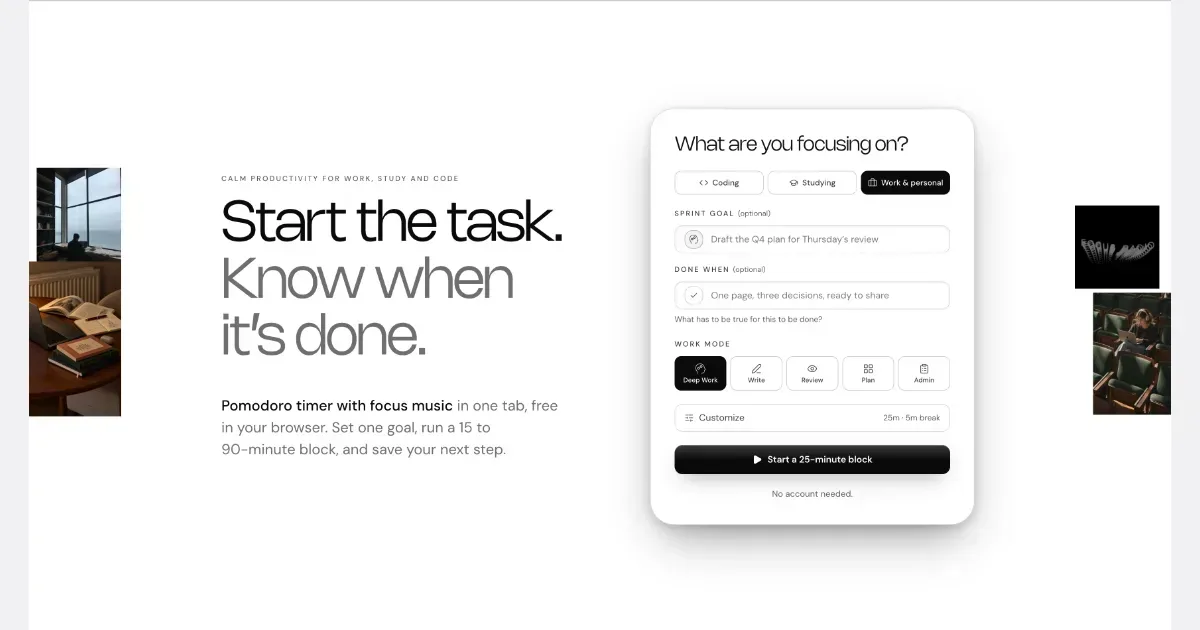
NEDIO is a free focus timer that helps people who work at a computer all day start, stay on track and stop without losing the thread. Before each work block you write one goal and a single “Done when” line. After the block you answer one question: was the goal reached (Yes, Partly or No)? You also leave a “parking line” saying where to pick up next time. It runs in the browser with no account, and inside VS Code and Cursor. NEDIO is built around difficulties many people with ADHD describe: “I can’t get started,” “I sat down to do one thing and ended up somewhere else,” “I can’t stop,” and “by evening I have no idea what I did.” It has no productivity score, no streaks and no reminders to get back to work, so a missed goal is simply a record, not a failure. It does not read your code or files and stores only what you type. It is not a treatment for ADHD or a replacement for a doctor, therapist or coach. It makes starting and stopping a bit cheaper. The timer, close-out and weekly stats are free; Pro ($9.99/month, 15-day trial) adds unlimited audio and AI Review.
Helps with

AI calendar that automatically schedules tasks and meetings
Motion is a work-planning platform that uses task information and calendar availability to build and adjust a schedule. Instead of keeping a separate task backlog and manually placing every item into a calendar, you provide details such as deadlines, duration, priority and dependencies. The system uses those inputs to propose when the work should happen. A practical first project could contain a few clearly defined actions for an upcoming deliverable. Estimate how long each will take and enter the real deadline, then inspect the resulting plan. If a new meeting or higher-priority request changes the day, Motion can revise the schedule rather than requiring every block to be moved by hand. The value depends on whether the task information and calendar boundaries reflect your actual working conditions. Motion's broader offering includes projects, meeting-related tools, documents and AI-assisted workflows. Team capabilities extend planning across responsibilities and handoffs. These are useful distinctions when comparing plans: a person looking for help placing individual tasks in a calendar may not need the same product breadth as a team coordinating delivery. The central trade-off is giving an automated planner enough reliable information. Unrealistic duration estimates or an overloaded backlog can produce a schedule that looks precise but is still difficult to follow. Begin with a small set of work, review the proposed arrangement and leave room for interruptions and breaks. Motion may suit people who repeatedly postpone deciding when to do a task. It is less appealing if you prefer a loosely structured day or do not want a system continuously rearranging the plan.
Helps with
AI assistant that schedules tasks realistically on your calendar
Trevor AI is a web planner that places tasks alongside your calendar. It supports manual time blocking as well as AI suggestions, helping turn a list of intentions into a visible plan for the day. The service works in a browser on desktop or mobile and offers a free personal tier with paid Pro options. To try it, gather a few tasks, check the appointments already occupying your calendar and give one task a realistic block of time. You can drag tasks into the schedule or review a suggested time. Starting with a single afternoon is a useful way to learn how the planner behaves without handing it an entire week of commitments. Trevor brings connected task lists and calendars into one view, with scheduling support for Google and Microsoft calendars. Its AI can suggest task durations and help plan a day or week. Focus Mode offers a timer, notes and a generated task breakdown so the scheduled task has a clearer next step. As with any generated schedule, you should review the result against deadlines, energy and obligations the app may not understand. This approach may suit people whose to-do lists rarely become protected time. It also introduces setup and maintenance: calendar connections need appropriate permissions, task estimates need correcting and plans need room for interruptions. A packed calendar is not automatically a workable day. Keep some unscheduled space while testing it, and check current plan limits before paying for features beyond the free tier.
Helps with