


‹ AI Assistant / Planning
    MeelMore logo

    MeelMore

    Managed by developer

    AI Assistant / Planning

    A private/offline to-do list that lets you focus on just what to do now, and manages the rest in the background

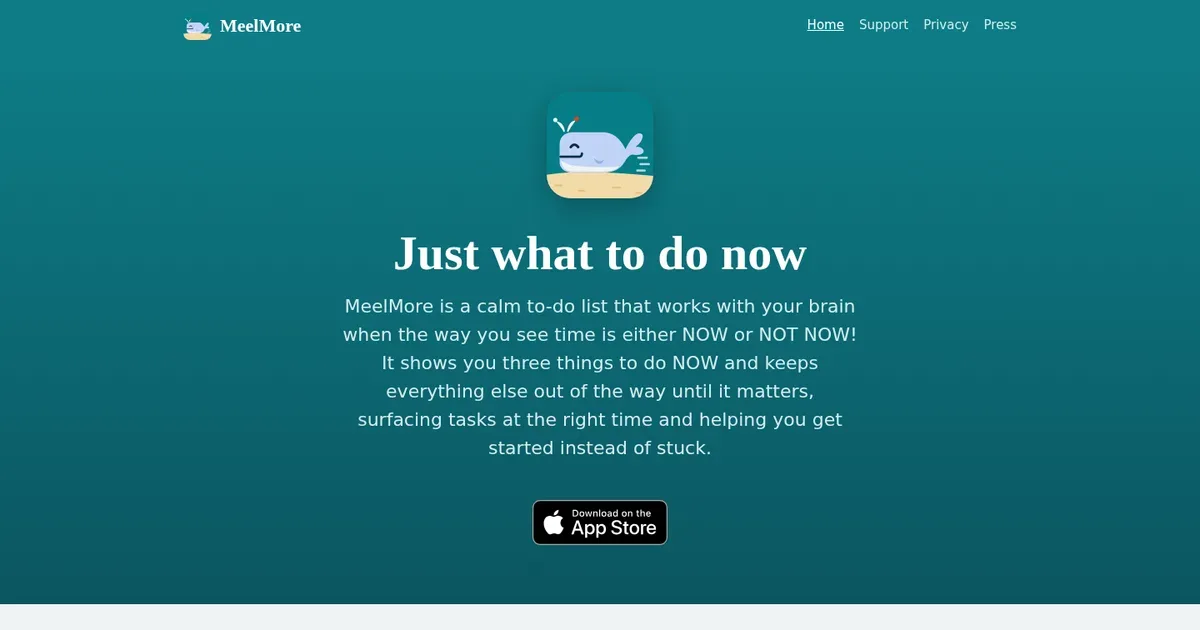
    MeelMore is an ADHD friendly to-do list based on the principle of minimizing the maintenance cost of a system.

    About MeelMore

    Managed by developer

    MeelMore is an ADHD friendly to-do list based on the principle of minimizing the maintenance cost of a system. It’s one place to capture everything, using text, voice or even Siri, and only showing 3 things to work on now. Everything else gets prioritized and categorized in the background, and even gets broken down into simpler tasks when it seems stuck. Tasks get cleaned up by AI to make them simple to display but keeps extra details as notes (that can be used to break down the tasks later). Routines will surface to NOW at the right time every day/week/month with optional and customizable friendly notifications. No guilt-inducing overdue tasks, only gentle reminders and offers to help, unless something is explicitly marked as a hard deadline. MeelMore won’t do everything for you, but it can take some of the load off so things don’t fall through the cracks!

    Who it’s for

    People with ADHD who want one place to capture and store everything, without needing to spend time organizing and prioritizing

    What makes it special

    It’s fully private and offline, using Apple Intelligence on-device to simplify managing your tasks. A work mode lets you hide other tasks when it’s time to work, and hide work tasks when it’s time to take care of stuff at home. Gentle reminders take the place of guilt-inducing overdue notifications

    Approach to privacy

    There’s no account, no subscriptions, no cloud syncing. Everything is yours and stays on your device. There’s no handoff to LLMs to manage the tasks and no data is collected by the developer

    MeelMore screenshots

    Screenshot 1 of 3

    Key features

    • Easy input

      Use voice, text, or Siri to capture a task. No need to get the wording right, it’ll clean it up for you

    • Simple UI with just 3 things to do NOW

      Don’t get overwhelmed by a huge list of overdue tasks. Let the app help you

    MeelMore pricing, explained

    Free

    Pricing has not been verified by our editors.

    Check current pricing on MeelMore’s website

    App store ratings

    All MeelMore tags

    MeelMore alternatives

    Explore all MeelMore alternatives →
    Goblin Tools logo

    AI-powered tools designed for neurodivergent minds

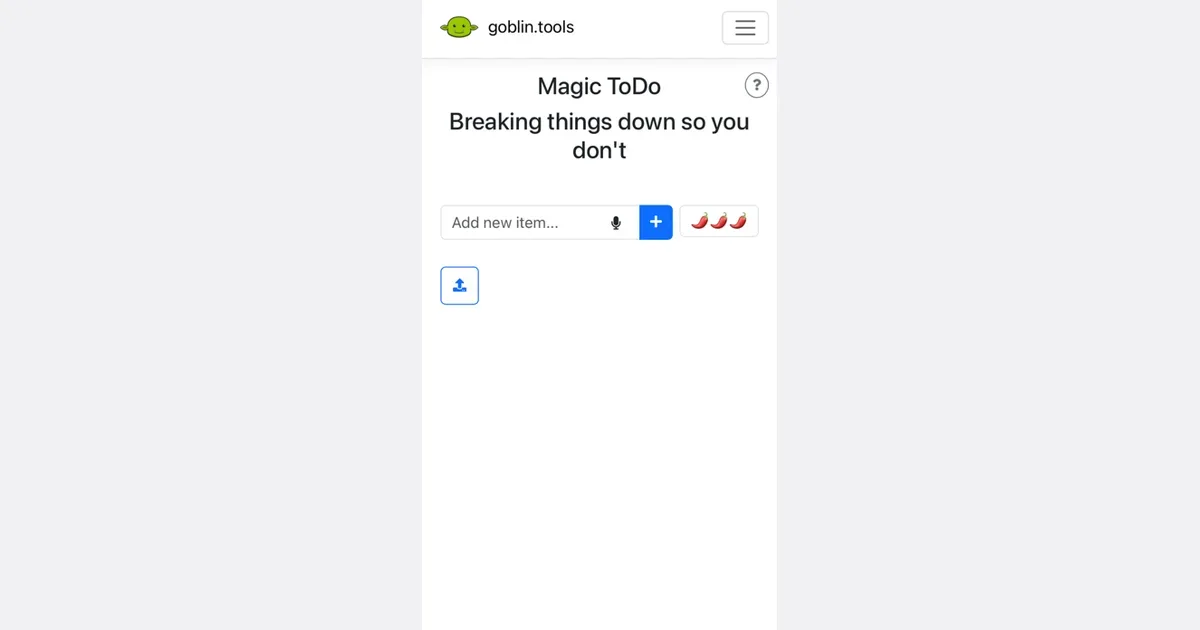
    Goblin Tools offers small AI helpers for everyday tasks that feel difficult to untangle. Its tools cover planning, writing, understanding messages and meal ideas, so you can use the part that helps with your immediate problem without designing an entire productivity system. The creator describes the collection as primarily intended for neurodivergent people, while keeping it available to anyone. Magic ToDo turns a task into suggested smaller steps. You can adjust the spiciness setting to request more detail, break down a subtask again, edit the result and check off completed items. For a practical starting point, enter one household job or work assignment, remove steps that do not apply, and choose a first action you can actually do. Export options let you move a breakdown into another tool, although task hierarchy and completion status can change between formats. The other helpers address different sticking points. Compiler turns a brain dump into actions; Estimator suggests a possible duration; Formalizer changes writing tone; and Judge offers an interpretation of a message. Professor, Consultant and Chef provide explanations, decision support and recipe ideas. These are generated suggestions to review, rather than reliable statements about another person’s intentions or guaranteed plans. The website keeps its existing core tools free, with paid mobile apps and an optional Pro subscription for some advanced features. Goblin Tools may be a useful starting aid when the planning itself feels overwhelming. You still need to check the output, adapt estimates to your circumstances and decide which actions are appropriate.

    Helps with

    BrowserAppleMobile
    Free and Paid Plans
    View
    Tana Outliner logo

    All-in-one knowledge graph with AI automation for personal OS

    Tana Outliner is a connected note-taking and task-organizing workspace built around nested bullets, called nodes. It is the original Tana notes product, now named Tana Outliner; the separate meeting platform at Tana's main website is a different product. The outliner lets you capture an idea quickly and add structure as its purpose becomes clearer. You might start a daily note with meeting notes, a question and several actions. Applying a supertag such as task, project or meeting gives a node a consistent type and relevant fields. A task can have a status and a project connection, while a meeting can carry its date and participants. Search nodes gather matching items from across the workspace, so an action can remain beside the conversation that produced it and still appear in a task view. Supertags do more than label notes: their fields and templates provide a reusable structure. Links connect related material, and different views help you examine collections without rewriting the underlying notes. Mobile capture includes voice memos and quick notes, with transcription and structured capture workflows that can bring spoken information into the same workspace. AI features can help summarize or extract information, but generated details still need checking against your source. Tana Outliner may appeal to people who like outlining and want to build a personalized system for research, projects or recurring reviews. That flexibility has a learning cost: fields, searches and supertags require more setup than a basic notes app. Begin with a daily capture page and one practical tag, then add complexity only when a recurring need appears. Check the current plan and device capabilities before relying on a particular AI or mobile workflow.

    Helps with

    BrowserAppleMobile
    Free and Paid Plans
    View
    Taskade logo

    AI-powered project and task manager for teams and individuals

    Taskade is a workspace for projects, AI agents, automated workflows and apps built from prompts. Its task and document tools remain part of the product, but the current platform goes further: project data can provide the context for agents, automations and Taskade Genesis apps. That makes it relevant to people organizing repeatable work as well as those looking for a shared to-do list. For a straightforward start, create one project, capture tasks and notes, and choose a view that makes the next actions easy to see. Projects support different views and real-time collaboration across desktop and mobile. You can then add an AI agent with relevant knowledge or connect an automation that runs when a defined event occurs. A recurring intake process, for example, might collect information in a project and use it to support a follow-up workflow. Taskade Genesis extends this model to building an app by describing what it should do. The learning materials cover prompting, refining the result, connecting data and publishing. Integrations and automation histories help connect the workspace to other tools and inspect what has run. These capabilities introduce different plan, usage and permission considerations from ordinary task capture; review those before relying on a workflow for important work. Taskade may fit a small team or individual who wants to experiment with reducing repetitive coordination inside the same place as their projects. It asks for more decisions than a minimal checklist. Keep the first workflow narrow, verify AI-generated output and test an automation with harmless sample information before extending it. If your main need is simply remembering tomorrow’s errands, begin with a basic project and assess whether the broader platform helps you or creates extra maintenance.

    Helps with

    AppleWindowsMobile
    Free; from $72/year for 3 users
    View
    Tiimo logo

    Visual planner for neurodivergent routines and time management

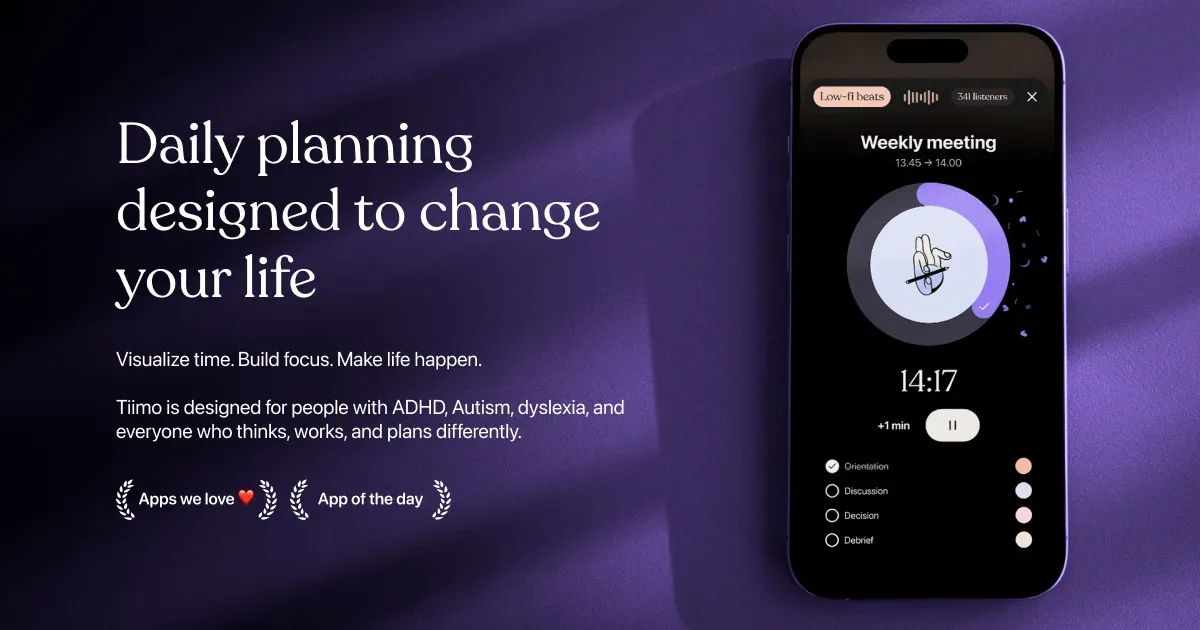
    Tiimo is a visual daily planner designed around neurodivergent routines, task transitions and making time easier to see. It combines a to-do list, a visual schedule, a focus timer and optional AI planning. Colors, icons and other display choices help distinguish activities, while widgets keep the next part of the day accessible without repeatedly opening the full planner. You can begin with a brain dump of things you need to do, then give important activities a place in the day. Add a short checklist to an activity such as getting ready or doing laundry, estimate its duration, and use the visual timer while working through it. Calendar import brings existing commitments into the planning process, helping you avoid treating every hour as available task time. The AI co-planner accepts typed or spoken input and can suggest smaller steps, time estimates and a schedule. Treat those suggestions as a draft: adjust them to your energy, travel time and actual commitments. Tiimo’s current documentation lists Apple devices, Android and a web planner. Feature access varies by platform and subscription; the free mobile offering is more limited, while web access requires an active trial or subscription. Tiimo may be especially useful if a conventional list leaves you unsure what to do now, how long to stay with it, or what comes next. A visible sequence can make a routine easier to revisit without holding every step in memory. It still takes time to find the right amount of structure. Start with a familiar morning or evening routine, test notification and widget behavior on your own device, and leave room for interruptions. A schedule works best as something you can revise, rather than a measure of whether you have had a successful day.

    Helps with

    AppleBrowser
    Free and Paid Plans
    View

    Side by side