Take the Quiz
This Isn't a Video — It's My Chrome Tab (4K Live Wallpaper)
Official demo
Watch on YouTube
Ambient Sound / Focus Audio
Live wallpaper for your Chrome new tab. Calm, living scenes and a focus timer give your brain a 40-second break between tasks.
A calm, living scene every time you open a new tab.
Managed by developer
A calm, living scene every time you open a new tab. I built it for my own ADHD brain, but it's for anyone who wants a nicer place to land between tasks.
Every new tab opens on a living scene instead of a blank page: koi that follow your mouse and that you can feed, eagle rays gliding over the flats, fireflies in a night forest. It's a short mental break right where you already are, then you get back to work.
- Built-in focus timer: pick 25 or 50 minutes, work, then take a short break - Scenes react to your mouse, and with Pro, to music playing in another tab - Soft scene sounds you can turn down or off - Search bar and clock built in, so the page still does its job - Nothing is a looping video: every scene is drawn live - Never tracks your browsing
Five scenes are free forever. Pro unlocks 50+ scenes.
Anyone who spends the day in Chrome and wants a calmer, more beautiful new tab. Especially helpful if your mind wanders and short breaks help you refocus. If motion distracts you, pick one of the calmer scenes.
Nothing is a looping video: every scene is drawn live, so it never repeats. Koi follow your mouse and you can feed them, scenes can move to your music, and a focus timer is built in. A new tab you actually want to look at.
No account needed to use it. No ads. Your browsing and searches never pass through us. Anonymous usage stats are off unless you say yes. Settings stay on your computer. Pro payments go through ExtensionPay and Stripe. Policy: ambientnewtab.com/privacy
Screenshot 1 of 6
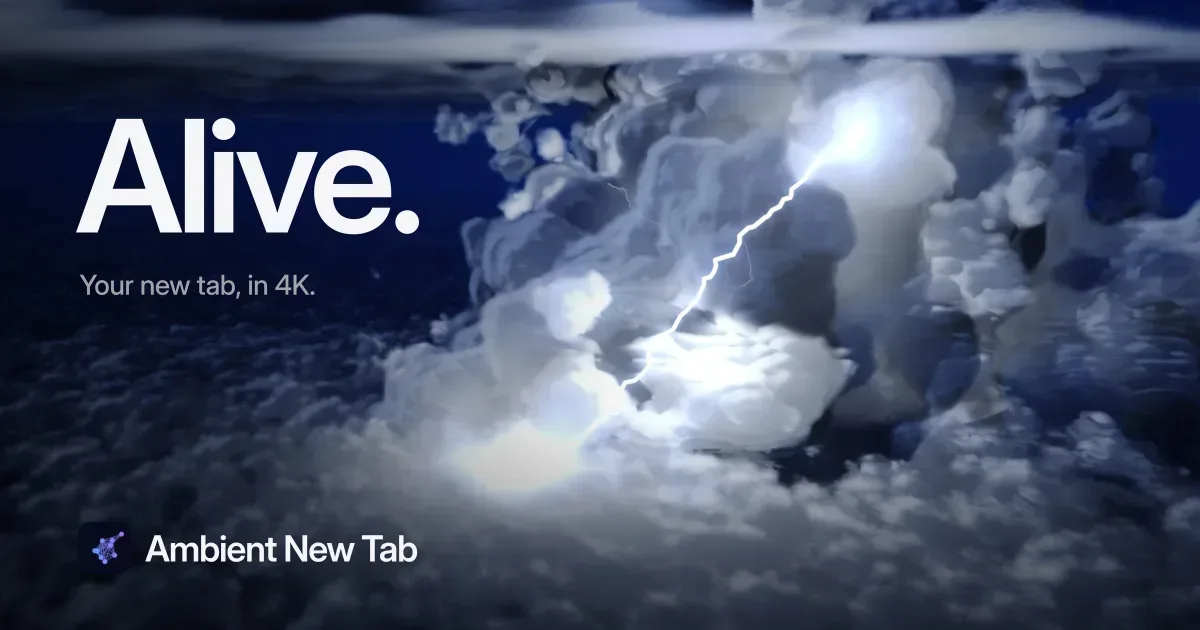
Fly above a thunderstorm at night. Lightning flashes through the clouds, with soft thunder if you turn the sound on.
Pick 25 or 50 minutes and start right from your new tab. A soft chime tells you when it's time for a break, and the scene is the break.
Koi follow your mouse and you can feed them; eagle rays glide past. A small moment of play that pulls you out of a work loop for a few seconds.
Every frame is generated as you watch, so the scene never repeats. It stays interesting without asking for your attention.
A calm pond, rain and thunder, or a dawn chorus. It starts quiet, and you can turn it down or off right on the new tab.
Clock, date and a search bar that uses the search engine you already chose. You get the calm without losing anything.
No account to use it. Your browsing and searches never pass through us, and anonymous usage stats stay off unless you say yes.
Play music in another tab and the scene moves with it. The audio is analyzed on your computer and never recorded or sent.
Free and Paid Plans
Pricing has not been verified by our editors.
Check current pricing on Ambient New Tab’s websiteOfficial demo
Watch on YouTubeGoogle Chrome on Windows, macOS, Linux and ChromeOS. It is made and tested for Chrome. Other Chromium browsers such as Edge and Brave can usually install it from the Chrome Web Store, but they are not officially supported. It does not run on phones, and there is no Firefox or Safari version yet.

Pomodoro Timer, Focus Music and AI Review for Developers, Students and Professionals
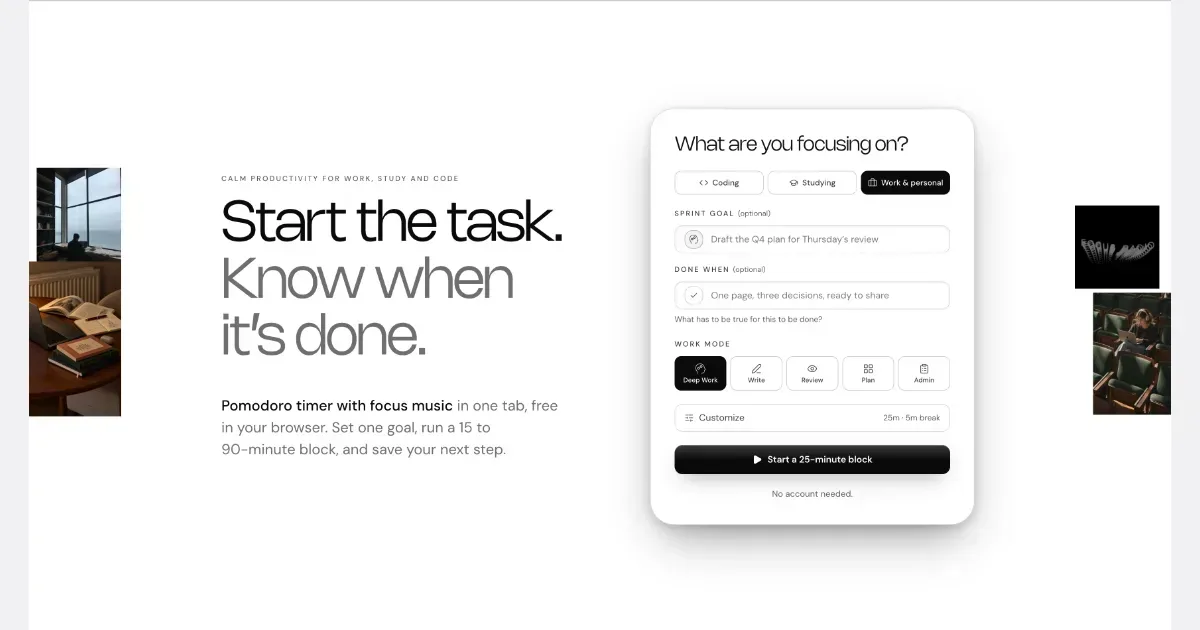
NEDIO is a free focus timer that helps people who work at a computer all day start, stay on track and stop without losing the thread. Before each work block you write one goal and a single “Done when” line. After the block you answer one question: was the goal reached (Yes, Partly or No)? You also leave a “parking line” saying where to pick up next time. It runs in the browser with no account, and inside VS Code and Cursor. NEDIO is built around difficulties many people with ADHD describe: “I can’t get started,” “I sat down to do one thing and ended up somewhere else,” “I can’t stop,” and “by evening I have no idea what I did.” It has no productivity score, no streaks and no reminders to get back to work, so a missed goal is simply a record, not a failure. It does not read your code or files and stores only what you type. It is not a treatment for ADHD or a replacement for a doctor, therapist or coach. It makes starting and stopping a bit cheaper. The timer, close-out and weekly stats are free; Pro ($9.99/month, 15-day trial) adds unlimited audio and AI Review.
Helps with

Softomato is a gentle iPhone pomodoro timer with cute theme companions, calm focus sounds, Lock Screen Live Activity and a simple focus–break rhythm.
Softomato is a pomodoro timer for iPhone with a simple rhythm: focus, short break, repeat. The full timer is free, including long breaks, Lock Screen Live Activity, gentle phase-end alerts and weekly focus stats. A visible timer and planned breaks can help with time blindness, and with hyperfocus that runs past a stopping point. Three free focus sounds (rain, waves, cafe) and three soft themes with cute companions are there to make starting a session a little easier, not to grade or punish you. Softomato Forever is an optional one-time unlock for every theme and every focus sound. There is no subscription and no ads. Focus sounds can keep playing when the screen is locked or you leave the app.
Helps with
Background music for focused work and relaxation
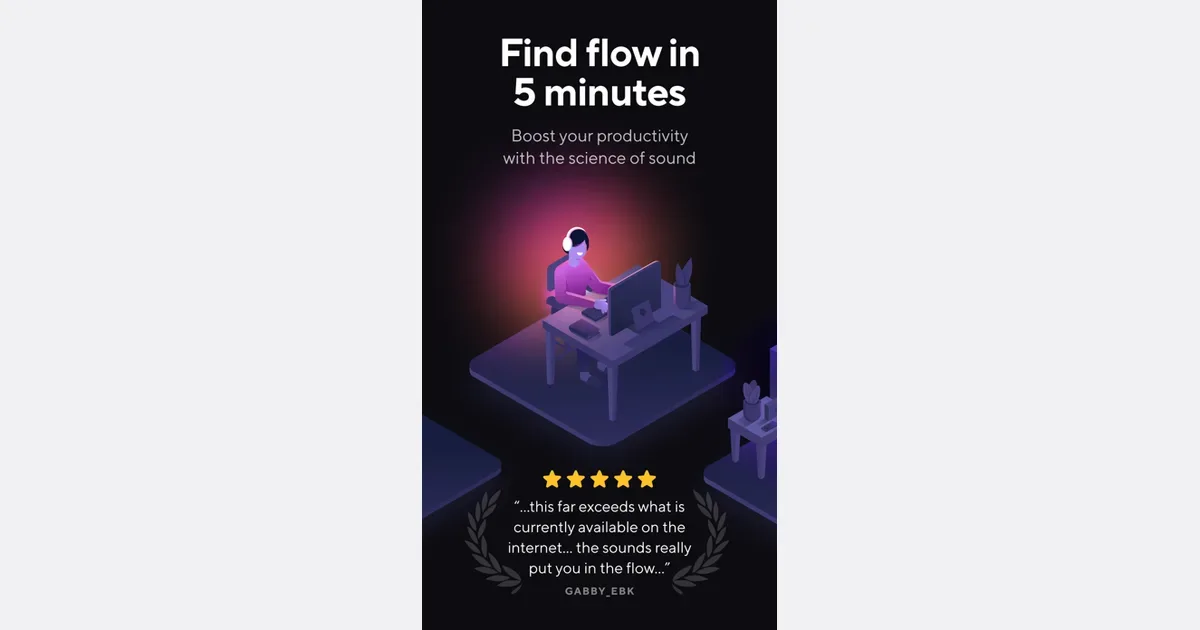
Brain.fm is a background-audio service organized around activities such as focused work, relaxation, meditation and sleep. Rather than choosing individual songs for a playlist, you select the kind of listening session you want to accompany. Its music is designed to remain in the background while you carry out another activity. For a work session, a practical approach is to choose one familiar task, start a short listening period and notice whether the sound makes the environment more comfortable to work in. You could compare it with silence, an ordinary instrumental playlist or a simple ambient sound. This gives you a useful personal comparison without relying on a promised change in concentration. The service offers different activity modes and customization of its audio, with access across web, desktop and mobile platforms. A subscription provides access to the library, and the current pricing page describes monthly and annual options. Trial offers can differ, so check the terms shown when you sign up rather than assuming the length or price in an older video remains current. Brain.fm may suit people who prefer a consistent sound cue for starting work or winding down. It does not choose your task, organize a project or remove digital distractions by itself. Sound preferences also vary: an audio style that feels helpful to one listener can be distracting to another. Begin with a comfortable volume and a low-stakes task, then decide whether the experience is worth repeating.
Helps with
Free time tracker and timesheet for teams and solo workers
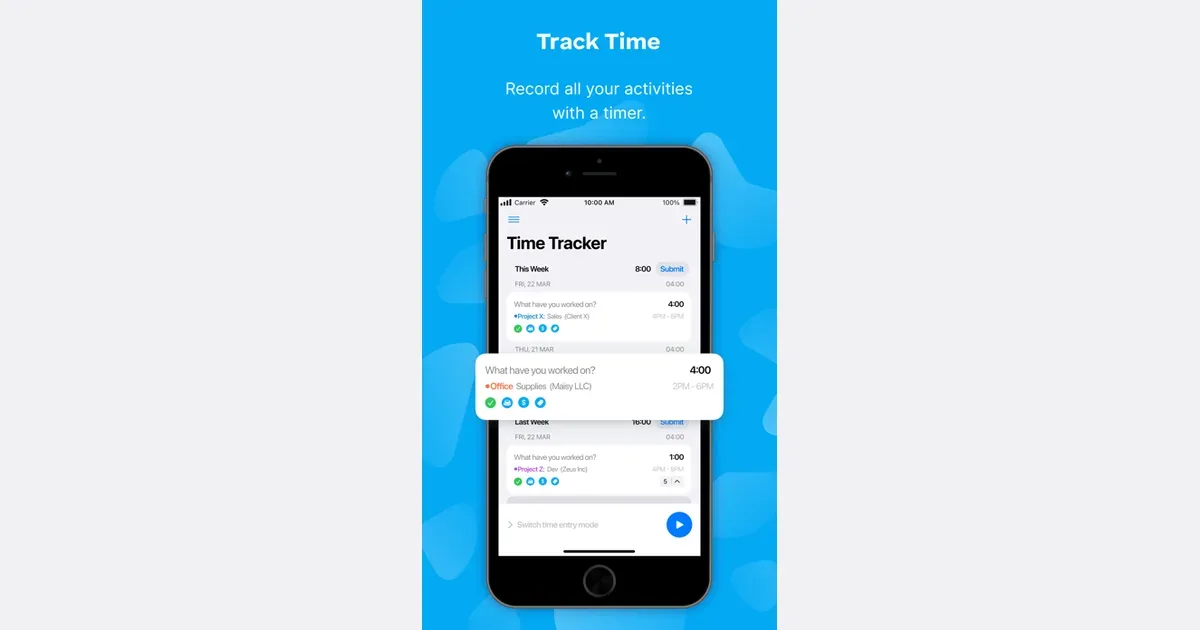
Clockify is a time-tracking and timesheet app for recording work across projects. You can use it to understand how long activities take, keep a record of client work or review how a team's time is distributed. Its wider feature set extends into reporting, rates, planning and administration, with availability depending on the plan. A practical first setup uses a small number of recognizable projects and clear time-entry descriptions. Start a timer when beginning an activity, or add the time afterward when that is more appropriate. A description such as revising the proposal is more useful in a later review than a generic label such as work. Consistent categories make it easier to compare similar tasks over time. Reports can summarize the recorded entries, while billable-rate and project-budget tools support work that needs a financial record. Team-oriented capabilities include reviewing time and understanding capacity. Clockify also describes optional activity and location features, so distinguish a simple personal timer from a more extensive organizational tracking setup. Review what is enabled and visible before using it with colleagues. Clockify may suit people who forget how long a project actually took or need a more reliable record than memory at the end of the week. Tracking still requires interpretation and maintenance. A timer left running through a break can distort the result, and detailed categories are only worthwhile if someone uses the information. Begin with one question you want to answer, such as whether a recurring task needs more time, and choose the smallest amount of tracking that gives you a useful answer.
Helps with