Take the Quiz


Mindful phone usage
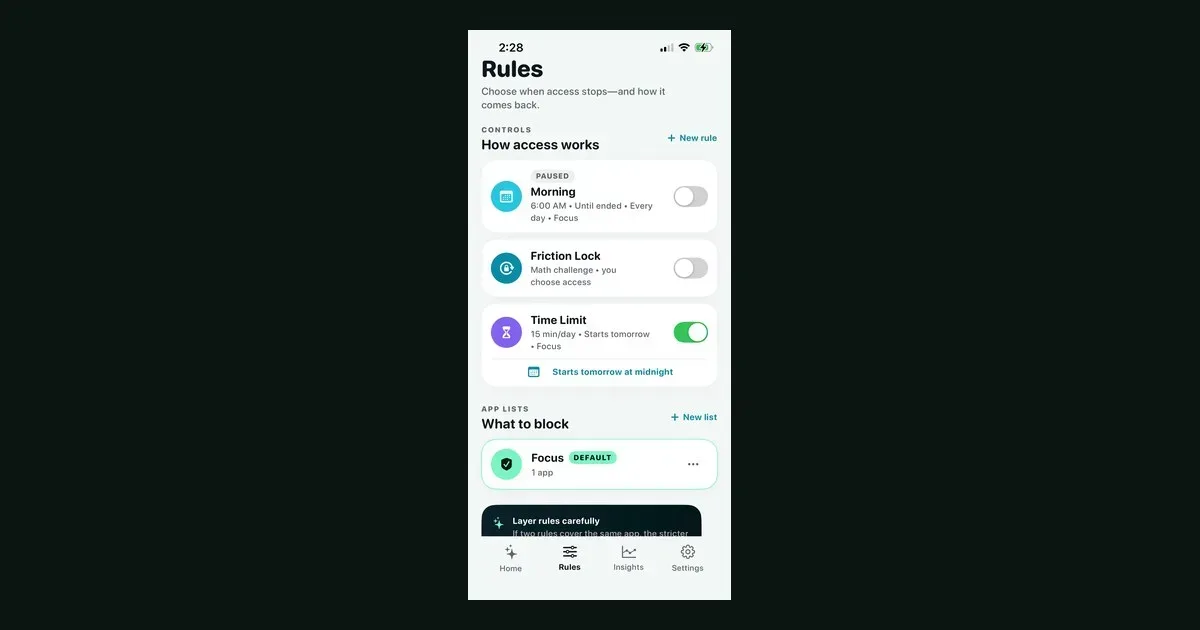
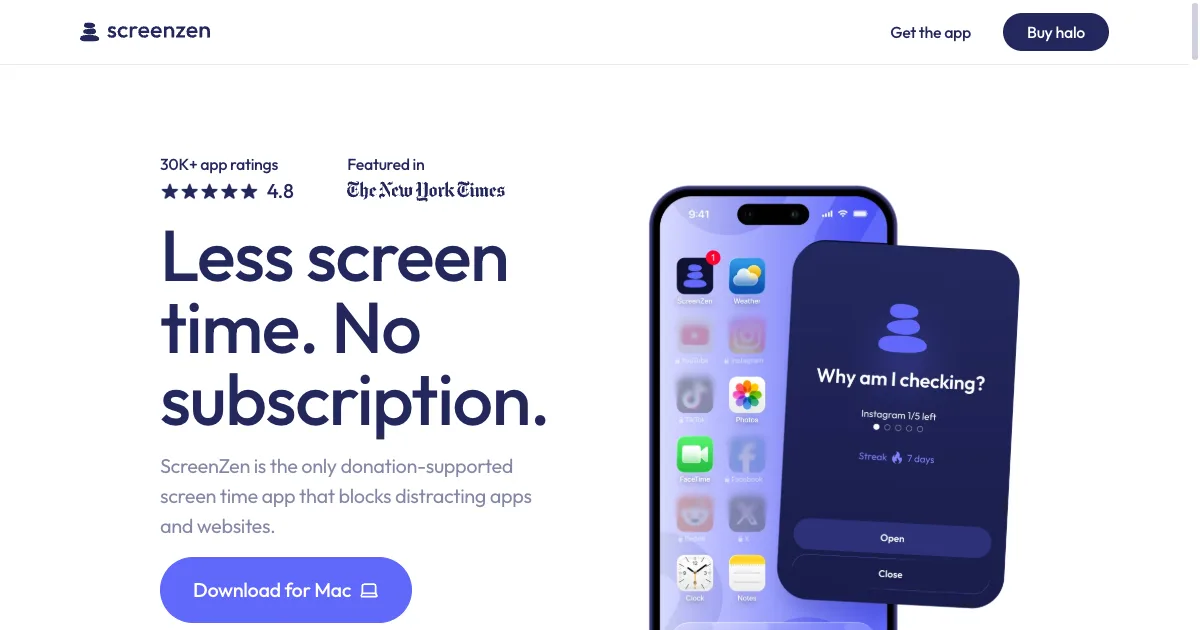
ScreenZen is a screen-time app for putting deliberate boundaries around distracting apps and websites. Its approach includes scheduled blocks, limits and pauses before access, giving you a chance to notice an automatic opening and decide whether you still want to continue. The official service is donation-supported, so it is worth checking its current offering rather than assuming the subscription model used by many competing blockers. A practical first setup is to choose one app you repeatedly open without intending to and add a short interruption. You might use a prompt that reminds you what you came to do, or limit how often you unlock the app during a particular period. This creates a different experience from banning everything for an entire day: the boundary can be designed around a specific habit or context. Scheduled blocks can support a regular study period or an evening boundary. Progress information provides another way to reflect on the pattern, but the most useful result is whether the settings make your intended routine easier to follow. Exact capabilities vary with platform and configuration, so test the particular apps and websites you need to control. ScreenZen may fit people who want friction around reflexive browsing while retaining a route to intentional use. A pause can become just another button to dismiss if the reason for opening the app stays unclear, and an overly broad rule can obstruct legitimate access. Start with a small target, choose realistic limits and review the effect after a few ordinary days. Pairing the boundary with an alternative activity can be more useful than treating a screen-time number as the only measure of a good day.
Helps with