Take the Quiz
An inbox with dozens of unread messages can make every email feel equally urgent. You do not have to clear the whole backlog before you can make progress. Pick one message, decide what it needs, and give the next step a home.
The American Academy of Family Physicians’ adult ADHD handout says task organization can be difficult for people with ADHD. That describes a challenge; it does not mean every person with ADHD handles email the same way. This routine is a practical experiment, not a treatment or a promise that email will feel easy.
Start with one message
Choose one email, preferably one you can understand without searching through a long thread. Ask: “Is there a request here, and what is the next visible action?” If it only contains information you may need, keep it as reference in the place you already use. If it needs a reply, write the first sentence or a short reply now if you have enough time. If it needs separate work, name that work in one sentence.
For example, “Review the draft” is broad. “Read the intro and leave two comments before Thursday” gives you a place to begin. Add a real deadline only when someone or something has set one. Do not turn every message into a task: that can move the pile from your inbox into another list without reducing it.
Keep the next action outside the inbox
If the email needs a later work session, record the task where you will look for other commitments. Bear supports todo lists for managing tasks, according to its official guide to lists and todos. You could create one note called “Email follow-ups” and write each next action as a short todo. Bear also supports nested lists, which can group sub-tasks, but a simple list is enough for most backlogs. You might create “Reply to Morgan about the budget” and add one step such as “Check the updated travel total.” This can help keep a task connected to its message, but it does not decide whether the task belongs on today’s list.
Get monthly app discoveries and focus tips

Use a task list only if you already check it. If another notebook or calendar is your trusted place, use that instead. The point is to capture a specific action once, not to maintain a perfect system.
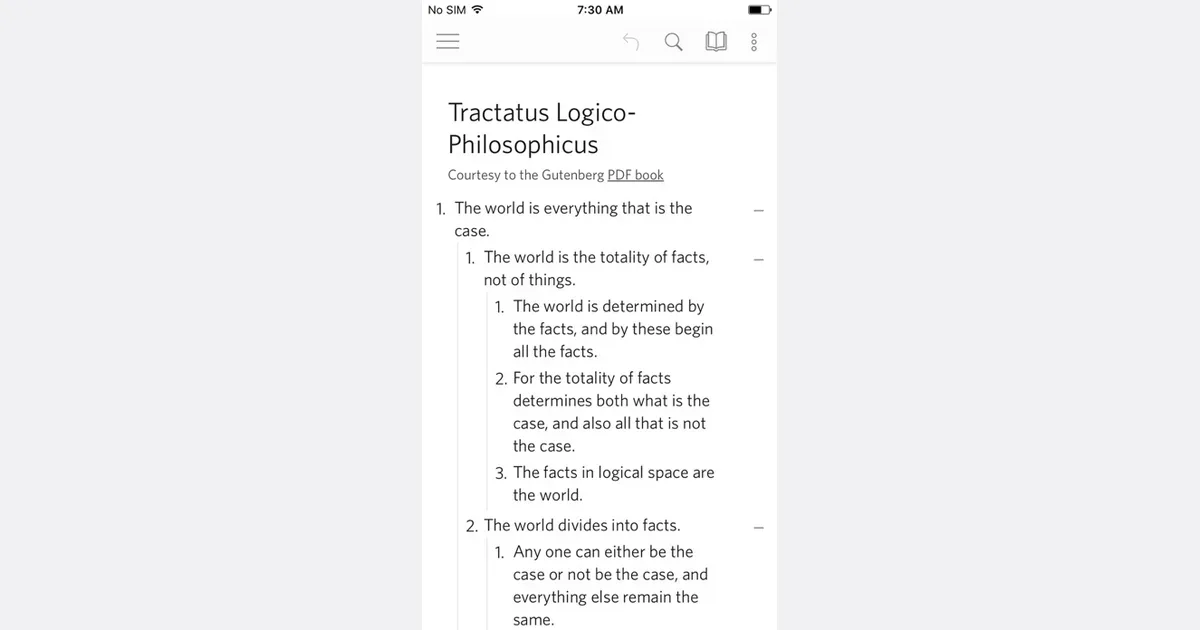
If you prefer a plain nested list, Dynalist includes a built-in checklist, according to its official feature page. Keep it to a short list of message follow-ups that need a later work session. If you only need one task list, a second app may add more maintenance than value.

Give the message a simple status
After you decide what the email needs, use the fewest inbox actions that make the next step clear: reply, mark for follow-up, move to a reference folder, archive, or delete if appropriate. Folder names and labels differ between email services. Choose labels you will remember, such as “Reply” and “Reference,” and skip a complicated hierarchy.
If the next step depends on another person, record who you are waiting for and when you will check again. If it is sensitive or confidential, follow your workplace rules about where that information can be stored. A task app may sync across devices or accounts; check its privacy settings before copying private details.
Stop before the routine grows
Try this with three messages, then pause. If you are still deciding where to file each one, reduce the number of folders. If a task list fills with vague reminders, rewrite the next action in plain words or remove items that no longer matter. If you find yourself polishing labels instead of responding, return to one message and make one decision.
Try this next
- Open one email and state the action it requires.
- Reply now if it is brief and you have a suitable moment.
- Put longer work in the single task list or calendar you already check.
- Mark, archive, or file the message so its status is clear.
- Stop after three messages and adjust only one part of the routine.
Choose one message from the backlog today and write its next action in a verb-led sentence. That is a complete first pass; the rest of the inbox can wait for another session.