Take the Quiz
You have written the draft, but you keep changing the opening sentence. Each reread suggests one more edit, and the finished version never leaves your screen. Before the next pass, write a short checklist that states what this draft needs to do. Use those checks to decide which changes matter before you send it.
NIMH lists trouble finishing projects among possible adult ADHD symptoms. Its adult ADHD information sheet gives broader context. The exercise below is a proposed work routine, not a treatment or a claim that everyone with ADHD edits in the same way.
1. Name what this version is for
Choose a short piece of ordinary work, such as an email, a class summary or an internal project update. Write the intended reader and the result you need: “My teammate can see what changed and tell me whether the date works.” This tells you more than a goal such as “make it good.”
If someone has set requirements, use those as your starting point. A teacher's marking guide or a client's agreed brief takes priority over a checklist you invent. Ask about unclear requirements before trying to meet them through more editing.
Keep the exercise to work you can review yourself. A checklist is not a substitute for the review needed for material with legal, medical, financial or safety consequences.
2. Write a few checks you can answer
For the project update, your checks might be:
- The first paragraph says what changed.
- The date and the person who needs to respond are correct.
- The document link opens and points to the intended file.
- The reader can find the question they need to answer.
These checks describe things you can inspect. “This sounds impressive” does not give you the same clear test. Keep the list short enough to use during one final pass. If a check contains several different demands, split it or decide which part this version actually needs.
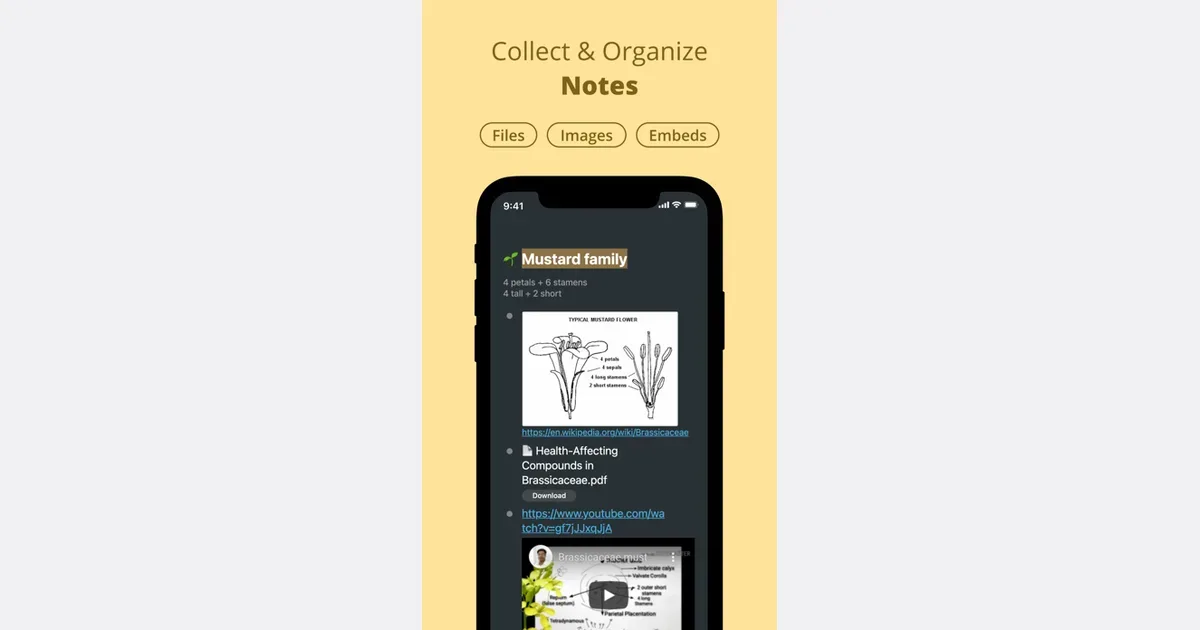
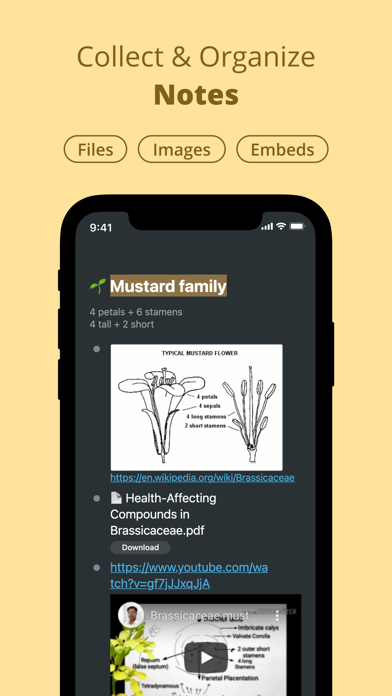
Workflowy lets you add checkboxes to task bullets. The official todo guide describes that function. You could place the finish checks beneath one item named for the draft, then mark each one only after checking the actual work. This is a proposed use of the feature; you still need to judge whether the writing meets your requirements.
Use a paper list if that is easier. Creating a new workspace just for this exercise may take more effort than reviewing the draft itself.
Get monthly app discoveries and focus tips
3. Separate required fixes from optional changes
Read the draft against the checks. A wrong date or a missing question needs a fix because it prevents the draft from doing its job. Replacing one clear word with another may be optional. Write that idea elsewhere rather than changing the finish requirements halfway through the review.
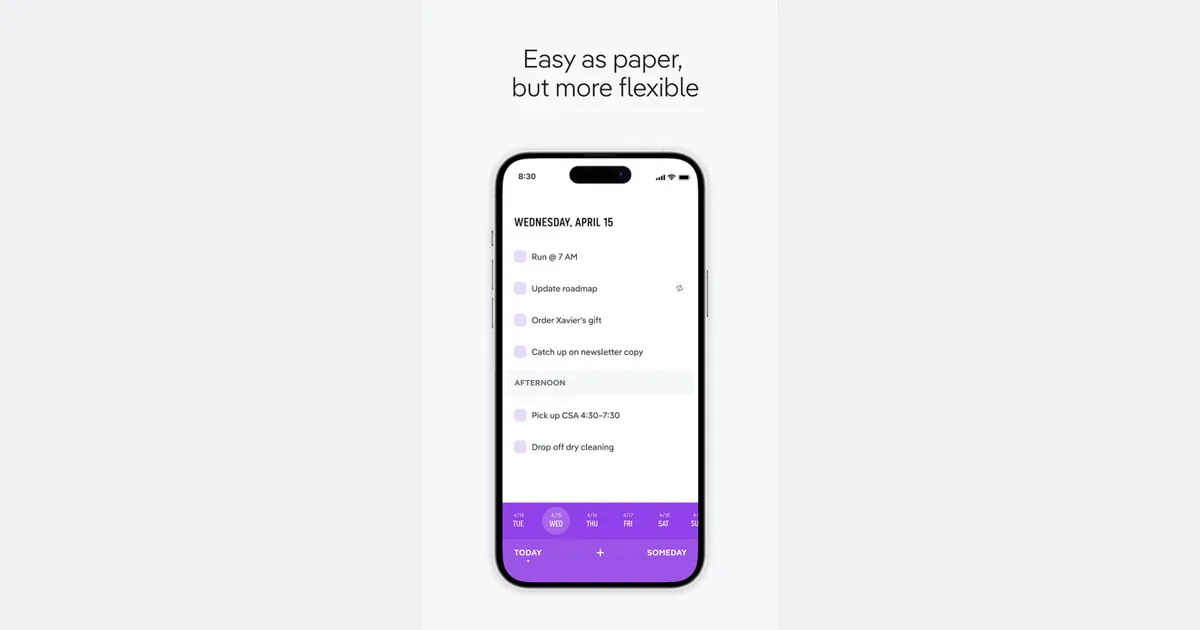
TeuxDeux provides someday lists below its day-to-day tasks. Its official website describes that layout. You could use a list called “Possible later edits” for changes that are outside this version's purpose. Choose this option if you already use a daily task list; do not add a second app solely to store a few phrases.
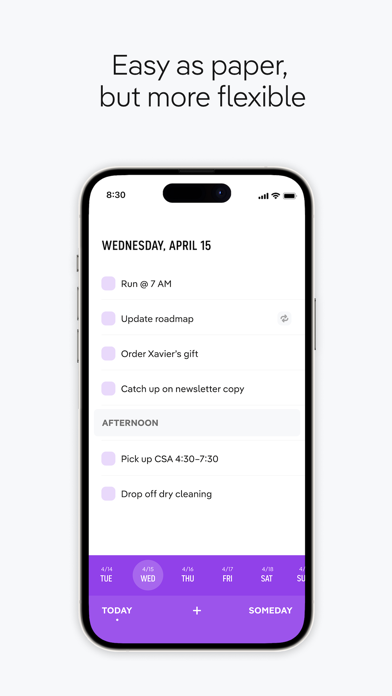
An optional-edit list can grow without helping you finish. Give it a limit of your own, such as keeping only ideas you expect to use in a later version. You can discard a preference that no longer matters. A real error or a changed requirement still belongs in the current review.
4. Complete the handoff you planned
When the required checks pass, save the version and take its next agreed step: send the email, submit the summary or share the update for review. If someone else needs to approve it, label it as ready for their review rather than claiming their approval.
Before sending, check the recipient and any attachments. Afterward, resist reopening the draft just to make a cosmetic change. If you notice a material error, follow the normal correction process for that work.
This routine will not settle every judgment about quality. You may need feedback to learn what the reader finds clear, and some projects need several planned revisions. Use that feedback to improve the next checklist instead of treating every new preference as a reason the current version cannot finish.
If the draft is still blank, the guide to choosing a smaller first step for an overwhelming task covers that earlier stage. The finish checklist is for work that is ready for its final checks.
Try it on one draft
- State who will read it and what they need from it.
- Write a few checks with answers you can verify.
- Fix failed checks and keep optional edits separate.
- Take the agreed handoff step when the checks pass.
Open one unfinished draft today. Write its reader and purpose at the top of a short checklist, then check the current version before starting another edit.