Take the Quiz
The meeting begins, and the question you meant to ask has disappeared from your mind. Start the next meeting with a short written agenda: what you need to decide, one question you must ask and a place for answers. Keep that page open so you can return to it during the discussion.
NIMH lists difficulty paying attention and often getting distracted among possible adult ADHD symptoms. Its adult ADHD information sheet gives broader context. The steps here are a proposed work routine, not evidence that a meeting app changes ADHD symptoms.
1. Write the decision you need
Before the meeting, write one sentence about its purpose. “Agree which draft the team will review on Tuesday” gives you something clear to ask about. “Discuss the project” leaves many possible topics open.
If someone else owns the meeting, ask where the agenda lives. Add your question to that agreed place if you have permission. A private note can help you prepare, but the group needs access to any question it is expected to answer.
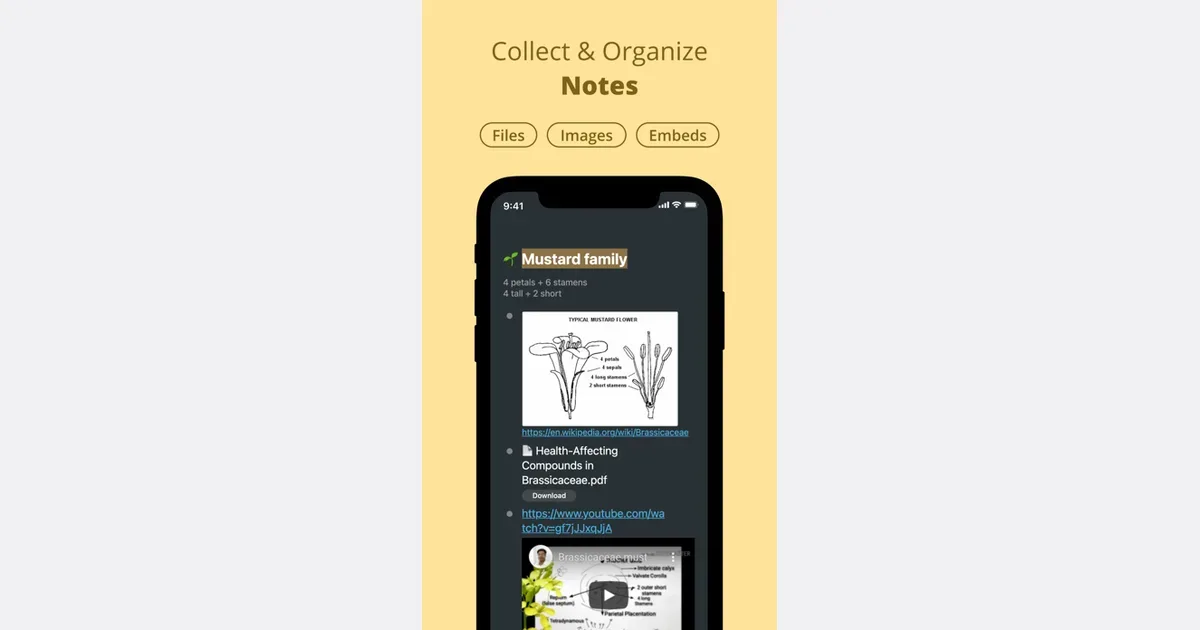
Workflowy lets you add checkboxes to task bullets. Its official todo guide describes that feature. You could make one bullet for each question and check it only when you have an answer. This is a proposed use of a list, not an automatic record of what people agree.
2. Separate your question from the answer
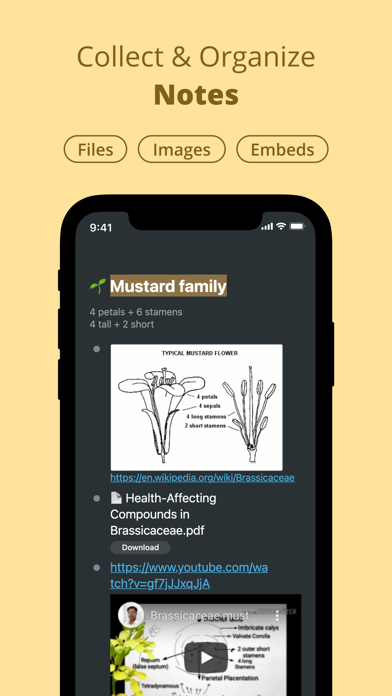
Leave a blank line beneath each agenda item. During the meeting, write a short answer there. You do not need a transcript of every sentence. Aim for enough detail to understand the decision after the call ends.
For example, write “Review draft B on Tuesday; Alex will send the link” instead of “draft discussion.” If no decision was made, record that clearly. Do not turn a suggestion into an agreement just because you wrote it down.
If you lose the thread, ask a direct question: “Which draft did we decide to use?” You can also ask to pause while you note the answer. Agree on any recording or transcription with the people involved and follow your workplace's rules.
Get monthly app discoveries and focus tips
3. Put the agreed notes where the group can find them
Before leaving, read back the important decision and ask whether it is correct. Keep uncertain items marked as questions until someone confirms them. This is especially useful when several options were discussed in quick succession.
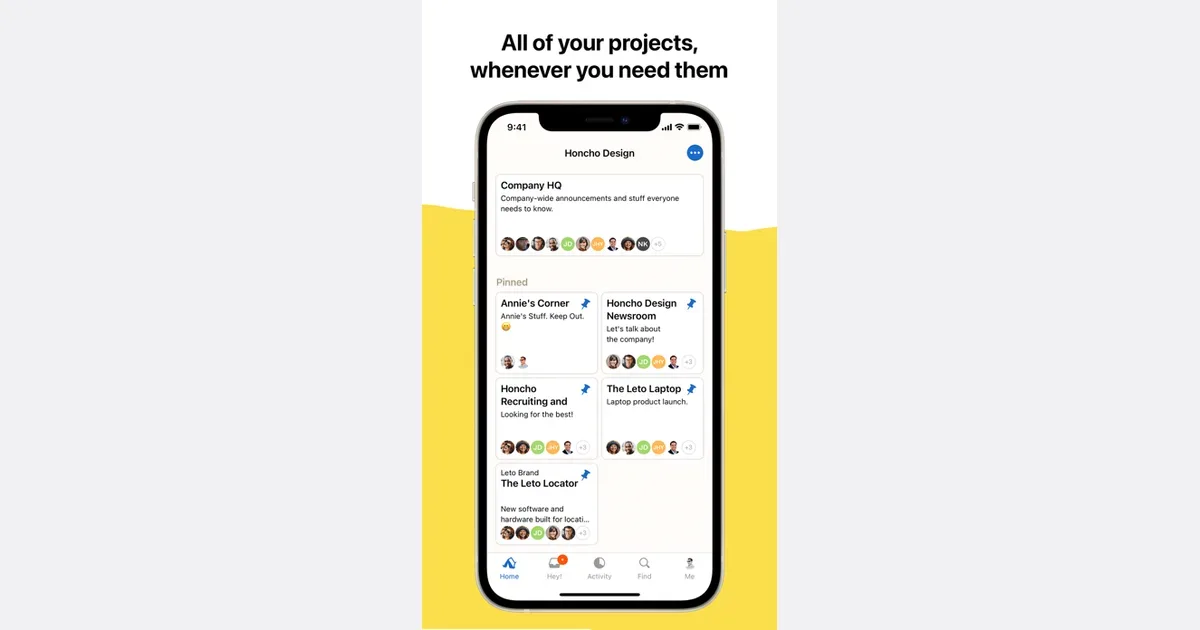
Basecamp keeps discussion replies attached below their posts on Message Boards. Its official features page describes that layout. If your team already uses it, you could post the agreed meeting summary in the relevant project discussion so later replies stay with that topic.
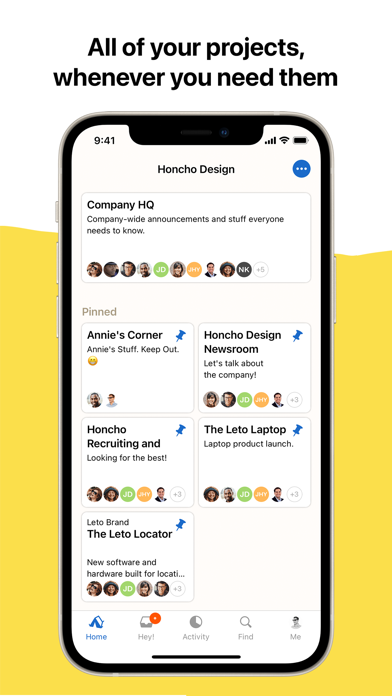
Use the team's existing place for decisions if it has one. A second project space can make the record harder to find. Check who can see the summary before adding confidential material, and follow the group's normal access rules.
4. Review the record while the meeting is still recent
Afterward, compare your questions with the answers you recorded. If a question remains open, write who you need to ask and where you will ask it. Correct a mistaken summary in the shared record rather than leaving two versions that disagree.
This routine will not solve unclear authority or a meeting without a purpose. You may need to ask the organizer who can decide the issue. For a brief status update, a written message may be enough if the group agrees.
When a decision creates work for someone, the guide to tracking who acts next on shared tasks covers the follow-up. The agenda's job is to help you ask and record the right question during the meeting.
Prepare one meeting page
- State the decision you need.
- Write one question with room beneath it for the answer.
- Confirm the important result before leaving.
- Put the agreed summary in the group's usual place.
Choose your next meeting now. Write the one question you most need answered, then check where the organizer wants that question added.