Guide#repeated#replies#reusable#message

    ADHD and repeated replies: prepare a message you can safely reuse

    Keep a short response with clear blanks, check the details each time, and send it only when it fits the request.

    ADHD Product DirectoryNovember 20, 20264 min read
    Hands in brown sleeves type on a silver laptop beside papers on a white desk.

    You need to send the same kind of routine reply again, but you are rewriting it from the beginning. Save a short draft with clear blanks for the details that change. Before each use, read the new request, fill the blanks and check the recipient. Start with a low-stakes message such as directions to a regular meeting.

    NIMH lists trouble remembering daily tasks among possible adult ADHD symptoms. Its adult ADHD information gives broader context. The routine below is a suggested way to prepare repeated writing. It is not a claim that a template treats ADHD or suits every conversation.

    1. Pick one genuinely repeated message

    Choose a response you have written several times: where to find a shared document, how to prepare for a regular club session, or what information you need before arranging a call. Use your own previous wording, with private details removed, as a starting point.

    Do not begin with a complaint, an apology or another message where the relationship needs careful attention. Reuse is helpful only when the underlying request is much the same. Read the actual question before deciding whether your saved text fits.

    2. Mark every detail that changes

    Write the stable part in ordinary language. Put changeable details in visible brackets: [NAME], [DATE], [TIME ZONE], [LINK]. A short meeting reply might say: “Hello [NAME], our session is on [DATE] at [TIME AND TIME ZONE]. Please open [LINK] before we begin.”

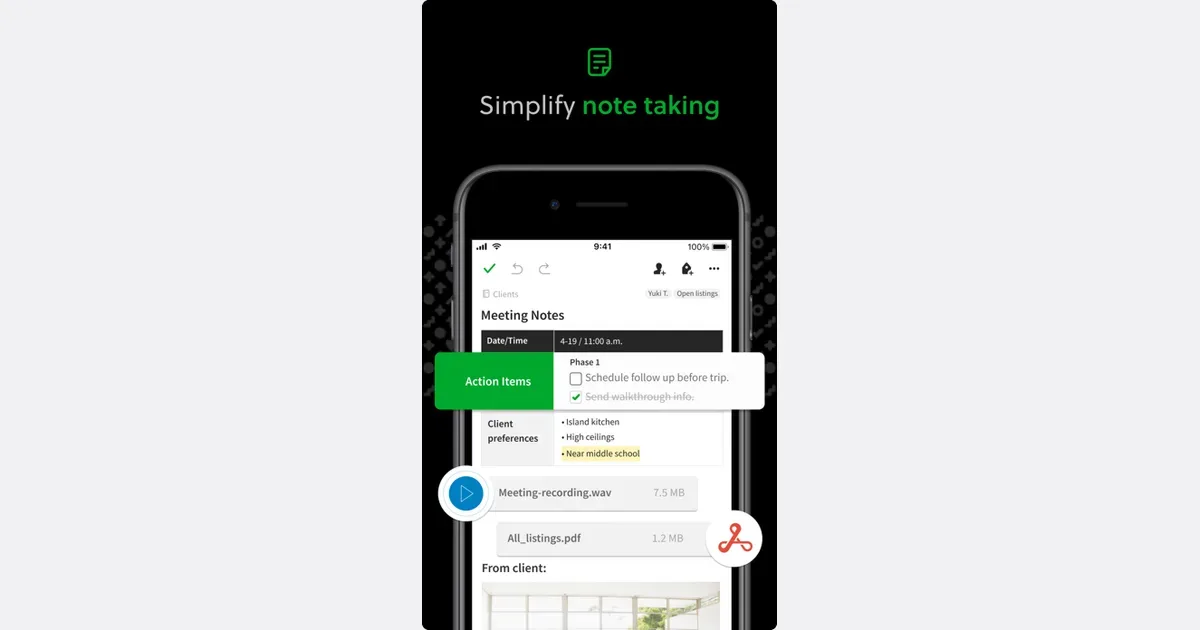
    Evernote offers a template gallery and the option to create your own template. The Evernote listing links to the app; its official template page describes these options. You could keep your recurring response as a template, then adapt a copy to the current request. Check the plan details yourself before relying on an option that your account may not include.

    Evernote screenshot from its directory listing

    A plain note is also enough for one short response. Choose a place you already use, and name it for the request it answers. “Meeting directions reply” will be easier to identify than “Useful text.” Keep the original draft separate from the version you are preparing to send.

    Get monthly app discoveries and focus tips

    3. Check the new copy before sending

    Read the message from start to finish after replacing the blanks. Check the person's name, recipient address, date, time zone, links and attachments that apply. Open the link you intend to send and confirm that the recipient has the access they need.

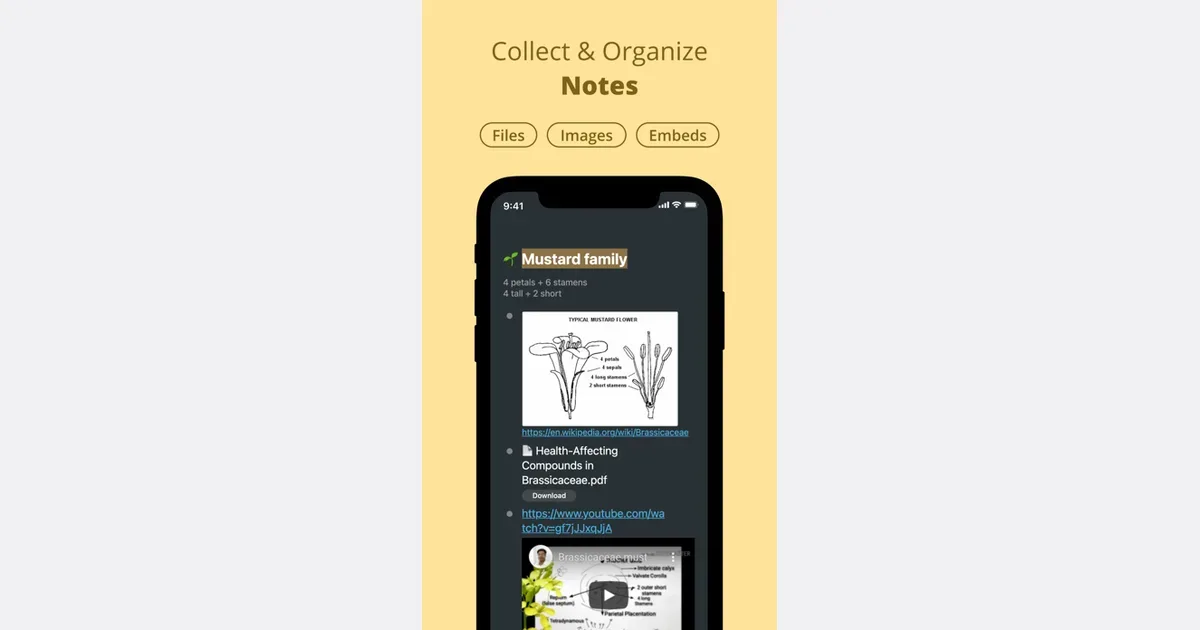
    Workflowy lets you add checkboxes to task bullets. The Workflowy listing and official todo guide describe that feature. You could place a short send checklist under the saved reply: confirm recipient, replace blanks, verify date, test link. Mark the checks only after inspecting this copy.
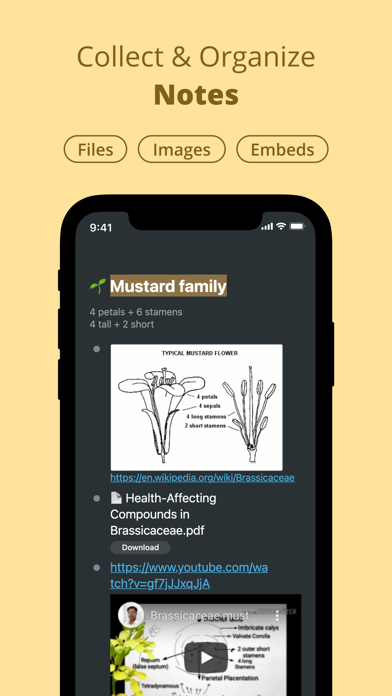
    Workflowy screenshot from its directory listing

    Choose a checklist only if it helps you inspect the message. You can keep those checks on paper instead of adding another app. Copying an old reply does not confirm that its details are still right. Pay special attention to an old date or link that looks plausible at a glance.

    4. Keep the saved version current

    After sending, return to the reusable draft. Remove any specific name or date that you accidentally left in it. If the instructions have changed, update the stable text now and note when you checked it.

    Keep only replies you actually reuse. If a draft takes extensive rewriting each time, stop treating it as a template. A few prompts about what to include may be more useful than a full paragraph.

    For work that is already written but keeps attracting optional edits, the finish checklist guide covers a different decision: when the current version is ready to send. Reusable replies still need a fresh review for the person and request in front of you.

    Prepare one reply today

    • Choose an ordinary message you send repeatedly.
    • Separate stable wording from clearly marked blanks.
    • Read the new request before using the draft.
    • Check the details and recipient in each new copy.

    Open one past routine reply. Remove its personal details, mark the fields that change and save it with a name that describes the request it answers.

    Apps mentioned in this article

    Evernote logo

    Cloud-based notes with powerful search and organization

    Evernote is a note-taking and information-capture app for keeping written notes, saved web material and project context together. It is useful when the problem is remembering where something was stored: a receipt, an article, a meeting note or the instructions for a recurring task. Notebooks and tags provide organizational choices, while search helps retrieve material later. A practical workflow might begin with one notebook for an active project. Capture meeting decisions in a note, save relevant articles beside it and add a short explanation of why each item matters. The Web Clipper can save web pages, articles, PDFs or selected material, and it offers screenshot annotations. Giving a clipping a clear title and a useful tag makes it more helpful than simply collecting another unread page. Evernote's wider feature set brings tasks and calendar-related context into the same environment. Its search can look inside supported images and documents, which can be valuable for information that is awkward to file manually. Availability and limits vary with the current plan, so check the capabilities you need before relying on them for a large archive or team process. The trade-off is that easy capture can become an accumulation habit. Saving information is only one step; deciding what to keep and revisiting useful material is a separate routine. Start with a small number of notebooks and an occasional cleanup rather than a detailed filing scheme for every possible subject. Evernote may fit someone who wants a searchable personal reference collection, while a simpler notes app may be enough for short text and a dedicated project tool may be better for complex coordination.

    Helps with

    BrowserAppleMobile
    Free; from $99/year
    View
    Workflowy logo

    Infinite outliner for capturing and organizing any thought

    Workflowy is an outlining tool built around a single expanding list. Each bullet can contain more bullets, allowing a rough thought to become a note, a plan or a project without moving into a different document format. You can zoom into a branch to concentrate on it, then return to the larger outline when you need context. A practical starting point is one section for active work and another for material you may need later. For a writing project, a bullet can become the article outline, with nested ideas and sources underneath. Clicking into that branch removes the surrounding collection from view, giving you a focused space without requiring a separate file. The same structure can hold a checklist or a meeting agenda. Search filters the document as you type, and tags provide another route back to related items. Saved searches and automatic synchronization support repeated access to the parts of the outline you use most. These capabilities keep the basic model small: write, indent, zoom and retrieve. You can learn the core interaction before deciding whether more advanced features are necessary. Workflowy may suit people who think in outlines or want to capture ideas before deciding on their final organization. Its simplicity does not automatically prevent clutter. Deep nesting can hide unfinished work, while a long top-level list can become difficult to scan. Give important branches clear names and revisit them regularly. It is less ready-made than a conventional daily planner, but that flexibility can be valuable when you want the structure to emerge from the material instead of fitting every thought into a predefined form.

    Helps with

    AppleWindowsMobile
    Free; $8.99/month
    View