Guide#reading#study skills

    ADHD Study Recall: Turn One Reading Point Into a Checked Flashcard

    Pair a source note with a small question-and-answer exercise, then check what you remembered.

    ADHD Product DirectoryNovember 5, 20263 min read
    A person writes in a notebook beside open books and a laptop on a wooden table.

    You finish a page but cannot explain what you just read. If that is a familiar study difficulty with ADHD, try turning one useful point into a question. Close the page, attempt an answer, then check it against the source.

    Keep this small enough to repeat. A single clear question is a reasonable first attempt. You do not need to turn every sentence into a card or rebuild all of your course notes.

    Start with one thing you need to know

    Choose a fact or idea tied to your actual course. For example, after reading about plant cells, ask “What does a chloroplast do?” Write a short answer and the page or section where you found it. Keep your own wording close to the meaning of the source.

    A review of learning research reports that practicing recall soon after learning can slow forgetting. That finding concerns learning research; it does not show that either app below treats ADHD, or that this exact routine will work for you.

    Keep the explanation in a note

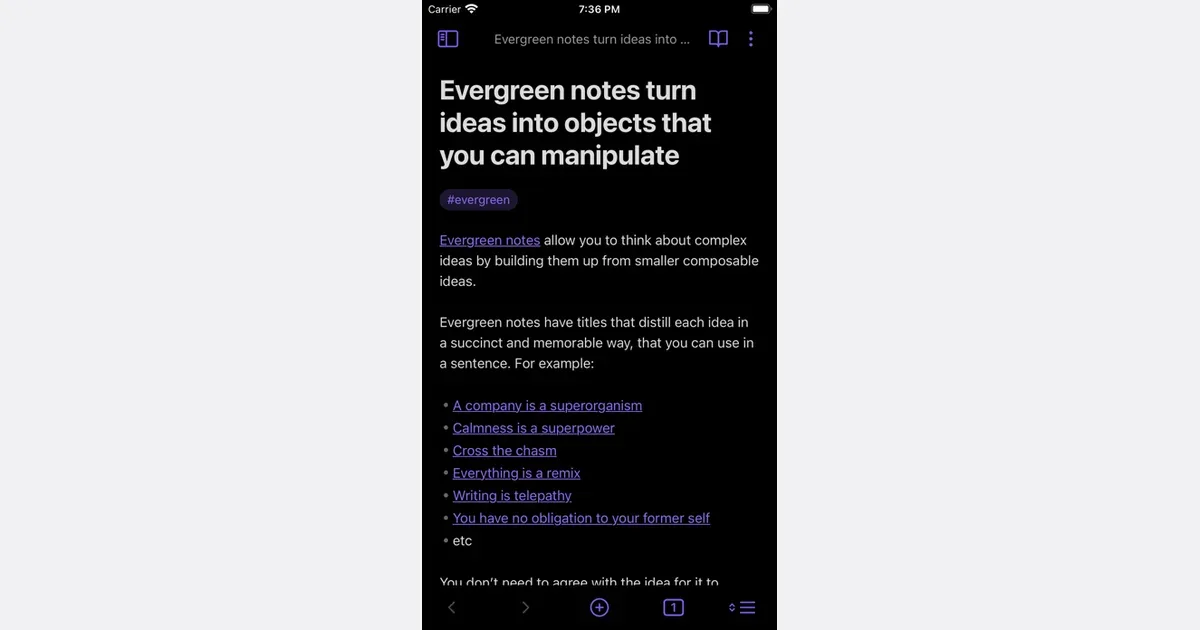
    Obsidian supports links between notes. Its official link guide explains how to make them. Keep the full explanation in one note and link it from a short study note, so you have a place to check an answer that needs more context.
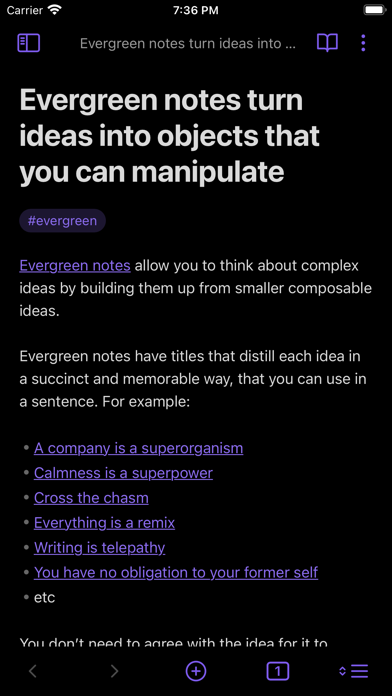
    Obsidian listing screenshot

    For this exercise, record the question, a brief answer, and the source location. If the answer is unclear, reread the source before making a card. A polished card with a wrong answer is still wrong. If you lose ideas while reading, the separate quick-note capture routine can help you decide what to record before returning to the page.

    Get monthly app discoveries and focus tips

    Make one card you can answer

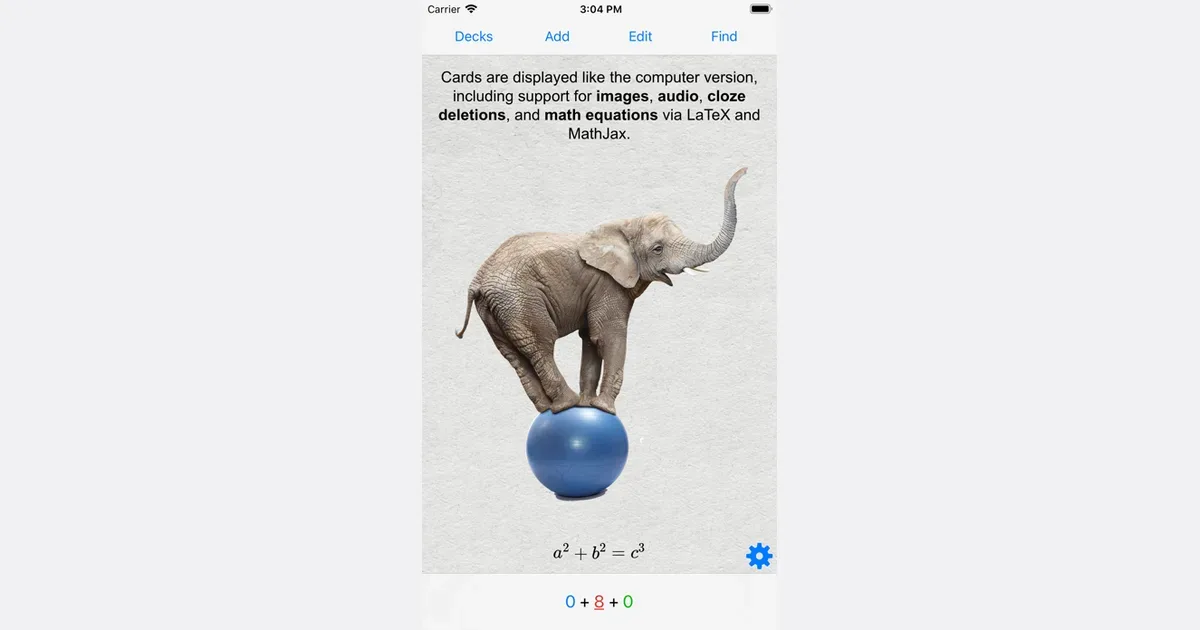
    Anki lets you change flashcard layouts and review timing. Its official page describes those controls. Use it for the question-and-answer part if you want cards, while keeping the longer explanation in your source note.
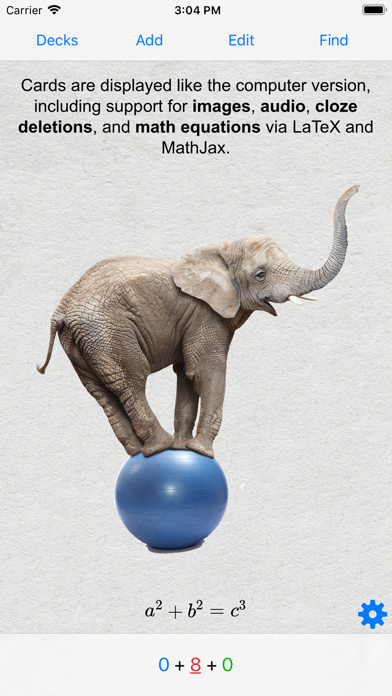
    Anki listing screenshot

    Put one question on the front and a brief answer on the back. Avoid a front that asks you to reproduce an entire chapter. Before revealing the answer, say or write what you remember. Then compare it with the checked answer, including any important condition you missed.

    You can do this same question-and-check exercise on paper. Use the app only if entering and reviewing cards fits your study time. This guide does not assume the two apps exchange notes or create cards for each other; make and check the card yourself.

    Adjust the question when recall fails

    If you cannot answer, first check whether the question is clear. “Explain photosynthesis” may need a longer worked explanation. “Which part of a plant cell contains chlorophyll?” asks for a smaller answer. Choose the size that matches the thing you need to learn.

    Flashcards do not replace reading, worked problems, essays, or feedback from a teacher. Use a problem or practice task when the goal is to apply a skill. If making cards takes all your study time, reduce the number you create.

    Try one question today

    • Read a short section and choose one useful point.
    • Write a question and check its answer against the source.
    • Attempt the answer before you reveal it.
    • Revise unclear questions instead of adding more cards.

    For your next study session, make one checked card from a page you already need to read. Decide whether the question helped you notice what to review.

    Apps mentioned in this article

    Anki logo

    Free, open-source flashcard app with powerful spaced repetition

    Anki is a flashcard study system that schedules repeated reviews of material you want to remember. Instead of showing every card equally often, it uses your feedback about recall to decide when a card should appear again. It is particularly useful for information that benefits from repeated retrieval, such as vocabulary, terminology or facts from a course. You create notes containing information, and Anki uses card types to turn those notes into questions and answers. A basic card has a front and back; other formats include reversed cards, missing-text prompts and image occlusion. Audio, pictures and scientific notation can provide context where plain text is not enough. Decks organize collections, while the desktop application offers substantial control over card layout and review settings. A practical workflow is to learn a concept from your class or other material first, then create a few clear prompts for the parts you need to recall later. During review, think of the answer before revealing it and give honest feedback about how well you remembered it. The aim is a sustainable review queue, so introducing a small number of new cards is often a better starting point than importing a huge collection immediately. Shared decks can save preparation time, but their quality and assumed background vary. Anki's manual emphasizes that cards support understanding rather than replace it. You may need to edit someone else's cards or add explanations so they make sense in your own context. The desktop app is free, AnkiWeb provides synchronization, and the official site links to AnkiMobile for iOS and the contributor-developed AnkiDroid for Android. Be careful to choose the intended app. Anki rewards a regular review habit and thoughtful card design; its customization and growing review queue can feel demanding if you want a ready-made course with little setup.

    Helps with

    AppleWindowsMobile
    Free and Paid Plans
    View
    Obsidian logo

    Local-first Markdown notes with extensive customization

    Obsidian is a note-taking and knowledge-base app built around local Markdown files. Notes live in a folder on your device, called a vault, rather than existing only inside a hosted workspace. You can begin with ordinary text notes and search, then connect related ideas through internal links as the collection grows. For a course or research project, a useful workflow is to write a note for each topic and link it to the sources or questions it relates to. A project note can become a starting page that points to reading notes, decisions and unfinished ideas. Backlinks and the graph view offer ways to explore those relationships, but you do not need a visually elaborate network to benefit from a few well-chosen connections. Obsidian supports customization through themes, plugins and other building blocks. That makes it possible to shape the environment around writing, journaling or a personal reference library. Optional Sync and Publish services address different needs: keeping notes available across devices and making selected material available on the web. Local files remain an important part of the product's approach, and your backup arrangements still matter. The main consideration is how much system design you want to take on. Plugins and naming conventions can improve a workflow, but experimenting with them can also displace the work you meant to do. Start with a small vault, descriptive titles and a project index you can actually revisit. Obsidian may suit people who value control over their notes and connections between ideas; it is less ready-made than a structured course notebook or a shared team task board.

    Helps with

    BrowserAppleWindows
    Free; USD 4/user/month for Sync (billed annually)
    View

    Last updated November 5, 2026