Guide#travel planning#packing checklist#task management

    ADHD trip packing: reuse a checklist and pack in small passes

    Build one flexible list, tailor it to your itinerary, and separate early packing from last-minute essentials.

    ADHD Product DirectoryNovember 12, 20264 min read
    A person sits beside an open suitcase and ties a pink-and-white packing bag.

    Packing for a trip combines many small decisions: what the weather may be, what you plan to do, and which items you still need before leaving. If the task keeps growing in your head, move the decisions onto a reusable checklist and work through one category at a time.

    ADHDadultUK’s packing checklist groups items under headings such as general items and clothing. It includes basics like a phone and charger. Use it as a starting point, not a complete or universal list: destination, mobility needs, trip length, weather, and personal routines all change what belongs in your bag.

    Make a master list, then copy it

    Start with categories you use on most trips: documents, clothes, toiletries, medication or health supplies, electronics, and items needed on travel day. Keep the master list as a reference. For each trip, make a copy and remove what does not apply. Add trip-specific details such as rain gear, formal clothes, a swimsuit, or equipment for an activity you have actually planned.

    Avoid trying to list every possible object. A list that is too long becomes another thing to sort. If you are unsure about a specific requirement, check the airline, accommodation, or official travel guidance directly instead of guessing from a generic template.

    Separate “pack now” from “use before leaving”

    Some items can go into the suitcase early. Others, like a daily phone charger or toothbrush, may need to stay in use until departure. Mark these differently on your own list. A simple “pack” and “morning of” split can prevent a last-minute item from disappearing into the already-packed bag.

    Bear supports todo lists for managing tasks, according to its official guide to lists and todos. You could make separate lists for “Pack early” and “Morning of” in a note called for this trip. A digital list is useful only if it is easy for you to reopen and check. A parent item such as “Prepare for the weekend trip” could contain steps for clothes, toiletries, and documents. Add only a few steps if that makes the list easier to scan; a single flat list on paper can work just as well.

    Get monthly app discoveries and focus tips

    Bear screenshot from its directory listing

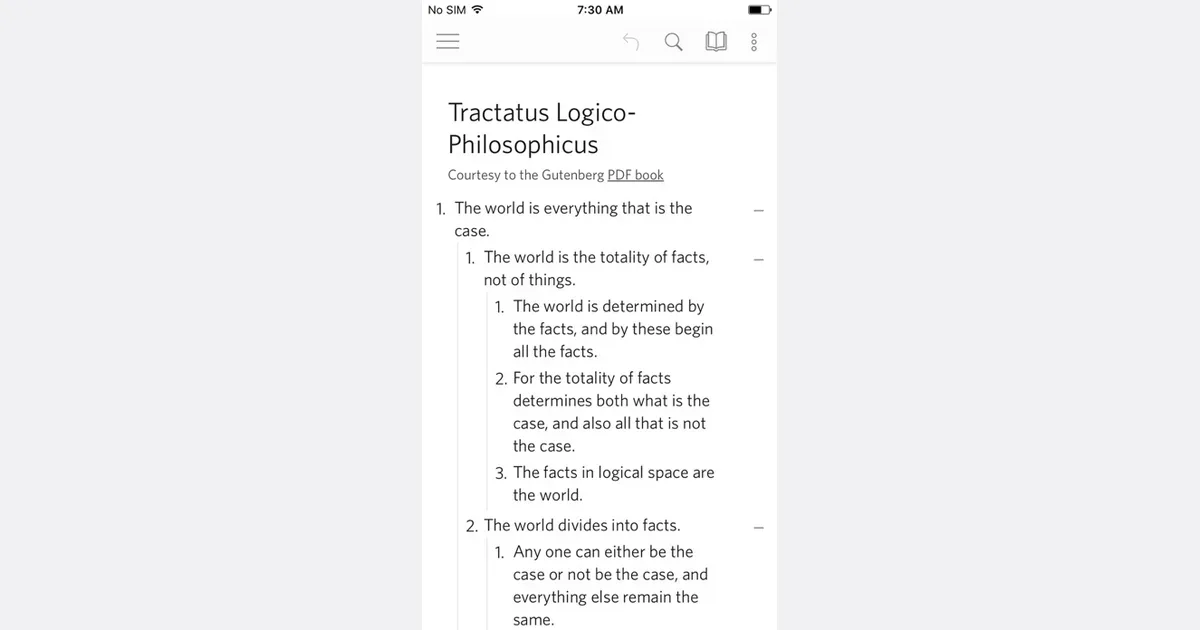
    If you prefer nested outlines, Dynalist has a built-in checklist, as described on its official feature page. A top-level item for “Clothes” can hold smaller items underneath it. That structure is useful if categories help you see what is missing; it may feel like extra setup if you only need a short list.

    Dynalist screenshot from its directory listing

    Gather before you pack

    Use a surface or a few containers to gather items by category before putting them into the suitcase. Check the list while you gather, then pack the group together. This gives you a visible progress point and a chance to notice an item that is still in use. Keep travel documents and essential daily items in a place you can reach, and follow current transport rules for anything restricted or time-sensitive.

    If packing feels stalled, start with one easy category or one item already near the suitcase. You can ask a travel companion to check a short list of shared essentials, but keep personal choices and private health information under your control. The checklist supports memory; it cannot know what you personally need or replace current travel requirements.

    Reuse what you learn

    After the trip, take a few minutes to update the master list. Add something you wished you had, remove something you repeatedly carried without using, and keep a separate note for items that must be packed at the last minute. Do not rebuild the entire system after one unusual trip.

    Before the next trip

    • Copy the master list and name it for the destination or dates.
    • Add only items required by the actual itinerary and conditions.
    • Mark what can be packed early and what stays in use.
    • Gather items by category, then check them off as they go in.
    • Update the reusable list after returning.

    Make a first version with four or five categories today. The next trip can teach you what to add, remove, or keep separate.


    Apps mentioned in this article

    Bear logo

    Minimalist markdown notes with focus on simplicity

    Bear is a Markdown note-taking app for Apple's devices. It combines a writing-focused editor with tags for organizing notes, making it possible to start with a simple text collection and add structure as it becomes useful. The main appeal is keeping capture and writing close together without first designing a database or elaborate workspace. A practical setup might use a few broad tags for work notes, personal reference and writing ideas. A meeting note can contain the discussion, a short list of decisions and links or attachments you want to revisit. Clear titles and a small set of useful tags are often easier to maintain than a different organizational rule for every kind of note. Bear supports headings and folding for navigating longer writing, along with images, attachments and sketches. Its paid Pro offering adds capabilities such as supported OCR search, with current availability described in the feature comparison. If synchronization or a particular export format is central to your workflow, check the current plan details before moving a large collection into it. Bear may suit people who value a relatively direct writing environment and already work within compatible Apple devices. The trade-off is that a flexible note collection still needs some retrieval habits. Capturing an idea is only useful if you can find it when needed, and a large tag hierarchy can become as cumbersome as a large folder tree. Start with the notes you use frequently, pin or organize the important starting points and add complexity only when a real search or writing problem calls for it.

    Helps with

    AppleBrowser
    Free; USD 2.99/month or USD 29.99/year
    View
    Dynalist logo

    Power outliner with dates, tags, and Markdown support

    Dynalist is an outlining app for organizing ideas and tasks as nested lists. A document can begin as a loose collection of thoughts and gradually become a project plan, meeting agenda, checklist or reference outline. Collapsing branches and zooming into an item let you concentrate on one part while keeping the larger structure nearby. For a practical starting point, create a capture list and add thoughts as short bullets. During a regular review, move related items under a project, break a larger action into smaller steps, and add notes beneath items that need context. Tags, search and bookmarks help you return to important material without expanding every branch. Cross-links connect related items when a strict hierarchy is not enough. Dynalist supports checklists, date-based organization and Markdown formatting, along with keyboard shortcuts for moving around and restructuring an outline. Some additional features, including recurring dates, calendar integration and automatic backups, depend on the paid plan. Lists can be shared, and export options such as OPML and plain text provide a way to keep a separate copy or move an outline elsewhere. Desktop and mobile downloads are available alongside the web app. Dynalist may appeal to people who find lists easier to maintain than a collection of separate documents and databases. Its established feature set is the main attraction; do not choose it on the expectation of rapid new development. Before adopting it, check current device compatibility, especially on newer Macs, and try exporting a sample outline with notes and links. If you need time-sensitive notifications, test that requirement directly rather than assuming that a date written in an outline behaves like a reminder in a dedicated task app.

    Helps with

    AppleWindowsMobile
    Free; $9.99/month or $95.88/year
    View