‹ Sleep Support
    Type Alarm logo

    Type Alarm

    Managed by developer

    Sleep Support

    Type Alarm is a wake-up alarm for heavy sleepers: silencing the banner is not enough — it returns until you type mixed-case phrases. Not a medical device.

    Type Alarm is a typing-first wake-up alarm for heavy sleepers on iPhone (iOS 26 or later).

    About Type Alarm

    Managed by developer

    Type Alarm is a typing-first wake-up alarm for heavy sleepers on iPhone (iOS 26 or later). You can silence the banner like any alarm, but it comes back until you finish the typing challenges. There is no emergency exit and no ads.

    The design is aimed at sleep inertia: the first minutes after waking, when attention and finger control are weakest. A swipe is easy to do half-asleep; typing a longer mixed-case phrase requires reading, using Shift and finishing the line. If you leave without finishing, the alarm returns; while you type, re-arming pauses. You can practice the challenges at any time.

    This is a wake-up alarm, not a medical device, and it does not treat a sleep disorder or ADHD. AlarmKit can break through Silent mode and Focus on iOS 26 or later. The full app is free for three days after install; Type Alarm Pro then unlocks ongoing alarm use, while practice stays available.

    Who it’s for

    Heavy sleepers who turn off ordinary alarms without fully waking, and anyone who wants a harder-to-dismiss morning alarm on iPhone. Requires iOS 26 or later. It is not a medical device and does not treat sleep disorders.

    What makes it special

    Silencing the banner does not dismiss the alarm — it returns until you finish mixed-case typing challenges, with no emergency exit. You can practice anytime, and AlarmKit can break through Silent mode and Focus on iOS 26+.

    Approach to privacy

    App Store privacy label: Data Not Collected. No app account is required. Alarm times, preferences and trial status stay on your device. Purchases are handled by Apple; the app only receives whether Pro is active.

    Type Alarm screenshots

    Screenshot 1 of 3

    Key features

    • Typing to dismiss

      The alarm keeps returning until you finish mixed-case typing challenges. There is no emergency exit.

    • Built for sleep inertia

      Longer mixed-case phrases require reading and using Shift, so they are harder to clear on autopilot. This is not a medical treatment.

    • Breaks through Silent mode

      On iOS 26 or later, AlarmKit can ring through Silent mode and Focus.

    • Practice anytime

      Rehearse the challenges without waiting for morning. Practice stays available after the three-day trial, even without Pro.

    Type Alarm pricing, explained

    Free Trial · USD 4.99/month or USD 29.99/year

    Pricing has not been verified by our editors.

    Check current pricing on Type Alarm’s website

    Type Alarm FAQ

    Is this a treatment for sleep problems or ADHD?

    No. Type Alarm is a wake-up alarm, not a medical device, and it does not treat a sleep disorder. It also is not presented as an ADHD treatment.

    What happens when the trial ends?

    The full app is free for three days after install. After that, Type Alarm Pro (USD 4.99/month or 29.99/year) unlocks ongoing alarm use. Practice typing stays free.

    Can I swipe the alarm off?

    You can silence the banner, but the alarm comes back until you finish the typing challenges. There is no emergency exit. Leaving without finishing re-arms the alarm.

    All Type Alarm tags

    Platforms

    iOS

    Best for

    Daily Routines

    Experience

    Low Setup FrictionMinimal / Low Stimulation UI

    Type Alarm alternatives

    NEDIO logo

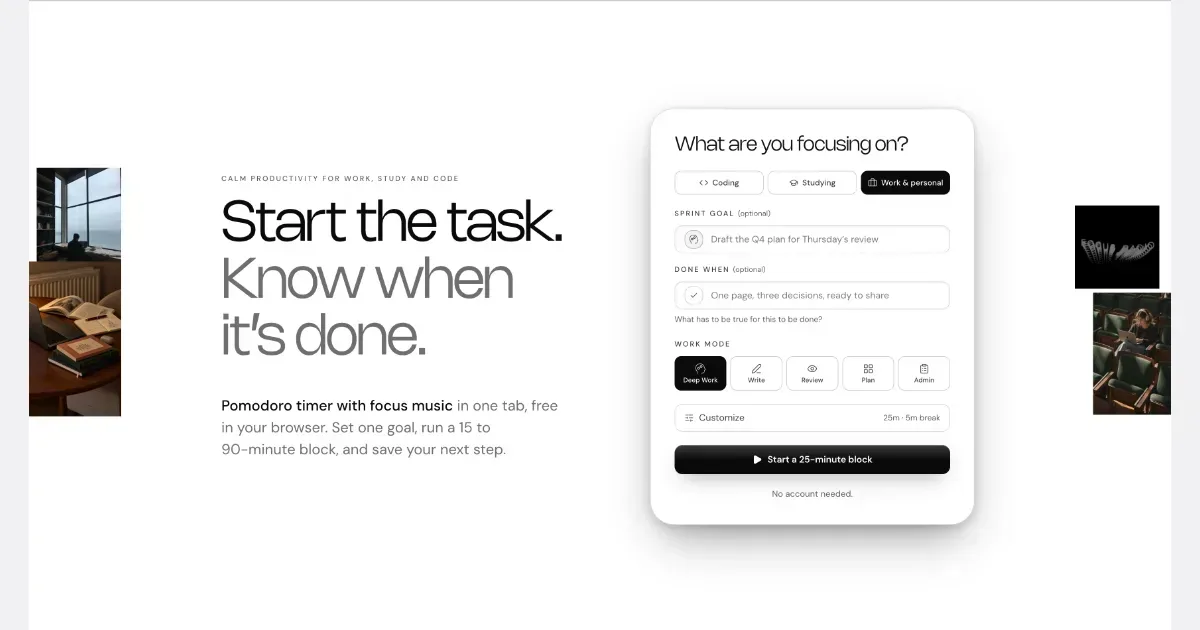
    Pomodoro Timer, Focus Music and AI Review for Developers, Students and Professionals

    NEDIO is a free focus timer that helps people who work at a computer all day start, stay on track and stop without losing the thread. Before each work block you write one goal and a single “Done when” line. After the block you answer one question: was the goal reached (Yes, Partly or No)? You also leave a “parking line” saying where to pick up next time. It runs in the browser with no account, and inside VS Code and Cursor. NEDIO is built around difficulties many people with ADHD describe: “I can’t get started,” “I sat down to do one thing and ended up somewhere else,” “I can’t stop,” and “by evening I have no idea what I did.” It has no productivity score, no streaks and no reminders to get back to work, so a missed goal is simply a record, not a failure. It does not read your code or files and stores only what you type. It is not a treatment for ADHD or a replacement for a doctor, therapist or coach. It makes starting and stopping a bit cheaper. The timer, close-out and weekly stats are free; Pro ($9.99/month, 15-day trial) adds unlimited audio and AI Review.

    Helps with

    Browser
    Free and Paid Plans
    View
    The Odette App logo

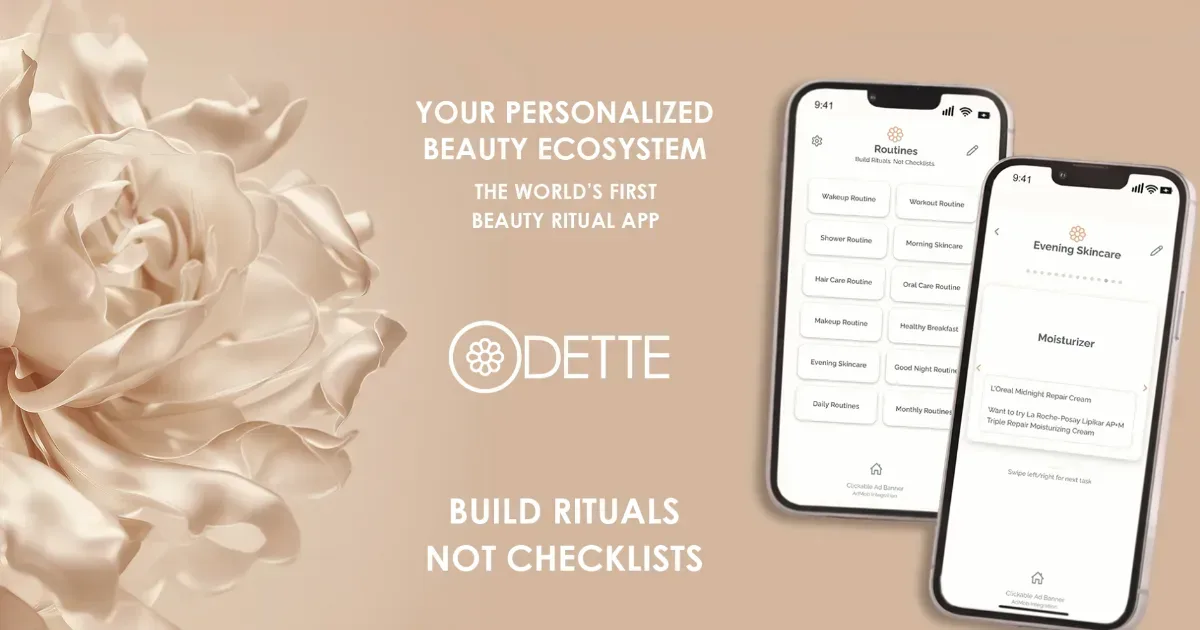
    Odette helps people with ADHD follow multi-step beauty routines by turning every step into a customizable, swipeable card, so they can do what comes next.

    Odette is a free beauty ritual app for building routines around your own products and steps. Create skincare, makeup, haircare, oral care, wellness, or other routines, put the steps in your preferred order, add notes, and swipe through one card at a time.

    Helps with

    AppleMobile
    Free
    View
    Nulma logo

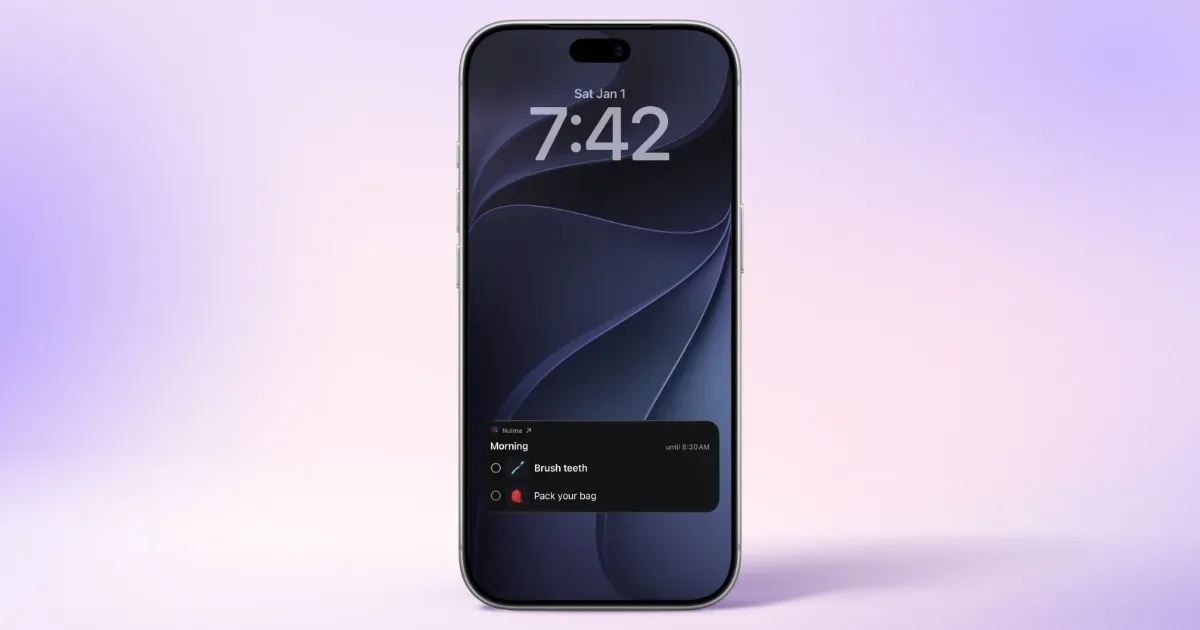
    Your daily routines, visible right when you need them

    Your day is full, your head doesn't have to be. Nulma turns the parts of everyday life that keep coming back into simple routines. When it's time, the right steps are ready. See what matters now, what comes next, and move through your day one step at a time. MADE FOR REAL LIFE • Build routines for mornings, getting out the door, work, school, evenings, and more. • Break each routine into easy-to-follow steps, with optional symbols to make them clearer. • Choose the days and times that work for you. With Premium, you can schedule the same routine more than once a day. • See your current and upcoming routines without digging through a long to-do list. • Get notified when a routine begins, so you know when it's time to get started. • Check off steps from Live Activities, Home Screen widgets, or Apple Watch. Keep an eye on what's next with Lock Screen widgets and your Apple Watch face. • Bring scheduled Apple Reminders into your routines and complete them alongside your steps with Premium. • Ask Siri what's next or open a routine with a shortcut. STRUCTURE WITHOUT THE PRESSURE Nulma is for busy parents, students, professionals, people with ADHD, and anyone with a lot on their mind. Some days go according to plan. Others don't. Skip a step when plans change and pick things up again when you're ready. No streaks to protect. No pressure to do everything perfectly. Just a little more structure when you need it. PRIVATE BY DESIGN Your routines are personal. They should stay that way. Nulma stores your routines on your device and can sync them securely through your private iCloud account. Your routine content isn't sent to us, and we can't access it. No account to create. No ads. No tracking across apps. Just your routines, kept where they belong: with you. START SIMPLE Get started for free with up to three active routines. Upgrade to Premium for unlimited routines, more flexible scheduling, and Apple Reminders integration. Less to remember. More room to focus.

    Helps with

    Apple
    Free and Paid Plans
    View
    Nyblit logo

    There’s more to a task than done vs not done.

    **You’ve made the call. Left the voicemail. Done everything you can for now. So why is your to-do list still telling you that you haven’t done it?** Nyblit is a task manager built around the reality of getting things done with ADHD: tasks have steps, interruptions, dependencies and delays. An empty checkbox rarely tells the whole story. Created by an independent developer with ADHD, Nyblit helps you see what you can act on today, keep track of everything else, and recognise the progress you’ve already made. Every task has a place: - **Inbox:** Capture a thought before it disappears. Decide what to do with it later. - **Today:** See the tasks you’ve chosen to work on and can actually move forward. - **Blocked:** Keep track of things waiting on someone or something, with the reason attached. - **Later:** Put something aside deliberately. Set a time and it returns to Today automatically. - **Done:** Record what’s finished—including tasks you’ve cancelled or decided you no longer need. The aim is a daily list you can approach without having to mentally sort your entire life first. If you recognise the feeling of opening a to-do list, seeing everything at once and immediately wanting to close it, Nyblit was designed with that moment in mind. Separating actionable work from things that are waiting or postponed gives you fewer competing demands to consider. It also gives you somewhere to put the details you might otherwise keep rehearsing in your head. Why did this stop? Who am I waiting for? Where had I got to? The task keeps its context, making it easier to pick up again. **Make the next step easier to see.** A task such as “sort out the car” can feel enormous when you haven’t decided where to begin. Nyblit’s custom workflows let you define the stages of familiar tasks and reuse them. A phone call, for example, might involve preparing your notes, making the call and recording what was agreed. If nobody answers, selecting “Left voicemail” moves the task to Blocked. Your progress stays with it. That means fewer decisions to reconstruct each time you return to a task. You can see where you are and what comes next. **Give yourself credit before the final checkbox.** You can spend a busy morning moving things forward without finishing everything. Nyblit makes room for that reality. Completed steps, progress rings and daily activity statistics help make your effort visible. Subtasks help you break work into smaller actions. Time estimates help you think about what will fit into your day. Repeating tasks support regular responsibilities, while notes and links keep useful information close to the work. Shared tasks and projects let you coordinate with family or colleagues. **Built from lived experience.** Nyblit was created by David Margolis, a professional watch restorer and self-taught developer in West London who has ADHD, autism and dyslexia. Its origins go back more than twenty years, to a tool he built to organise his own work. On a watchmaker’s bench, a repair might be ready to start, waiting for a component or awaiting a customer’s approval. Those differences matter. David brought that same understanding to everyday tasks, creating a system around the difficulties he experienced with traditional organisation. Nyblit is available on iPhone, iPad, Mac and Apple Watch, with iCloud sync and no separate account to create. Capture tasks on the go, organise them on a larger screen, or check your next action from your wrist. It's also compatible with reMarkable e-ink readers and there is a live public beta for our web available now. **A task can be unfinished and still be exactly where it needs to be. Nyblit helps you see the difference—and find your next step.**

    Helps with

    AppleBrowser
    Free and Paid Plans
    View

    Side by side