
Browse apps

    Discover tools built for ADHD, neurodivergence, and focused work.

    Not sure where to start? Find tools with a short quiz.

    Selected filters

    Showing 10 results on this page for your choices.
    Sort
    Results per page
    FluxGarden logo

    Grow a web of linked notes and tasks.

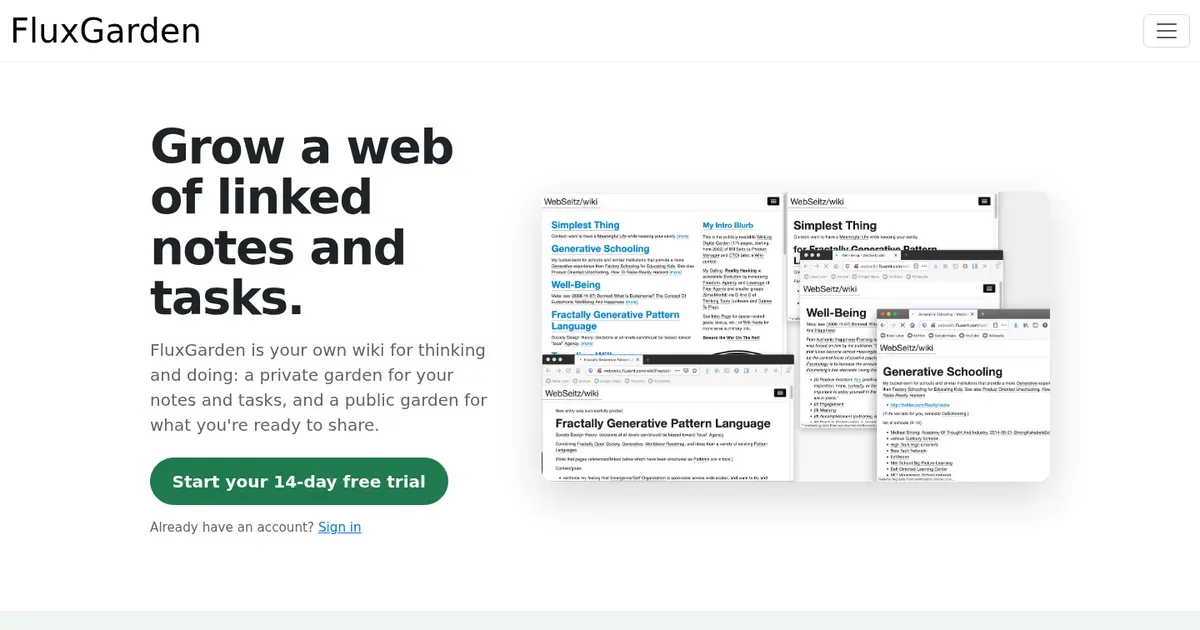
    FluxGarden is your own wiki for thinking and doing: a private garden for your notes and tasks, and a public garden for what you're ready to share. Note note is an island. Every note connects to others, and the connections are where the thinking happens. No idea is ever really finished. You refine it, jump off in a new direction, rediscover it a year later, and refine it again. Your notes tool should make that cheap. Some ideas belong in public. Most aren't ready yet. Moving a thought from private to public should be a copy-paste, not a format conversion. You get 2 gardens, under one subdomain you pick (like "alice.flux.garden"): Now your tasks can be just as linky: Some of your work fits a pretty "project" package. Lots of it doesn't: your bathroom remodel, your band, your health, your Q3 launch. So your tasks live in your inner garden, in the same graph as your notes, nested however deep you need. And then "star" a small set of Most Important Tasks to do Today.

    Helps with
    Browser
    $48/yr
    View
    asambl logo

    The private planner that drafts your week around work.

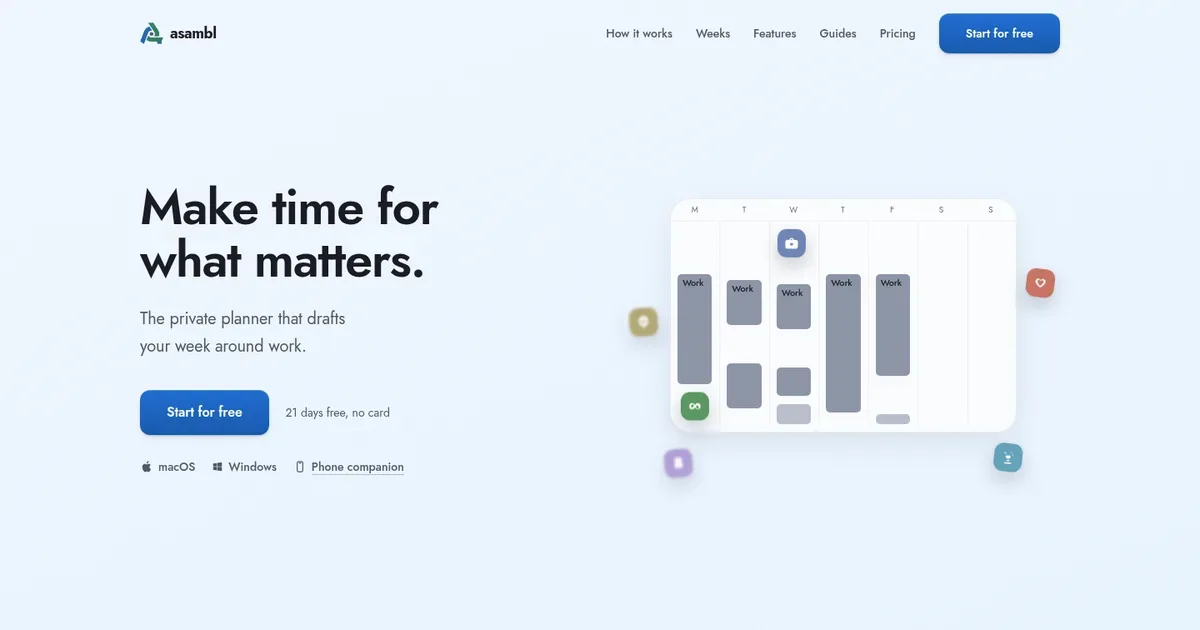
    Make time for what matters. A planner for each part of your week. Each starts from what you've told it and writes the actual plan. You decide what goes in. Desktop app for Mac and Windows, phone companion included. 21 days free, no card.

    Helps with

    AppleWindows
    $15/month or $135/year
    View
    Lithic UK logo

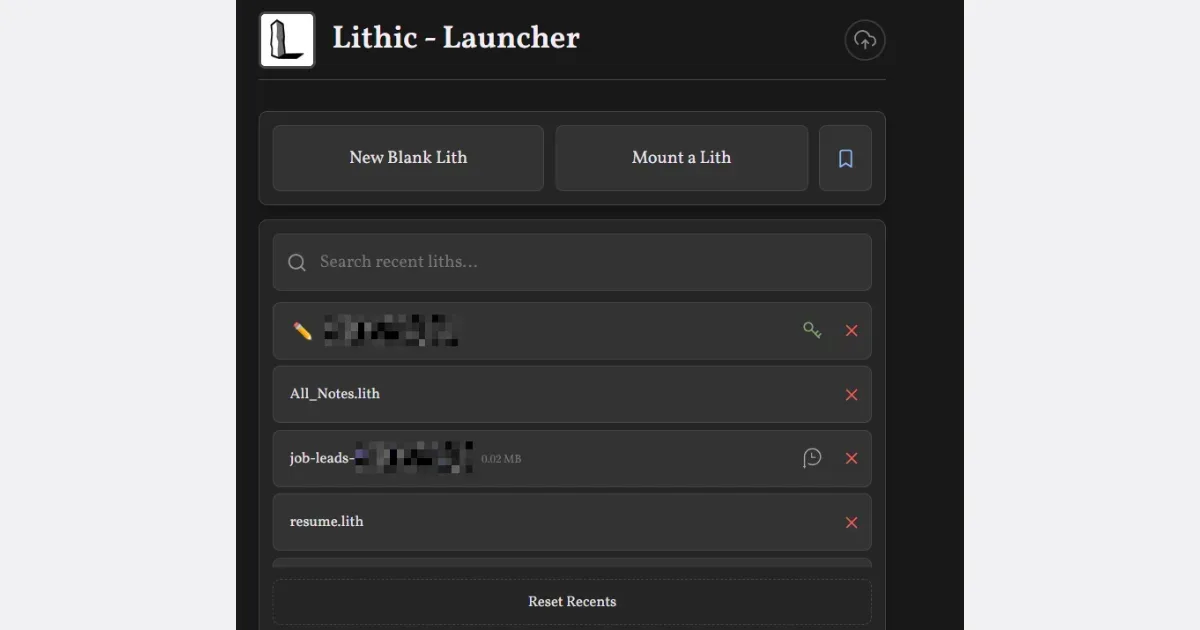
    A zero-friction notes and productivity app

    Helps with

    BrowserMobileWindows
    Free
    View
    NEDIO logo

    Pomodoro Timer, Focus Music and AI Review for Developers, Students and Professionals

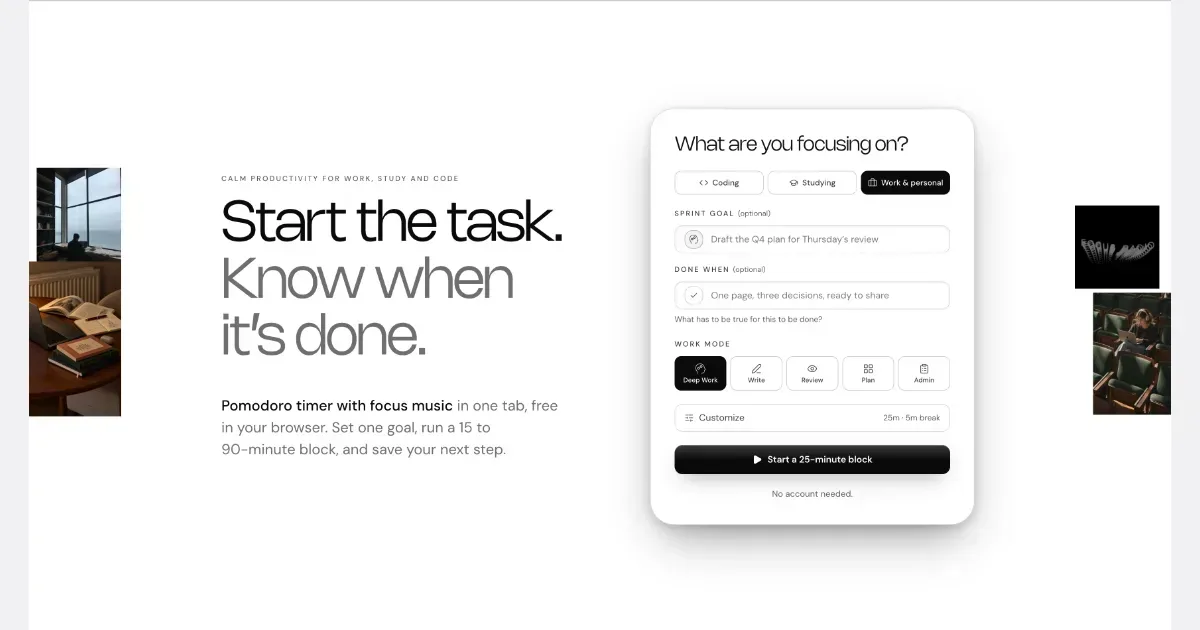
    NEDIO is a free focus timer that helps people who work at a computer all day start, stay on track and stop without losing the thread. Before each work block you write one goal and a single “Done when” line. After the block you answer one question: was the goal reached (Yes, Partly or No)? You also leave a “parking line” saying where to pick up next time. It runs in the browser with no account, and inside VS Code and Cursor. NEDIO is built around difficulties many people with ADHD describe: “I can’t get started,” “I sat down to do one thing and ended up somewhere else,” “I can’t stop,” and “by evening I have no idea what I did.” It has no productivity score, no streaks and no reminders to get back to work, so a missed goal is simply a record, not a failure. It does not read your code or files and stores only what you type. It is not a treatment for ADHD or a replacement for a doctor, therapist or coach. It makes starting and stopping a bit cheaper. The timer, close-out and weekly stats are free; Pro ($9.99/month, 15-day trial) adds unlimited audio and AI Review.

    Helps with

    Browser
    Free and Paid Plans
    View
    Day One logo

    The gold standard journal app for Apple devices

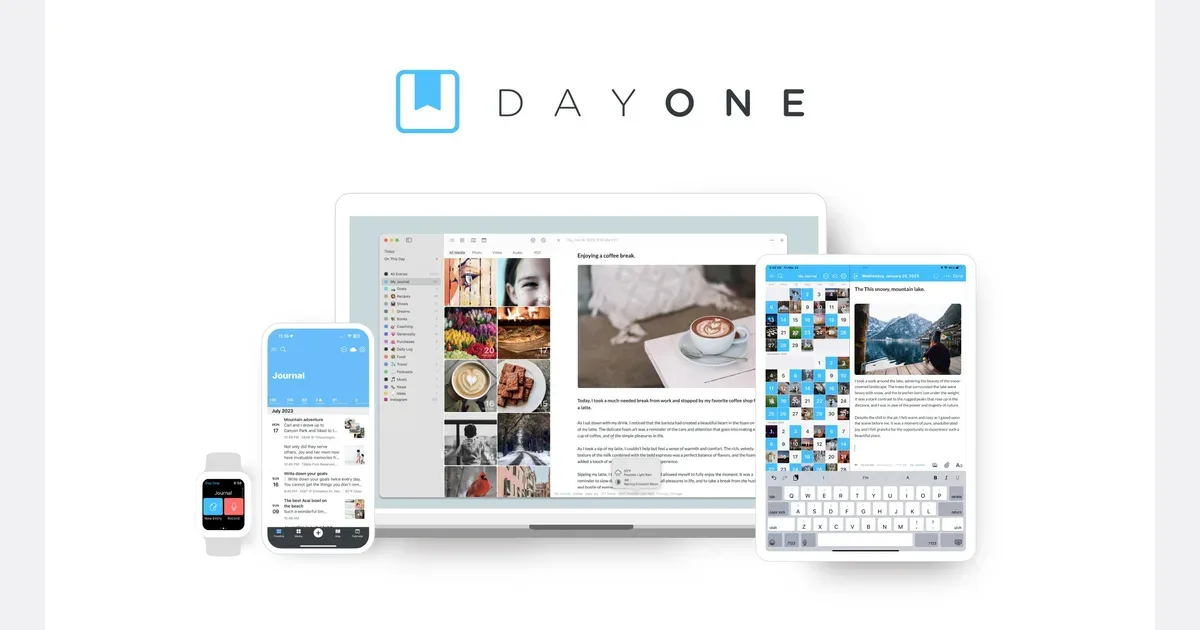
    Day One is a digital journal for recording daily experiences, reflections and memories. Entries can combine writing with photos and, on supported paid plans, audio, video and drawings. Separate journals, tags and search help you keep a work log, travel diary or personal reflection practice without putting every entry into one undifferentiated timeline. A manageable routine could be one short evening entry: what happened, what stood out, and one thing to remember. Templates give that entry a repeatable shape, and reminders can open a familiar prompt rather than leaving you facing a blank page. You can also capture a photo with a few sentences when a longer entry feels unnecessary. The calendar, map and media views provide different ways to revisit your records, while On This Day brings back entries from previous years. The current Basic plan includes unlimited text entries and journals, templates, search and one photo per entry. Silver adds capabilities such as multi-device journaling, more media, audio recording and transcription. Gold adds optional AI reflection tools. Check the current plan comparison for your devices and intended capture methods rather than assuming every feature shown in a tutorial is included for free. Day One states that end-to-end encryption is enabled by default, and it provides passcode or biometric protection. Export options offer a way to keep your own copy of the archive. It may suit people who want a searchable record of life with enough structure to return to it later. Keep the starting routine small, and decide whether streaks and reminders encourage you or make journaling feel like another obligation. A useful entry can be brief and does not need to happen every day.

    Helps with

    Apple
    Free; $49.99–74.99/year
    View
    Daylio logo

    Quick mood and activity tracker with visual insights

    Daylio is a mood journal and activity tracker for people who want to record a day without starting with a blank page. Choose a mood, tap the activities that fit and add a note when there is something you want to remember. The result is a personal timeline that can be quick to maintain while still leaving room for a more detailed diary entry. Moods and activity groups can be customized around your own vocabulary. For example, a small set of activities might cover work, movement, social time and rest. Keeping those choices recognizable can make it easier to record an entry when energy or attention is limited. Notes and photos can preserve context that a mood icon alone would miss. Daylio turns entries into charts and summaries, including weekly or monthly views and a Year in Pixels overview. Goals connect repeated activities to a daily, weekly or monthly intention. A practical routine is to make one short entry at a dependable moment, then review a week of entries rather than trying to interpret every change immediately. More frequent check-ins are an option if one overall daily rating feels too broad. There is an ongoing free version and an optional Premium subscription. Advanced statistics, additional customization, unlimited goals and automatic backups are among the paid features; the exact feature set should be checked in your device's app. Journal entries stay on the device, with optional backups to your private cloud storage. A manual backup file can also be exported for safekeeping or transfer. Daylio may fit someone who wants gentle structure for reflection and a record of ordinary life. Its patterns depend on what you choose to log. A chart can suggest questions to explore, but does not establish why a mood changed or provide a diagnosis.

    Helps with

    BrowserAppleMobile
    Free and Paid Plans
    View
    Diarium logo

    Feature-rich Windows journaling app with automatic daily prompts

    Diarium is a personal journal for Windows, Android, iPhone, iPad and Mac. You can write entries with text and attachments, organize them with tags and revisit them through a calendar, timeline, gallery or map. It can be used without creating a Diarium account, with optional syncing through your own cloud storage. A useful first entry can be very small: a few sentences, one photo or a voice note about something you want to remember. Try finding that entry again through the calendar or search before adding more integrations. This helps you learn the retrieval side of journaling, rather than only collecting material you may never revisit. The app supports rich text, photos, videos, audio and other files. Optional integrations can bring in context such as calendar events, photos or activity data, reducing the need to reconstruct a day from scratch. Consider each integration separately and connect only what is useful for your journal. Entries can remain on the device, while Pro syncing uses a supported storage service such as OneDrive, Google Drive, Dropbox, iCloud or WebDAV. Diarium may suit someone who wants a multimedia diary and control over their storage choice. Cloud syncing still depends on the chosen provider and correct setup, and attachments can consume storage. Pro is a one-time purchase per platform rather than a universal subscription. Check the price and included features for every platform you intend to use before assuming a purchase transfers between devices.

    Helps with

    Windows
    One-time purchase; varies by platform
    View
    Finch logo

    Adorable self-care pet app combining mood tracking and journaling

    Finch is a self-care app that connects small real-world goals with looking after a virtual bird. Completing goals gives the bird energy for adventures, and returning to the app reveals stories and discoveries. This provides a playful reason to check in with a routine rather than presenting the routine only as a list of unfinished responsibilities. A useful first setup is a small number of achievable goals that genuinely belong in your day. You might choose a brief walk, a moment of reflection or preparing something for tomorrow. The app supplies initial goals to introduce the experience, and you can add your own as you learn what feels useful. A home-screen widget offers another reminder to return without needing to search for the app. Finch includes activities such as reflections, breathing exercises and focus timers. Its character and home can be customized, while social features let friends exchange encouragement. Quests introduce different parts of the app, and an optional Plus subscription adds benefits beyond the basic experience. Check the current feature description if a particular activity or customization is important to you. Finch may suit people who respond to a friendly character and small visible rewards. It is worth considering how you feel about check-in streaks, collecting items and seasonal events: those features can be enjoyable, but they can also become another thing to keep up with. Start with goals that support your day rather than goals chosen only to earn a reward. The bird is most useful as a cue for caring for yourself, while the real routine should remain flexible enough for changing energy, priorities and time.

    Helps with

    AppleMobile
    Free and Paid Plans
    View
    Insight Timer logo

    World's largest free meditation library with 250,000+ sessions

    Insight Timer is a meditation and listening app with a large catalog of guided practices, music, talks and courses from different teachers. Its emphasis on choice makes it possible to explore several approaches rather than follow a single teaching voice throughout. The catalog includes both short sessions and more structured learning material. A practical way to begin is to choose a clear purpose and a manageable duration. You might look for a short guided practice, a familiar teacher or a quiet listening option for the end of the day. Once you find something that suits you, returning to it can be more useful than starting a fresh search every time. A broad library is easier to use when it supports a small repeatable routine. The service includes free listening material and a separate course offering, with paid features and access conditions described in its current plans. Topics and teaching styles vary, so review a session's description before assuming that every recording takes the same approach. Some material is explicitly spiritual, while other sessions use a different frame. Choose content that matches what you want from the practice. Insight Timer may suit people who appreciate variety or want to explore before committing to one method. Its size is also the main trade-off: browsing can take more effort than the short practice you intended to do. Start with one or two reliable sessions and expand gradually. The helpful question is whether a recording fits your preferences and routine, rather than whether you have tried the largest number of teachers or completed every course available.

    Helps with

    BrowserAppleMobile
    Free; USD 9.99/month or USD 59.99/year
    View
    Journey logo

    Cross-platform journal with mood tracking and coach features

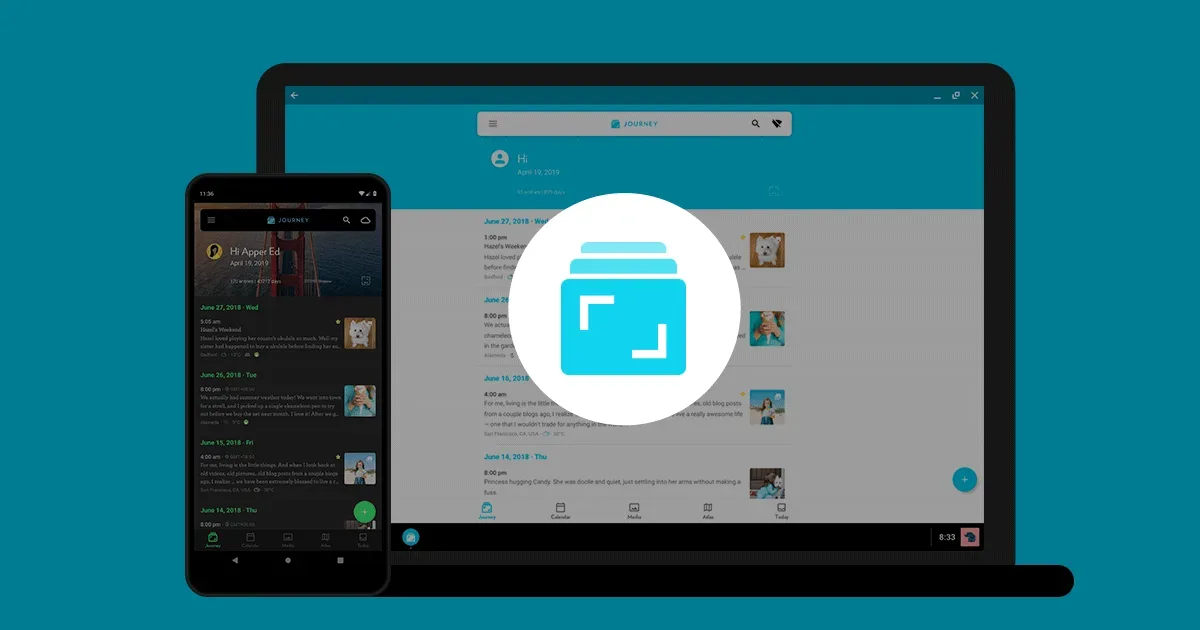
    Journey is a diary and journaling app for building a personal record across mobile, desktop and web. Entries can contain text, photos, video and audio, with mood and location information when you choose to include it. Calendar, media and map views offer ways to revisit experiences beyond scrolling through a list of dates. For example, you could create a short travel entry with a photo, a few observations and a place, then use the Atlas view to look back at the trip. For everyday reflection, a custom template can provide a few familiar questions. Mood tracking and throwbacks add another way to review what you have recorded, while shared journals and selected-entry links support intentional sharing with other people. Feature availability depends on the plan, platform and sync service. Journey offers Google Drive sync and Journey Cloud Sync, and those choices have different privacy behavior. Its help documentation says end-to-end encryption must be enabled for Journey Cloud Sync with a passphrase that Journey does not store. It also explains that original media is processed on its servers before encryption and that enabling this mode limits search. Review those details and your backup/export options before moving a private archive; a local app lock is a separate protection. Journey may appeal to people who want multimedia journaling across a mixture of devices rather than one operating system. Its current desktop app supports Windows, Mac and Linux, alongside mobile and browser access. Try a few entries, an attachment and an export on the devices you actually use. Start with one small prompt or photo entry so that organizing memories stays easier than maintaining a complicated journaling system.

    Helps with

    AppleWindowsMobile
    Free; from $4.17/month (billed annually)
    View