Take the Quiz
Your work break has started, but now you are deciding what to do with it. Opening another feed may turn a brief pause into a longer browsing session. Before the next break, choose one activity and a clear point at which you will return. A short menu can make that choice more concrete.
CHADD suggests intermittent breaks, including a walk to the water fountain. Its workplace guidance offers broader advice for adults with ADHD. The menu below is an editorial exercise for choosing a break. The apps have different roles; using them together is optional and has not been tested here.
1. Write three break choices before you need them
Choose actions you can start without more planning: get water, look away from the screen, or briefly watch a scene you already chose. Write what ends each choice. For example, finish getting water and sit down, or close the scene when your timer ends. Avoid filling the list with new work such as checking messages.
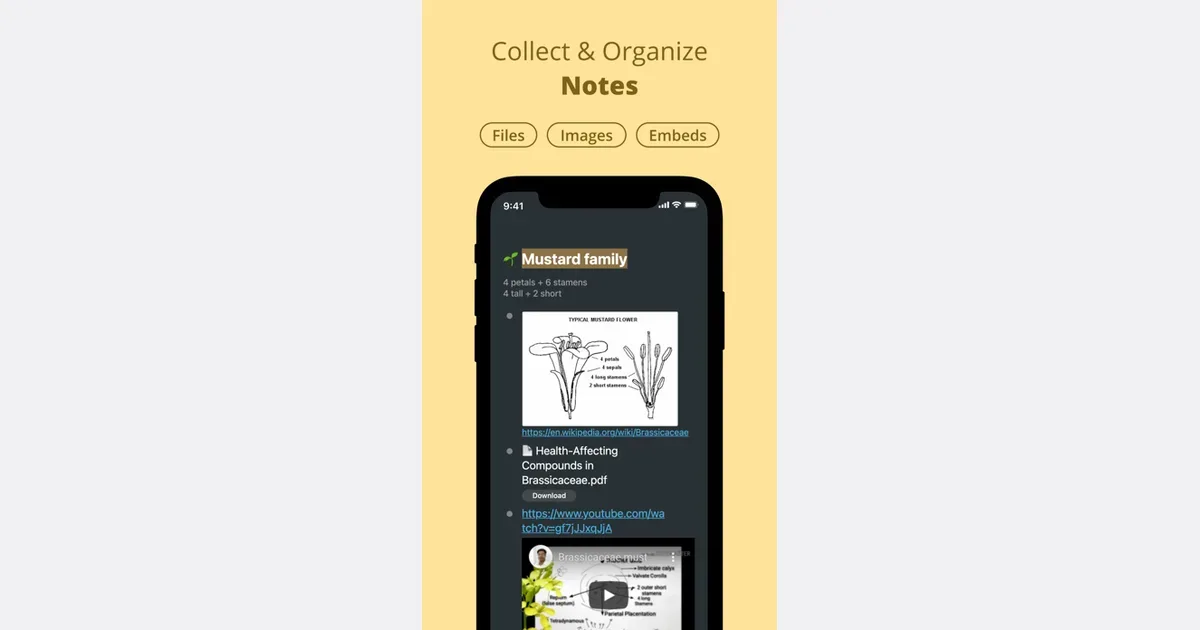
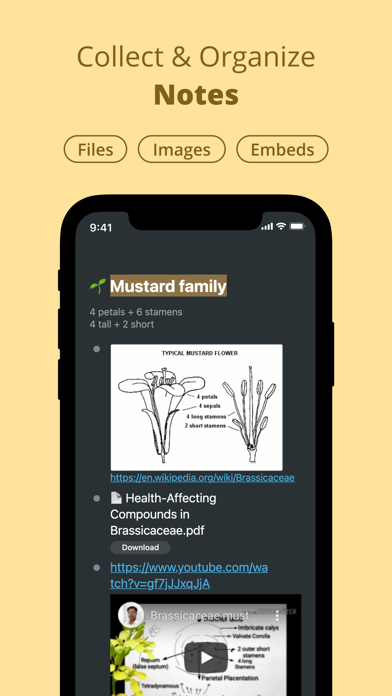
Workflowy lets you add checkboxes to task bullets. The official todo guide explains the feature. You could keep a short list called “Break choices” beside your work notes. Mark the choice you made, then clear that mark when you prepare the next break. This is a proposed use of a checklist, and paper works too.
Keep the menu short. If you spend the whole break adjusting the list, write just one option on paper for the next work session. Choose something that fits your space, mobility and workplace rules.
2. Decide whether a screen scene suits this break
Ambient New Tab replaces the Chrome new-tab page with a live scene. Its official website describes the extension. This makes it a possible choice when you want a brief visual pause without finding a video or opening a feed. Pick a scene before your work session so the break does not become a search through themes.
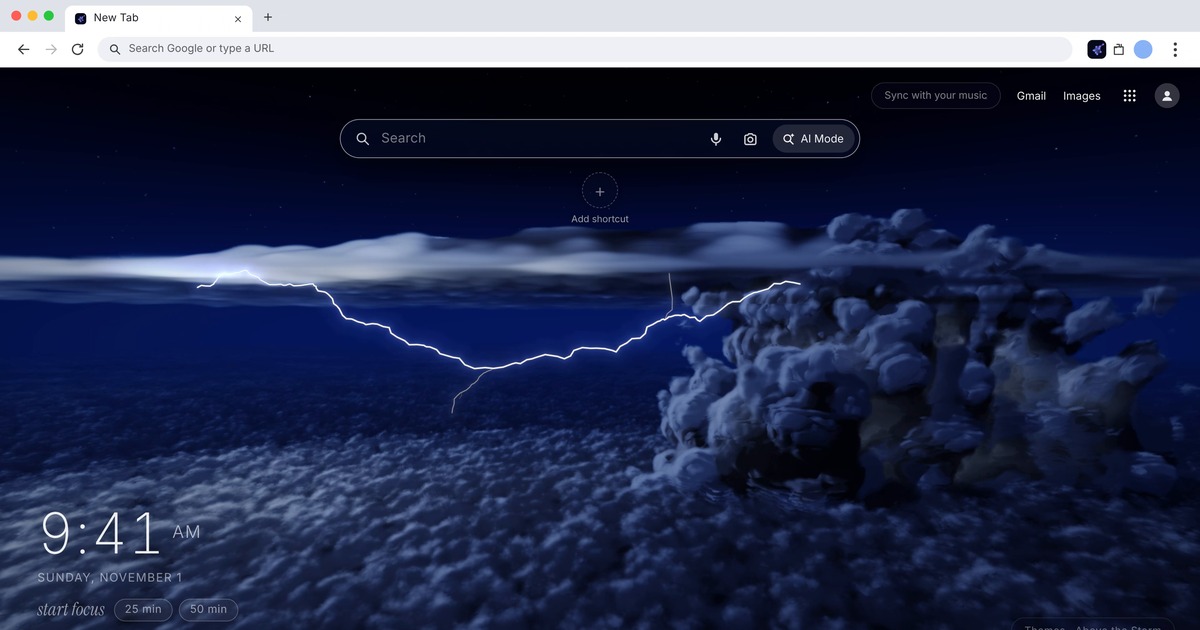
A moving scene may hold your attention longer than you intend. If you keep interacting after the break ends, choose the water or look-away option next time. A scene also keeps you at the screen; it does not provide the movement of a walk. Choose the kind of pause you need rather than adding every option to the same break.
Get monthly app discoveries and focus tips
The Ambient New Tab listing (Ambient New Tab) is the visual option in this routine. A checklist helps you select the activity, while a separate end cue tells you when to stop it. These roles complement one another, but you can use a paper note and an existing timer instead of installing more apps.
3. Set one end cue before starting
Choose a break length that fits the time you actually have. Treat it as a practical trial rather than a prescribed ADHD interval. Start the cue before you open the scene or leave your chair. If your next appointment is close, choose an activity you can finish within the available time.
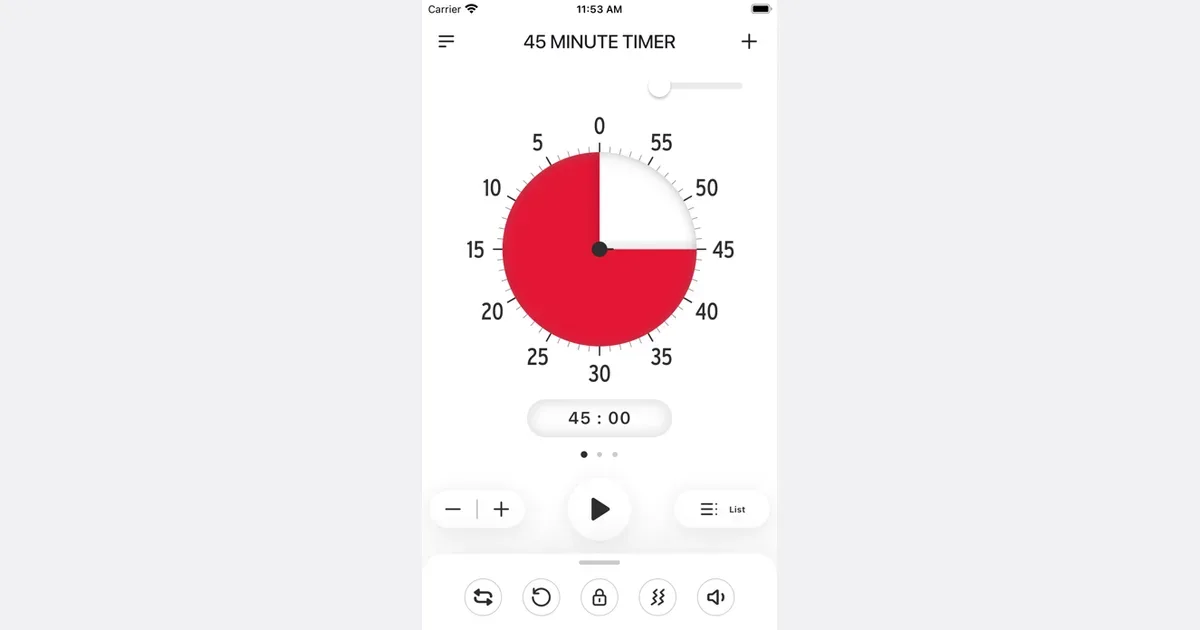
Time Timer offers vibration and sound signals at the end of a timer. Its official app page lists those options. You could use one signal as the end cue for the break you selected. Check that you can notice it where you plan to take the break, and choose a sound level that suits others nearby.
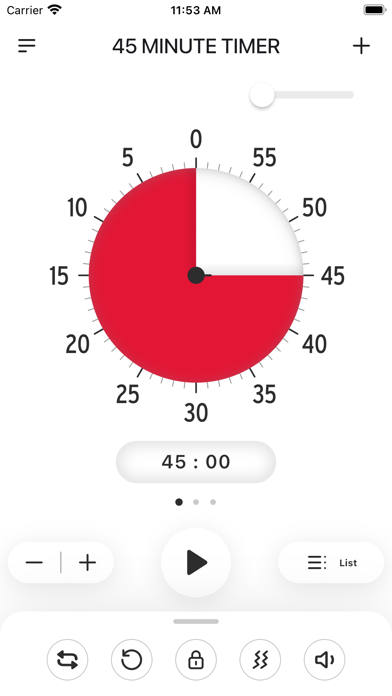
An end signal still needs a response from you. Decide in advance what you will do when it sounds: close the new tab, put down the cup, or return to the desk. If you need more rest, make a deliberate change to the plan and check any upcoming commitment.
4. Check the choice after one work session
Ask whether you started the break easily and stopped at the point you chose. Keep the option if it fit the time and felt useful. Remove it if you spent the break making more choices or kept extending it. This small check is more useful than trying to build a perfect break routine in advance.
If the harder part is remembering your unfinished work, read the guide to leaving a restart note before switching tasks. That note addresses the work you return to; your break menu addresses what you do during the pause.
Try one planned break
- Write a short menu with actions you can start now.
- Choose a screen scene or an off-screen activity according to what you need.
- Set one end cue and decide how you will respond.
- Keep or change the choice after one work session.
Before your next work session, write one break option and its ending point. Try that choice once before adding another app or a longer list.